
WiFi Analyzer
abdelrahman.wifianalyzerpro
by olgor.com
Screenshots
Ad slot: Top Leaderboard
About this app
Introducing a new way to analyze and optimize your WiFi, Turn you android device into WiFi Analyzer!
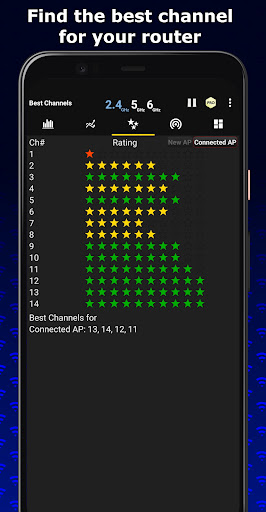
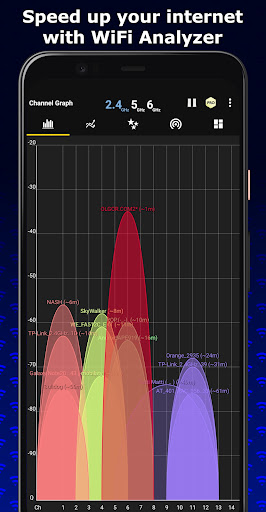
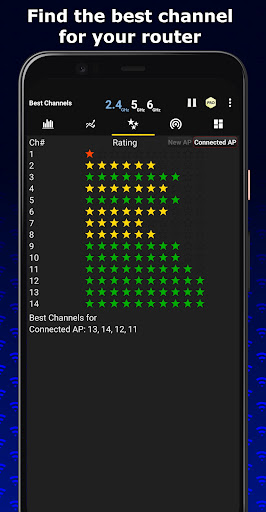
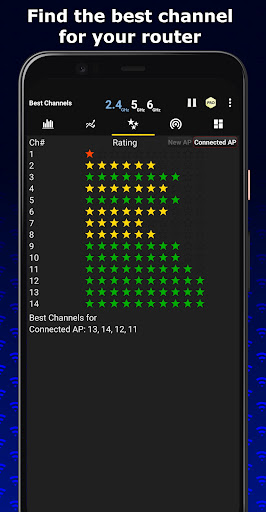
WiFi Analyzer Recommends the best channel and place for your network.
WiFi Analyzer gives you the most useful optimization information to help decrease interference and increase connection speed and stability.
Features:
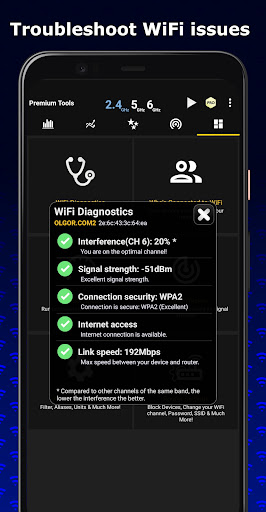
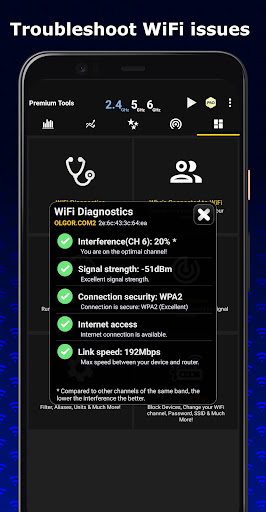
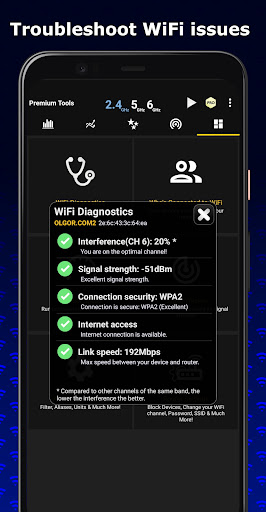
- WiFi Optimizer for Interference Issues
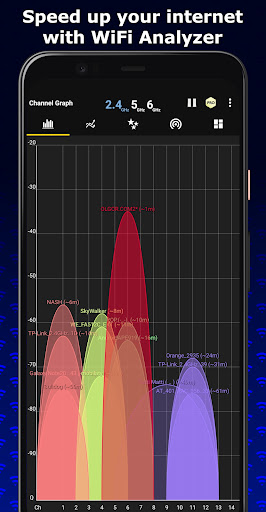
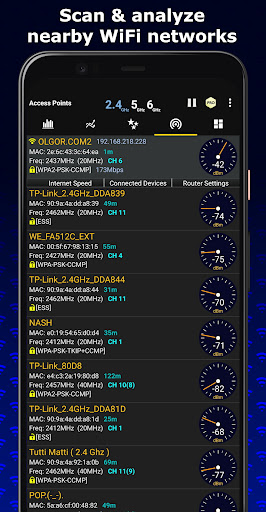
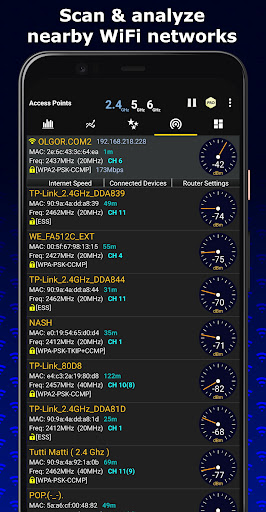
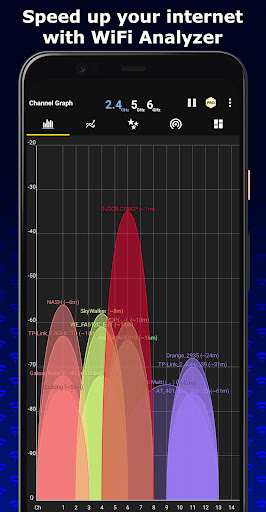
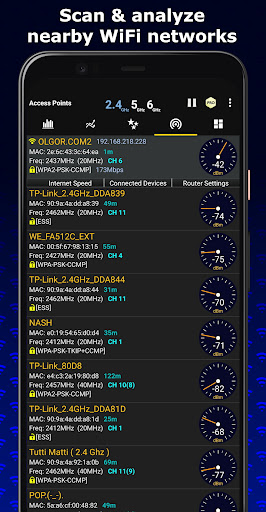
- Channel Analyzer for Nearby APs
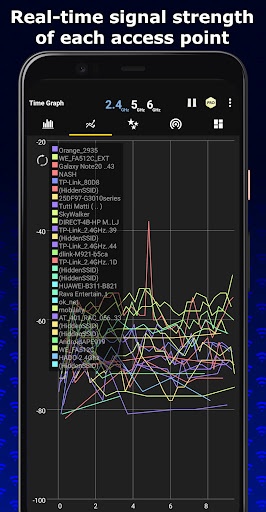
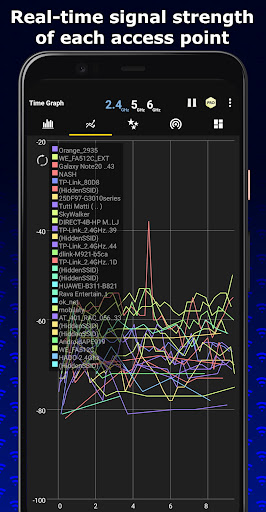
- Real-time data and distance calculations.
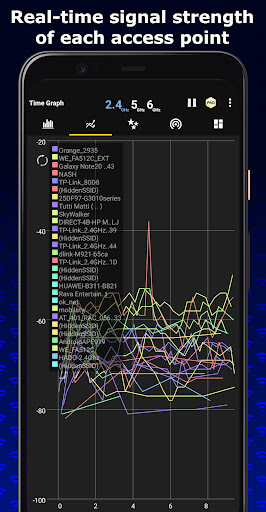
- History of signal strength
- Supports 2.4GHz/5GHz/6GHz
- View Hidden WiFis
- Copy MAC address
- Channel Optimizer + Much More!
WiFi Analyzer Recommends the best channel and place for your network.
WiFi Analyzer gives you the most useful optimization information to help decrease interference and increase connection speed and stability.
Features:
- WiFi Optimizer for Interference Issues
- Channel Analyzer for Nearby APs
- Real-time data and distance calculations.
- History of signal strength
- Supports 2.4GHz/5GHz/6GHz
- View Hidden WiFis
- Copy MAC address
- Channel Optimizer + Much More!
What's New
WiFi Analyzer now works even better!
Translated to 17 languages, more are coming soon!
New Features:
- Supports WiFi 6GHz
- Displays channel width by default
- Supports Android 13
- Best channels for connected AP
- Remembers your preferences
- Export Graphs
- View information about your connection
- Connect to open WiFi networks within the app
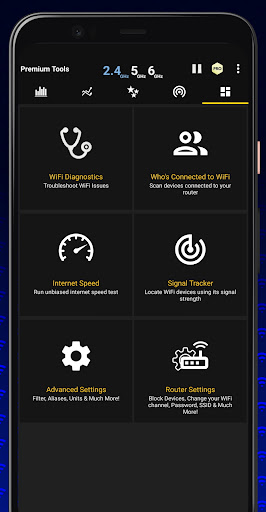
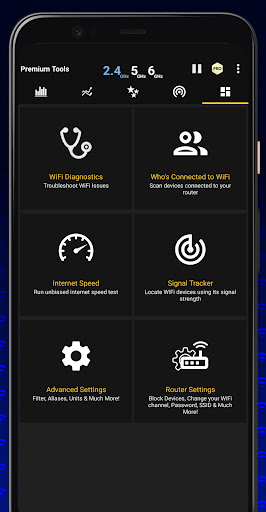
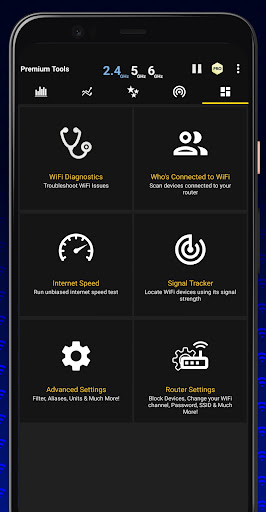
- Detect who is connected to your WiFi
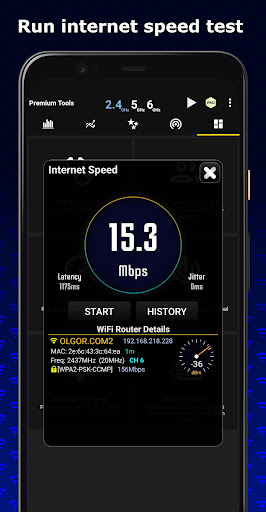
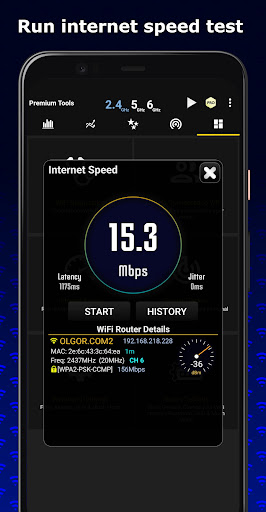
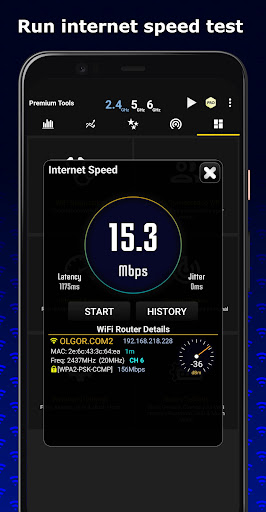
- WiFi Speed Test
- Signal Tracker
Translated to 17 languages, more are coming soon!
New Features:
- Supports WiFi 6GHz
- Displays channel width by default
- Supports Android 13
- Best channels for connected AP
- Remembers your preferences
- Export Graphs
- View information about your connection
- Connect to open WiFi networks within the app
- Detect who is connected to your WiFi
- WiFi Speed Test
- Signal Tracker
App Information
Version Name
5.4
Version Code
88
File Size
7.5 MB
Minimum OS
Android 5.0+
Target SDK
Android 33
Developer
olgor.com
Contact
Website
Content Rating
Everyone
Package Name
abdelrahman.wifianalyzerproPermissions Required
This app may request the following permissions:
Recent Reviews

ernest horning
5.0★
Awesome app. The reaction time is quick, so you can walk around to see Wi-Fi strength. Works with 2.4G, 5G, and 6G bands. *** For an improvement *** I'd like to see a way to connect to a specific Wi-Fi signal. This would be very handy when multiple bands all have the same name. Since most smart home products use only the 2.4ghz band, this would be a godsend for some installations.

Bryan Shannon (Gula)
5.0★
Edit: the devs listened to my feedback and made the ads less obstructing. For this I'll restore 5 stars! Thank you --- Old: Look I love this app and all, but the free version has been completely reworked to have nearly nonstop ads including when you are closing it. The ironic part is that this is usually used as a troubleshooting tool so any bandwidth I'm receiving is going straight to the ads. The ads used to be way more toned down so I'm taking this down 2 stars. Otherwise, a solid product.

Alan Holden
3.0★
It's ok, but I don't think these guys learned enough about the charting library they're using. The graph labels overlap, so you can't read which ssids are on the same channel. The channel values are broken up because the column is too narrow. Some graphs use keys but others don't. They're getting the data alright, but I just can't read the visualizations.

minutes ago edited
3.0★
I'm not impressed with the interface. And everything I wanted to check out is nfg and costs way more for the same tools I've already purchased in several other apps. I'm content with what I've got. If there was an option to try the other frilly fancy stuff there's a chance I could have been "WOWd" but the opportunity wasn't there. Sggstn: maybe utilize a limited time trial.Those aren't great for me either but a limited trial that allows one to fire up the app no more than 5 or 7 times.. lol

Steven Hinaga
4.0★
I'm not very knowledgeable about wifi and networking but found this app useful. It showed me the channels in range and which my router used vs least used channels. I switched the router to a better channel and that helped my connections. My only complaint is the large amount of ads and slight difficulty in exiting them. Even so, I think for a free version, it is worth it. I'll mess with it a bit more. Then might go for the paid version.

Zygmunt Wojewoda
5.0★
I just installed it and played for ~15 minutes only, but I already like it. Great graphics. I will test it for couple of days but I already consider pro version because it offers nice options in settings. Good job. The only bug I found is a distance from router. It shows 1m, but router is 5m frm me. Another router is ~15m, but application shows 3m. My neighbors routers are shown from 125m to 221m away, but they are no more than 25m away. Not a big deal for me, but it is a bug.
Ad slot: In-Content