
MyTheme: Icon Changer & Themes
com.aesthetic.iconpack.iconchanger
by Mobile Smart Growth
Screenshots


Ad slot: Top Leaderboard
About this app
Welcome to 𝐌𝐲𝐓𝐡𝐞𝐦𝐞 – your ultimate tool for transforming the look and feel of your smartphone! With MyTheme, you have the power to customize every aspect of your device, from themes and icons to widgets and wallpapers, all in one intuitive app.
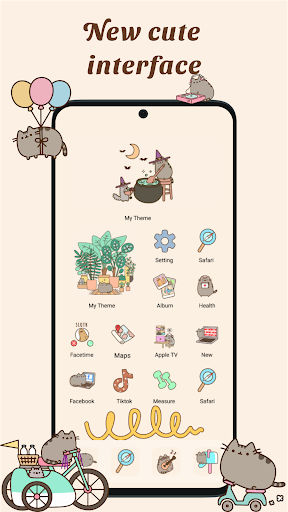
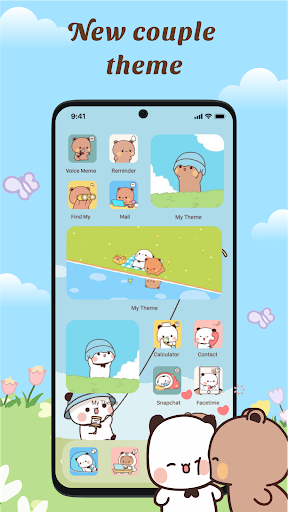
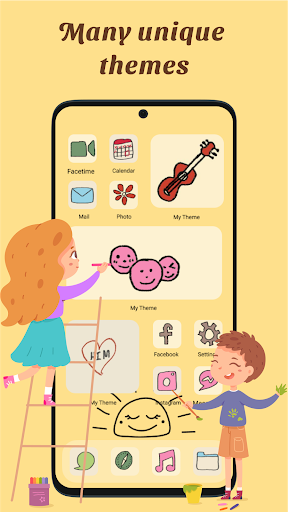
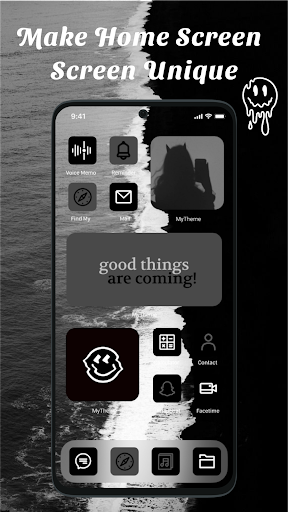
🎨 𝐓𝐡𝐞𝐦𝐞𝐬: Dive into our vast library of themes, carefully crafted to suit every style and preference. Whether you prefer minimalist designs, vibrant colors, or artistic creations, MyTheme has something for everyone. Express yourself with themes that reflect your personality and make your device stand out from the crowd.
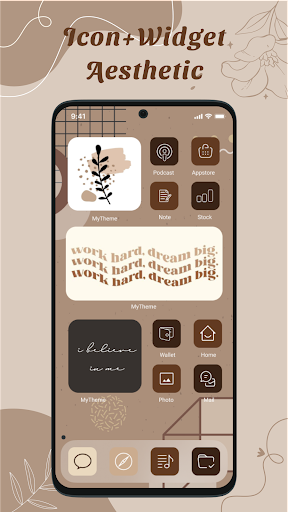
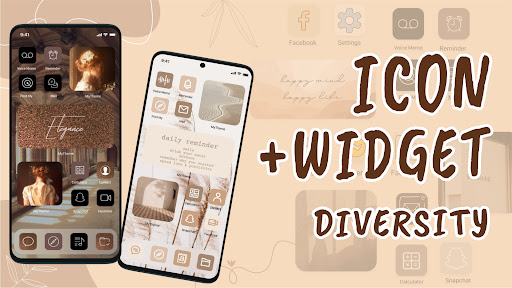
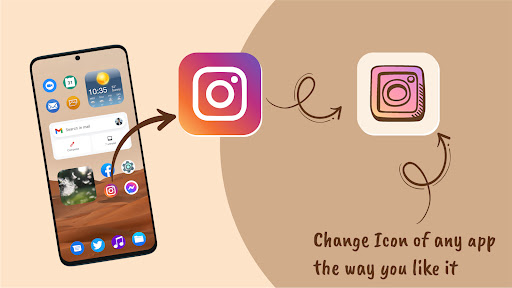
🌟 𝐀𝐩𝐩 𝐈𝐜𝐨𝐧𝐬: Tired of the same old app icons? MyTheme's icon changer feature lets you swap them out with ease. Choose from a variety of icon packs or even upload your own icons to create a truly unique look. With MyTheme, the possibilities are endless when it comes to customizing your app icons.
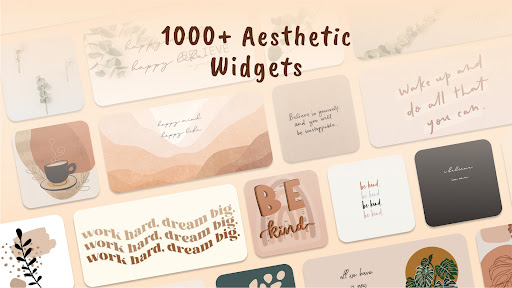
📱 𝐖𝐢𝐝𝐠𝐞𝐭𝐬: Take your home screen to the next level with MyTheme's customizable widgets. From weather updates to calendar events, stay organized and informed with widgets that are as functional as they are stylish. With MyTheme, you can tailor your widgets to suit your specific needs and preferences.
🖼️ 𝐖𝐚𝐥𝐥𝐩𝐚𝐩𝐞𝐫𝐬: Set the perfect backdrop for your device with MyTheme's stunning wallpapers. Whether you prefer scenic landscapes, abstract patterns, or sleek textures, our extensive collection has something to suit every taste. Change your wallpaper to match your mood or switch it up to keep things fresh – the choice is yours.
✨✨✨ Download now and make your device truly yours! ✨✨✨
------------------
🌟 𝐂𝐫𝐞𝐚𝐭𝐢𝐨𝐧 𝐓𝐨𝐨𝐥𝐬 - 𝐃𝐈𝐘 𝐅𝐞𝐚𝐭𝐮𝐫𝐞🌟
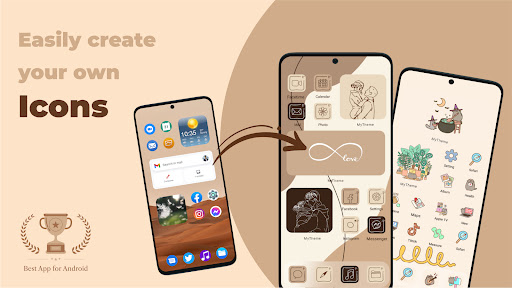
MyTheme allows you to creatively design your own themes, app icons, and widgets
Download MyTheme, and you'll get into a world of beauty created by yourself!
❤️ 𝐊𝐞𝐲 𝐅𝐞𝐚𝐭𝐮𝐫𝐞𝐬 ❤️
👏3000+ Themes including
👏5000+ App icon packs
👏7000+ Widgets
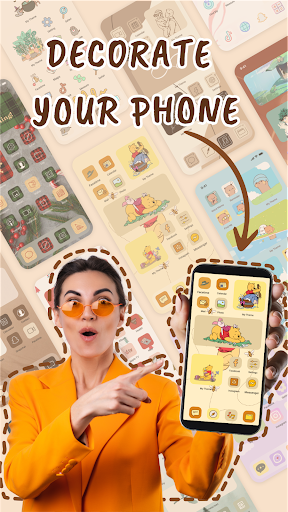
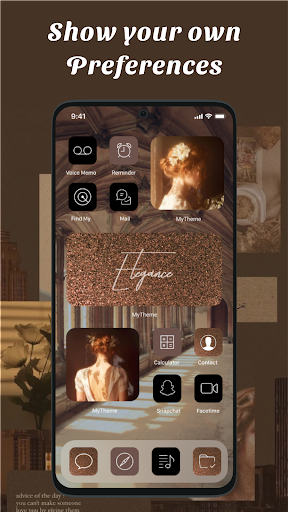
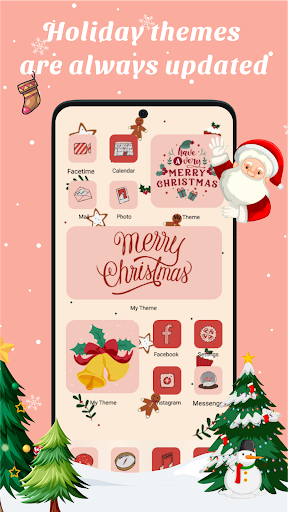
👏Personalize your phone with aesthetically designed icons, themes, wallpapers, and widgets
👏Turn your phone into a piece of gorgeous art with 4K wallpapers
👏DIY your own personalized art of the lock screen, theme, icon, and widget
❉❉❉ 𝐅𝐀𝐐 ❉❉❉
👉 𝐇𝐨𝐰 𝐓𝐨 𝐈𝐧𝐬𝐭𝐚𝐥𝐥 𝐓𝐡𝐞𝐦𝐞𝐬
1. Choose your favourite theme and click Apply
2. Select the icons you want to change for the applications and install them
3. Select the widgets and add to home screen
4. Set wallpaper for lockscreen and homescreen
If app ask for permission, Please 'Allow' it to add shortcut icon on home page
❉ 𝐀𝐛𝐨𝐮𝐭 𝐓𝐨 𝐑𝐞𝐦𝐨𝐯𝐞 𝐖𝐚𝐭𝐞𝐫𝐦𝐚𝐫𝐤 𝐨𝐟 𝐀𝐩𝐩 𝐢𝐜𝐨𝐧𝐬
On Android 8.0 and above, android system will automatically add a watermark of your app to the shortcut icon. Using widget technology, We proving a way to avoid watermark icon and Newly created icon looks like pro.
👉 𝐇𝐨𝐰 𝐭𝐨 𝐔𝐬𝐞
1. Click Install any icon and there will be a pop-up window then click on the words "Click to Remove Watermark"
2. Click "Go to MyTheme to add Widget"
3. On home screen, long press (press & hold) a blank space, then click "Widgets"
4. Search for MyTheme -> Long Press "Create Shortcut (1x1)" and drag it to home screen
5. The widget of our app will be opened automatically. After that you can change app icon without any Watermarks.
𝐍𝐨𝐭𝐞:
* For some devices using Android 14.0 such as Pixel, it is currently impossible to remove the watermark of app icons
* For some devices (like Vivo) that don't give home screen shortcuts by themselves, you usually go to other settings -> Click on manage permissions via new view and select desktop shortcuts -> Find apps MyTheme and turn 'On'
* If the widgets are not refreshing on your phone, go to Settings in the app > enable the "Allow Apps to run in the background" option.
❉❉❉ 𝐂𝐨𝐧𝐭𝐚𝐜𝐭 ❉❉❉
Tell us your ideas for the MyTheme app so we can improve and update it. Please contact us via email: [email protected]
We'd love to hear from you!
🎨 𝐓𝐡𝐞𝐦𝐞𝐬: Dive into our vast library of themes, carefully crafted to suit every style and preference. Whether you prefer minimalist designs, vibrant colors, or artistic creations, MyTheme has something for everyone. Express yourself with themes that reflect your personality and make your device stand out from the crowd.
🌟 𝐀𝐩𝐩 𝐈𝐜𝐨𝐧𝐬: Tired of the same old app icons? MyTheme's icon changer feature lets you swap them out with ease. Choose from a variety of icon packs or even upload your own icons to create a truly unique look. With MyTheme, the possibilities are endless when it comes to customizing your app icons.
📱 𝐖𝐢𝐝𝐠𝐞𝐭𝐬: Take your home screen to the next level with MyTheme's customizable widgets. From weather updates to calendar events, stay organized and informed with widgets that are as functional as they are stylish. With MyTheme, you can tailor your widgets to suit your specific needs and preferences.
🖼️ 𝐖𝐚𝐥𝐥𝐩𝐚𝐩𝐞𝐫𝐬: Set the perfect backdrop for your device with MyTheme's stunning wallpapers. Whether you prefer scenic landscapes, abstract patterns, or sleek textures, our extensive collection has something to suit every taste. Change your wallpaper to match your mood or switch it up to keep things fresh – the choice is yours.
✨✨✨ Download now and make your device truly yours! ✨✨✨
------------------
🌟 𝐂𝐫𝐞𝐚𝐭𝐢𝐨𝐧 𝐓𝐨𝐨𝐥𝐬 - 𝐃𝐈𝐘 𝐅𝐞𝐚𝐭𝐮𝐫𝐞🌟
MyTheme allows you to creatively design your own themes, app icons, and widgets
Download MyTheme, and you'll get into a world of beauty created by yourself!
❤️ 𝐊𝐞𝐲 𝐅𝐞𝐚𝐭𝐮𝐫𝐞𝐬 ❤️
👏3000+ Themes including
👏5000+ App icon packs
👏7000+ Widgets
👏Personalize your phone with aesthetically designed icons, themes, wallpapers, and widgets
👏Turn your phone into a piece of gorgeous art with 4K wallpapers
👏DIY your own personalized art of the lock screen, theme, icon, and widget
❉❉❉ 𝐅𝐀𝐐 ❉❉❉
👉 𝐇𝐨𝐰 𝐓𝐨 𝐈𝐧𝐬𝐭𝐚𝐥𝐥 𝐓𝐡𝐞𝐦𝐞𝐬
1. Choose your favourite theme and click Apply
2. Select the icons you want to change for the applications and install them
3. Select the widgets and add to home screen
4. Set wallpaper for lockscreen and homescreen
If app ask for permission, Please 'Allow' it to add shortcut icon on home page
❉ 𝐀𝐛𝐨𝐮𝐭 𝐓𝐨 𝐑𝐞𝐦𝐨𝐯𝐞 𝐖𝐚𝐭𝐞𝐫𝐦𝐚𝐫𝐤 𝐨𝐟 𝐀𝐩𝐩 𝐢𝐜𝐨𝐧𝐬
On Android 8.0 and above, android system will automatically add a watermark of your app to the shortcut icon. Using widget technology, We proving a way to avoid watermark icon and Newly created icon looks like pro.
👉 𝐇𝐨𝐰 𝐭𝐨 𝐔𝐬𝐞
1. Click Install any icon and there will be a pop-up window then click on the words "Click to Remove Watermark"
2. Click "Go to MyTheme to add Widget"
3. On home screen, long press (press & hold) a blank space, then click "Widgets"
4. Search for MyTheme -> Long Press "Create Shortcut (1x1)" and drag it to home screen
5. The widget of our app will be opened automatically. After that you can change app icon without any Watermarks.
𝐍𝐨𝐭𝐞:
* For some devices using Android 14.0 such as Pixel, it is currently impossible to remove the watermark of app icons
* For some devices (like Vivo) that don't give home screen shortcuts by themselves, you usually go to other settings -> Click on manage permissions via new view and select desktop shortcuts -> Find apps MyTheme and turn 'On'
* If the widgets are not refreshing on your phone, go to Settings in the app > enable the "Allow Apps to run in the background" option.
❉❉❉ 𝐂𝐨𝐧𝐭𝐚𝐜𝐭 ❉❉❉
Tell us your ideas for the MyTheme app so we can improve and update it. Please contact us via email: [email protected]
We'd love to hear from you!
What's New
In version 13.8.3 we update the following features
- Add new Aesthetic theme and widget
We try to create the best products for users, we look forward to your contributions to making the Icon Changer application more and more perfect.
- Add new Aesthetic theme and widget
We try to create the best products for users, we look forward to your contributions to making the Icon Changer application more and more perfect.
App Information
Version Name
13.8.1
Version Code
158
File Size
60.9 MB
Minimum OS
Android 5.0+
Target SDK
Android 34
Developer
Mobile Smart Growth
Contact
Website
Content Rating
Everyone
Package Name
com.aesthetic.iconpack.iconchangerPermissions Required
This app may request the following permissions:
Recent Reviews

Khadeeja Ali
3.0★
The theme packs are okay but I made my own custom icons/widgets and I'm glad there's no watermark. I'm having an issue with the widgets going blank after a couple minutes when you set them. This wasn't happening in the initial week I had this app but after that they started disappearing and it's annoying to put them back so I'll be looking for another. Ads pop up after every button you click which is really annoying but it's expected for a free app (doesn't make it any less frustrating though).

Rose Maddrah مدرة (Rose ツ)
2.0★
So with this app, the themes arw really pretty and really nice looking, but it's constantly lagging and you click something and it opts you out of the theme you click. It also constantly has an add at the bottom that pops up like every few seconds. As well as it goes blank white sometimes. Again, the ideas are good, but I do not recommend this app. I couldn't even keep it for one whole day.

Jennifer Mendez
3.0★
It's great and I love the icons, widgets and etc. But I hate the watermark, I hate it that much that I'm giving this app 3 stars, there's an "option" to remove the watermark, but the only thing that it does for me is taking me to YouTube and not helping at all, if there is and actual option and I'm just blind, tell me, because this honestly should be easier. Other than that, all good ig.

Aaliyah G
2.0★
There's a few bad things about this app. It starts off with multiple adds and almost every button I press I get adds. Ofc workers need money but it's a bit way too much. I mainly got this app for widgets andkind of got the wrong idea. I thought maybe I can customize my own, but I couldn't find any way to do so. I couldn't find any instruction to make my own. Almost all the widgets there are clocks. It's kinda good but not the best.

Crystal Conley
2.0★
The widgets are adorable don't get me wrong, but the huge watermark right next to the widget itself. Is not cute, at all. The apps sometimes glitch and I can't even get into the app. It's so frustrating from times when I need to rush. I would not recommend to a friend unless you WANT to put yourself through some spikes. Wouldn't recommend but download it if you like frustration, AND cute widgets.

Trinity Pankey
2.0★
This app was awesome until about a month ago, I woke up yesterday morning to all of my icons having a watermark and saying "app not installed," but all of my apps were still there. When I go into the app to try and fix it, it says, "Turn on storage and media permissions," but I try to, and there is none and only a permission to turn on notifications. This is a shame
Ad slot: In-Content