

Google Chrome
com.android.chrome
by Google LLC
Screenshots









Ad slot: Top Leaderboard
About this app
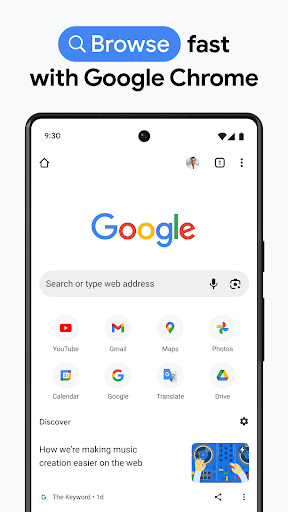
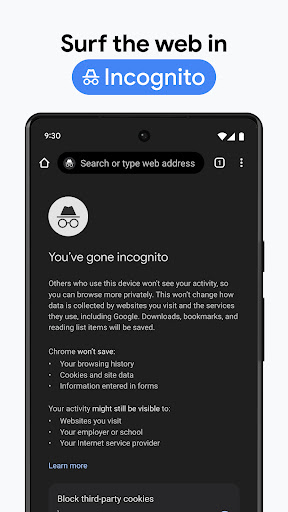
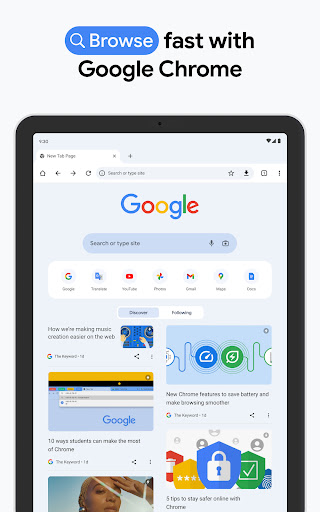
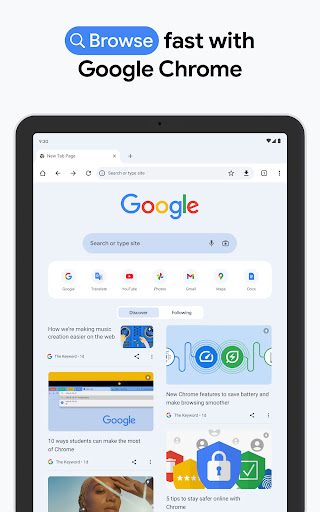
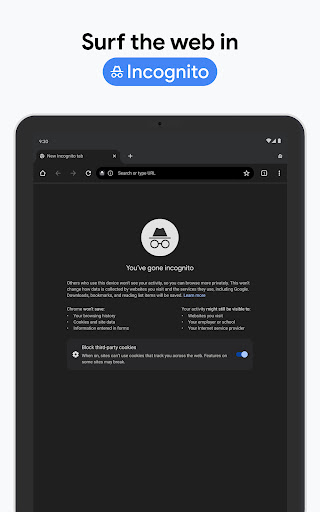
Chrome helps you do what’s possible on the web. Choose the fast, secure browser by Google.
GET THE BEST OF GOOGLE IN CHROME
• SEARCH WITH GOOGLE - Search and get answers on Google fast. Use your voice to search hands-free.
• GOOGLE LENS - Search what you see around you with your camera.
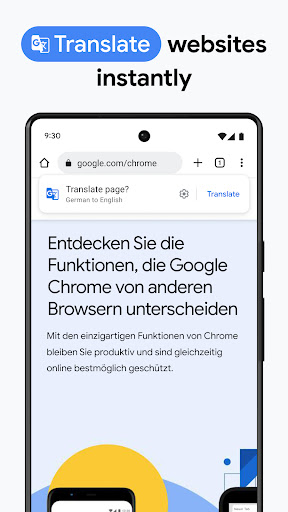
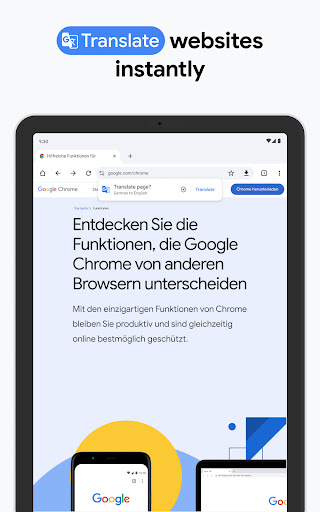
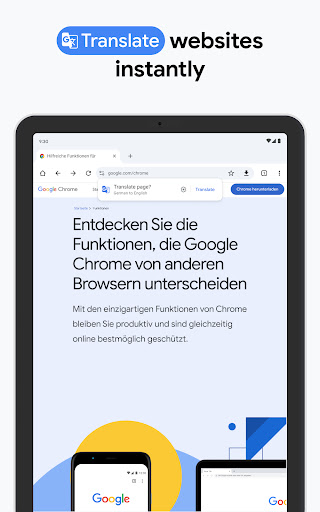
• GOOGLE TRANSLATE - Explore the web in 130+ languages. Translate entire sites in one click.
BROWSE WITH BEST-IN-CLASS SECURITY
• ENHANCED PROTECTION MODE - Browse confidently with the highest level of Chrome’s security.
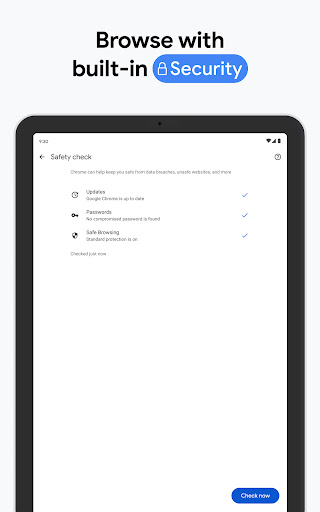
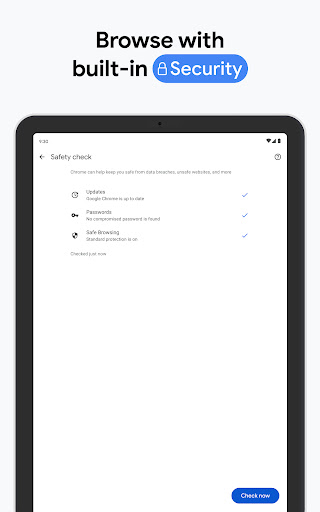
• SAFETY CHECK - Get peace of mind with proactive safety alerts.
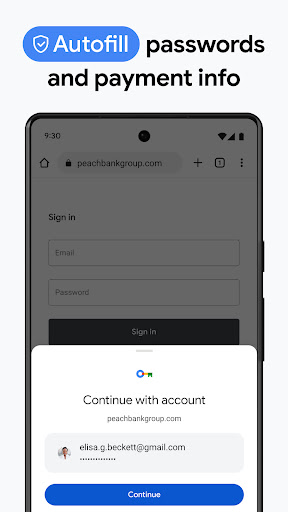
• GOOGLE PASSWORD MANAGER - Securely generate and save passwords for fast sign-in, and get alerts if your passwords are at risk.
ACCESS YOUR CHROME ACROSS DEVICES
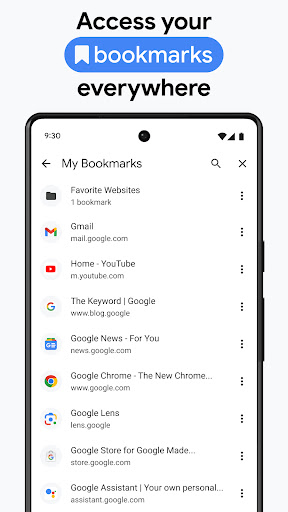
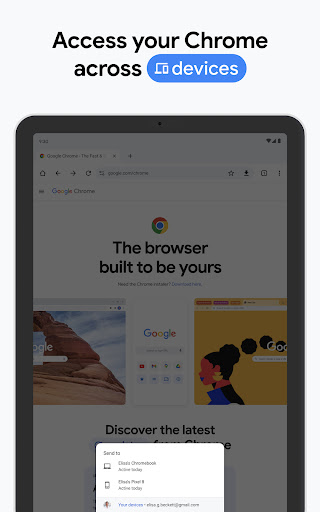
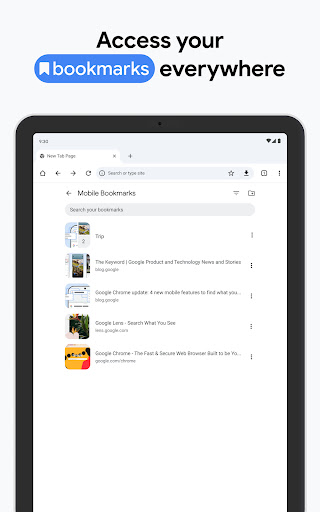
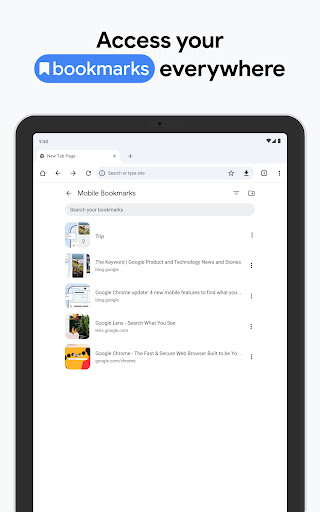
• SYNC ACROSS DEVICES - Save your things (like bookmarks, tabs, and passwords) and easily access them when you sign in to Chrome on your phone, computer or tablet.
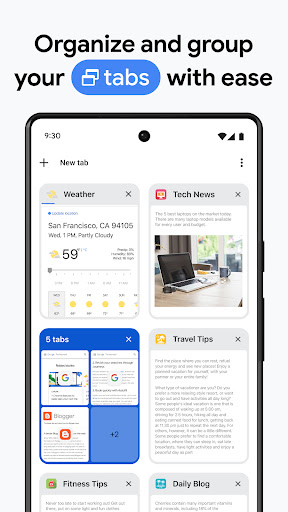
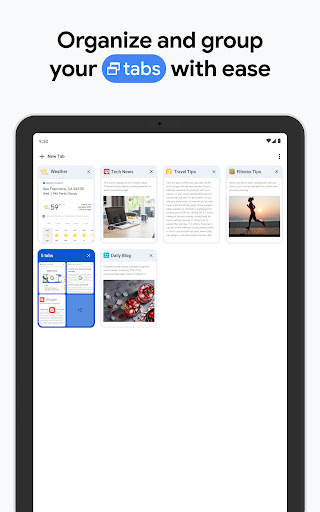
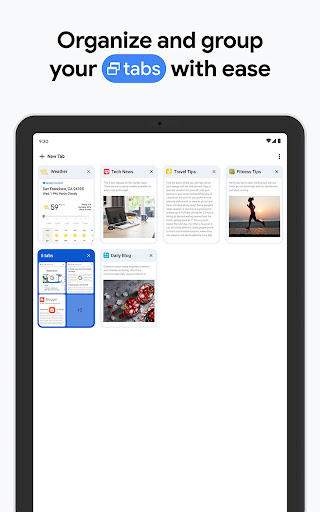
• TAB GROUPS - Create tab groups to stay organized across devices.
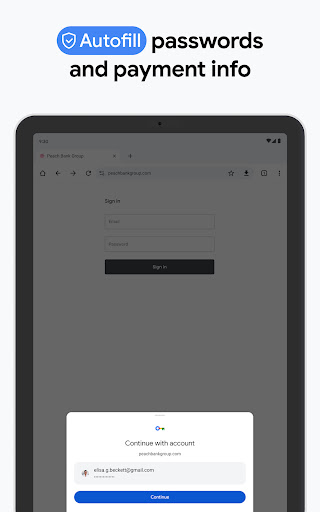
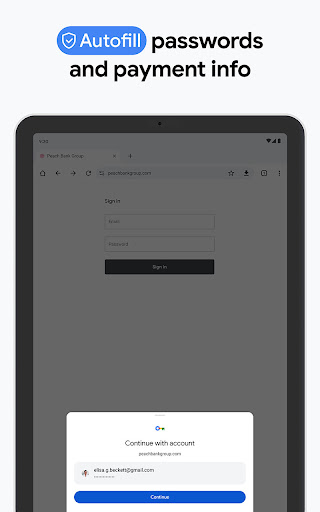
• AUTOFILL - Save time typing by autofilling your saved payments, addresses and passwords.
GET THE BEST OF GOOGLE IN CHROME
• SEARCH WITH GOOGLE - Search and get answers on Google fast. Use your voice to search hands-free.
• GOOGLE LENS - Search what you see around you with your camera.
• GOOGLE TRANSLATE - Explore the web in 130+ languages. Translate entire sites in one click.
BROWSE WITH BEST-IN-CLASS SECURITY
• ENHANCED PROTECTION MODE - Browse confidently with the highest level of Chrome’s security.
• SAFETY CHECK - Get peace of mind with proactive safety alerts.
• GOOGLE PASSWORD MANAGER - Securely generate and save passwords for fast sign-in, and get alerts if your passwords are at risk.
ACCESS YOUR CHROME ACROSS DEVICES
• SYNC ACROSS DEVICES - Save your things (like bookmarks, tabs, and passwords) and easily access them when you sign in to Chrome on your phone, computer or tablet.
• TAB GROUPS - Create tab groups to stay organized across devices.
• AUTOFILL - Save time typing by autofilling your saved payments, addresses and passwords.
What's New
Thanks for choosing Chrome! This release includes stability and performance improvements.
App Information
Version Name
125.0.6422.53
Version Code
642205321
File Size
207.1 MB
Min SDK
Android 26+
Target SDK
Android 34
Developer
Google LLC
Contact
Website
Content Rating
Everyone
Package Name
com.android.chromePermissions Required
This app may request the following permissions:
Recent Reviews

Fred Strout Sr.
1.0★
The same as every one else who gave it one star. I'm tired of this. Make sure your connected to the internet and clear the cashe bla bla. None of the fixes they suggest works. I can no longer open webpages or sign in to them. I go to the website, and the page is blank, it use to have outlines of empty boxes where text should be, and now it has nothing. Followed all of the suggested fixes, and nothing works. I think it's time for a new browser!

Bronwyn Llewellyn
1.0★
Chrome keeps crashing on my Pixel 8 pro. Chrome updated a few days ago, and as of last night I can not use it. Any attempt to click links or go back causes the app to close. I've sent emails, but it seems that putting a bad review is the only way to get help, which is frustrating. I will also note that Play Store has a non-functional email listed in the "support" drop-down for Chrome. Please remove or replace it.

Cal
1.0★
I've had a difficult relationship with Google for some time, but still stuck with it due to its sheer convenience. But recently, too many lines have been crossed, especially as I've learned more. They have forced me to sign in without using SMS text messages, trying to force me to compromise more of my privacy. I have also found that even though, I had disabled the permissions for Google on my phone, they were still accessing stuff they shouldn't have had access to through smaller permissions.

Nikesh Koirala
2.0★
Has always been my go to app. lately, it has been super infuriating. if I close a tab, the notification of the tab closed and undo option stays at the bottom for 5-8 seconds. There seem to be no way to remove the notification. If you want to use anything after closing a tab, you need to wait that amount of seconds to use the bottom part of the screen. Even when you are in inactive apps and closing them, the close all option is blocked by the notification.

Joshua Muli
5.0★
It is one of the best browsers I’ve used. It’s super fast, easy to navigate, and works smoothly across all my devices. I love how it syncs my bookmarks, history, and passwords so I can pick up right where I left off, whether I'm on my phone or laptop. Plus, the extensions and customization options are really useful. It just makes browsing feel effortless and reliable every time.

Iris Wolf
1.0★
I don't know what y'all did to your app, but it crashes repeatedly. And to get it out of the way: yes, I am connected to the internet, yes I have cleared cache and data, no my scans have detected no malware. It's all your app. Opening new tabs freezes or crashes the app entirely, I have to close and reopen sometimes twice in a row. I'll assume you're all aware by now and hopefully know what the problem is, because I can't use a broken browser app.
Ad slot: In-Content