

Photo Editor - Stickers & Text
com.apperto.piclabapp
by Maple Media
Screenshots






Ad slot: Top Leaderboard
About this app
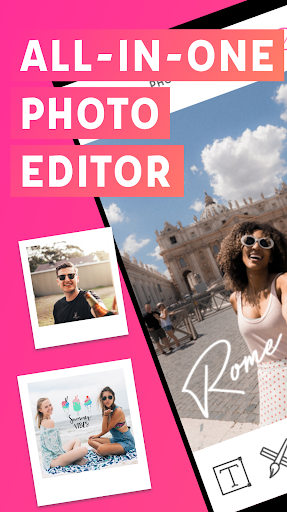
Photo Editor is one of the most powerful design and photo editing tools available for your phone. If you're looking for an easy way to create unique looking pictures and convey a unique message, this is the way to do it! With over 20 million installs, Photo Editor is the favorite all-in-one editor used by millions people like you.
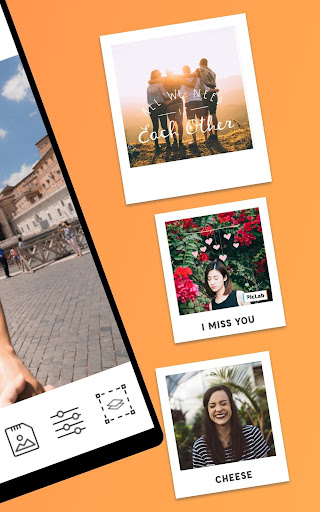
Easily edit photos of any kind - selfies, food, architecture, scenery, and fashion. Add beautiful typography & artwork, apply stunning filters and photo effects, and add an ever-growing collection of shapes, light FX, textures, borders, patterns, and more to your photos and share them to your favorite social networks. With the Photo Editor app, you will have access to the perfect photo editor for Instagram and for creating beautiful and unique pictures right at your fingertips.
The app was designed with usability in mind. Making it fun and effortless to edit your pictures is our goal!
Photo Editor Features 📸
Typography 🖋
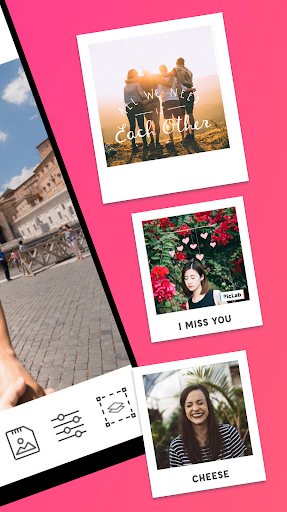
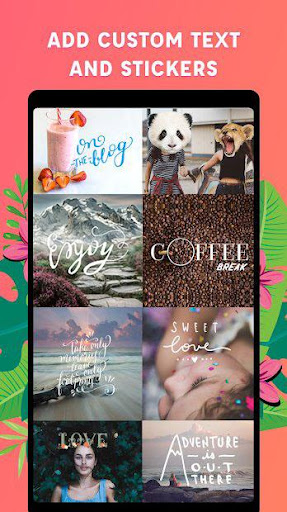
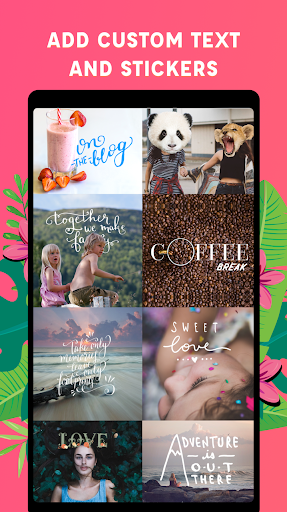
⭑ Choose from a collection of stunning text fonts to add to your photos, made by some of the world’s best designers.
⭑ Easily resize, rotate, and adjust text opacity.
⭑ Multiple text layers to create beautiful typography.
⭑ Add drop-shadows to your text
Stickers & Artwork 🎨
⭑ Choose from a delightful collection of stickers, overlays & artwork to add onto your photos. Expressing yourself has never been more fun!
Photo Filters 🌅
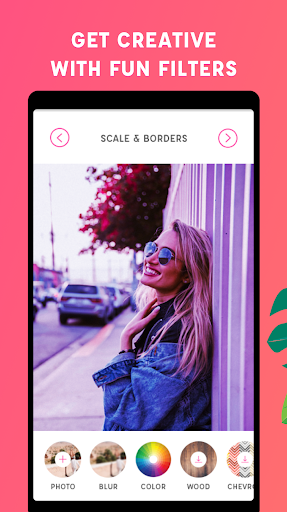
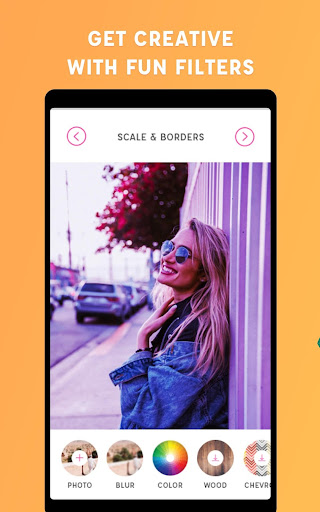
⭑ Apply one of our 20 gorgeous photo filters - with more on the way!
Photo Effects 🎞
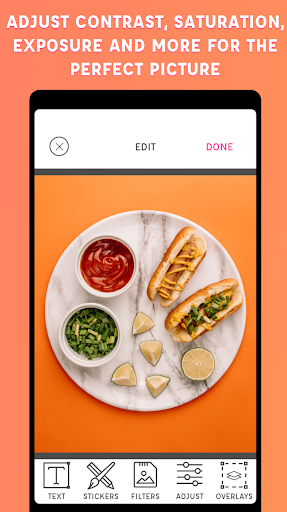
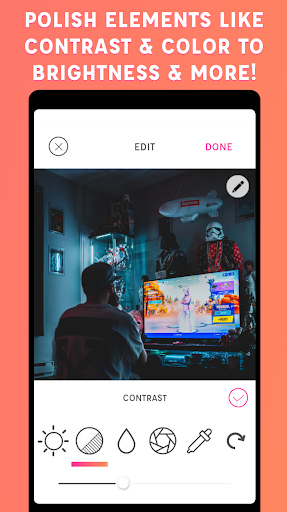
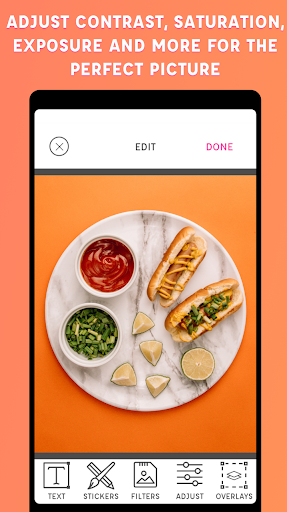
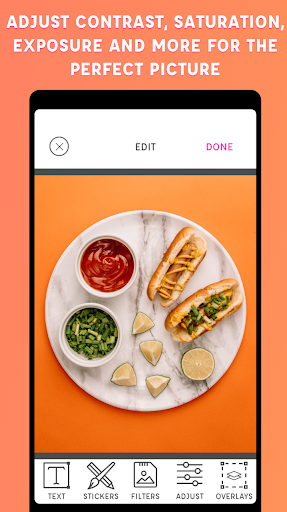
⭑ Adjust the brightness, saturation, contrast, blur, and exposure of your photos.
Image Overlays and Masks 🎭
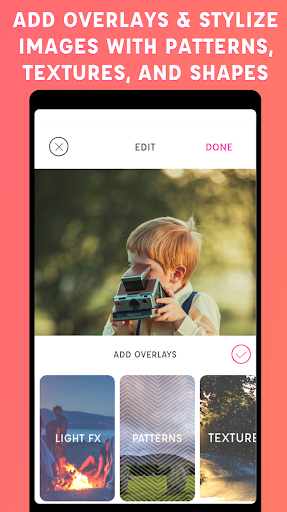
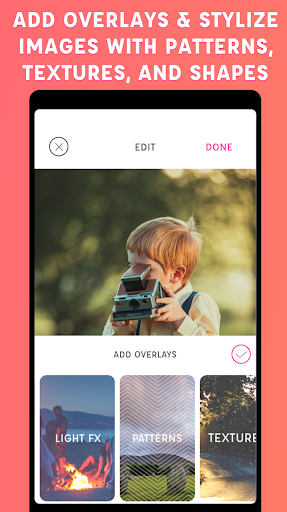
⭑ Impress your friends by applying a collection of hundreds (and growing) of shapes, borders, overlays, textures, light leaks, and gradients to add that extra flair to your photos.
Drawing Tool ✍️
⭑ Perfect for those who want to draw some rough notes, instructions, captions & more on their photos.
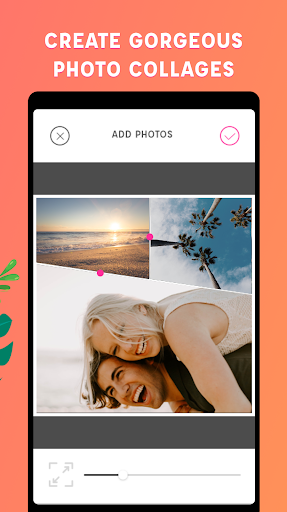
Collage Tool 🖼
⭑ Choose from our great selection of unique and fun collages.
Crop Photos 📐
⭑ Easily crop photos using our preset ratios or drag cropping tool to your desired width and height.
This free photo editing app allows you to create unlimited fun, quirky, or professional photo edits on your phone. Upload, edit, and share as many photos as you want, whenever you want. No previous design experience or knowledge is needed to use our photo editing app.
Photo Editor Pro Premium Features 💫
⭐️ Unlock all filters
⭐️ Discover 65+ premium overlays
⭐️ Access 60 premium fonts
⭐️ Add 25+ sticker packs with over 1,000 stickers options
⭐️ Instant access to new photo editing features
⭐️ Remove watermark
⭐️ Ad-free experience
Download. Create. Share.
We can't wait to see your creativity in action with Photo Editor!
Happy Editing,
The Photo Editor Team
Support Email: [email protected]
Easily edit photos of any kind - selfies, food, architecture, scenery, and fashion. Add beautiful typography & artwork, apply stunning filters and photo effects, and add an ever-growing collection of shapes, light FX, textures, borders, patterns, and more to your photos and share them to your favorite social networks. With the Photo Editor app, you will have access to the perfect photo editor for Instagram and for creating beautiful and unique pictures right at your fingertips.
The app was designed with usability in mind. Making it fun and effortless to edit your pictures is our goal!
Photo Editor Features 📸
Typography 🖋
⭑ Choose from a collection of stunning text fonts to add to your photos, made by some of the world’s best designers.
⭑ Easily resize, rotate, and adjust text opacity.
⭑ Multiple text layers to create beautiful typography.
⭑ Add drop-shadows to your text
Stickers & Artwork 🎨
⭑ Choose from a delightful collection of stickers, overlays & artwork to add onto your photos. Expressing yourself has never been more fun!
Photo Filters 🌅
⭑ Apply one of our 20 gorgeous photo filters - with more on the way!
Photo Effects 🎞
⭑ Adjust the brightness, saturation, contrast, blur, and exposure of your photos.
Image Overlays and Masks 🎭
⭑ Impress your friends by applying a collection of hundreds (and growing) of shapes, borders, overlays, textures, light leaks, and gradients to add that extra flair to your photos.
Drawing Tool ✍️
⭑ Perfect for those who want to draw some rough notes, instructions, captions & more on their photos.
Collage Tool 🖼
⭑ Choose from our great selection of unique and fun collages.
Crop Photos 📐
⭑ Easily crop photos using our preset ratios or drag cropping tool to your desired width and height.
This free photo editing app allows you to create unlimited fun, quirky, or professional photo edits on your phone. Upload, edit, and share as many photos as you want, whenever you want. No previous design experience or knowledge is needed to use our photo editing app.
Photo Editor Pro Premium Features 💫
⭐️ Unlock all filters
⭐️ Discover 65+ premium overlays
⭐️ Access 60 premium fonts
⭐️ Add 25+ sticker packs with over 1,000 stickers options
⭐️ Instant access to new photo editing features
⭐️ Remove watermark
⭐️ Ad-free experience
Download. Create. Share.
We can't wait to see your creativity in action with Photo Editor!
Happy Editing,
The Photo Editor Team
Support Email: [email protected]
What's New
Smile because a new version of Photo Editor is here! This update includes:
– Overall optimizations and improvements throughout the app
We hope you enjoy this update and continue creating memories with Photo Editor.
– Overall optimizations and improvements throughout the app
We hope you enjoy this update and continue creating memories with Photo Editor.
App Information
Version Name
2.8.0(198)
Version Code
198
File Size
89.2 MB
Minimum OS
Android 5.0+
Target SDK
Android 33
Developer
Maple Media
Contact
Website
Content Rating
Teen
Package Name
com.apperto.piclabappPermissions Required
This app may request the following permissions:
Recent Reviews

Mary Jones
2.0★
I'm trying it out right now. I hope one day soon you'll have it where I can cutout characters & add them onto a wallpaper to decorate. That's the only thing missing. I do love the stickers too but I also wish you had a little bit more stickers than just that. Still a nice app to decorate pictures with. If I kept this app, I'd have to use another one I have already to put my favorite character onto a wallpaper, then go to this one to decorate it. That's the only thing about it. ❤️

Jennifer Taylor
1.0★
I have used this app for years and even paid to get the watermark removed and to get more options. Now, all the items that I enjoyed are gone. The new stickers are childish. I do not like any of them. I do not want to use them. I miss the preset word quotes for all the different occasions BRING THEM BACK, PLEASE!! That is what made this app different than others. I can get a font app, but I enjoyed the ease of the preset items.

Sarah Decoteau
2.0★
These guys hit you up to purchase their premium plan right from the start. Then, once you finally find the folder and photo you want to edit, before you can even see the tool bar or options or anything, you have to sit through an ad. Maybe this app is great, but I'll never know since I simply uninstalled it after that. The devs might wanna consider being a little less pushy with the money grab right out of the box.

A Google user
1.0★
Has a lot of ads that get in the way of editing. Paid .99 cents to pay for a save file of my image without the watermark and the watermark was still present in the final product. Too greedy for money right off the bat. Would have willingly paid for more fonts and stickers if the first experience using the app wasn't so aggressively going for my money.
A Google user
4.0★
It's great. Happy I paid for it. Only things that would be more beneficial is option to adjust settings (eg contrast) by swiping across the screen, while able to see the whole image , instead of half of the screen being blocked out. An undo button would be good. As well as hold to see the initial picture before last edit to differentiate. And ability to invert shapes or anything added . Lastly an option to save a raw file that can be continued editing later would be Amazing. Thanks for everything so far. :)
A Google user
4.0★
Good app. However, I think it would be a lot more easier to use if one was be able to scroll up and down the editing page, when editing captions. I need to go to the bottom of my sentence, where I would prefer the screen to adjust so I could edit my phrase from any part of that sentence.
Ad slot: In-Content