

Litchi for DJI Drones
com.aryuthere.visionplus
by VC Technology Ltd
Screenshots



Ad slot: Top Leaderboard
About this app
Unlock the full potential of your DJI drone with Litchi, the #1 app for DJI drones
With over 5000 successful daily flights, Litchi is the most trusted flight app for your DJI drone
Compatible with DJI Mini 2, Mini SE (version 1 only), Air 2S, Mavic Mini 1, Mavic Air 2, Mavic 2 Zoom/Pro, Mavic Air/Pro, Phantom 4 Normal/Advanced/Pro/ProV2, Phantom 3 Standard/4K/Advanced/Professional, Inspire 1 X3/Z3/Pro/RAW, Inspire 2, Spark
This app is *NOT* compatible with the latest DJI drones (Mini 3, Mini 4, Mavic 3 Enterprise, Matrice 4 etc). For these, you will need to use Litchi Pilot instead
Purchase Litchi today and get a 30% off coupon towards your Airdata.com subscription, exclusive to Litchi pilots, refer to https://flylitchi.com/airdata for more info
Feature highlights:
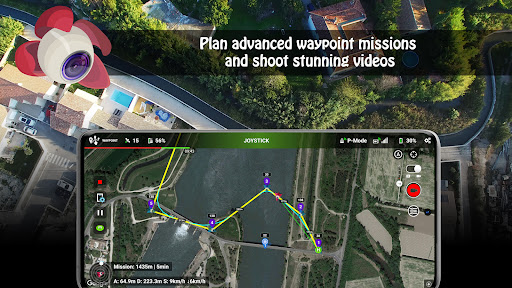
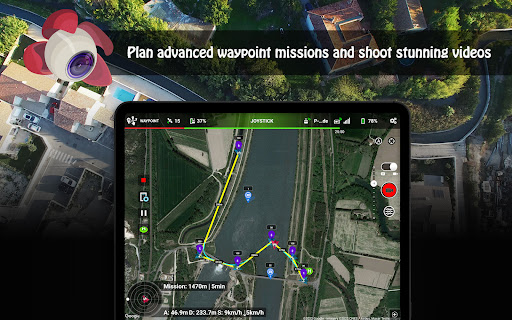
• Waypoint mode
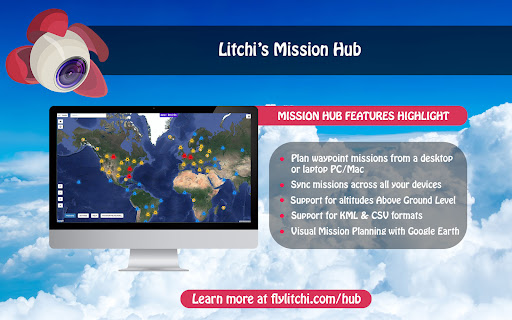
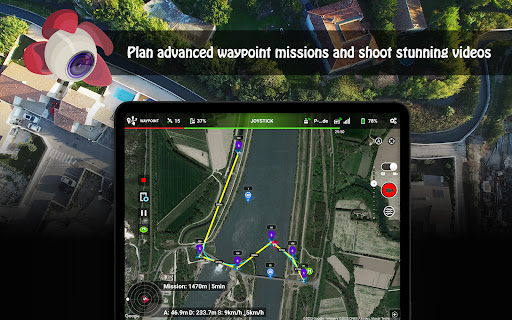
Whether you are a professional or beginner, Litchi offers the most intuitive yet powerful waypoint engine. Our waypoint planner is available on all platforms including PC/Mac with seamless flight plans syncing across all your devices
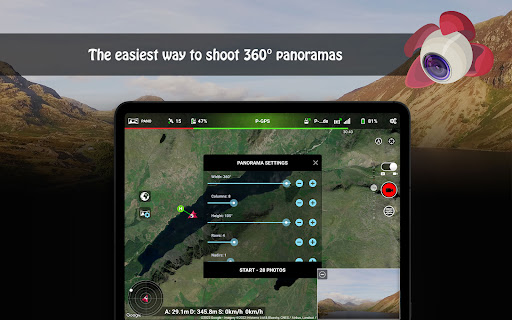
• Panorama mode
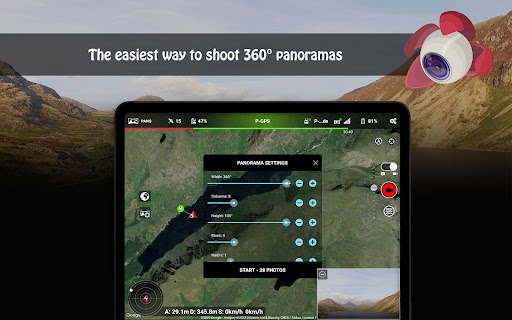
Easily shoot horizontal, vertical and 360 spherical panoramas
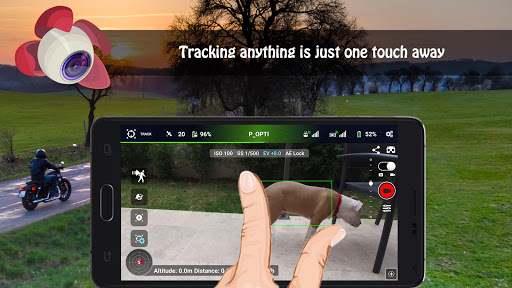
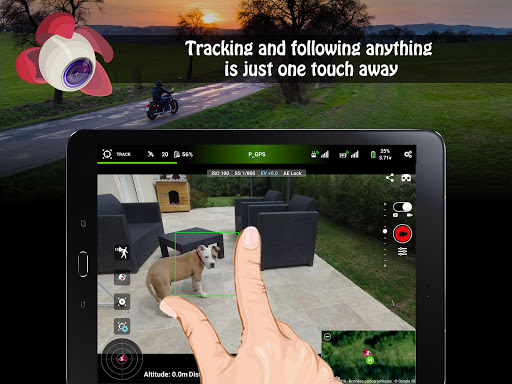
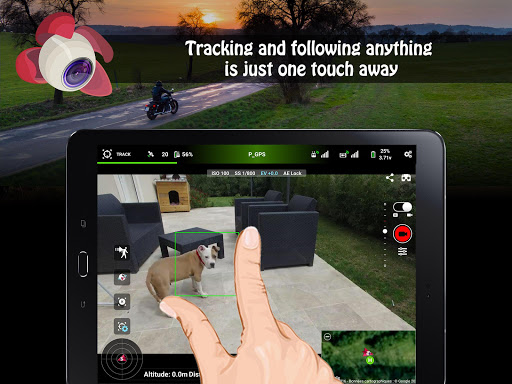
• Track mode
With Litchi's Track mode, your DJI drone now understands what it sees. Using state of the art computer vision algorithms, Litchi keeps your selection perfectly framed while you fly the drone. Don't want to fly manually? That's ok too, start an autonomous Orbit or Follow and watch Litchi take care of everything
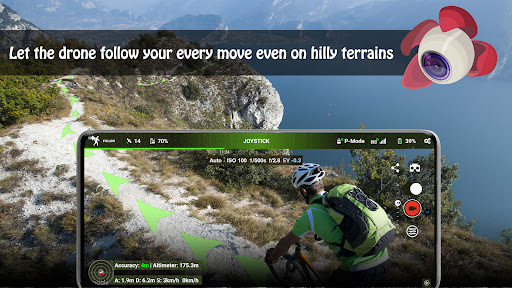
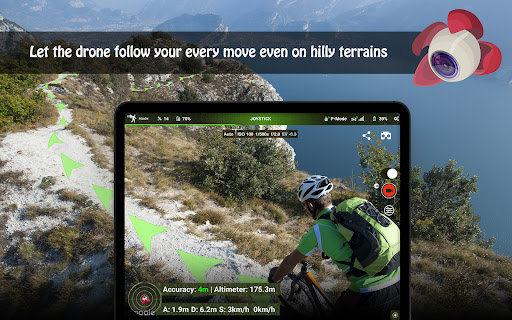
• Follow mode
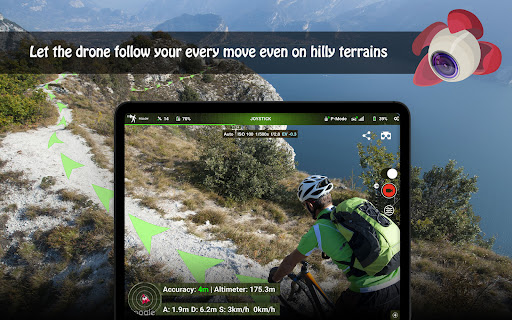
The drone follows your every move using the mobile device GPS and altitude sensors
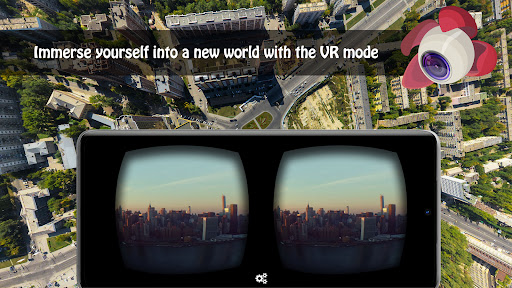
• VR mode
By harnessing the power of your mobile phone, the Virtual Reality mode brings you the most immersive FPV experience. Watch your autonomous flight in VR mode, or fly manually for added thrills. Requires goggles sold separately
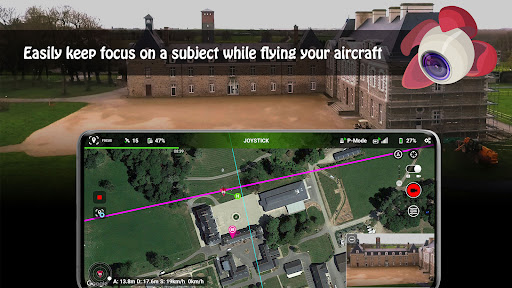
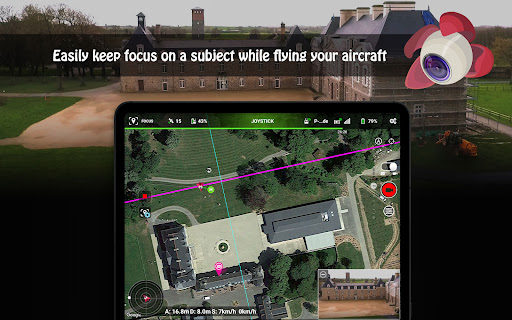
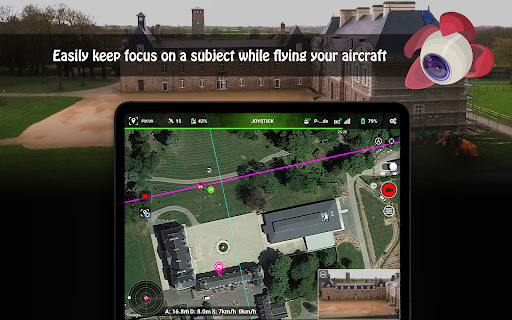
• Focus mode
Litchi assists you by taking control of both the gimbal and the drone's yaw axis, so you can concentrate on horizontal movements
And much more including...
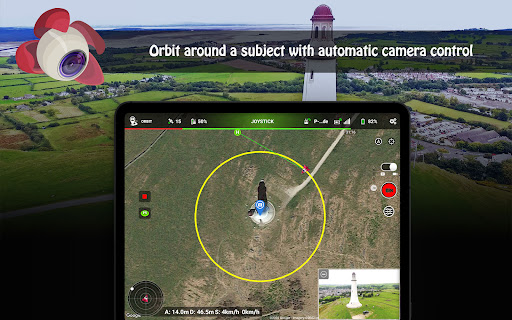
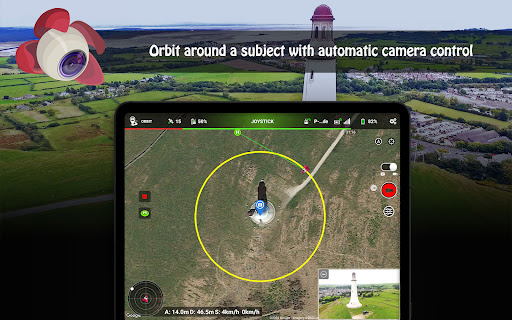
- Orbit mode to circle around a subject with advanced settings and real time controls
- Livestream your drone's video feed to Facebook or to a RTMP server
- Stream the video feed to a nearby device running the Litchi Vue app
- Use a second smartphone as Follow me target with Litchi Magic Leash (available on iOS and Android https://play.google.com/store/apps/details?id=com.flylitchi.lml)
- Custom RC keys functions allow you to create flight plans as you fly them and much more
- Human readable flight logs (CSV format), which can be automatically uploaded to Airdata UAV
- Voice feedback for important warnings
- Automatic video recording
- Support for bluetooth controllers
Visit our website for more information: https://flylitchi.com
How to connect Litchi to your drone: https://www.flylitchi.com/help
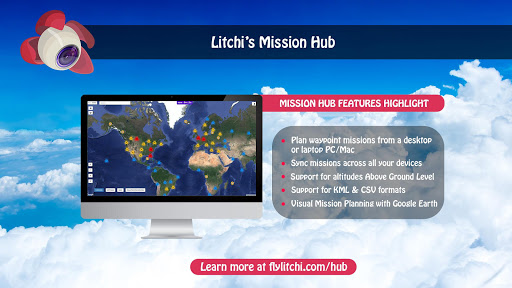
Make sure to check out the Litchi Hub at https://flylitchi.com/hub
★Important★
When starting the app for the first time, you need to be connected to Internet in order to validate the app with DJI servers.
With over 5000 successful daily flights, Litchi is the most trusted flight app for your DJI drone
Compatible with DJI Mini 2, Mini SE (version 1 only), Air 2S, Mavic Mini 1, Mavic Air 2, Mavic 2 Zoom/Pro, Mavic Air/Pro, Phantom 4 Normal/Advanced/Pro/ProV2, Phantom 3 Standard/4K/Advanced/Professional, Inspire 1 X3/Z3/Pro/RAW, Inspire 2, Spark
This app is *NOT* compatible with the latest DJI drones (Mini 3, Mini 4, Mavic 3 Enterprise, Matrice 4 etc). For these, you will need to use Litchi Pilot instead
Purchase Litchi today and get a 30% off coupon towards your Airdata.com subscription, exclusive to Litchi pilots, refer to https://flylitchi.com/airdata for more info
Feature highlights:
• Waypoint mode
Whether you are a professional or beginner, Litchi offers the most intuitive yet powerful waypoint engine. Our waypoint planner is available on all platforms including PC/Mac with seamless flight plans syncing across all your devices
• Panorama mode
Easily shoot horizontal, vertical and 360 spherical panoramas
• Track mode
With Litchi's Track mode, your DJI drone now understands what it sees. Using state of the art computer vision algorithms, Litchi keeps your selection perfectly framed while you fly the drone. Don't want to fly manually? That's ok too, start an autonomous Orbit or Follow and watch Litchi take care of everything
• Follow mode
The drone follows your every move using the mobile device GPS and altitude sensors
• VR mode
By harnessing the power of your mobile phone, the Virtual Reality mode brings you the most immersive FPV experience. Watch your autonomous flight in VR mode, or fly manually for added thrills. Requires goggles sold separately
• Focus mode
Litchi assists you by taking control of both the gimbal and the drone's yaw axis, so you can concentrate on horizontal movements
And much more including...
- Orbit mode to circle around a subject with advanced settings and real time controls
- Livestream your drone's video feed to Facebook or to a RTMP server
- Stream the video feed to a nearby device running the Litchi Vue app
- Use a second smartphone as Follow me target with Litchi Magic Leash (available on iOS and Android https://play.google.com/store/apps/details?id=com.flylitchi.lml)
- Custom RC keys functions allow you to create flight plans as you fly them and much more
- Human readable flight logs (CSV format), which can be automatically uploaded to Airdata UAV
- Voice feedback for important warnings
- Automatic video recording
- Support for bluetooth controllers
Visit our website for more information: https://flylitchi.com
How to connect Litchi to your drone: https://www.flylitchi.com/help
Make sure to check out the Litchi Hub at https://flylitchi.com/hub
★Important★
When starting the app for the first time, you need to be connected to Internet in order to validate the app with DJI servers.
What's New
- internal updates
App Information
Version Name
3.10.1
Version Code
1012
File Size
32.9 MB
Minimum OS
Android 5.0+
Target SDK
Android 22
Developer
VC Technology Ltd
Contact
Website
Content Rating
Everyone
Package Name
com.aryuthere.visionplusPermissions Required
This app may request the following permissions:
Recent Reviews

Yoshi Αντοσογλου
4.0★
I purchased Litchi primarily for the Follow mode. As long as the weather is favorable (no fog or low clouds), and you don't get sand in the gimbal, it follows quite well. It followed two mountain bikers downhill for ten minutes, and only momentarily lost them from time to time. I do wish that the Follow interface was more intuitive, as there are a few options in there that you just have to risk trying to figure out. Also, watch out for obstacles before you enable Follow.

Ron D
4.0★
I purchased Litchi about 2 months after I purchased my Mini SE. I didn't get it primarily for features such as way points and following but I love having the options. I very much like the feel and user interface. Recently I made a 1.2 mile flight using Litchi with no worries. The only thing that doesn't work well for me (so far) is RTH. The aircraft always wants to land 30 to 40 feet from home point even after calibrations. But I usually take over landing anyway.

DLAT 69
5.0★
I recently got the DJI mini 2 but have been reluctant to push it out of fear of a crash. Short story, the Litchi app waypoints are perfect for the mini 2 as I've set up multiple flights in under an hour while on my laptop at home and flying them without a hitch! The Litchi app makes it easy to set up and fine-tune your flights. You can enjoy taking in the view and filming without worrying about altitude.

Magdalena Mrowka
1.0★
After many trials, the app finally connected with the server. It all looked fancy and seemed to be working fine, however, photos and videos are impossible to be accessed due to some bug. They are impossible even to be downloaded onto my phone or any other phone. There should be a trial period for future buyers, after which they can actually decide if its worth the money. I know I have wasted mine. Dji Fly might not be the best app, but at least I can access the footage. Totally disappointed.

Leo Rostance
3.0★
The features in this app are amazing. Controller tracking works quite nicely. But some issues occured when I tried doing the automated flight. I planned the flight path out but when I got the drone in the air it seemed that as soon as I pressed start the gimbal would start moving very fast up and down in an erratic way. The drone wouldn't follow the path either. I was quite disappointed with it. Second thing is the range. I couldn't get the app to use 5.8Ghz mode so I couldn't get very far.

A Google user
3.0★
Got a message while flying in sport mode that my application was unlicensed and that it couldn't be verfied (I was in the middle of nowhere, so no net connection). I've obviously purchased the app. The drone dutifully crashed into a stand of trees. Bit of a dumb design. Perhaps the app shoild wait until a flight is over or before it commences to put up the message? I guess it's a case of pirates getting a superior product.
Ad slot: In-Content