

Photo Editor Effect- Pic Layer
com.backgrounderaser.cutout.photoeditor
by Ai Play Team Rikie Ltd
Screenshots
Ad slot: Top Leaderboard
About this app
An all-in-one photo editor with everything: drip art, neon effect, line art, double exposure, one store painting, background eraser...
Photo Editor Pro Background Eraser - Pic Layer makes cutout and photo editing amazingly simple and fun! Photo Editor Pro Background Eraser - Pic Layer is all-in-one, easy to use photo editor for photo cutout, background eraser & background changer.
AI Photo Cutout
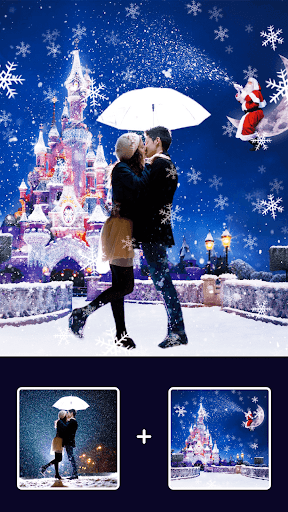
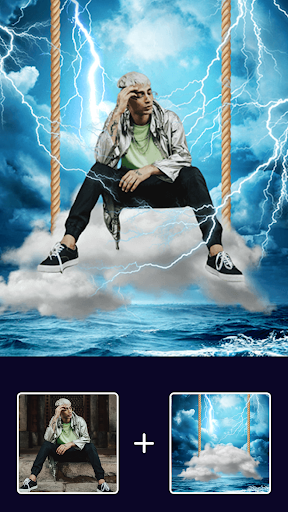
A Photo Editor Pro Background Eraser & photo lab to remove unwanted objects or background from any photo with our advanced eraser equipped with our AI cutout. This cutout tool enables you to make custom stickers and add them into your pictures to achieve photo editor effects.
Cutout Templates
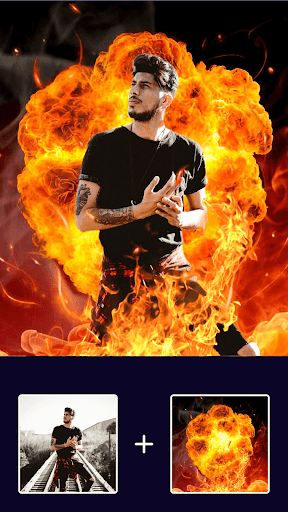
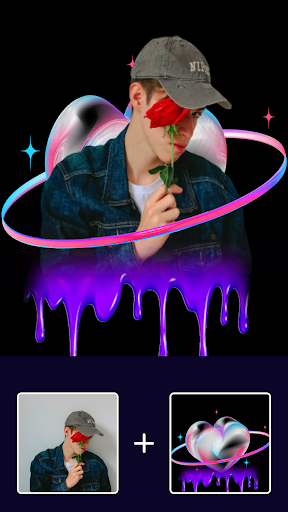
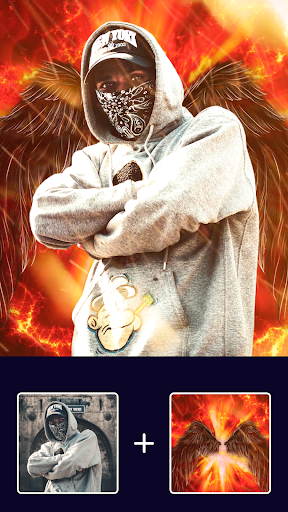
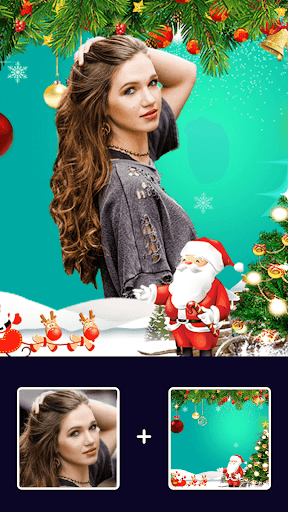
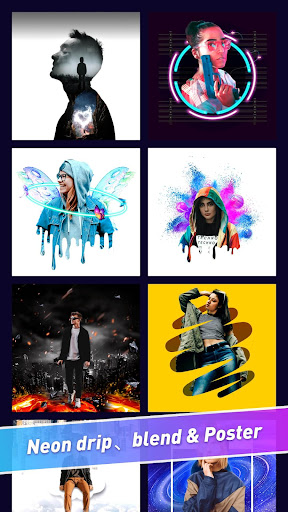
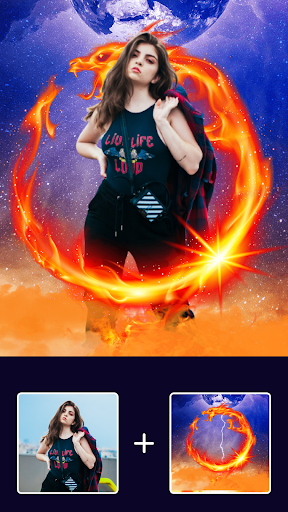
With Cutout Templates you can make complicated art with only one tap. You even don’t need to adjust all the different edit tools. With template what you need to do is choose a picture.Photo Editor Pro Background Eraser - Pic Layer provide neon template, drip template, double exposure template, etc. Try Now!
If you need any help, please email us [email protected]. We'll get back to you as soon as possible.
Photo Editor Pro Background Eraser - Pic Layer makes cutout and photo editing amazingly simple and fun! Photo Editor Pro Background Eraser - Pic Layer is all-in-one, easy to use photo editor for photo cutout, background eraser & background changer.
AI Photo Cutout
A Photo Editor Pro Background Eraser & photo lab to remove unwanted objects or background from any photo with our advanced eraser equipped with our AI cutout. This cutout tool enables you to make custom stickers and add them into your pictures to achieve photo editor effects.
Cutout Templates
With Cutout Templates you can make complicated art with only one tap. You even don’t need to adjust all the different edit tools. With template what you need to do is choose a picture.Photo Editor Pro Background Eraser - Pic Layer provide neon template, drip template, double exposure template, etc. Try Now!
If you need any help, please email us [email protected]. We'll get back to you as soon as possible.
What's New
add background effects
App Information
Version Name
2.5.8.5
Version Code
26
File Size
10.7 MB
Minimum OS
Android 8.0+
Target SDK
Android 33
Developer
Ai Play Team Rikie Ltd
Contact
Website
Content Rating
Everyone
Package Name
com.backgrounderaser.cutout.photoeditorPermissions Required
This app may request the following permissions:
Recent Reviews

johnathan robello
4.0★
I'm giving this a 4 for the simple fact that it has been 2 years and it hasn't been updated, it's all the same backdrops and images. Once you've ran through the handful you like you're pretty much stuck nothing new ever gets added. However the 4 comes in play because once you're done with the edit the photos of friends or family make for great mini canvas gifts.
Jessica Ferrand
2.0★
Worked great for YEARS.... now it just constantly crashes! I can't even pick a picture to edit without shutting down... BUMMER

Queen Buttermilk
2.0★
love the app but lately it keeps stopping. Uninstaller a few times but didn't help. so I have to try a new app. 😟😟😟

Denise M
1.0★
I used to use this app a lot and loved it. now it just keeps crashing so its useless.
Kimberley Boucher
5.0★
This is a pretty awesome app so far. Download and play, didn't have to create an account for it. It's super easy to use and fes the exact job as you see on the templates. For someone like me who is a total beginning in photo editing or anything creative apps. It's easy, cute. I like it. Very colorful. It's free, So far the ads run on top, which I much prefer than having to watch the same 30 second video over and Over again.

Leslie Barry
4.0★
Excellent app...brilliant for placing your "cut-out" image on another background. Very easy to use! Just a helpful tip: for best results, make sure your image is clear and sharp, and try to have the surrounding area as clear of other "clutter" as possible.,i.e. no other people close by,or trees overhanging etc,etc. The clearer the background, the more professional the result will be! Just one problem: you can't reverse your cut-out image to suit the new background better.
Ad slot: In-Content