

Music Video Editor - VCUT Pro
com.bestvideostudio.movieeditor
by Ask AI GirlFriend & AI Video Generator
Screenshots
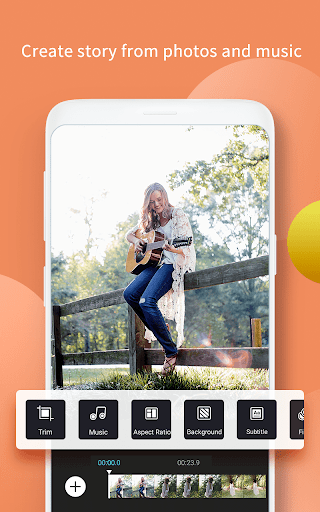
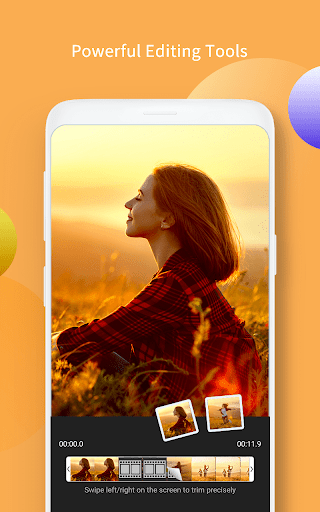
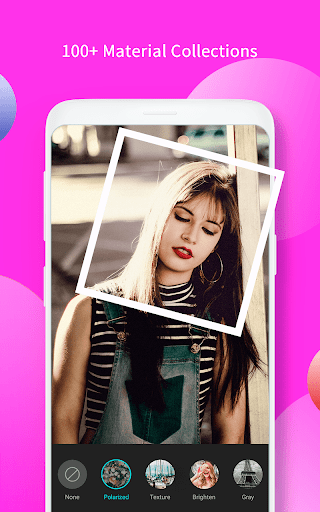
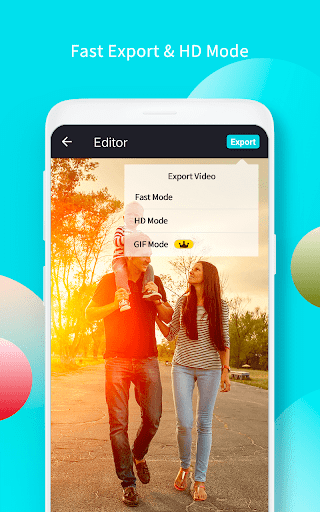
Ad slot: Top Leaderboard
About this app
Slideshow maker video editor with songs is a stable online video editing app for you. After updating to vip account, you can use all the features. With this powerful video editor, you can easily record your life moments in a video or slideshow with awesome effects.
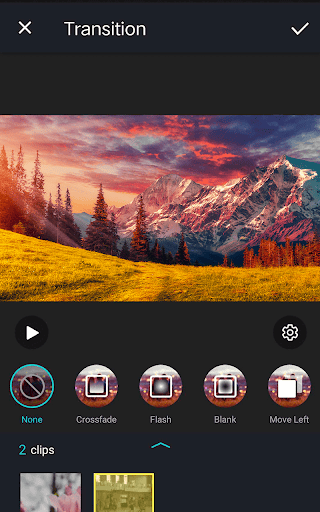
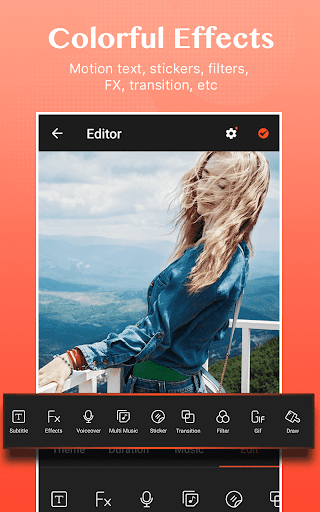
This movie maker, slideshow maker let you create stylish videos and vlog at ease. VCUT video editor with songs is useful for both professional photographers and non-professional beginners. We also provide subtitles, effects, filters, themes, stickers, transitions.
Main Features of Video Editor
1. Material Center
- Special video filters: offer various filters to make original video and slideshow.
- Popular music: choose trendy music to make unique video.
- Various after effects: you can easily edit your spark video, vlog or slideshow with transition, effects, music and images from your gallery.
- Text on video editor: write on video and edit font, color. Add subtitle to video easily in slideshow with music.
2. Easy steps to make stylish video
Choose photos or images from album to make video and slideshow. Add your favorite music, use special transitions, add text, edit video with filters.
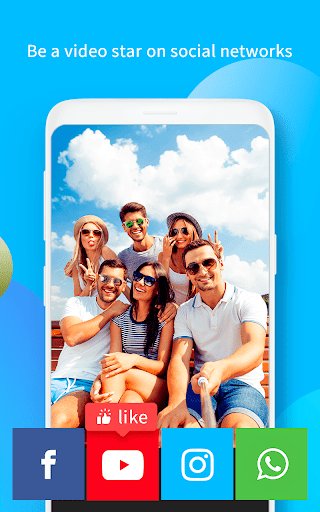
3. Share your work on social network
Slideshow maker video editor with music is a smooth and flexible film studio for you to shoot movies, edit videos and make final cut. In this movie maker app, handycam, creating a video with photos, music, and clips is easy and fun.
This movie maker, slideshow maker let you create stylish videos and vlog at ease. VCUT video editor with songs is useful for both professional photographers and non-professional beginners. We also provide subtitles, effects, filters, themes, stickers, transitions.
Main Features of Video Editor
1. Material Center
- Special video filters: offer various filters to make original video and slideshow.
- Popular music: choose trendy music to make unique video.
- Various after effects: you can easily edit your spark video, vlog or slideshow with transition, effects, music and images from your gallery.
- Text on video editor: write on video and edit font, color. Add subtitle to video easily in slideshow with music.
2. Easy steps to make stylish video
Choose photos or images from album to make video and slideshow. Add your favorite music, use special transitions, add text, edit video with filters.
3. Share your work on social network
Slideshow maker video editor with music is a smooth and flexible film studio for you to shoot movies, edit videos and make final cut. In this movie maker app, handycam, creating a video with photos, music, and clips is easy and fun.
What's New
1. Add more chic materials
2. Fix bugs and optimize product experience
2. Fix bugs and optimize product experience
App Information
Version Name
2.6.8
Version Code
68
File Size
76.9 MB
Minimum OS
Android 5.0+
Target SDK
Android 33
Developer
Ask AI GirlFriend & AI Video Generator
Contact
Website
Content Rating
Everyone
Package Name
com.bestvideostudio.movieeditorPermissions Required
This app may request the following permissions:
Recent Reviews

A Google user
1.0★
The "new and improved app" is horrible! I figured I would go ahead and buy the year subscription since the free app worked so well and it is definitely not worth the money. I can't navigate and do the things I need to do to my videos anymore. I'm not able to cut movies and they've taken away a lot of features instead of adding them and I mean a lot of features are gone. I would rather have the free app back. Total waste of money. I have to find another app to continue editing my videos.
A Google user
2.0★
I've used the app before when it was free and it was honestly a five star smooth experience. This time around I upgraded to pro and paid the fee. Unfortunately my videos are not being saved at all, they go onto the draft folder in the app and when I try to export them, it loads and then glitches. There is no 'contact us' or 'support' button and I have no idea how to retrieve my creations or ask for refund
A Google user
3.0★
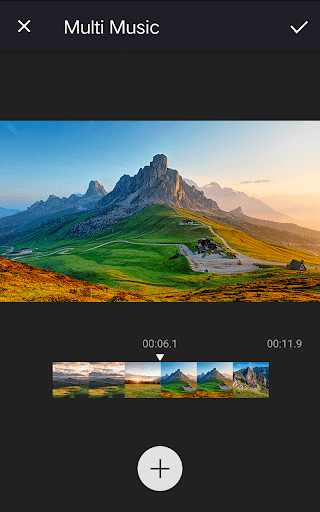
Make this app like a real movie maker. Layers for pictures, voice overs and music. When it comes to music background, only one music can be added and when you make movie clips you dont wanna hear one music all throughout right? I love your no watermark idea. I've been using powerdirector and it's comparable when it comes to layout and design, text, transitions and how you can edit personally. Maybe this is an eye opening review for you. I also love the filter portion. 💌🙏
A Google user
4.0★
Great app! Simple to use and allows me to get school projects done! Though, when I use headphones and trying to do a voiceover, the original sound of the video stops. I understand why it needs to stop when you do a voiceover without headphones, but I would prefer if it were to continue playing as I speak with headphones on just so I can properly time my entrance and exits when I make a speech/sing.
A Google user
5.0★
No, I don't work for them and yes this app is bomb, bomb! Just used it for my birthday video. I also was able to leave the app and come back (not sure how long I was gone, but long enough to search Google download and come back.. hurry back , YNK) work was saved just needed adjusting.. I added videos and photos. It was fast easy and had music adjustment settings 🤗 I know right!! *WORTH IT. Thanks..

Pialy Barua
1.0★
Editing app! Are you serious? If there is any chance to give 0 star, then I would give that! I don't like this app! I can't even edit a video without paying! After choosing photos/videos it talks about Free Trial. If you can't edit without purchasing then IT CAN'T BE A EDITING APP FOR ALL! I found many editing apps for edit and I will say this is the worst. YOU CAN'T EVEN EDIT! Useless!
Ad slot: In-Content