

Pic Stitch: Collage Maker
com.bigblueclip.picstitch
by Maple Media
Screenshots





Ad slot: Top Leaderboard
About this app
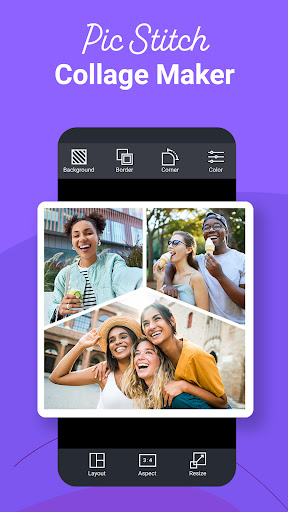
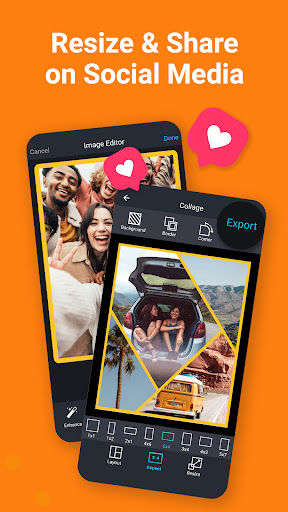
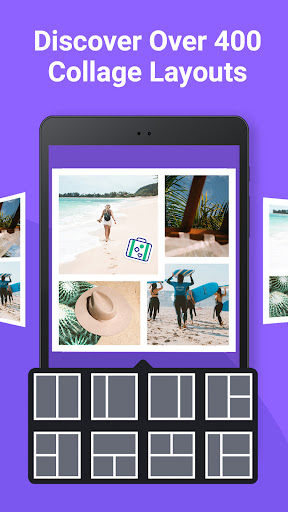
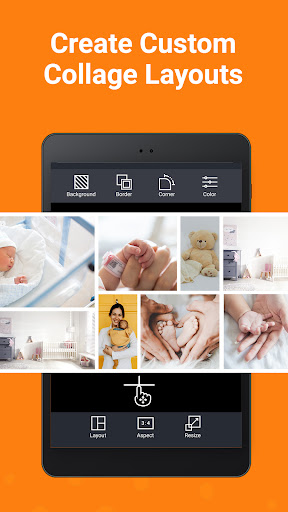
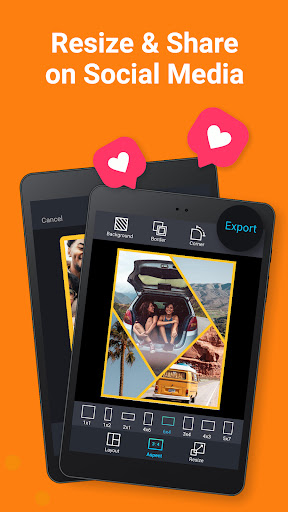
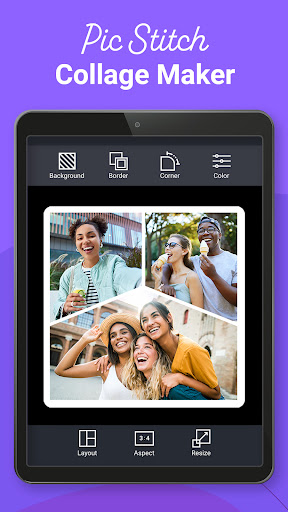
Pic Stitch packs a simple design with a powerful photo editor to give you everything you could want to make your pictures simply amazing. Use Pic Stitch to create a before-and-after sequence, combine great photos into a collage, or produce a photographic series. Quickly combine multiple photos into one beautifully framed picture. Then share your masterpiece on your favorite social media networks including Facebook, Twitter and Instagram.
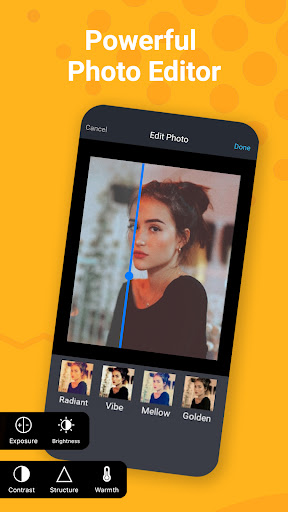
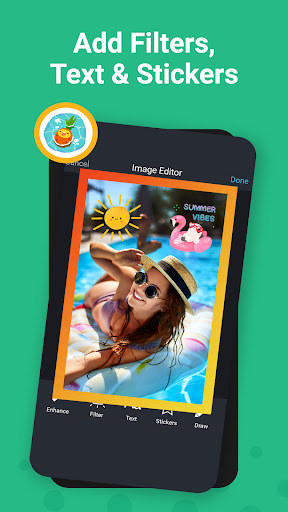
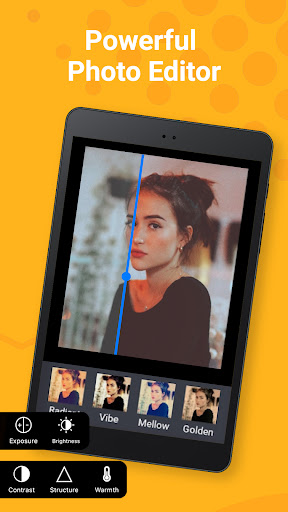
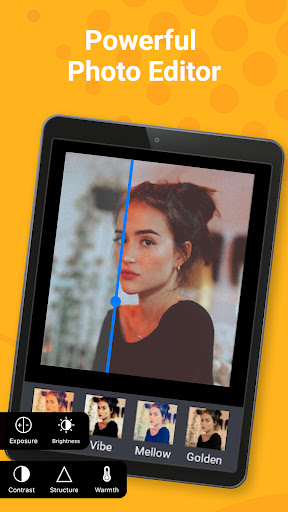
Pic Stitch is known amongst the photography community as the ultimate photo editor with powerful collage making tools and templates. If you have ever wondered how social media influencers, bloggers or content creators combine several images into one glamorous frame, this is the secret tool they all use to make their photos pop! Pic Stitch packs an impressive amount of filters, effects, and editing tools to make your photos look their best. The best part is that the user interface is super easy to use and very fluid. Rearranging your photos, cropping them, and adding filters or adjusting settings can be accomplished in seconds. Also, if you take a lot of pictures of yourself or friends, Pic Stitch includes useful photo editing tools to adjust red eye, blemishes, and brightens selfies.
Overview:
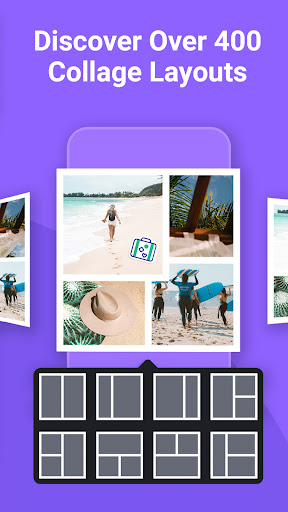
– Over 250 different layouts
– 15 different photo aspect ratios optimized for sharing
– Customize photo borders
– Easy to use UI
– Rotate, flip, mirror and zoom
– Share to Facebook, Twitter, Instagram and more
– Save to your photo album
– High resolution export
Photo Editing Features:
– Quick Enhance: hi-definition, scenery, food, portrait, night
– Effects: exposure, brightness, contrast, structure, warmth, saturation, fade, highlights, shadows, vignette, sharpen
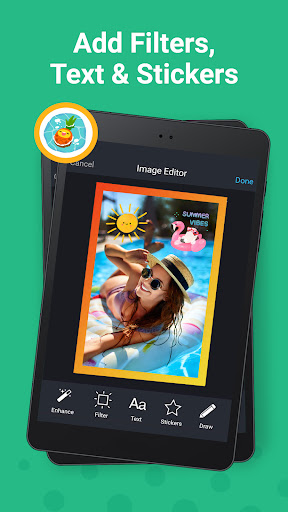
– Stickers: decorate your photo collage with your favorite stickers powered by Giphy
– Text Editor: insert text overlays and select your choice of font styles, colors, backgrounds, shadows and more
– Drawing Editor: add your own touch to each photo by selecting a drawing tool of your choice
– Meme Editor: turn your photo collage into a meme with a simple template that adds text where it matters most
– Watermark Editor: add your own brand logos or create custom watermarks with text, date and time stamps
– Frame Editor: white, black, vertical, horizontal, banners, bars
– Overlay Editor: circles, pentagons, squares, rectangles, diamonds, grid lines
– Rotate & Reflect: left, right, horizontal, vertical
– Portrait Editors: blur, whiten, redeye, splash, focus
– Crop Tool: 1x1, 1x2, 2x1, 4x6, 6x4, 3x4, 4x3, 5x7, 7x5, 8x10, 10x8, 9x16, 16x9
Premium Features:
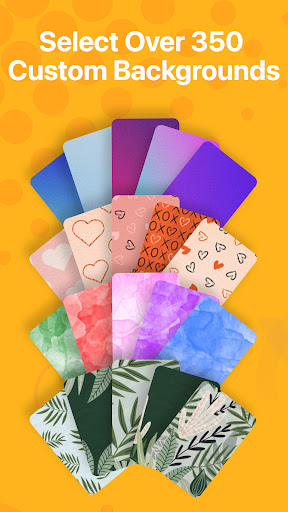
– Border Packs: unlocks all add-ons including colors, textures, patterns, frame mats and more
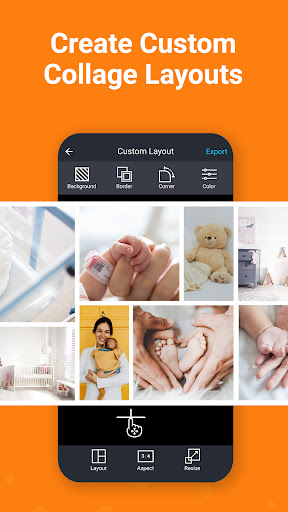
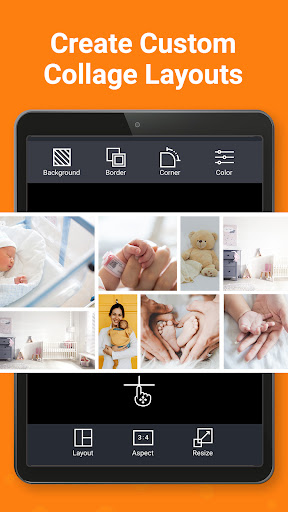
– Frame Packs: unlocks 150 unique collage layouts + create your own layout
– Filter Packs: food, style, radiant, romance, noir, soleil, toy camera, wonderland, pop art, mystic, nostalgia, subtle, tital, wanderlust, jetset, spring, summer, beach, layer pro, cabin pro, grunge
– No Ads: Browse ad free
Your feedback helps us make the app better! If you have comments or suggestions please email us at [email protected]
Pic Stitch is known amongst the photography community as the ultimate photo editor with powerful collage making tools and templates. If you have ever wondered how social media influencers, bloggers or content creators combine several images into one glamorous frame, this is the secret tool they all use to make their photos pop! Pic Stitch packs an impressive amount of filters, effects, and editing tools to make your photos look their best. The best part is that the user interface is super easy to use and very fluid. Rearranging your photos, cropping them, and adding filters or adjusting settings can be accomplished in seconds. Also, if you take a lot of pictures of yourself or friends, Pic Stitch includes useful photo editing tools to adjust red eye, blemishes, and brightens selfies.
Overview:
– Over 250 different layouts
– 15 different photo aspect ratios optimized for sharing
– Customize photo borders
– Easy to use UI
– Rotate, flip, mirror and zoom
– Share to Facebook, Twitter, Instagram and more
– Save to your photo album
– High resolution export
Photo Editing Features:
– Quick Enhance: hi-definition, scenery, food, portrait, night
– Effects: exposure, brightness, contrast, structure, warmth, saturation, fade, highlights, shadows, vignette, sharpen
– Stickers: decorate your photo collage with your favorite stickers powered by Giphy
– Text Editor: insert text overlays and select your choice of font styles, colors, backgrounds, shadows and more
– Drawing Editor: add your own touch to each photo by selecting a drawing tool of your choice
– Meme Editor: turn your photo collage into a meme with a simple template that adds text where it matters most
– Watermark Editor: add your own brand logos or create custom watermarks with text, date and time stamps
– Frame Editor: white, black, vertical, horizontal, banners, bars
– Overlay Editor: circles, pentagons, squares, rectangles, diamonds, grid lines
– Rotate & Reflect: left, right, horizontal, vertical
– Portrait Editors: blur, whiten, redeye, splash, focus
– Crop Tool: 1x1, 1x2, 2x1, 4x6, 6x4, 3x4, 4x3, 5x7, 7x5, 8x10, 10x8, 9x16, 16x9
Premium Features:
– Border Packs: unlocks all add-ons including colors, textures, patterns, frame mats and more
– Frame Packs: unlocks 150 unique collage layouts + create your own layout
– Filter Packs: food, style, radiant, romance, noir, soleil, toy camera, wonderland, pop art, mystic, nostalgia, subtle, tital, wanderlust, jetset, spring, summer, beach, layer pro, cabin pro, grunge
– No Ads: Browse ad free
Your feedback helps us make the app better! If you have comments or suggestions please email us at [email protected]
What's New
A new version of Pic Stitch is here! Here’s what’s new:
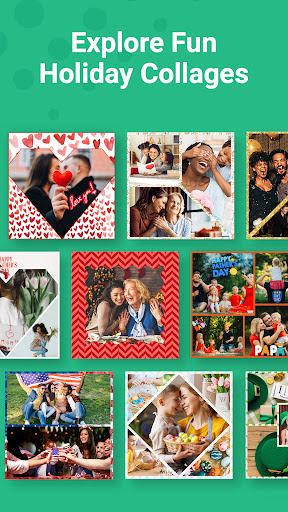
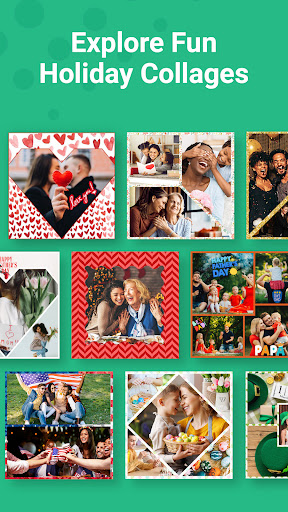
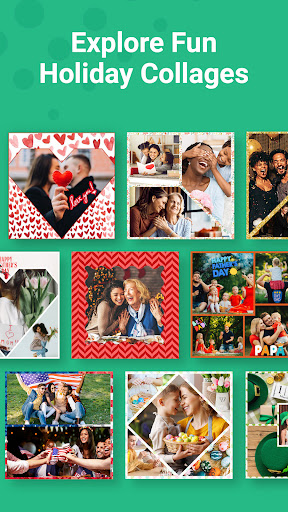
- New Trending Section: Create stunning holiday collages instantly with prefilled backgrounds
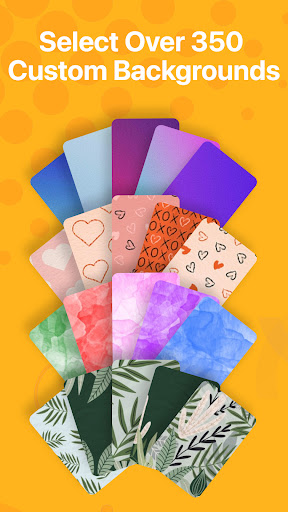
- 20+ new background packs: fresh styles & festive themes to make your collages pop
- General optimizations & stability improvements
Thanks for using Pic Stitch! Have questions or feedback? Email us at [email protected] for fast & friendly support.
- New Trending Section: Create stunning holiday collages instantly with prefilled backgrounds
- 20+ new background packs: fresh styles & festive themes to make your collages pop
- General optimizations & stability improvements
Thanks for using Pic Stitch! Have questions or feedback? Email us at [email protected] for fast & friendly support.
App Information
Version Name
3.3.1
Version Code
629
File Size
26.4 MB
Minimum OS
Android 6.0+
Target SDK
Android 23
Developer
Maple Media
Contact
Website
Content Rating
Teen
Package Name
com.bigblueclip.picstitchPermissions Required
This app may request the following permissions:
Recent Reviews

Sarah Feierstein
1.0★
Well, a few basic features USED to be free. Now they got money hungry. At least make it so you can get back what was free for a one time purchase. I am not paying $20 a year for something any old app can do. I liked this one for it's ease of use and simplicity. But they nerfed it. I don't need backgrounds and stickers. I just want the old app back!

Jennifer Carter
1.0★
I used to LOVE this app...but it's changed! I paid for the premium sub because it showed pics of collages with angled pics and I liked them. I got a million frames but not a single one that was shown in the ad. I couldn't even edit text after I clicked out of it. Wouldn't let me delete that text either. Then in "stickers" I typed in "hearts" and nothing came up. In fact, NO stickers came up. Waaaaay too many bugs and unusable buttons. I quickly canceled my sub and will find another app.

A Google user
2.0★
So disappointed with the latest update. This "new" editor removed essential tools that I used every time I needed to make a collage! Basics like adjusting the angle of the image (rotating) and editing the image (eg adjusting exposure, contrast, etc) are gone. I've been using this app for years now – seems like I'm going to have to find another app that better suits my needs.

J. Rod
2.0★
Great for the couple of layouts you can use. If you want to use one of the dozens of other layouts, you're SOL without paying a subscription. You use to be able to watch an ad each time you wanted to use one of their locked layouts or features. I'm sure they were making money that way. Now that the ad option is non-existent, I am leaving for Collage Maker.
A Google user
4.0★
I like this app since it allows me to make the layouts in a 4x6 size (it's to have them printed at shutterfly/Snapfish) but I really don't think the border pack is worth $4. The app Pic Collage has all those features and you'd just have to pay $2 to remove the watermark. The main reasons I chose to stick with Pic Stitch are there's no watermarks and I can at least watch an ad to unlock the pack for a limited time but it's frustrating when I want to start a new layout and I have to watch a new ad

Spencer Paire
2.0★
Latest update pay-walls previously free functionality. Overall, very easy way to combine pictures to make text and react meme or comparisons of photos, and as a pretty good meme-focused picture editor. And, previously, you could get rid of the white borders between pictures. Now, trying to do that prompts you to pay an obscene amount for that feature ($4/month), which is ridiculous for something that was previously free, and not even a complex feature within a photo editor.
Ad slot: In-Content