

Music Editor
com.binghuo.audioeditor.mp3editor.musiceditor
by Pony Mobile
Screenshots


Ad slot: Top Leaderboard
About this app
Music Editor is a very useful Audio Editor, MP3 Cutter, Ringtone Maker, Song Editor.
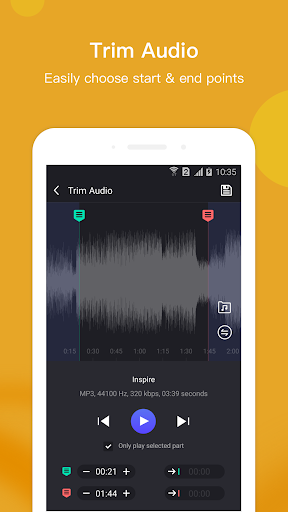
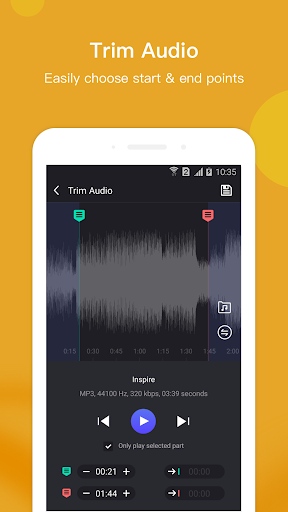
With Music Editor, you can cut out a certain part of music as a ringtone, alarm tone, and notification tone.
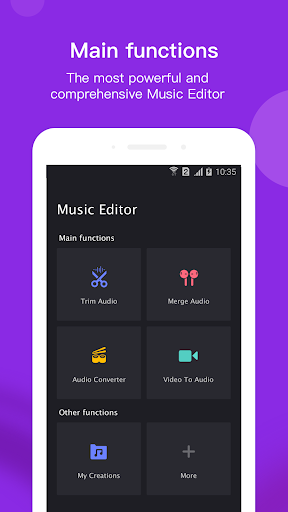
In addition to trim audio feature, you can also use Music Editor to connect multiple audio files into one, convert audio formats, convert video to audio, compress the quality of audio, and edit audio metadata, you can also change the volume level of the audio, and more.
The most powerful and complete MP3 Editor, It has all the features you would ever want in a Music Editor.
The main features of the Audio Editor:
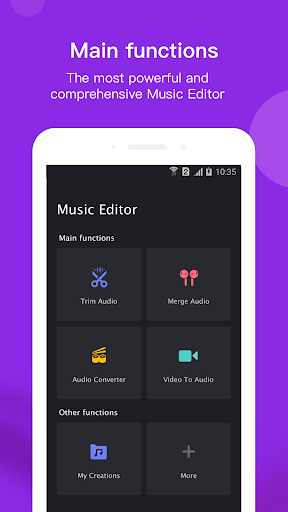
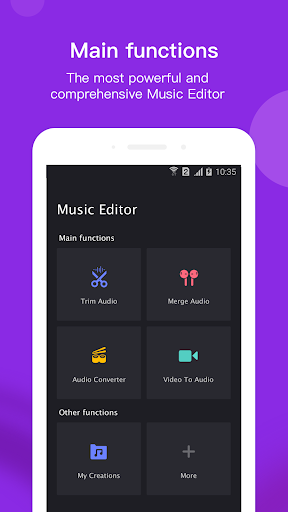
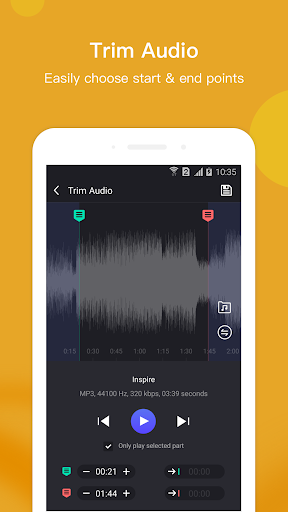
- Trim Audio: Crop a part of the audio as a ringtone, alarm, and notification tone.
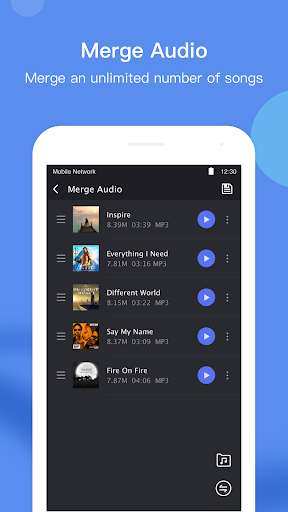
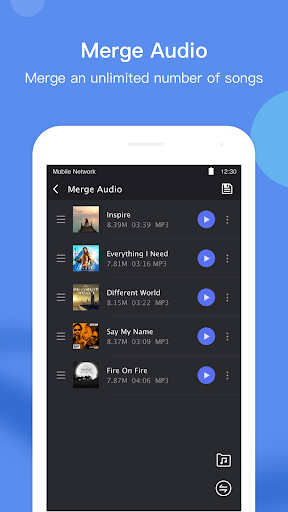
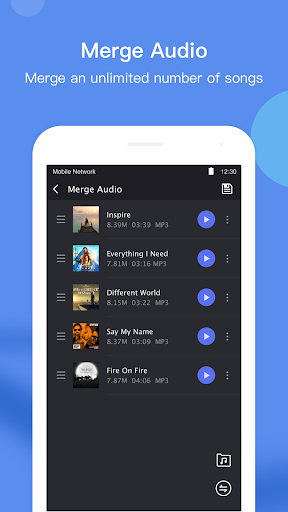
- Merge Audio: Connect multiple audio files into one.
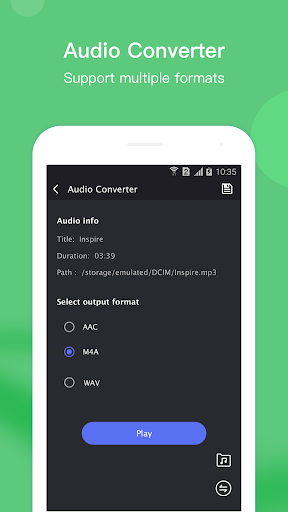
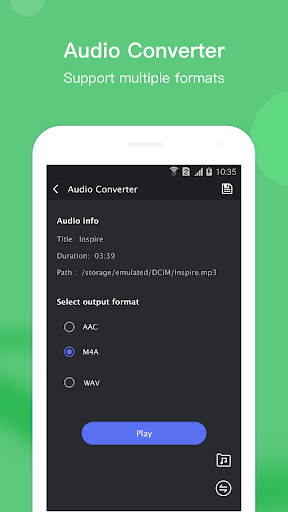
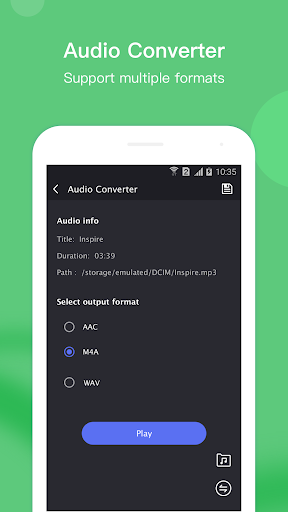
- Convert Audio: Change one music format to another, such as: AAC to MP3, M4A to MP3, MP3 to WAV and so on.
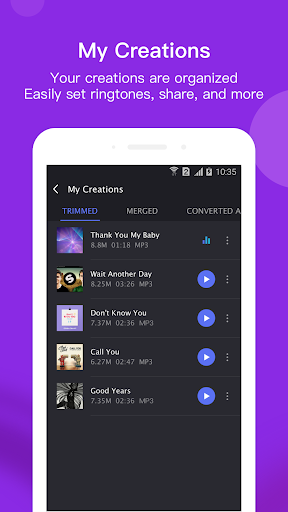
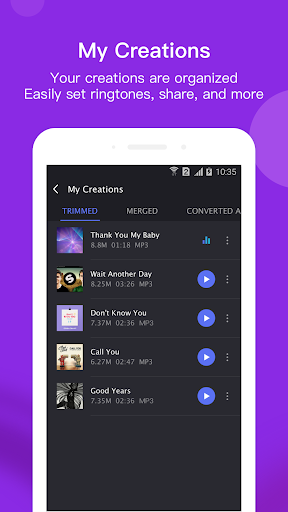
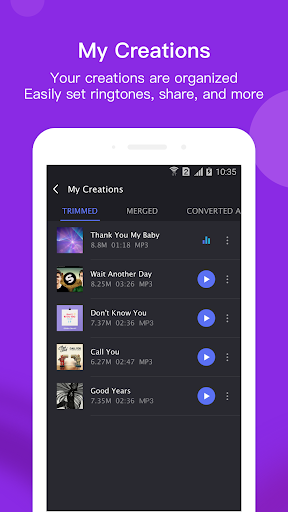
- My Creations: All processed audio files will be displayed here, you can re-edit, delete or share them.
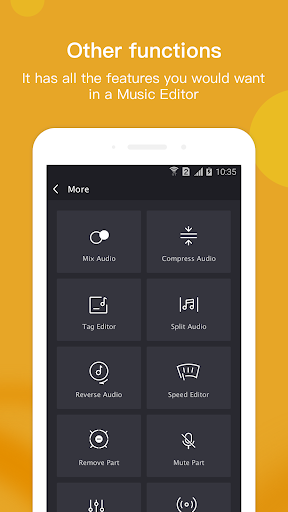
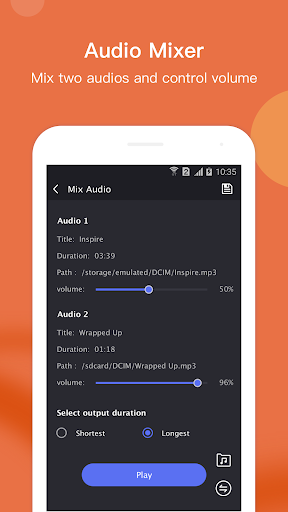
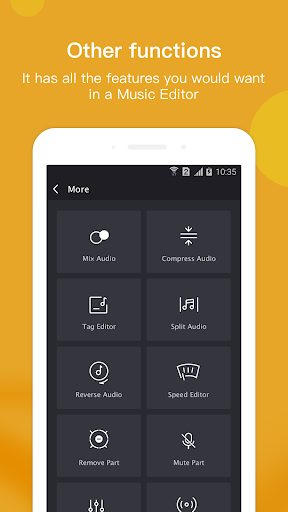
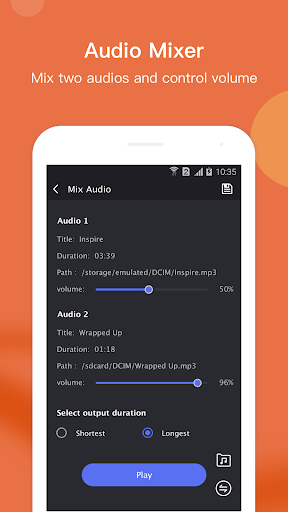
- Mix Audio: You can mix two music into one, and you can also adjust the volume level of the music.
- Compress Audio: You can compress audio by changing the channel, sample rate and bit rate.
- Tag Editor: You can change metadata of audio, such as: title, album, composer, year, and cover.
- Split Audio: If you need to split an audio into two parts, you can use this feature.
- Reverse Audio: Reverse the audio and plays it in reverse.
- Speed Editor: Edit audio speed, fast forward, slow down.
- Remove Part: Remove a part of the audio.
- Mute Part: Part of the audio can be muted.
- Volume Booster:You can change the volume level of audio.
With just the best Music Editing tool, you can do all of the above, and it's completely free, It's an excellent Audio Editor.
We welcome feedback if you have any suggestions or problems with the app, contact us at: [email protected], We always try to upgrade to give you the best MP3 Cutter and Audio Editor and the best Music Editing tool.
Download this Music Audio Editor app to experience best Audio Editing features.
With Music Editor, you can cut out a certain part of music as a ringtone, alarm tone, and notification tone.
In addition to trim audio feature, you can also use Music Editor to connect multiple audio files into one, convert audio formats, convert video to audio, compress the quality of audio, and edit audio metadata, you can also change the volume level of the audio, and more.
The most powerful and complete MP3 Editor, It has all the features you would ever want in a Music Editor.
The main features of the Audio Editor:
- Trim Audio: Crop a part of the audio as a ringtone, alarm, and notification tone.
- Merge Audio: Connect multiple audio files into one.
- Convert Audio: Change one music format to another, such as: AAC to MP3, M4A to MP3, MP3 to WAV and so on.
- My Creations: All processed audio files will be displayed here, you can re-edit, delete or share them.
- Mix Audio: You can mix two music into one, and you can also adjust the volume level of the music.
- Compress Audio: You can compress audio by changing the channel, sample rate and bit rate.
- Tag Editor: You can change metadata of audio, such as: title, album, composer, year, and cover.
- Split Audio: If you need to split an audio into two parts, you can use this feature.
- Reverse Audio: Reverse the audio and plays it in reverse.
- Speed Editor: Edit audio speed, fast forward, slow down.
- Remove Part: Remove a part of the audio.
- Mute Part: Part of the audio can be muted.
- Volume Booster:You can change the volume level of audio.
With just the best Music Editing tool, you can do all of the above, and it's completely free, It's an excellent Audio Editor.
We welcome feedback if you have any suggestions or problems with the app, contact us at: [email protected], We always try to upgrade to give you the best MP3 Cutter and Audio Editor and the best Music Editing tool.
Download this Music Audio Editor app to experience best Audio Editing features.
App Information
Version Name
7.0.7
Version Code
707
File Size
41.9 MB
Minimum OS
Android 7.0+
Target SDK
Android 33
Developer
Pony Mobile
Contact
Website
Content Rating
Everyone
Package Name
com.binghuo.audioeditor.mp3editor.musiceditorPermissions Required
This app may request the following permissions:
Recent Reviews

Kelli Stephens
1.0★
Worst app ever... Unless you get the free version. It let me trim one song.. then asked for a review. I gave a great one because it was simple and worked great. Then every song I tried to trim after that would only give me 3-7second of the song to use because your adds were stopping the song from loading into the application (which I believe was purposefully done so that we would all HAVE to purchase the Pro version). Low ball move. Download something else, and don't waste your time with this.

Aiden Magro
3.0★
It's a good app, but there are WAY too many ads! Seriously, every time you tap on an option on how you want to edit the audio, an ad plays, then when you go to view it, an ad plays! Please fix that! Also, when I'm boosting the volume of the audio, can you add a feature where you can hear what it will sound like before you save it? I hate having to save it only to realize that it wasn't loud enough for example. Other than the ads, this is a pretty good app.

Bobbi Kass
1.0★
Used to be a five star, now drastically reduced to a one star for the constant bombardment of ads on top of being rendered useless. Edited audio, no matter what kind of edit done, can no longer save. I always get either a "save failed" message or get stuck at 100% for --I counted-- half an hour! I don't know what the dev recently did, but they completely ruined their app. So disappointing.

Michael Hendricks
1.0★
What happened to the sesrch function? The app loads every song when I select "tag editor". I have thousands of songs and to get to the song I want I have to go down the list (which isn't in alphabetical order) to find it!!!! So far no one has replied to my concern. Customer service is wanting! It's been a year since my rating and nothing has changed. Will remove and find another app.

A Google user
1.0★
Wow what a disappointment. Waveforms do not stretch from left to right on the screen? Especially if it's a short waveform (but also just in general), you can't see what's in the middle of it! And if I try to rotate to landscape view, that view is undone by the ad. And no settings, really? I'm really hoping the developer responds and tells me that I'm dead wrong about this, because if I'm right then this is a monumental failure in the app world. As the app is right now it's completely unusable.

Geeky Fanatic
1.0★
Used to be my favorite editing app, but it's gotten to the point where you can't click on ANYTHING without an ad popping up. So, I say it's an amazing editing program, but just make sure you have about an hour free for every project, since you can't exit out of ads either. Even coming from someone who's an advocate for creators making that bread with ads, I'm not going to give a good review for an app that makes me want to throw my phone every time I try to quickly lower the volume of a song
Ad slot: In-Content