

Bose
com.bose.bosemusic
by Bose Corporation
Screenshots




Ad slot: Top Leaderboard
About this app
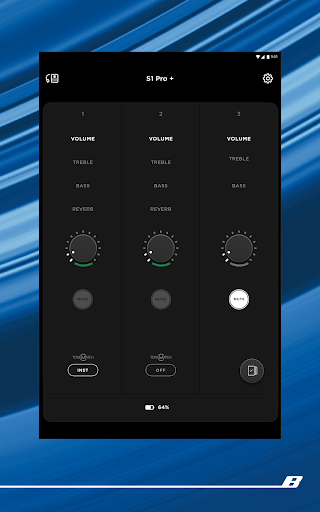
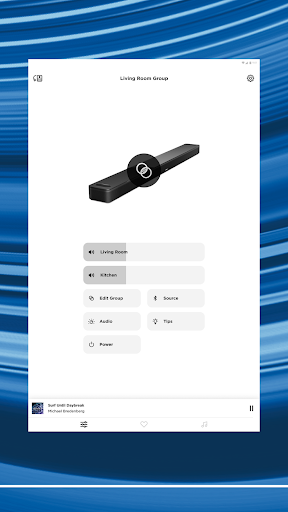
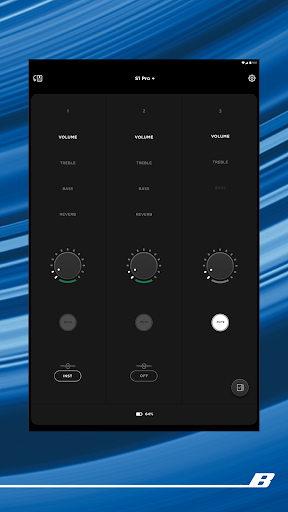
The Bose app lets you easily control all your Bose products in one place. Bose app (formerly Bose Music app) compatible speakers, soundbars, amplifiers, headphones, earbuds, OpenAudio products, and portable PA systems are designed to work together seamlessly to enhance your listening experience.
GET THE MOST OUT OF YOUR HEADPHONES AND EARBUDS
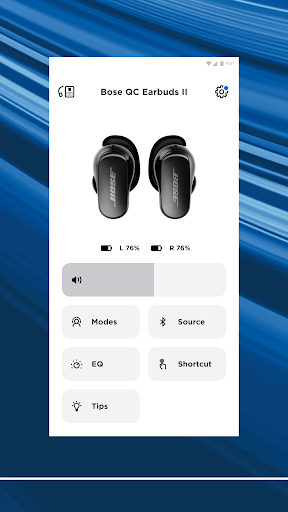
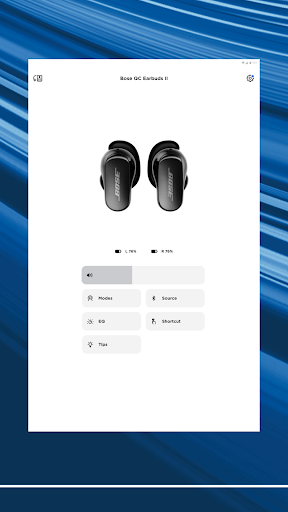
Personalize your environment with controllable noise cancellation on our QuietComfort products. With Modes on QuietComfort products, you decide how much of the world to let in. Choose Quiet Mode for full noise cancelling, or Aware Mode to hear your surroundings and your music at the same time. Select products offer Aware Mode with ActiveSense technology, which brings the sounds around you down to a more comfortable level. The result is hearing everything you need to, but at a much more pleasant and balanced volume.
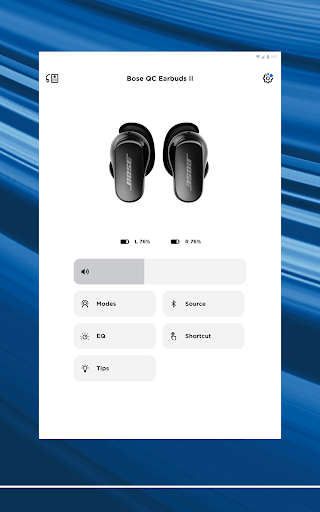
All the QuietComfort and OpenAudio features, like Immersive Audio from the Ultra line, are made readily available for you. Fully customize your experience by balancing the EQ settings, picking your on-product shortcuts, and more all within the app.
EASY SETUP AND TOTAL CONTROL
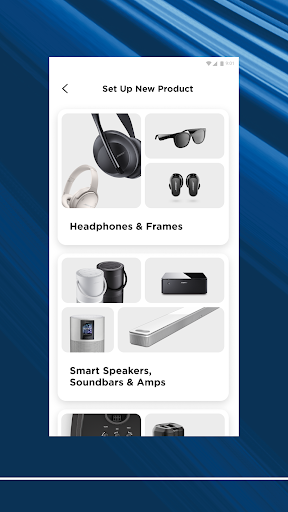
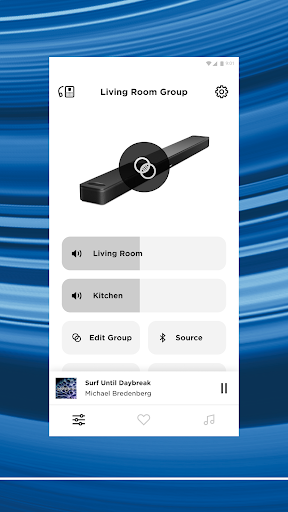
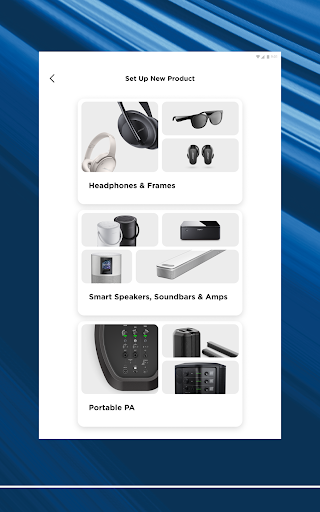
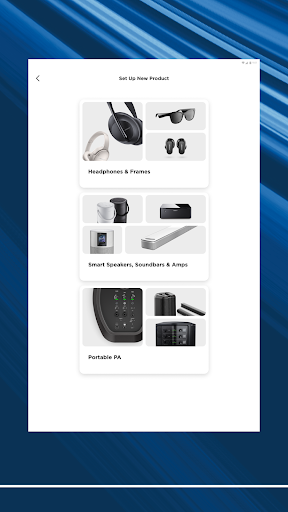
Easily set up your products and get right to listening. Play the same content throughout your home or listen to different content in different areas—it’s up to you. The Bose app lets you control all your Bose products from any room.
ONE-TOUCH ACCESS
One touch and your home is filled with the music you love most. The Bose app makes it easy to set your favorite playlists or stations as presets. Then you can access them effortlessly on your app, the buttons on your speaker, or soundbar remote.
SPEED TO MUSIC
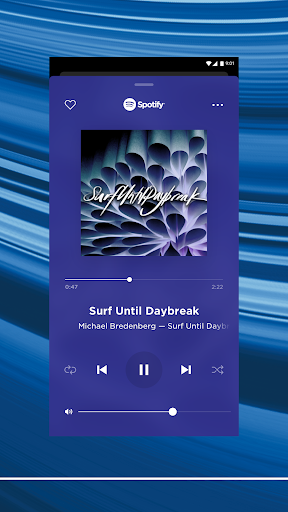
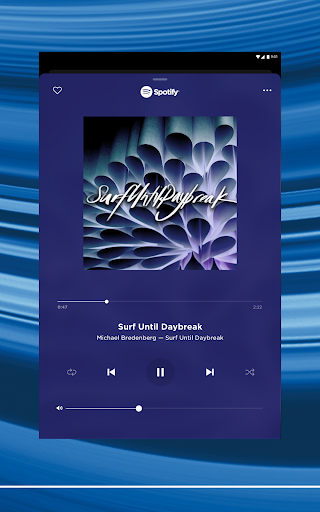
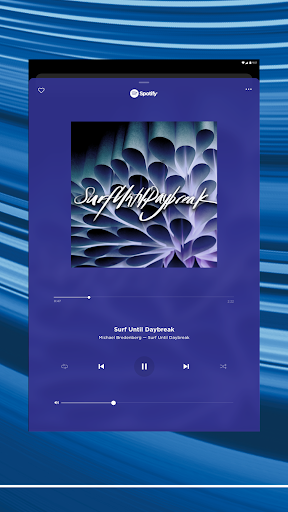
It’s faster than ever to browse and play the music you love from Spotify®, Pandora®, Amazon Music, SiriusXM, iHeartRadio™, TuneIn and more, all within the Bose app. All your favorite music in one place.
ActiveSense, Bose, the B logo, and QuietComfort are trademarks of Bose Corporation.
Spotify is a registered trademark of Spotify AB.
TuneIn is a registered trademark of TuneIn, Inc.
Google is a trademark of Google LLC.
Amazon, Amazon Music, Alexa and all related logos are trademarks of Amazon, Inc. or its affiliates.
Wi-Fi® is a registered trademark of Wi-Fi Alliance®.
Pandora, the Pandora logo and the Pandora trade dress are trademarks or registered trademarks of Pandora Media, Inc. used with permission.
iHeartRadio is a registered trademark of iHeartMedia, Inc.
SiriusXM and all related marks and logos are trademarks of Sirius XM Radio Inc. and its subsidiaries. All rights reserved.
Privacy Policy
https://worldwide.bose.com/privacypolicy
California Privacy Notice of Collection
https://www.bose.com/californiaprivacynoticeofcollection
GET THE MOST OUT OF YOUR HEADPHONES AND EARBUDS
Personalize your environment with controllable noise cancellation on our QuietComfort products. With Modes on QuietComfort products, you decide how much of the world to let in. Choose Quiet Mode for full noise cancelling, or Aware Mode to hear your surroundings and your music at the same time. Select products offer Aware Mode with ActiveSense technology, which brings the sounds around you down to a more comfortable level. The result is hearing everything you need to, but at a much more pleasant and balanced volume.
All the QuietComfort and OpenAudio features, like Immersive Audio from the Ultra line, are made readily available for you. Fully customize your experience by balancing the EQ settings, picking your on-product shortcuts, and more all within the app.
EASY SETUP AND TOTAL CONTROL
Easily set up your products and get right to listening. Play the same content throughout your home or listen to different content in different areas—it’s up to you. The Bose app lets you control all your Bose products from any room.
ONE-TOUCH ACCESS
One touch and your home is filled with the music you love most. The Bose app makes it easy to set your favorite playlists or stations as presets. Then you can access them effortlessly on your app, the buttons on your speaker, or soundbar remote.
SPEED TO MUSIC
It’s faster than ever to browse and play the music you love from Spotify®, Pandora®, Amazon Music, SiriusXM, iHeartRadio™, TuneIn and more, all within the Bose app. All your favorite music in one place.
ActiveSense, Bose, the B logo, and QuietComfort are trademarks of Bose Corporation.
Spotify is a registered trademark of Spotify AB.
TuneIn is a registered trademark of TuneIn, Inc.
Google is a trademark of Google LLC.
Amazon, Amazon Music, Alexa and all related logos are trademarks of Amazon, Inc. or its affiliates.
Wi-Fi® is a registered trademark of Wi-Fi Alliance®.
Pandora, the Pandora logo and the Pandora trade dress are trademarks or registered trademarks of Pandora Media, Inc. used with permission.
iHeartRadio is a registered trademark of iHeartMedia, Inc.
SiriusXM and all related marks and logos are trademarks of Sirius XM Radio Inc. and its subsidiaries. All rights reserved.
Privacy Policy
https://worldwide.bose.com/privacypolicy
California Privacy Notice of Collection
https://www.bose.com/californiaprivacynoticeofcollection
What's New
- Addressed and fixed key issues to help improve your overall experience
App Information
Version Name
10.0.0
Version Code
26789
File Size
259.0 MB
Min SDK
Android 29+
Target SDK
Android 33
Developer
Bose Corporation
Contact
Website
Content Rating
Everyone
Package Name
com.bose.bosemusicPermissions Required
This app may request the following permissions:
Recent Reviews

Paul West
2.0★
the app is very useful and can access many settings easily, when connected to the Internet. which makes little sense as many of the devices are used for travel including flying on a plane. when not connected to the Internet it can't see your devices, adjust settings or even really use anything on the app. If they add offline capability and access to device user manuals offline I'll upgrade to 5 stars. Until then, it really isn't all that useful.

Allison
2.0★
I can't tell if these $400+ headphones are what's messing up, or this lame app. But the audio cuts out constantly when I'm listening to things. they also won't turn off now. the power button only wants to try to connect to Bluetooth. they're connected to my phone. I have the setting for multiple BT connections off. when the auto shut off timer takes over, they will turn right back on if I move them. even if they're in their case. wish i saved my money at this point. been a few months using them

Deadeyez 013
3.0★
They randomly disconnect, requiring deletion from phone memory and full reset of earbud case and Bluetooth setup. This can happen as infrequently as every few month, to less than a week. The "remember my settings" option for sound mode literally has never worked, ever. It says it's in the correct mode, but it's not. It does however work if you manually cycle through the modes every time you put them in your ear. I am using the Quiet Comfort II hardware. App works best when force-quit and reboot.

Allison Riis
1.0★
Honestly, I'm disappointed. I have a Google Pixel, and I'm aware that most things are geared towards iPhone but what the hell? It's just an app to connect my headphones and it barely functions?? I can't even use it, it says my device isn't connected when I have them on, it announced the sync to my pixel just fine in my ear, but alas the app doesn't register that I even have a product. So basically the app is trash, lucky the product doesn't completely suck.

Jacob Carton
1.0★
New headphones are nice, but there's no way to turn off sound cancelation voiceover. Would be a nice feature since I can tell what mode it's in without. More annoying is that the app keeps starting in the bg saying "keeping everything in sync" when I'm not using anything for audio. Seems like Spyware to me, apps should stay off unless prompted to be otherwise. This is why it's a 1 star.

Jacob Harrell
1.0★
Clunky, buggy, frustrating mess. it's really simple. I want to put in the headphones, and have them automatically connect to my phone. If I want to switch them to other devices, I would like to do that through the app. For that to work, the app has to (1) recognize that I've connected the headphones, (2) let me navigate the app without it glitching out or bugging, and (3) actually do the Bluetooth transfer. this has never worked.
Ad slot: In-Content