

Text Editor
com.byteexperts.texteditor
by Byte Mobile
Screenshots



Ad slot: Top Leaderboard
About this app
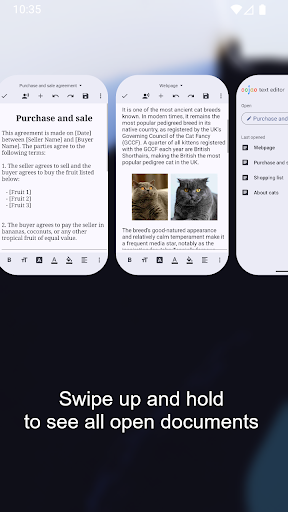
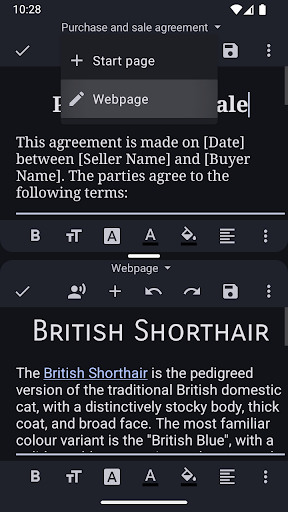
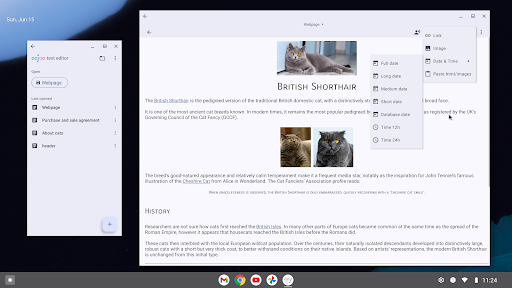
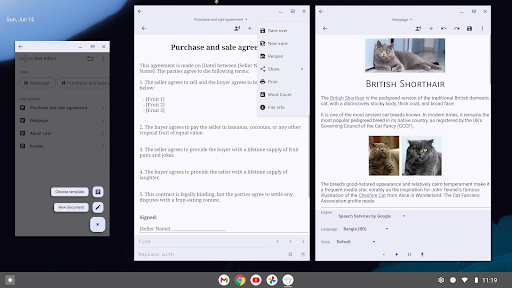
Oojao Text Editor is a simple and powerful file editor, to open and save files. It can open multiple files at the same time, as it supports editing 2 documents side-by-side in split-screen.
This app is ad-supported to keep it free, but ads are not annoying and can be quickly closed or temporarily turned off in Settings. And there are no ads while editing!
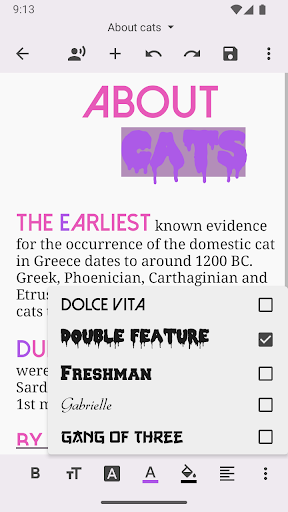
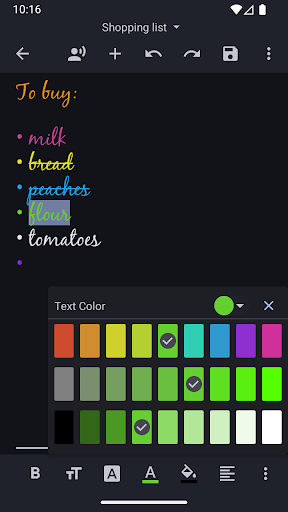
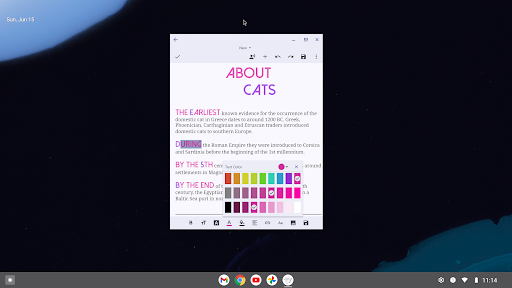
Added rich text styling options, so you can make your notes look just the way you want them.
FEATURES
• Create and edit documents
• Open more documents at the same time, each in their own window
• Edit 2 documents side-by-side in split-screen
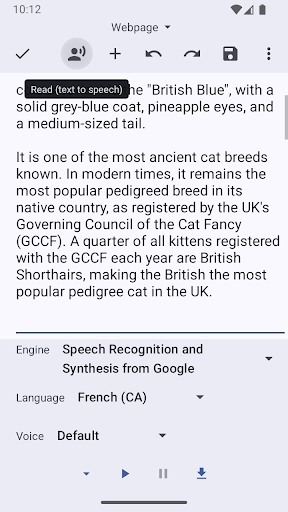
• Read selected text, or starting from cursor, using text-to-speech (TTS)
• Recently opened documents list, for quick access
• Open very large files with big file size
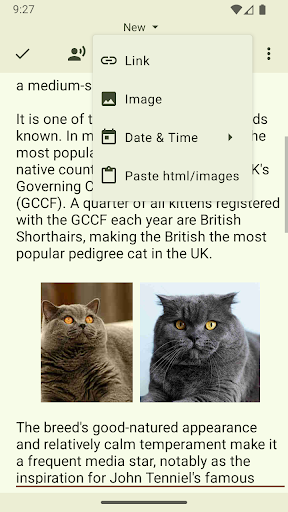
• Insert images and links
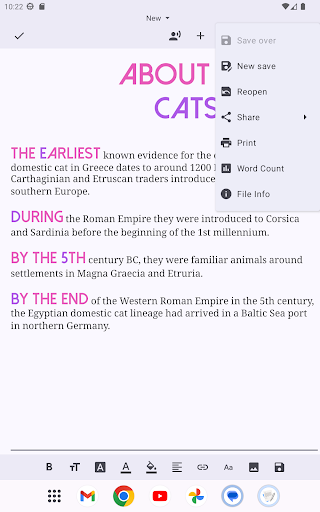
• Word count
• Change charset /encoding
• Print option
• Dark theme (if Android is set to dark theme)
• Full screen
• Change selected text to uppercase or lowercase
• Change font bold, italic, underline, strike-through
• Change font size, color, highlight, typeface, alignment
And much more!
This app is ad-supported to keep it free, but ads are not annoying and can be quickly closed or temporarily turned off in Settings. And there are no ads while editing!
Added rich text styling options, so you can make your notes look just the way you want them.
FEATURES
• Create and edit documents
• Open more documents at the same time, each in their own window
• Edit 2 documents side-by-side in split-screen
• Read selected text, or starting from cursor, using text-to-speech (TTS)
• Recently opened documents list, for quick access
• Open very large files with big file size
• Insert images and links
• Word count
• Change charset /encoding
• Print option
• Dark theme (if Android is set to dark theme)
• Full screen
• Change selected text to uppercase or lowercase
• Change font bold, italic, underline, strike-through
• Change font size, color, highlight, typeface, alignment
And much more!
App Information
Version Name
2.23.b142
Version Code
142
File Size
11.1 MB
Minimum OS
Android 6.0+
Target SDK
Android 34
Developer
Byte Mobile
Contact
Website
Content Rating
Everyone
Package Name
com.byteexperts.texteditorPermissions Required
This app may request the following permissions:
Recent Reviews

Abraham Barnhart
2.0★
i can't say I'm in love with the May 2025 update. the read-aloud feature is cool, but that's it. I really liked the pop-out side tray. Now, it's less convenient to go back to the documents page, from the editor. You can still have multiple documents open at once, but they all appear as different apps, and I have to switch between them, like I would between Facebook, and YouTube. That is pretty annoying. Also, a few buttons I am familiar with in the editor, have moved, or altogether disappeared.

A Google user
5.0★
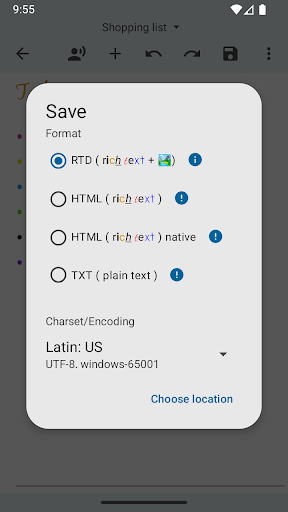
I was looking for an app to write and export txt files. The other text editor wouldn't let me. This one works but it took a good couple minutes to figure out. First it was saving to some emulated storage thing, but you just click browse, show internal storage(top right ...), then the list on the top left to change it. When saving, don't delete the .txt(or .html) at the end of the file name or it will just save as a "File." Those were the two problems I had. The rest is exactly what you'd expect.

Brian Kapfer
2.0★
Be extremely wary using this app. I've tried to contact them several times about previous issue with loss or overwriting of data, and a few other problems I had. Never heard back. This time the enitre app bugged, I know this because I kept getting a message saying the app keeps bugging and won't open. Reinstall and find that all the files I had been working on for the last two weeks are gone. They didn't properly save. It is a gamble to use this app and hope for good results.

Gwen N. (GwenN)
5.0★
*** A MUST DOWNLOAD ! BEST EVER! You can have multiple doc's open, tabbed across the top. Great & easy options-search&replace, file info, word count! My favourite: you can use different fonts, style, size, colours & formats (and more!) in your document. Easy to use, small sized-Installed on my Android it's less than 30mb ! Perfect! Would be nice to import/export/convert from other formats. Even import/create "stylesheets".

Don Young
5.0★
The best App I found for simple text editing, and I tried many. It's a simple Text Editing experience without forcing unwanted steps; launch it, write your text, and go. However, it does give you options to save and manage your text further, but doesn't force you to. It provides full word-processing functionality that "simple text editors" don't have, functionality that's hard to find: Find/Replace, ±Zoom, File Stats, Fonts, Formating, Printing, and Save As Text or HTML to preserve formatting.

John Walker
4.0★
EDIT: There are so many good text editors available through a one-off purchase, which receive regular updates, that buying yours with none would seem foolish. If, however, you were to offer a reasonable upgrade fee, i.e., some percentage of the original cost, for major feature additions (not bug fixes or minor updates to already paid-for features), I might consider buying from you. And thanks for caring to ask! ORIGINAL: No outright purchase. To avoid ads, you have to watch an ad. ???
Ad slot: In-Content