

MP3 Cutter and Audio Merger
com.clogica.mp3cutter
by Clogica
Screenshots
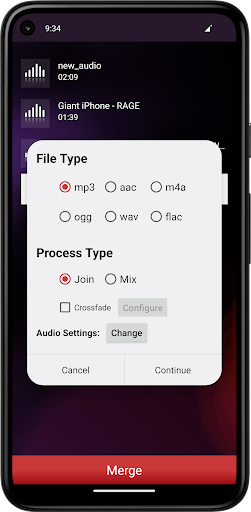
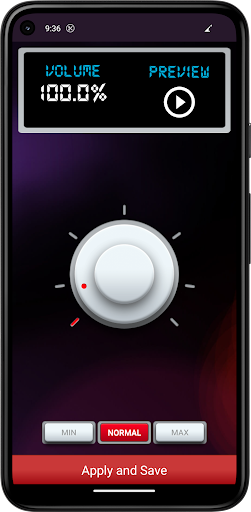

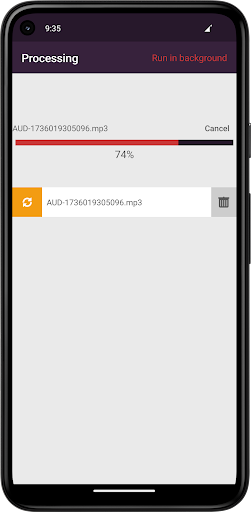
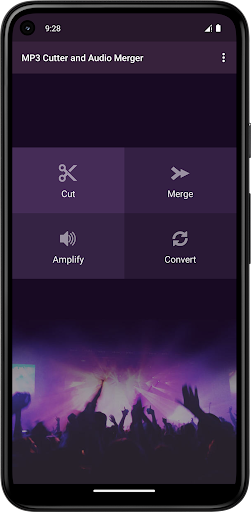
Ad slot: Top Leaderboard
About this app
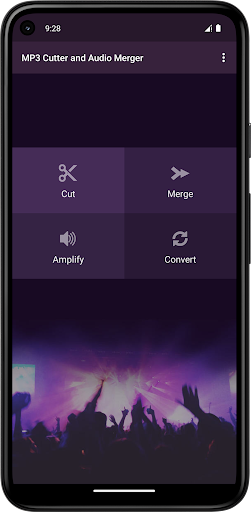
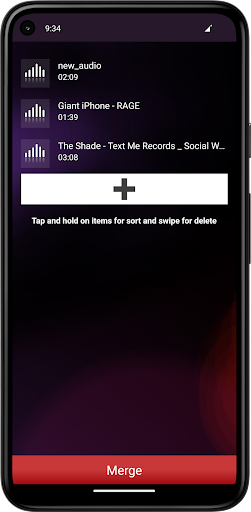
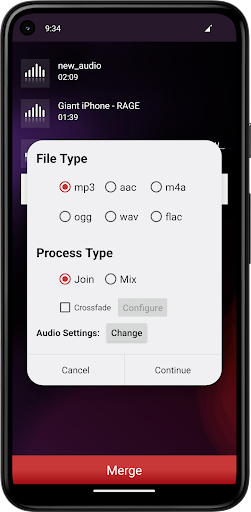
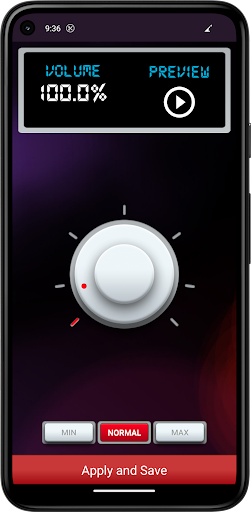
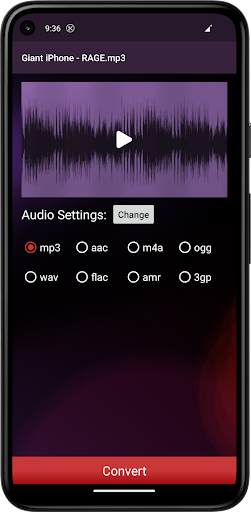
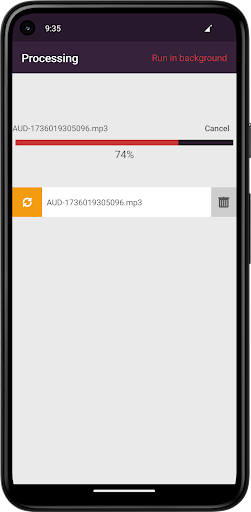
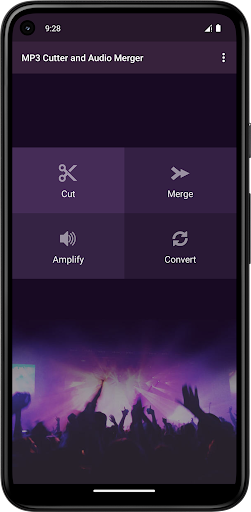
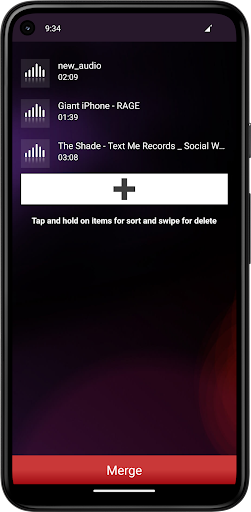
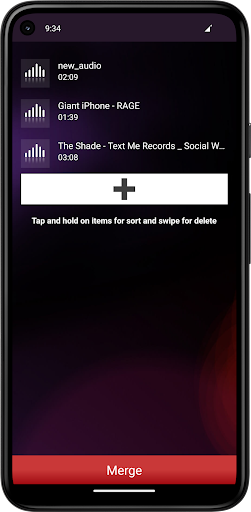
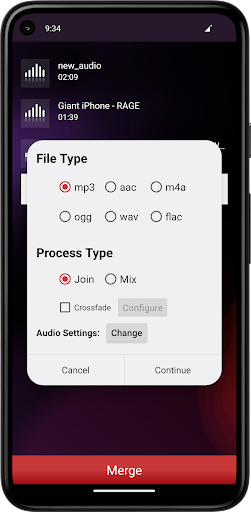
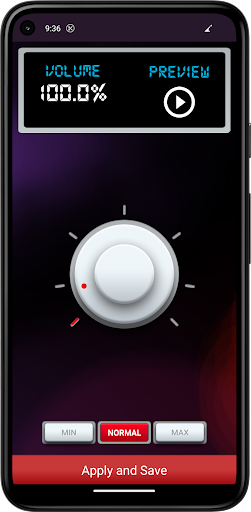
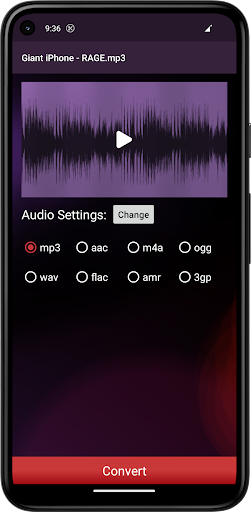
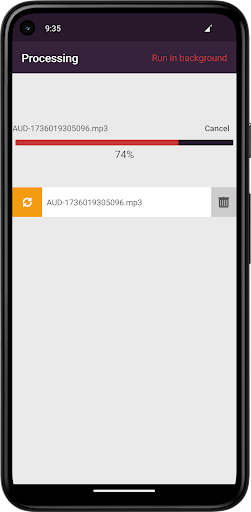
MP3 Cutter and Audio Merger is one of best apps to edit music files in an easy and convenient way. In addition, you can merge or join mp3 or any audio files together in one file. It supports MP3, WAV, AAC/MP4, 3GPP/AMRR, OGG Audio Formats to be edited.
This app uses the leading multimedia library FFmpeg to cut and merger/join audio files with high performance.
FEATURES:
Here are some features that make this MP3 Cutter and Ringtone Maker app unique.
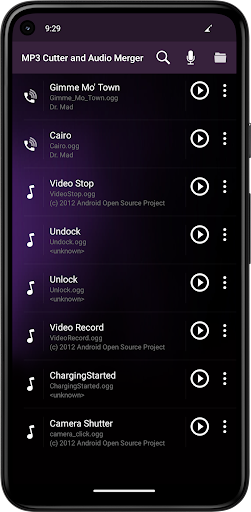
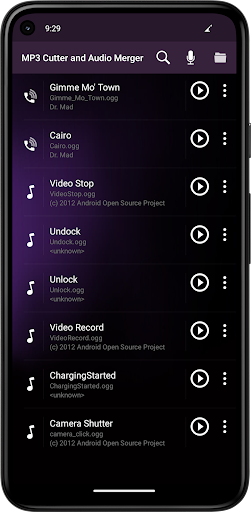
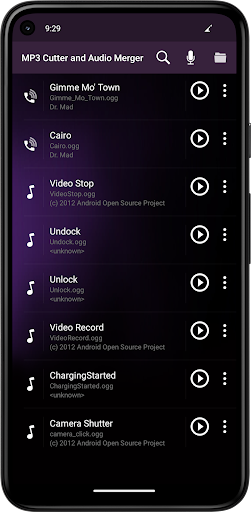
- List all the MP3 songs from the SD card .
- Choose the MP3 files from the list .
- It supports audio file formats MP3, WAV, AAC, 3GPP/AMRR, OGG and most other music formats.
- Built in audio/music Recorder for editing
- Preview and play all the output ringtone list
- Manage your ringtone files. Delete, Edit, set as ringtone/Alarm/Notification Tone.
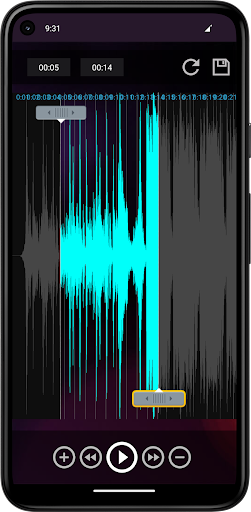
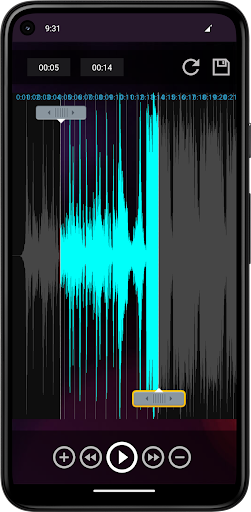
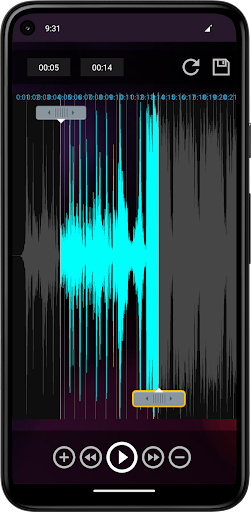
- View a scrollable waveform representation of the audio file at 4 zoom levels.
- Set start & end for the audio clip, using an optional touch interface.
- When you tap anywhere on the wave & the built-in Music player starts playing at that position.
- Set Name the new cut clip while saving it as Ringtone / Music / Alarm / Notification Tone.
- Use new clip as default ringtone or assign ringtone to contacts, using this ringtone editor.
- Share your audio files with friends through social messaging.
Disclaimer :
This app is base on Ringdroid code, and licensed under the Apache License.
Ringdroid code: http://code.google.com/p/ringdroid/
Apache License, Version 2.0: http://www.apache.org/licenses/LICENSE-2.0.html
LGPL FFmpeg is used.
This app uses the leading multimedia library FFmpeg to cut and merger/join audio files with high performance.
FEATURES:
Here are some features that make this MP3 Cutter and Ringtone Maker app unique.
- List all the MP3 songs from the SD card .
- Choose the MP3 files from the list .
- It supports audio file formats MP3, WAV, AAC, 3GPP/AMRR, OGG and most other music formats.
- Built in audio/music Recorder for editing
- Preview and play all the output ringtone list
- Manage your ringtone files. Delete, Edit, set as ringtone/Alarm/Notification Tone.
- View a scrollable waveform representation of the audio file at 4 zoom levels.
- Set start & end for the audio clip, using an optional touch interface.
- When you tap anywhere on the wave & the built-in Music player starts playing at that position.
- Set Name the new cut clip while saving it as Ringtone / Music / Alarm / Notification Tone.
- Use new clip as default ringtone or assign ringtone to contacts, using this ringtone editor.
- Share your audio files with friends through social messaging.
Disclaimer :
This app is base on Ringdroid code, and licensed under the Apache License.
Ringdroid code: http://code.google.com/p/ringdroid/
Apache License, Version 2.0: http://www.apache.org/licenses/LICENSE-2.0.html
LGPL FFmpeg is used.
What's New
- Bug fixed in mixing audio files
- Android 14 support
- Android 14 support
App Information
Version Name
25.3
Version Code
94
File Size
17.0 MB
Minimum OS
Android 7.0+
Target SDK
Android 33
Developer
Clogica
Contact
Website
Content Rating
Everyone
Package Name
com.clogica.mp3cutterPermissions Required
This app may request the following permissions:
Recent Reviews

Dave Raymond
3.0★
3 Stars because while it's nice, it lacks critical things! Example: You "Cut" a section of a "24 bit-48 KHz" FLAC Audio file, it automatically converts that part to WAV. That's fine, I can convert it back. The problem is that it also automatically drops it down to "16 bit-44.1 KHz". There's no Settings in "Cut" to make sure it keeps the same quality. So you lose a lot! Especially if you're starting with a file that's 24/96. WTH?! It should keep it as it started! And there's more issues!

Raving DMT Cat
4.0★
Woke up to finish a merge, it was completed but didnt allow the option to save to my phone so I shared it to my drive. I checked my drive and it's nowhere to be found.. it appears to do what it was designed to do but perhaps they'd give us a warning when whole projects will delete itself when you choose save points. Which again, I mentioned didnt give me that option to save the new .mp3 to my phone so I wasted a few hours hoping this will work out. I'll try it again.. but this is frustrating

A Google user
5.0★
The best application ever for anyone who want to cut and merge songs as medley or ringtone. I was so stressful when I really need to make a medley song for dance performance in the very last minute. I found and installed this application less than 24hrs before the big day..Thank God I managed to get it done in short time..thank you and well done to the developer.
A Google user
4.0★
Did exactly what I needed, when I needed it! Thank you 😃 One little issue I had though, I found the interface a little frustrating: every time I saved a clip of a track, it quit out of the file I was editing so I had to open it up again. This could well just be me not taking the time to learn how to use the app properly though.

Tunde Yakubu
3.0★
I tried to trim a 17 minute Audio, it trimmed it to the time stamp I wanted, by corrupting the rest of the Audio!!!! That's not really good cause now other players recognize it as a 17minute corrupted audio which only 2 mins is playable instead of 2mins and 38seconds please change your UI! Instead of corrupting the rest of the audio just cut it off..

Jitender Kaur
5.0★
The best app. I used many apps for.mwrging, I was disappoinyed with all those, but this is the best. I love it, it merged as many audios as I wanted. I didn't delete it after my use seeing the quality of the audio. I recommend to all those who are finding an app to merge audios. It has fixed every problem I think. But I loved it.❤
Ad slot: In-Content