

DSLR Camera Blur Effects
com.coolapps.dslrcamera
by Photo Cool Apps
Screenshots



Ad slot: Top Leaderboard
About this app
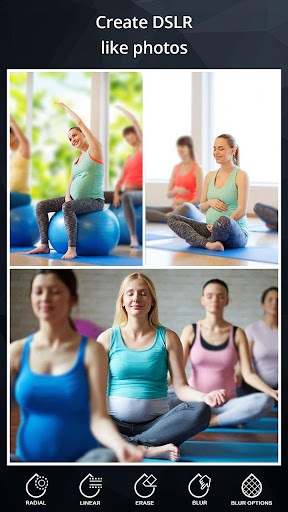
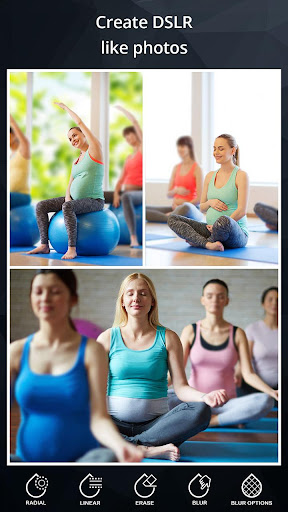
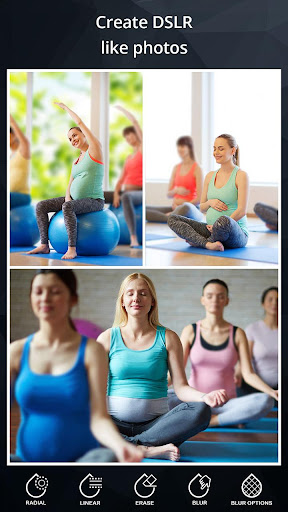
Create amazing blur background effect photos like a Professional DSLR Camera by simply selecting focus area.
DSLR Camera Blur Effects is fast and easy to use app to create amazing blur background effect pictures on the go. Just select the picture from your gallery or capture new picture from camera and apply blur background effect with the help of multiple blurring tool and get prefect result every time.
DSLR Camera Blur Effects provides multiple blur tools like:
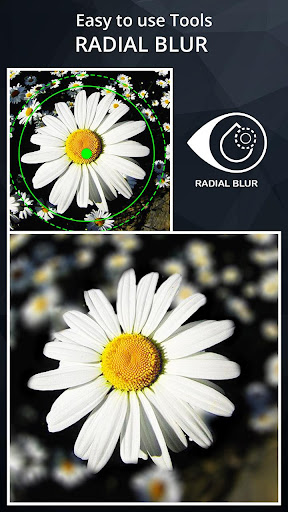
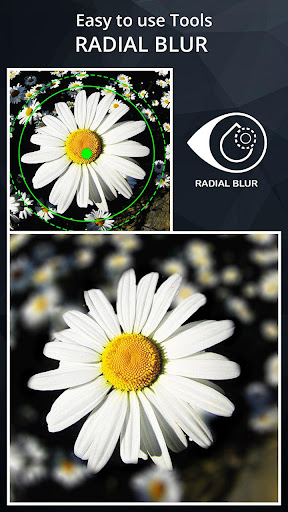
▶ Circular Blur
▷ To create Focus on circular area(Adjustable Radius and Position)
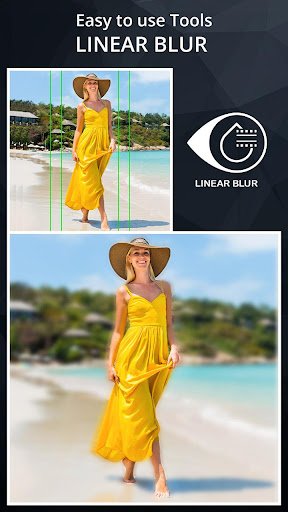
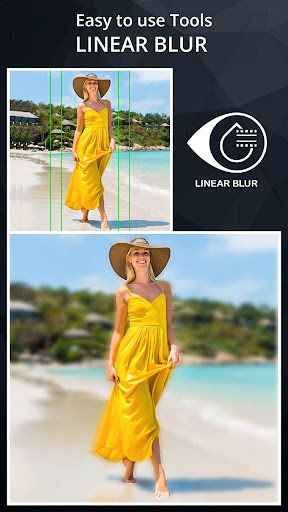
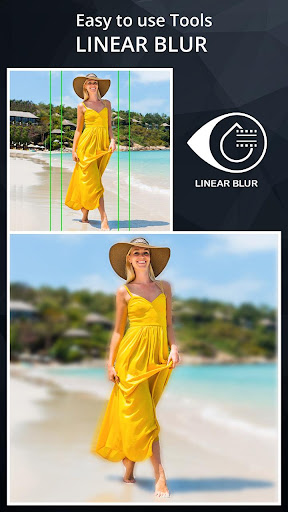
▶ Line Blur
▷ To create Focus on linear area(Adjustable Size, Position and Rotation)
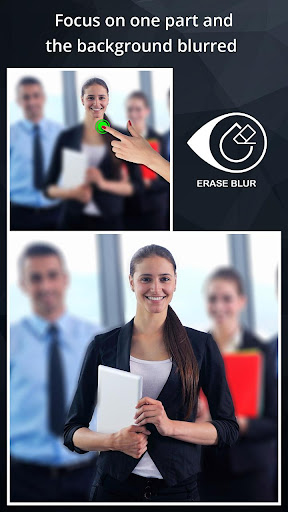
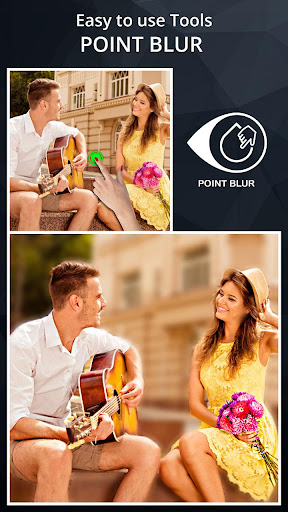
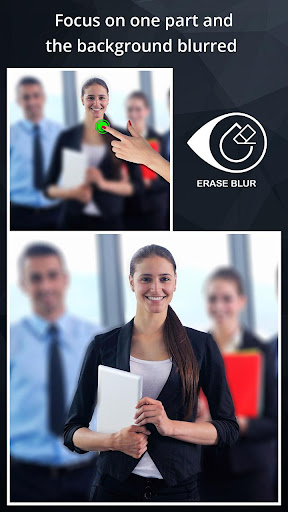
▶ Touch to Focus
▷ To create Focus on finger touch area(Adjustable Brush Size and with Undo, Redo)
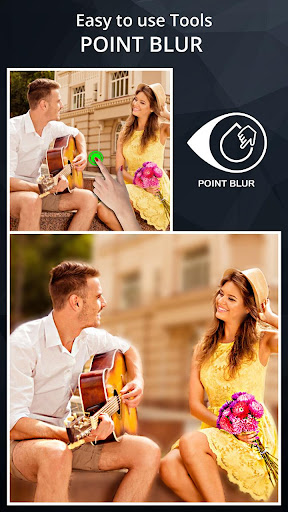
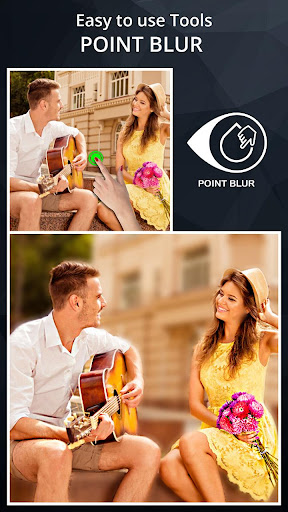
▶ Touch to Blur
▷ To create Blur on finger touch area(Adjustable Brush Size and with Undo, Redo)
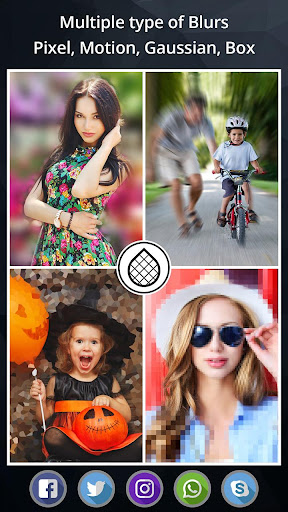
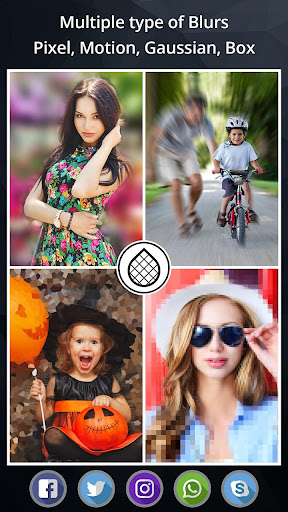
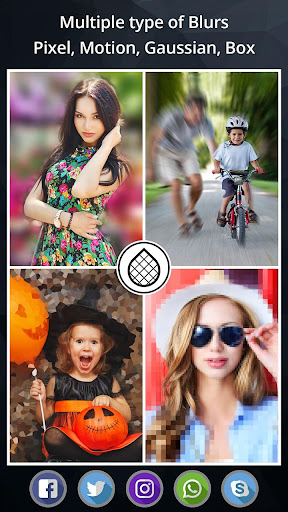
DSLR Camera Blur Effects also provides multiple blur Style like:
▶ Motion Blur
▶ Gaussian Blur
▶ Line Blur
▶ Box Blur
▶ Pixel Blur
Features:
▷ Shallow focus photo in the background of the image.
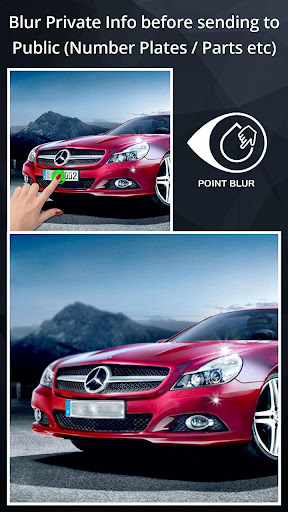
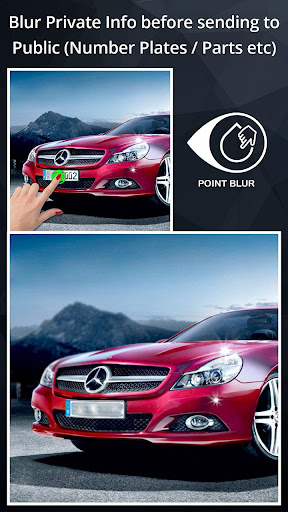
▷ Blur the unwanted part of your picture.
▷ Blur image background effect.
▷ Use brush to blur where you want.
▷ Share freely on social network.
▷ Blur or pixelation ( All or part ).
DSLR Camera Blur Effects is perfect combination of beauty and functionality. And it is Ideal for creating AfterFocus Photo, Focus Photo, Blur Background Pictures, Blur Pictures, Point Blur Picture and many more. Try Now!!
DSLR Camera Blur Effects is fast and easy to use app to create amazing blur background effect pictures on the go. Just select the picture from your gallery or capture new picture from camera and apply blur background effect with the help of multiple blurring tool and get prefect result every time.
DSLR Camera Blur Effects provides multiple blur tools like:
▶ Circular Blur
▷ To create Focus on circular area(Adjustable Radius and Position)
▶ Line Blur
▷ To create Focus on linear area(Adjustable Size, Position and Rotation)
▶ Touch to Focus
▷ To create Focus on finger touch area(Adjustable Brush Size and with Undo, Redo)
▶ Touch to Blur
▷ To create Blur on finger touch area(Adjustable Brush Size and with Undo, Redo)
DSLR Camera Blur Effects also provides multiple blur Style like:
▶ Motion Blur
▶ Gaussian Blur
▶ Line Blur
▶ Box Blur
▶ Pixel Blur
Features:
▷ Shallow focus photo in the background of the image.
▷ Blur the unwanted part of your picture.
▷ Blur image background effect.
▷ Use brush to blur where you want.
▷ Share freely on social network.
▷ Blur or pixelation ( All or part ).
DSLR Camera Blur Effects is perfect combination of beauty and functionality. And it is Ideal for creating AfterFocus Photo, Focus Photo, Blur Background Pictures, Blur Pictures, Point Blur Picture and many more. Try Now!!
App Information
Version Name
2.2
Version Code
17
File Size
31.5 MB
Minimum OS
Android 7.0+
Target SDK
Android 33
Developer
Photo Cool Apps
Contact
Content Rating
Everyone
Package Name
com.coolapps.dslrcameraPermissions Required
This app may request the following permissions:
Recent Reviews

A Google user
5.0★
Great app, simple and easy. Down side is that they have many ads. But it dose what it says. Blur effects, you can pick to blur the background from inside the picture, that is in the center. Or you can pick the outside, witch is beyond the center photo. Simply to easy. You'll see how easy it is. And it's all free
A Google user
1.0★
Functionality seems okay, but 5 ads popped up during a single instance of using the app. The cost of diverting my focus to click off/out of ads is greater than the value delivered by the app. Uninstalled. I'll try another vendor. Also, the current survey questions only focus on app function, not customer experience so you'll continie to moss the cdx mark and lose more customers.
A Google user
5.0★
This is a great app! Excellent.😁. it allows you to do much more blur effects..and its much better that downloading another app were as it takes up more space. This app takes up so less space and its so easy to use.😊 Im very happy with this! If anyone is looking at this comment and thinking about downloading..plzz do so now! Im REALLY impressed...😙❤

DR. KIENNIXX C. KIENNIXX
1.0★
Paid for no ads but when opening saved pictures you have loads of ads shown in trickish manner as other apps suggestions. You can't fool anybody. It is quite disturbing. These are also ads. I have tried to get my money back and it was finally approved by Google Store. Happy for that. Don't suggest apps when I open my saved pictures they're ads I paid for removal but administered in another way. Money back. Thanks.

Egyptian Sphinx
1.0★
This shouldn't even be listed as a free app, it's not. Annoying ads, saved images have a watermark and it prompts for premium every other screen. Oh yeah, the free version only gives you 3 trial Image edits. These also carry the watermark. Uninstalling, it's a joke offering this as a free app.
A Google user
1.0★
installed in Redmi Note 5 Pro. does not seem to have any extra camera setting than the mobile's built in camera app. I needed Touch to blur functionality mentioned in this app's description to take better photos of birds in zoo cage by blurring the net of the cage and focusing on the bird behind the net. But did not find Touch to blur option to make it work.
Ad slot: In-Content