

Workplace from Meta
com.facebook.work
by Meta Platforms, Inc.
Screenshots
Ad slot: Top Leaderboard
About this app
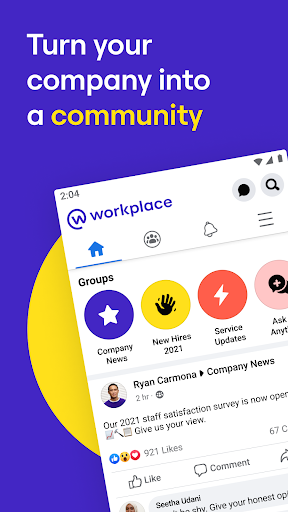
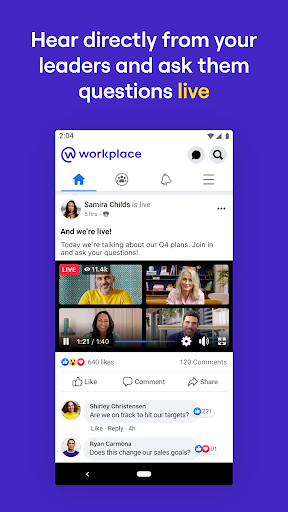
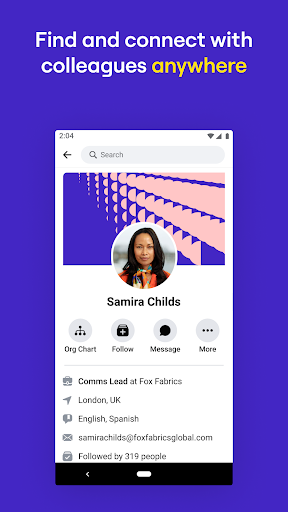
We believe organisations work best when everyone has a voice and the power to make a difference. So we've created Workplace – a secure tool that lets you and your colleagues:
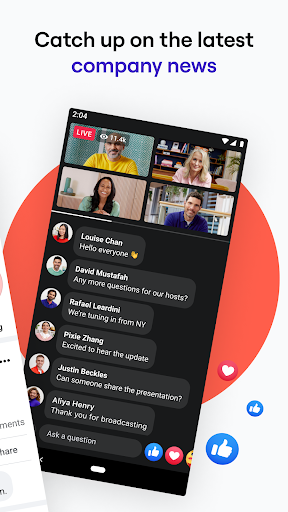
Learn about everything you need to know that’s happening in your company
Create interactive content and share information with each other
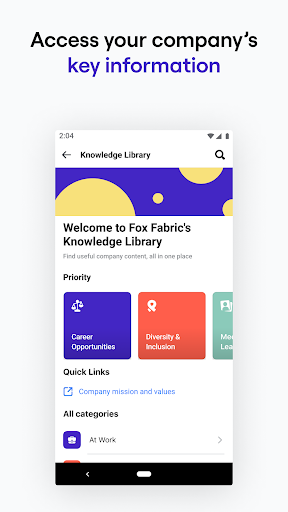
Access your company’s policies and documents
Use the app to sign in to an existing Workplace account, or create one from scratch.
Workplace is ad-free and totally separate from Facebook. So you and your team can concentrate on aligning your goals, building successful working relationships and turning your company into a community.
Learn about everything you need to know that’s happening in your company
Create interactive content and share information with each other
Access your company’s policies and documents
Use the app to sign in to an existing Workplace account, or create one from scratch.
Workplace is ad-free and totally separate from Facebook. So you and your team can concentrate on aligning your goals, building successful working relationships and turning your company into a community.
App Information
Version Name
463.1.0.58.85
Version Code
598788141
File Size
80.1 MB
Min SDK
Android 23+
Target SDK
Android 34
Developer
Meta Platforms, Inc.
Contact
Website
Content Rating
Teen
Package Name
com.facebook.workPermissions Required
This app may request the following permissions:
Recent Reviews

Ashley Fackler
1.0★
just downloaded for work and it wont even open. I click on the app, it acts like it's loading, and then kicks me out immediately.

Naomi Aires
1.0★
App wouldn't open, says it has a bug and to wait till the developer has made an update

Brenna
1.0★
Constant glitching. I repeatedly have to delete and redownload the app just to see other people's messages. :(

Asher Taylor-Dawson
5.0★
Surprisingly good. Much better than using regular fb for work-related stuff: important posts don't get buried because everyone hits "like" on a pic of someone's baby, but seem to pretty much remain organized by time/date. Users who struggle with new apps but who already use Facebook will probably find the interface fairly intuitive. One drawback: app sometimes randomly decides not to send notifs for long periods of time. This could be due to my own device settings, though, so no stars deducted.

A Google user
2.0★
The messy internals due to my company's third party signup made this a nightmare. I was given the all-clear with 2 different emails but I still can't sign in for days. When it suddenly worked, my helpdesk had to email me because the system somehow didn't let me know. And this was not isolated; 3 other team members suffered this. Also, I was held at figurative gunpoint to install this or else. I didn't have much of a choice.
A Google user
1.0★
Using this app for the first time and stuck in an infinite loop. Selected the login option and got the alert "Sorry, we were unable to find an account with the following email address". No problem, so I selected the sign up option and got the alert "(email address) is already registered on Workplace. Just tap 'Continue' to log in." Tapped continue, tried logging in again, failed again. I'm not logged into Workplace on any other device because same issue. What is happening... boo
Ad slot: In-Content