

Workplace Chat from Meta
com.facebook.workchat
by Meta Platforms, Inc.
Screenshots



Ad slot: Top Leaderboard
About this app
The Workplace Chat app lets you keep in touch with your colleagues, wherever you are. Simply sign in to your existing Workplace account, or create one from scratch in the app itself.
With messaging tools your teams already knows how to use, Workplace Chat lets you:
- Send messages to individual coworkers, or have group conversations.
- Share unlimited files, photos and videos.
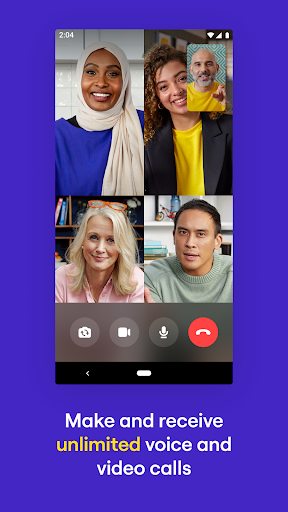
- Make voice and video calls from your mobile or your desktop.
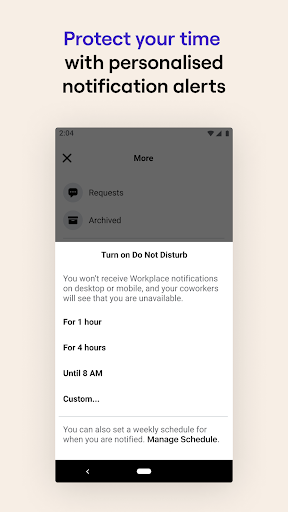
- Turn on "Do Not Disturb" when you're busy or away from work.
Workplace Chat is ad-free and totally separate from Facebook and Messenger, making it easier to balance your work and private lives.
With messaging tools your teams already knows how to use, Workplace Chat lets you:
- Send messages to individual coworkers, or have group conversations.
- Share unlimited files, photos and videos.
- Make voice and video calls from your mobile or your desktop.
- Turn on "Do Not Disturb" when you're busy or away from work.
Workplace Chat is ad-free and totally separate from Facebook and Messenger, making it easier to balance your work and private lives.
App Information
Version Name
458.0.0.60.108
Version Code
599346072
File Size
58.9 MB
Min SDK
Android 24+
Target SDK
Android 34
Developer
Meta Platforms, Inc.
Contact
Website
Content Rating
Everyone
Package Name
com.facebook.workchatPermissions Required
This app may request the following permissions:
Recent Reviews

Vicki Hawes
2.0★
Whenever I open the app it tells me to update it, even when there are not updates available. The search function is absolutely awful, and I wish it would take you to the last message you had read in a chat rather than always starting at the bottom. Noticing that I can't view pictures in the chats anymore. I can only see either a grey box and "couldn't download image" or just text that says "sent a photo"

Evonne
1.0★
Whenever I open the app, it crashes. I uninstall and installed many things and the same problem happened. Please get this fix as I need this to work!!

Don Ho
1.0★
URGENT crashing on my z fold. I've installed and uninstalled many times but it does not work. Please deploy the bug fixing version to work

Dinah Forster
1.0★
instantly crashes and says there's a bug. not great when my communication with the company I work for is on that app!

Trương Ngọc Định Ngô
5.0★
For my fellow Samsung lovers, here's the solution for not getting notifications on your device. Go to Settings - Connections - Data Usage - Data Saver - Apps that can always use data - Find Workchat and turn it on. It works wonder for me and now I can get all the notifications. 👌

Evonne
1.0★
I miss all the work notification! No notification alert. No notification pop up. No notification sound. I have done everything to try to fix this but it's not working. Please fix this Asap!!
Ad slot: In-Content