

Camera FV-5 Lite
com.flavionet.android.camera.lite
by FGAE Apps
Screenshots


Ad slot: Top Leaderboard
About this app
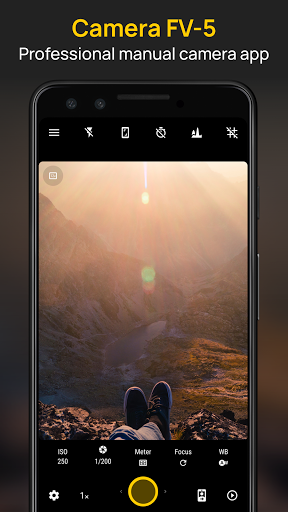
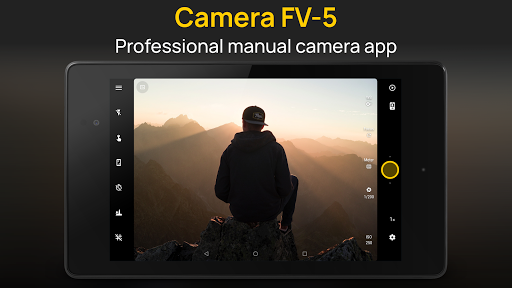
Camera FV-5 is a professional camera application for mobile devices, that puts DSLR-like manual controls in your fingertips. Tailored to enthusiast and professional photographers, with this camera application you can capture the best raw photographs so that you can post-process them later and get stunning results. The only limit is your imagination and creativity!
Major features:
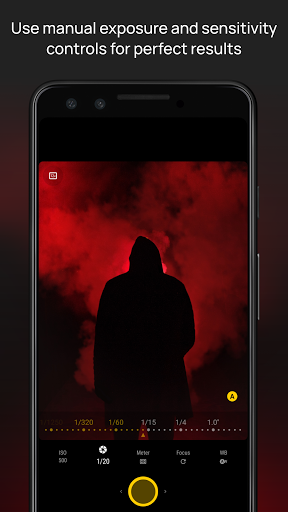
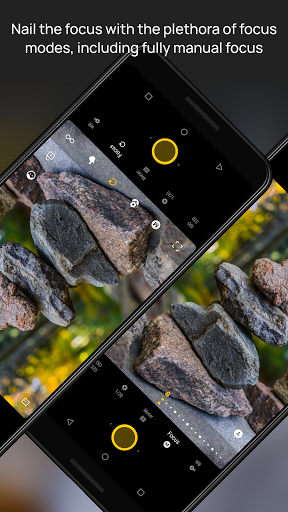
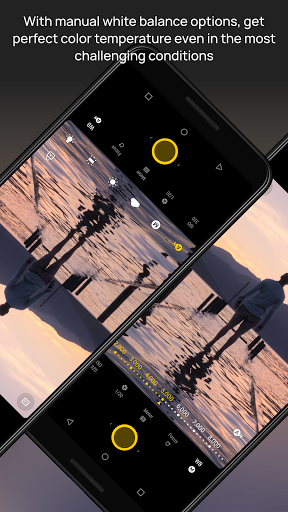
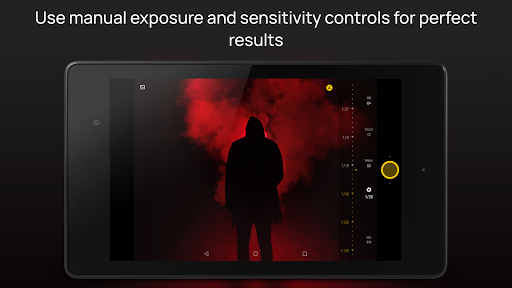
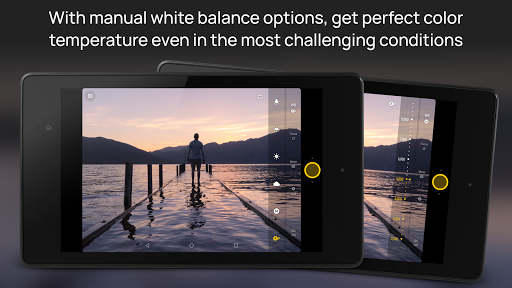
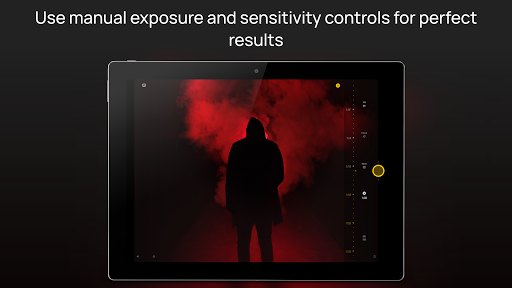
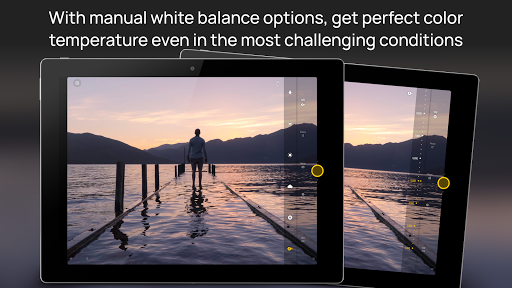
● All photographic parameters are adjustable and always at hand: exposure compensation, ISO, light metering mode, focus mode, white balance and program mode.
● DSLR-like viewfinder display: see exposure time, aperture and stops display with EV and bracketing settings, in real-time!
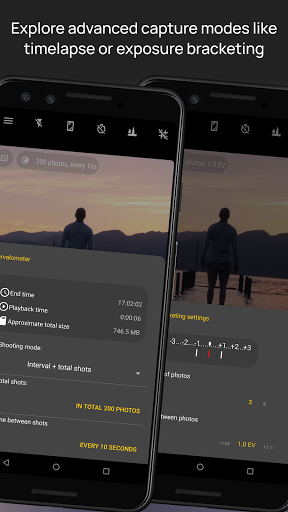
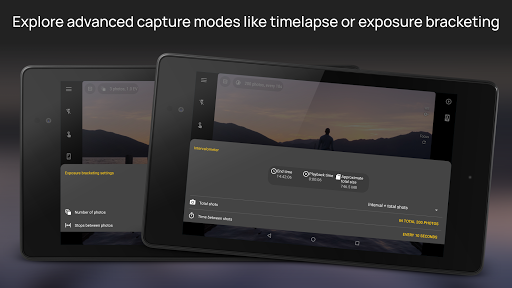
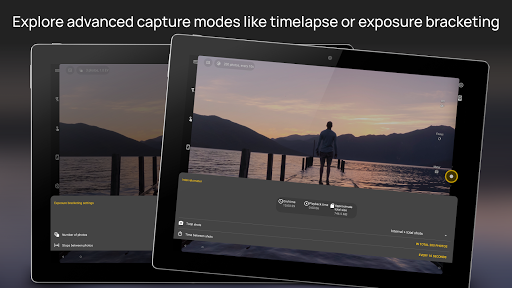
● Full fledged exposure bracketing: from 3 to 7 frames, unlimited stops spacing, plus custom EV shifting.
● Built-in intervalometer: make stunning timelapses (even bracketed/HDR timelapses) and time-controlled picture series.
● Program and Speed-priority modes.
● Long exposure support: take beautiful night photos and light trails with long exposure times up to 30 seconds**.
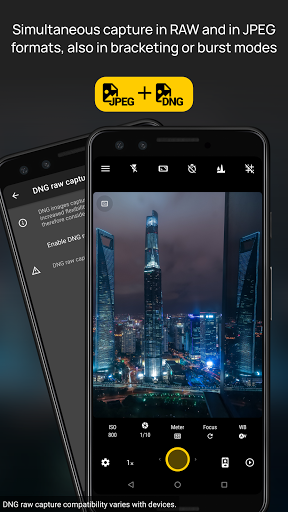
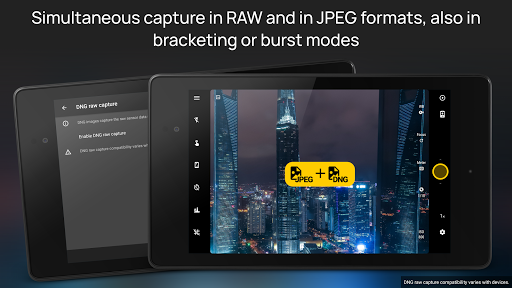
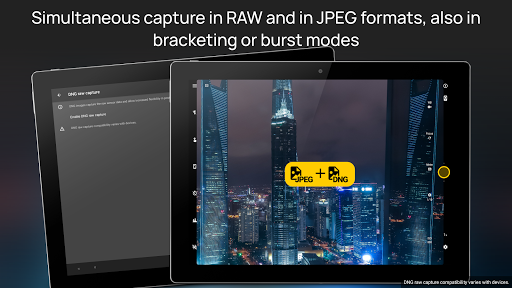
● JPEG, true 16-bit RAW in DNG format*, and lossless PNG photo capturing formats, perfect for post-processing.
● Manual shutter speed: from 1/80000 to 2", or the range available on your device*.
● All camera functions assignable to volume keys. You can adjust EV, ISO, color temperature and more using volume keys. Devices with hardware camera shutter key are also supported.
● EXIF and XMP sidecar metadata support.
● Autofocus, macro, touch-to-focus, true manual focus* and infinity focus modes. Autofocus lock feature (AF-L).
● Autoexposure (AE-L) and auto white balance (AWB-L) locks in Android 4.0+.
● In background photo and RAW developing and processing allows a smooth, uninterrupted camera operation.
● Digital zoom using multitouch pinch gesture. Also shows 35mm equivalent focal length!
● The most advanced electronic viewfinder: live RGB histogram, 10 composition grid overlays and 9 crop guides available.
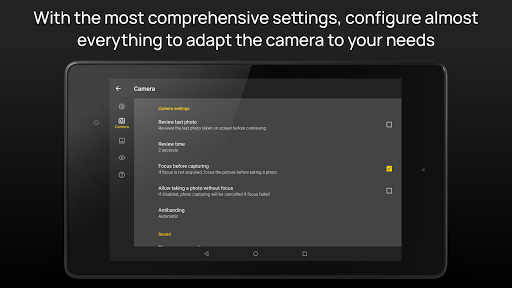
● Powerful organization options: different storage locations and fully customizable file names (even with variables).
● The user interface is available in more than 30 languages.
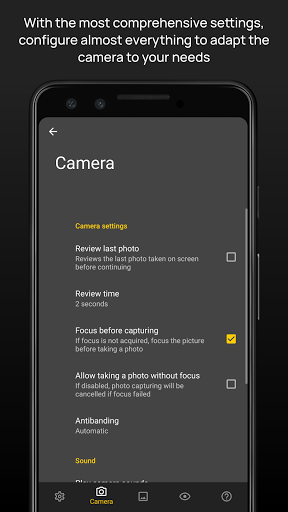
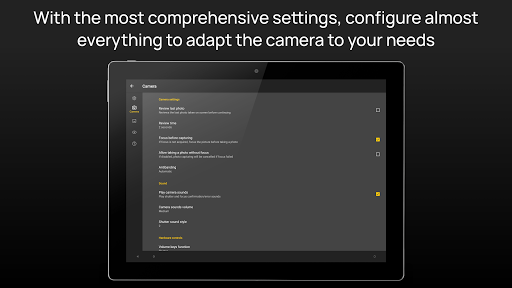
This camera application completely avoids scene modes, instead you get full manual control over all photographic parameters, just like you do with a reflex camera, so you can ultimately control every aspect of the picture, and leave the post-processing to the computer. So after your DSLR, you will never miss a photo opportunity again, being able to capture it with the closer sensation to your DSLR as possible.
The Lite version is a fully functional version of Camera FV-5, with limited picture resolution support. Please buy Pro version to unlock all your device's resolutions and enable RAW capture (if it is supported on your device).
IMPORTANT: If you find a bug using the application, PLEASE, visit the web page http://www.camerafv5.com/ or write to [email protected] with your phone model name and the description of the problem, before writing a negative comment. Customer satisfaction is our priority, and we will do our best to fix the issues as soon as possible!
Connect with Camera FV-5 and stay always up to the latest information about current and future development. Visit the official website http://www.camerafv5.com, be a fan of http://www.facebook.com/CameraFV5, subscribe to http://www.twitter.com/CameraFV5 or watch tutorials at http://www.youtube.com/user/camerafv5.
* Requires Android 5.0+ and a fully compliant Camera2 implementation. Currently only LG Nexus 5 and Motorola Nexus 6.
** Requires Android 5.0+. Compatible as well on the Samsung Galaxy Camera (1 and 2), Galaxy S4 Zoom and HTC One (M8). On Android 4.4 or older, long exposures lowers picture resolution to 2 or 1 MP, depending models. The reason is explained here: http://www.camerafv5.com/faq.php#long-exposure-resolution
Major features:
● All photographic parameters are adjustable and always at hand: exposure compensation, ISO, light metering mode, focus mode, white balance and program mode.
● DSLR-like viewfinder display: see exposure time, aperture and stops display with EV and bracketing settings, in real-time!
● Full fledged exposure bracketing: from 3 to 7 frames, unlimited stops spacing, plus custom EV shifting.
● Built-in intervalometer: make stunning timelapses (even bracketed/HDR timelapses) and time-controlled picture series.
● Program and Speed-priority modes.
● Long exposure support: take beautiful night photos and light trails with long exposure times up to 30 seconds**.
● JPEG, true 16-bit RAW in DNG format*, and lossless PNG photo capturing formats, perfect for post-processing.
● Manual shutter speed: from 1/80000 to 2", or the range available on your device*.
● All camera functions assignable to volume keys. You can adjust EV, ISO, color temperature and more using volume keys. Devices with hardware camera shutter key are also supported.
● EXIF and XMP sidecar metadata support.
● Autofocus, macro, touch-to-focus, true manual focus* and infinity focus modes. Autofocus lock feature (AF-L).
● Autoexposure (AE-L) and auto white balance (AWB-L) locks in Android 4.0+.
● In background photo and RAW developing and processing allows a smooth, uninterrupted camera operation.
● Digital zoom using multitouch pinch gesture. Also shows 35mm equivalent focal length!
● The most advanced electronic viewfinder: live RGB histogram, 10 composition grid overlays and 9 crop guides available.
● Powerful organization options: different storage locations and fully customizable file names (even with variables).
● The user interface is available in more than 30 languages.
This camera application completely avoids scene modes, instead you get full manual control over all photographic parameters, just like you do with a reflex camera, so you can ultimately control every aspect of the picture, and leave the post-processing to the computer. So after your DSLR, you will never miss a photo opportunity again, being able to capture it with the closer sensation to your DSLR as possible.
The Lite version is a fully functional version of Camera FV-5, with limited picture resolution support. Please buy Pro version to unlock all your device's resolutions and enable RAW capture (if it is supported on your device).
IMPORTANT: If you find a bug using the application, PLEASE, visit the web page http://www.camerafv5.com/ or write to [email protected] with your phone model name and the description of the problem, before writing a negative comment. Customer satisfaction is our priority, and we will do our best to fix the issues as soon as possible!
Connect with Camera FV-5 and stay always up to the latest information about current and future development. Visit the official website http://www.camerafv5.com, be a fan of http://www.facebook.com/CameraFV5, subscribe to http://www.twitter.com/CameraFV5 or watch tutorials at http://www.youtube.com/user/camerafv5.
* Requires Android 5.0+ and a fully compliant Camera2 implementation. Currently only LG Nexus 5 and Motorola Nexus 6.
** Requires Android 5.0+. Compatible as well on the Samsung Galaxy Camera (1 and 2), Galaxy S4 Zoom and HTC One (M8). On Android 4.4 or older, long exposures lowers picture resolution to 2 or 1 MP, depending models. The reason is explained here: http://www.camerafv5.com/faq.php#long-exposure-resolution
What's New
The highlights of this release are:
- Added additional Android 12 and 13 support. As part of this, the app now requests specific permissions for accessing photos and videos but nothing else, enhancing privacy.
- Other smaller fixes.
- Added additional Android 12 and 13 support. As part of this, the app now requests specific permissions for accessing photos and videos but nothing else, enhancing privacy.
- Other smaller fixes.
App Information
Version Name
5.3.7
Version Code
5037
File Size
13.4 MB
Minimum OS
Android 4.3+
Target SDK
Android 33
Developer
FGAE Apps
Contact
Website
Content Rating
Everyone
Package Name
com.flavionet.android.camera.litePermissions Required
This app may request the following permissions:
Recent Reviews

D K
3.0★
phone must be perfectly still. My old Pixel's native camera app had an excellent long exposure feature, and you didn't have to hold your camera perfectly still or mount it on a tripod, it would combine the still parts of the image so that they remained sharp. with this app, the still objects are blurry, even when bracing the phone. It still creates an interesting effect, but not what I had hoped for.

A Google user
4.0★
Well, looks like CFV-5 has been abandoned again! (Or is it finished?) It's well made without having a lot of settings options to wade through. A dark background for the icons would help see them if the picture is at all bright. Having the shutter release change the zoom is good: this way I can see the effect not my fingers. I like that the video switch is in a menu, not on the viewfinder where it's too easy for my big finger to hit it accidentally.
A Google user
2.0★
I tried using it for astrophotography, mounting the phone to the camera, but it definitely didn't work properly. Longer exposure times do not result in a deeper image. Once it had an audacity to tell me that no frames were sent for a long exposure image, so I suspect that it internally takes a series of images and coadds them, which, well, coadd the noise as well, so it is impossible to collect enough light on anything that isn't visible in the preview window. You can get star trails of the brightest stars, but any nebulosity, any faint objects, you can forget about it. Not to mention, it is very battery hungry.

Dion de Beer
5.0★
Imagine trying to take a photo at night of an insect, but you cannot frame the picture because it is just to dark, well Camera FV-5 to the rescue, for they really went through a lot of trouble to make their camera as versatile as possible. Camera FV-5 is loaded with features and if I could, I would have given them 10 stars. I do a lot of close-up technical photography of component level electronic equipment and with this i never have to redo it to get the right results. Thank you!

Jason “Bundy” Connolly
3.0★
ok I guess. No labels on buttons for the userface was my only frustration. I found it difficult navigating my way and identifying stuff beyond the tutorial provided. Perhaps I missed something there with settings. I'm 51 y/o age and have little knowledge of anything technical. Being unfamiliar with a new app/prog like this one with new user interface/functions to learn, my best efforts resulted in lots of mistakes & lots of time wasted. No shutter speed settings? any chance of patching that in?
A Google user
1.0★
Installed and uninstalled in 30 seconds. I understand it's a free version but what I don't understand is why it gives you a max resolution of 2.1 mp. Give us photo in our cameras with full resolution with a watermark so we can get a real feel of the app. After that, we can purchased the paid version if we like it (which I won't be doing).
Ad slot: In-Content