

Free Conference Call
com.freeconferencecall.fccmeetingclient
by FreeConferenceCall.com
Screenshots

Ad slot: Top Leaderboard
About this app
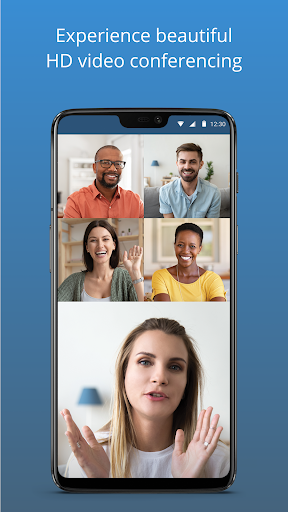
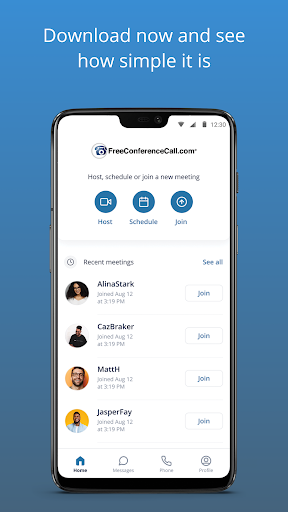
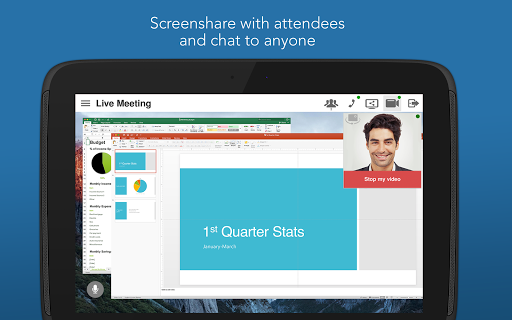
The FreeConferenceCall.com app makes it simple to host HD audio conference calls with video conferencing and screen sharing.
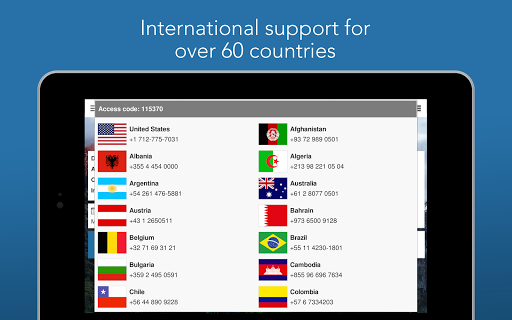
This award-winning audio + video conferencing tool lets you host an unlimited number of meetings with up to 1,000 participants per meeting. You also get screen sharing, international dial-in numbers for 75+ countries, and meeting recording, all for free. All we ask is that if you like the tool you pay us what you think is fair. These contributions help us provide totally free, world-class audio and video conferencing solutions to charities, volunteers, and students all around the world.
Features include:
· Free application download
· Free account activation
· Free HD audio conference calls w/up to 1,000 participants
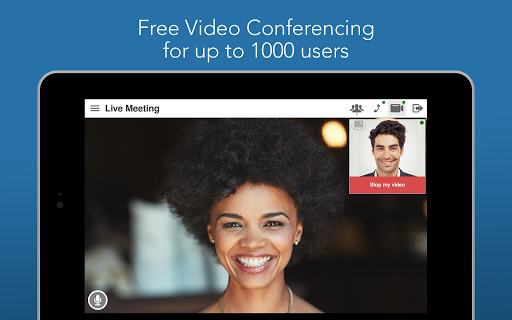
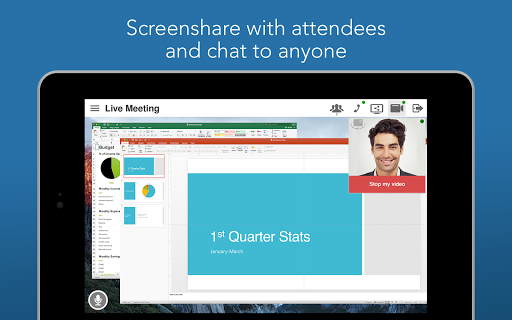
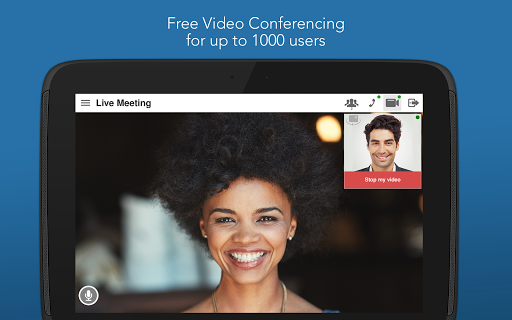
· Free HD video conferencing and screen sharing w/up to 1,000 participants
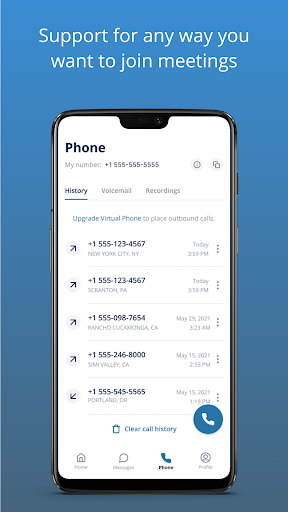
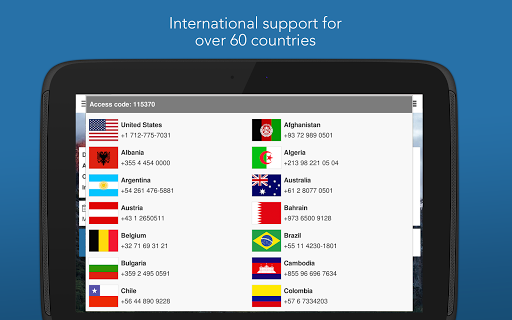
· Free International conferencing with dedicated dial-in numbers in 75 countries...and growing!
· Conference features: web controls, including mute and record, lock, view participants, Q&A and more
· One-touch conference commands to manage calls
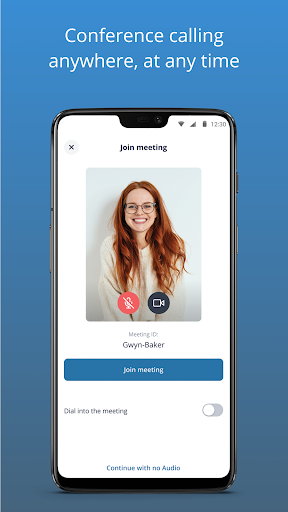
· Dial-in by VoIP
· Unlimited account and conference access
· Reservationless calling with availability 24/7
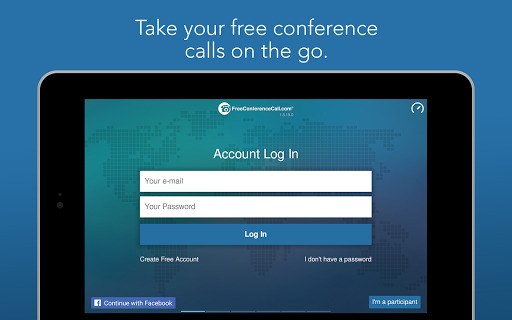
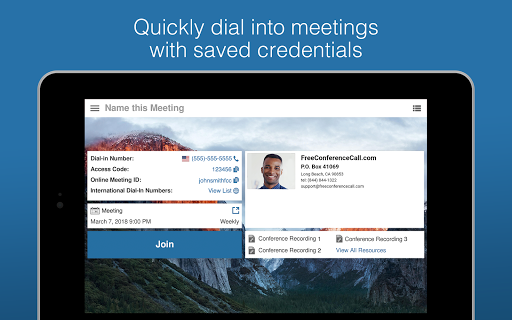
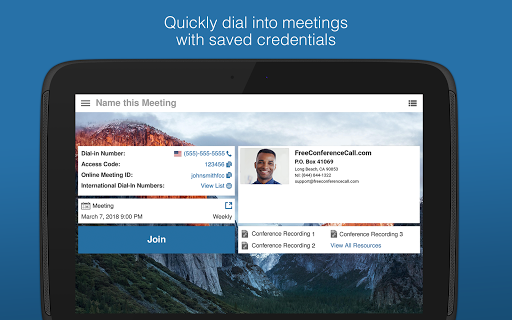
· Save and store existing accounts
· Send meeting invitations
If you have any questions, please contact the FreeConferenceCall.com Customer Care team at (844) 844-1322 or email [email protected]. To learn more about the company, visit www.freeconferencecall.com.
This award-winning audio + video conferencing tool lets you host an unlimited number of meetings with up to 1,000 participants per meeting. You also get screen sharing, international dial-in numbers for 75+ countries, and meeting recording, all for free. All we ask is that if you like the tool you pay us what you think is fair. These contributions help us provide totally free, world-class audio and video conferencing solutions to charities, volunteers, and students all around the world.
Features include:
· Free application download
· Free account activation
· Free HD audio conference calls w/up to 1,000 participants
· Free HD video conferencing and screen sharing w/up to 1,000 participants
· Free International conferencing with dedicated dial-in numbers in 75 countries...and growing!
· Conference features: web controls, including mute and record, lock, view participants, Q&A and more
· One-touch conference commands to manage calls
· Dial-in by VoIP
· Unlimited account and conference access
· Reservationless calling with availability 24/7
· Save and store existing accounts
· Send meeting invitations
If you have any questions, please contact the FreeConferenceCall.com Customer Care team at (844) 844-1322 or email [email protected]. To learn more about the company, visit www.freeconferencecall.com.
What's New
Bug fixes & stability improvements
App Information
Version Name
2.4.54.3
Version Code
2045403
File Size
115.0 MB
Minimum OS
Android 6.0+
Target SDK
Android 33
Developer
FreeConferenceCall.com
Contact
Website
Content Rating
Everyone
Package Name
com.freeconferencecall.fccmeetingclientPermissions Required
This app may request the following permissions:
Recent Reviews

A Google user
4.0★
Want to give it a 5 but it stumbles in the audio department on the phone. If I dial in directly from my phone it works flawlessly, but if I use the app, it randomly changes from good to poor quality. Also, I run into trouble sometimes when I attempt to switch from speakerphone to the headset. At times, I would tap the button and it changes the audio accordingly. and sometimes it would refuse to come off speakerphone. Sometimes even on headset mode or with headphones the audio is bad, randomly...

Ouida Lodge
5.0★
This service has held up excellently throughout the seven years I have been using it in different groups on several lines. The pandemic has brought success rather than challenges! The sound is clear. Calls are no longer stopped, it seems. The features offered are great. The only thing I would like to be improved is choral production. Voices do lag behind. Nonetheless, I've been blessed, so, it's a five from me.
A Google user
4.0★
Generally good but challenges getting audio connected. It take several steps for a participant to get their audio connected, and even then many people seem to have problems either hearing or speaking or getting their video going. It seems to be key to click on the used computer audio option, but it's not obvious that that is so. I think this program evolved from the phone conferencing, and it hasn't quite caught up to being a video conferencing app. Would be really nice to have a gallery view.

Anthony Sunday
5.0★
The Audio is now okay. But there are still ups and cracked audio sound. Sometimes, the broadcaster will be talking, and you won't hear anything. The internet connection is unexpectedly terminated and if you trying to reconnect, it won't connect. But the app is a great app. You can reach out to thousands of audience from the comfort of your home or office. It's the best free conference call I've ever used.
A Google user
4.0★
Great and affordable way to get conference call capability. Voice quality over wifi is (usually) decent. Over phone lines it's not bad. Maximum number of attendees we tested is 5, and it works well (FCC aways you can have up to 1000 on a call!). Would have like to see local Canadian dial-in numbers though. Plus I couldn't figure out how to get someone other than the meeting host to share his/her screen.
A Google user
4.0★
Very convenient not having to use cell phone. Much easier to mute & unmute when wanting to speak. Except for being unable to significantly lower or turn off my volume, it is excellent. I recommend it. The new updated version: I don't like it as much. My #1 problem is the sound quality. It's not good going thru the app vs calling in (using the same phone). Scratchy sounding & not loud enough. The older version was loud & clear. Now often have get off the app & get on thru calling in.
Ad slot: In-Content