

Photo Clone Editor
com.galaxy.photocloneeditor
by Galaxy Launcher
Screenshots



Ad slot: Top Leaderboard
About this app
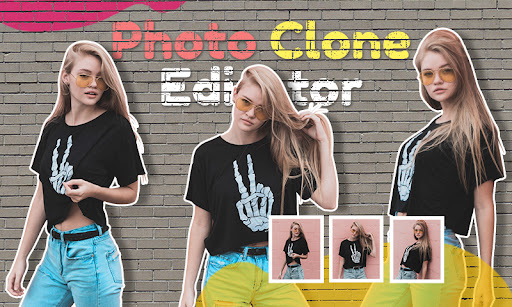
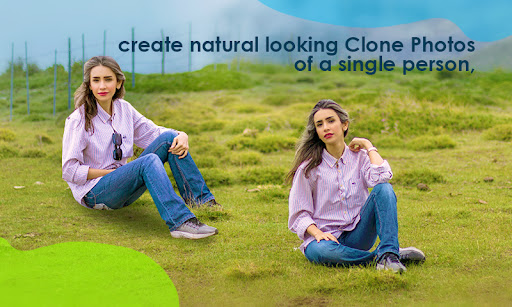
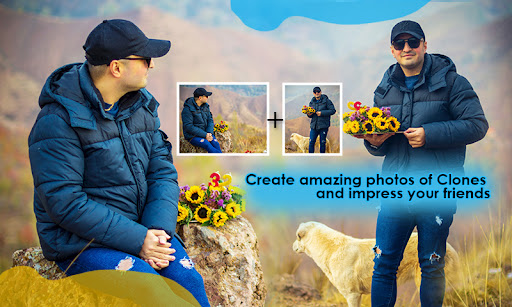
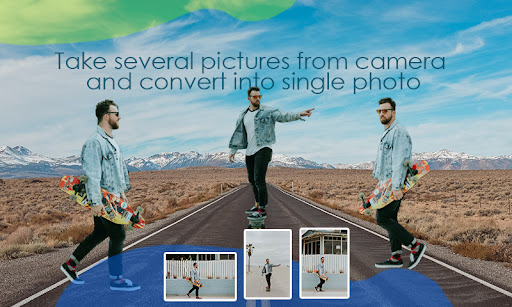
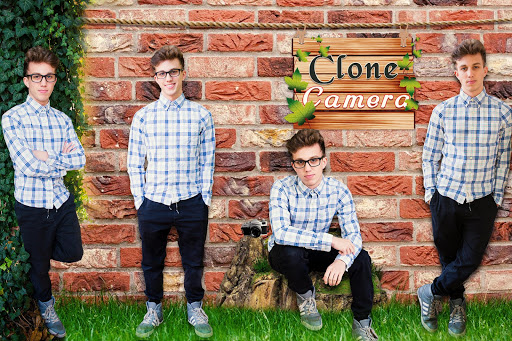
Photo Clone Editor is an innovative photography app that allows you to create amazing clone photos with ease. With its advanced editing tools and intuitive interface, Clone Camera enables you to capture stunning photos with multiple subjects in a single shot. Whether you want to create clones of yourself or objects, this app has everything you need to bring your creative vision to life.
Clone Camera features a variety of shooting modes, including horizontal and vertical split-screen, to help you create stunning clone photos. You can also use its advanced editing tools to adjust the brightness, contrast, saturation, and other aspects of your photos. Additionally, the app features a range of filters and frames to add an extra layer of style to your photos.
What sets Photo Clone Editor apart from other photo cloning apps is its intuitive interface and easy-to-use features. Whether you're a professional photographer or a beginner, you'll be able to create stunning clone photos with ease using this app. So why wait? Download Photo Clone Editor today and start exploring the endless possibilities of photo cloning!
Instructions :-
1. Take 2-4 new photos which you want to modify using Clone Camera (Self-timer makes cloning easy).
2. Select Outline the subject you want to clone.
3. Press 'Preview' to check the final result
4. Choose a filter for your cloned image.
5. Share your clone photo with your friends and family in Social Media Apps and more. Clone your friends using Clone Camera!
Clone Camera features a variety of shooting modes, including horizontal and vertical split-screen, to help you create stunning clone photos. You can also use its advanced editing tools to adjust the brightness, contrast, saturation, and other aspects of your photos. Additionally, the app features a range of filters and frames to add an extra layer of style to your photos.
What sets Photo Clone Editor apart from other photo cloning apps is its intuitive interface and easy-to-use features. Whether you're a professional photographer or a beginner, you'll be able to create stunning clone photos with ease using this app. So why wait? Download Photo Clone Editor today and start exploring the endless possibilities of photo cloning!
Instructions :-
1. Take 2-4 new photos which you want to modify using Clone Camera (Self-timer makes cloning easy).
2. Select Outline the subject you want to clone.
3. Press 'Preview' to check the final result
4. Choose a filter for your cloned image.
5. Share your clone photo with your friends and family in Social Media Apps and more. Clone your friends using Clone Camera!
What's New
What's New:
✅ All bugs fixed
⚡ Performance improvements
🖼️ Photo blending implemented
✅ All bugs fixed
⚡ Performance improvements
🖼️ Photo blending implemented
App Information
Version Name
1.10
Version Code
11
File Size
19.3 MB
Minimum OS
Android 5.0+
Target SDK
Android 33
Developer
Galaxy Launcher
Contact
Content Rating
Everyone
Package Name
com.galaxy.photocloneeditorPermissions Required
This app may request the following permissions:
Recent Reviews

Ron Kolman
1.0★
MINUS 10 STARS. For an underused app, this developer has loaded, and I mean loaded the app with ads popping up after every single step taken. I'm not sure I've ever seen anything quite so bad. And it's pretty much impossible to figure out the user interface. Developer, where I you, I'd start selling hot dogs. This apple fade away sooner than later.

Inathi. F
5.0★
The app is amazing. The cloning is great but the fact that you have to brush the pic makes some cloned pics not look good. Maybe if you would just tap or something else to clone. That's all I have to say but the app is great 👌

A Google user
1.0★
Minus 1 star, this is one of the worst app of its kind, please don't waste your data, its stops when you're about to add a photo and never opens..... Please its not working 👿👿👿👿
A Google user
5.0★
This app is pretty neat. At first i was really confused because they don't tell you how to work it, so they could probrably put a guide. but it's really cool.

Temitope Adedipe
4.0★
Nice app especially the amazing background but the space to crop is small it can only reach my nose and d ads don't enter in so fast if u don't on ur data. KUDOS 👍👍😍it rocks🤟
A Google user
5.0★
The app is so nice and very easy to use. Infact the app have alot of other app opportunity. Thank you and keep the hard work on.
Ad slot: In-Content