

Pixel Camera
com.google.android.GoogleCamera
by Google LLC
Screenshots
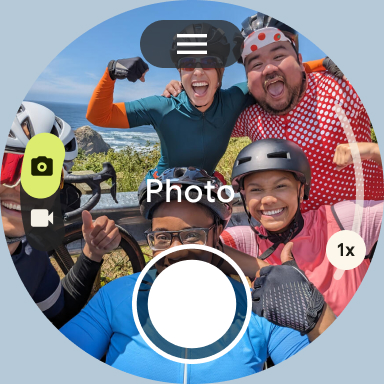
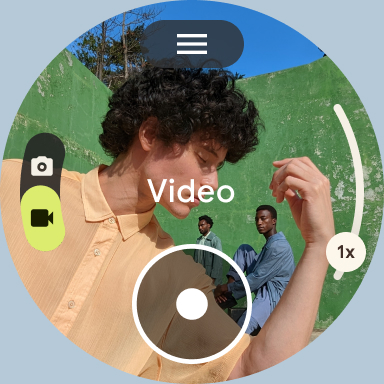

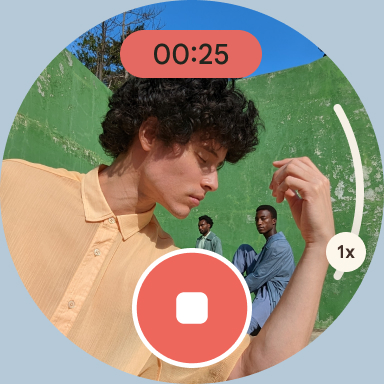
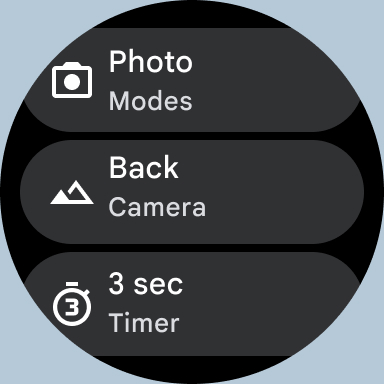
Ad slot: Top Leaderboard
About this app
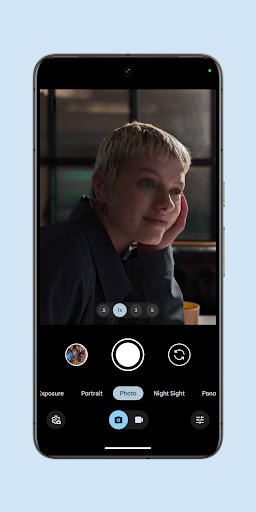
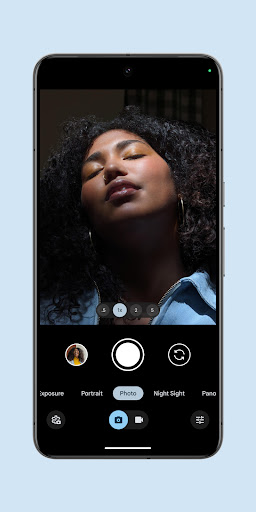
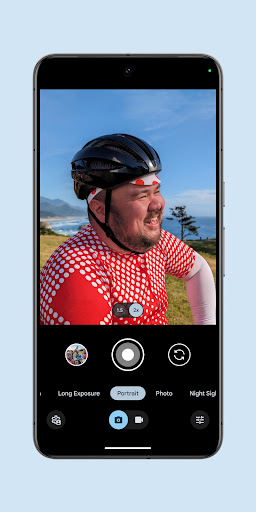
Never miss a moment with the fully redesigned Pixel Camera, and take fantastic photos and videos using features like Portrait, Night Sight, Time Lapse, and Cinematic Blur.
Take stunning photos
• HDR+ with Exposure and White Balance Controls - Take incredible photos using HDR+, especially in low-light or backlit scenes.
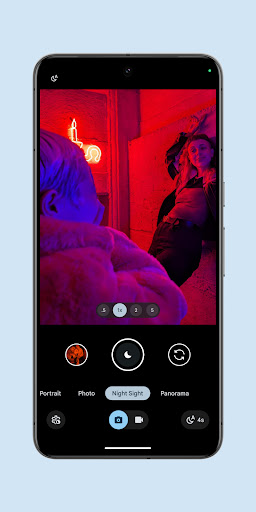
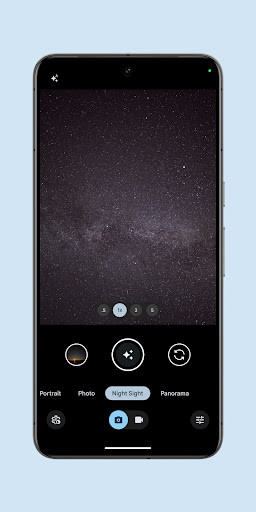
• Night Sight - You’ll never want to use your flash again. Night Sight brings out all the details and colors that get lost in the dark. You can even take photos of the Milky Way with Astrophotography!
• Super Res Zoom - Get way close from far away. Super Res Zoom makes your pictures sharper when you zoom in.
• Long Exposure - Add a creative blur to moving subjects in the scene
• Action Pan - Add a creative blur to the background while keeping your subject in focus
• Macro Focus - Vivid color and striking contrast in even the smallest subjects
Incredible videos on every take
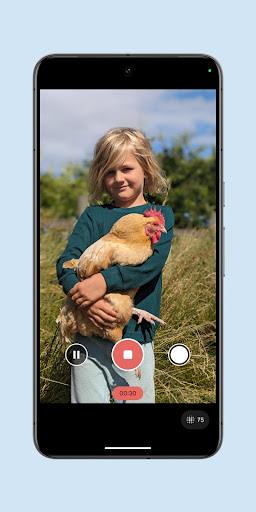
• Record smooth videos with stunning resolution and clear audio, even in crowded, dimly lit places
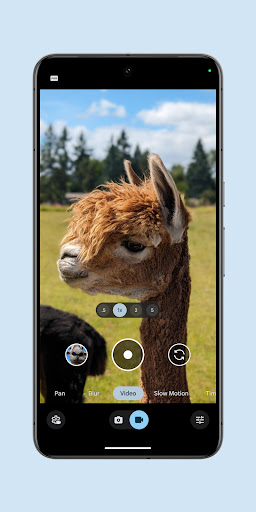
• Cinematic Blur - Create a cinematic effect by blurring the background behind your subject
• Cinematic Pan - Slow down your phone’s panning movements
• Long Shot - Take casual, quick videos by simply long-pressing the shutter key while in the default photo mode
Pixel 8 Pro Exclusive Features
• 50MP High Res - Take high resolution photos with richer detail
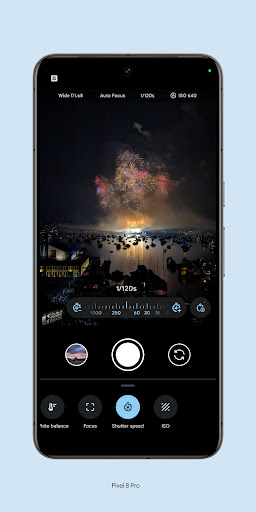
• Pro Controls - Take even more creative control with the ability to adjust things like focus, shutter speed, and more
Requirements - The latest version of Pixel Camera only works on Pixel devices running Android 14 and above. The latest version of Pixel Camera for Wear OS only works on Wear OS 3 (and above) devices connected to Pixel phones. Some features are not available on all devices.
Take stunning photos
• HDR+ with Exposure and White Balance Controls - Take incredible photos using HDR+, especially in low-light or backlit scenes.
• Night Sight - You’ll never want to use your flash again. Night Sight brings out all the details and colors that get lost in the dark. You can even take photos of the Milky Way with Astrophotography!
• Super Res Zoom - Get way close from far away. Super Res Zoom makes your pictures sharper when you zoom in.
• Long Exposure - Add a creative blur to moving subjects in the scene
• Action Pan - Add a creative blur to the background while keeping your subject in focus
• Macro Focus - Vivid color and striking contrast in even the smallest subjects
Incredible videos on every take
• Record smooth videos with stunning resolution and clear audio, even in crowded, dimly lit places
• Cinematic Blur - Create a cinematic effect by blurring the background behind your subject
• Cinematic Pan - Slow down your phone’s panning movements
• Long Shot - Take casual, quick videos by simply long-pressing the shutter key while in the default photo mode
Pixel 8 Pro Exclusive Features
• 50MP High Res - Take high resolution photos with richer detail
• Pro Controls - Take even more creative control with the ability to adjust things like focus, shutter speed, and more
Requirements - The latest version of Pixel Camera only works on Pixel devices running Android 14 and above. The latest version of Pixel Camera for Wear OS only works on Wear OS 3 (and above) devices connected to Pixel phones. Some features are not available on all devices.
What's New
• New Camera UI that makes it easier to navigate through all the different photo and video modes
• RAW improvements that enhance the editing workflow
• Pro Controls unlock advanced camera settings like shutter speed, ISO, and more (on Pixel 8 Pro only)
• High Res 50MP Photography for richer detail (on Pixel 8 Pro only)
• General bug fixes and improvements
• RAW improvements that enhance the editing workflow
• Pro Controls unlock advanced camera settings like shutter speed, ISO, and more (on Pixel 8 Pro only)
• High Res 50MP Photography for richer detail (on Pixel 8 Pro only)
• General bug fixes and improvements
App Information
Version Name
9.3.160.621982096.22
Version Code
67445856
File Size
27.7 MB
Min SDK
Android 34+
Target SDK
Android 34
Developer
Google LLC
Contact
Website
Content Rating
Everyone
Package Name
com.google.android.GoogleCameraPermissions Required
This app may request the following permissions:
Recent Reviews

Zero Cool
1.0★
The basic interface for photo editing has not changed for many years. However, a recent update totally revamped it, making it much less user friendly in my opinion. But much worse than that, now every few times that I am editing a photo, after a couple of minutes of editing, it just bombs out of the editing section without saving my progress! And yes, I'm sure that everything is up to date. Very frustrating to say the least... Also, this 500 character limit causes me to have violent thoughts...

Michael C
5.0★
Great camera app. I especially love the astrophotgraphy features. The picture quality is always excellent with my pixel 8 pro. I also like how I can control everything from shutter speed to iso levels, exposure, manual lense selection, and many of the same features as high end digital cameras. I really don't get the complaints. My phone takes great photos with this app. My only complaint is that they need to compensate for the rotation of the Earth in astrophotgraphy.

whelkpeopleofdoom
2.0★
Darkens all my photos automatically. Not the brightness, but makes the darker colors of the photo even darker and ups the contrast. I've messed with every setting and looked for solutions online and have had no success. It's so freaking annoying. You don't realize how important color truth is until you don't have it. My black cat recently died and I didn't get any good photos of him because of this issue for the last couple years of his life.

Kaitlyn Abele
3.0★
I often take product photos and had been using a Samsung s21 ultra where I was able to save different profiles on their pro camera app. However, the pixel will not allow you to save settings to different profiles so I have to change all the settings every time I'm taking photos. The pixel camera is amazing, don't get me wrong, but the camera app is just not great for people who are going to do more than just point and click.

Ryan Blakley
1.0★
Not sure what happened recently to this app. But about a month ago I noticed no matter what I do I can't take a picture near leds in my house anymore. I used to occasionally get some black lines when trying to take a picture, but since a month or more ago the black lines don't go away if any light is on in the house it's stupid. Fix it, or add the option to change the shutter speed so we can fix it manually!

Anthony Coleman
2.0★
I don't know what happened, but when I take landscape photos now, the photos are not roasted accordingly in photos, I have to manually edit and rotate them to do this individually now. this stinks because for videos, I just don't see a way to rotate at all when this just used to happen aromatically with zero editing required. yes auto rotate is on. it just displays all photos and videos as if they were taken in portrait (vertical) mode, which is by far my least used orientation.
Ad slot: In-Content