

Phone by Google
com.google.android.dialer
by Google LLC
Screenshots

Ad slot: Top Leaderboard
About this app
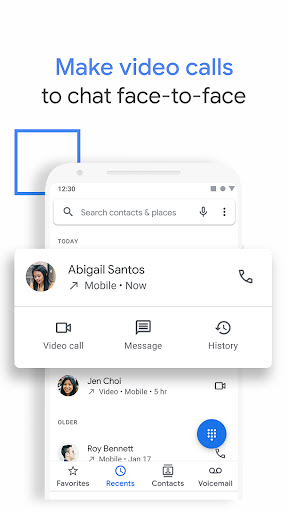
Google’s official phone calling app is now available to download for the first time. Phone helps you easily connect with family and friends, block spam callers, and know who’s calling before you answer – all with a simple, intuitive design.
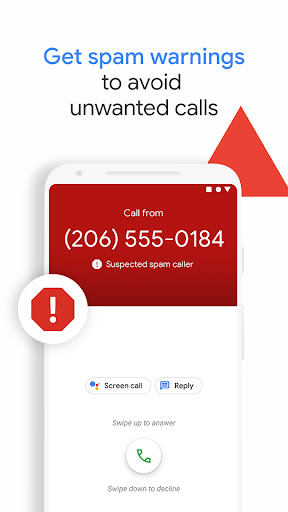
Powerful spam protection
See warnings about suspicious callers that help you avoid unwanted calls from spammers, telemarketers and scammers. Block numbers to prevent them from calling you again.
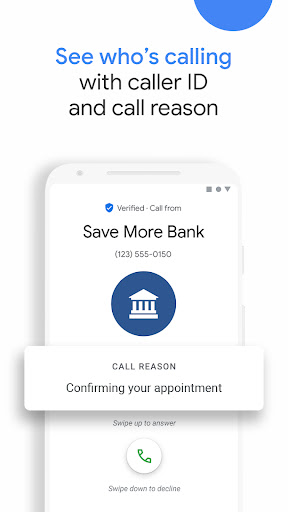
Know who’s calling you
Google’s extensive caller ID coverage lets you know the business that’s calling so that you can answer with confidence.
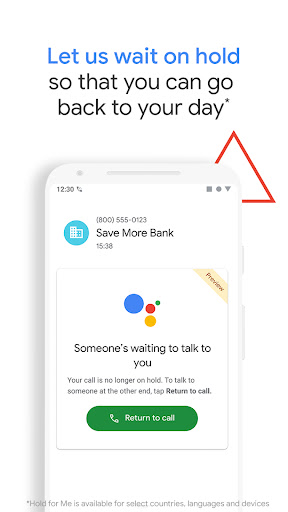
No more waiting on hold 1, 5
Hold for Me lets you go back to your day. If a business puts you on hold, Google Assistant can wait on the line for you and let you know when someone is ready to talk.
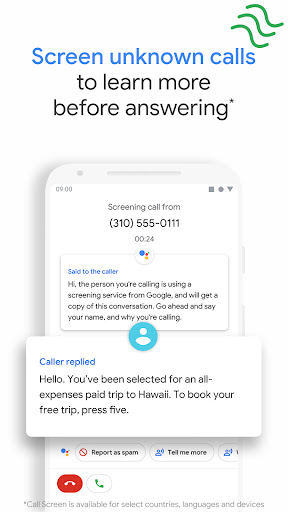
Screen unknown callers 1, 2
Call Screen answers unknown callers, filters out detected spammers without interrupting you, and helps you learn more about callers you don’t recognize before you pick up.
Visual voicemail 1, 3
Check your messages without needing to call your voicemail – view and play them in any order, read transcriptions, and delete or save them right from the app.
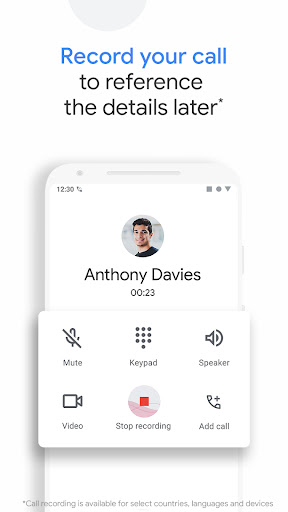
Call recording 1
Record your phone calls to capture important information for reference later. Everyone hears a disclosure when the recording starts so they’re aware, and recordings are saved on your phone.
Intuitive design
Our simple, lightweight design keeps your favorite people just a tap away. Plus, switch to dark mode to save battery and reduce eye strain at night.
Emergency support 1, 4
See your current location when you make an emergency call, and share information about the assistance you require, along with your location, to the emergency operator without speaking.
Phone app is available on most Android devices running Android™ 9.0 and above.
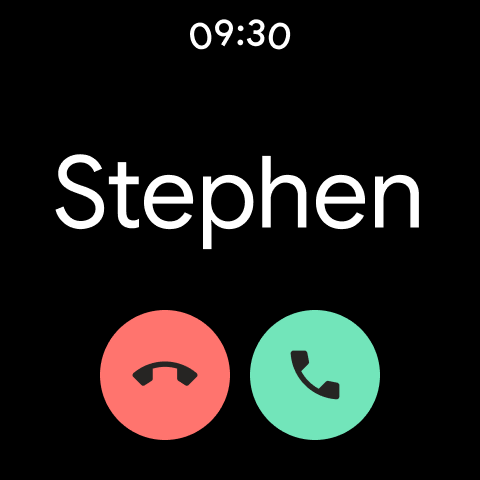
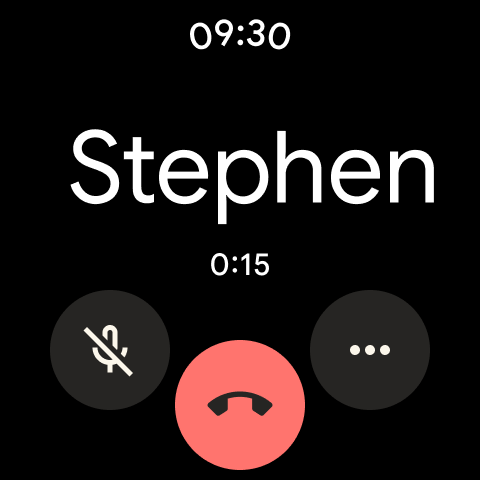
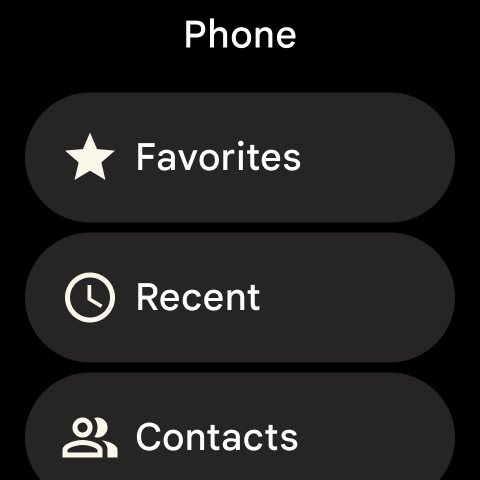
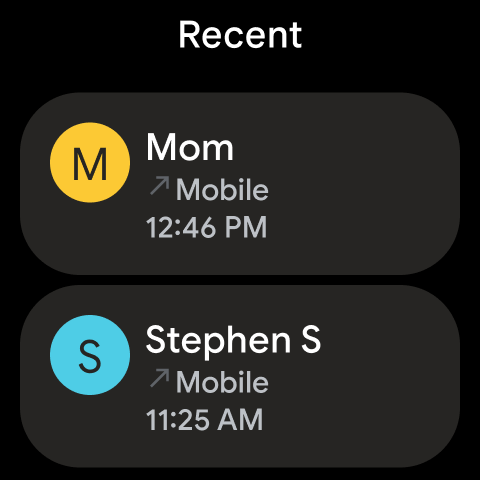
Also available for Wear OS.
1Available only on some devices that have Phone pre-installed.
2Manual screening is not available in all languages or countries. For more information, see g.co/help/callscreen. Automatic screening is available in the US only, English only. Call Screen may not detect all spam calls.
3Transcription is available in the US only, English only.
4Available in Australia, United Kingdom and the US only, English only.
5Available in the US only, English only. Pixel 2+ devices only. Toll-free numbers only. May not detect every on-hold scenario.
Powerful spam protection
See warnings about suspicious callers that help you avoid unwanted calls from spammers, telemarketers and scammers. Block numbers to prevent them from calling you again.
Know who’s calling you
Google’s extensive caller ID coverage lets you know the business that’s calling so that you can answer with confidence.
No more waiting on hold 1, 5
Hold for Me lets you go back to your day. If a business puts you on hold, Google Assistant can wait on the line for you and let you know when someone is ready to talk.
Screen unknown callers 1, 2
Call Screen answers unknown callers, filters out detected spammers without interrupting you, and helps you learn more about callers you don’t recognize before you pick up.
Visual voicemail 1, 3
Check your messages without needing to call your voicemail – view and play them in any order, read transcriptions, and delete or save them right from the app.
Call recording 1
Record your phone calls to capture important information for reference later. Everyone hears a disclosure when the recording starts so they’re aware, and recordings are saved on your phone.
Intuitive design
Our simple, lightweight design keeps your favorite people just a tap away. Plus, switch to dark mode to save battery and reduce eye strain at night.
Emergency support 1, 4
See your current location when you make an emergency call, and share information about the assistance you require, along with your location, to the emergency operator without speaking.
Phone app is available on most Android devices running Android™ 9.0 and above.
Also available for Wear OS.
1Available only on some devices that have Phone pre-installed.
2Manual screening is not available in all languages or countries. For more information, see g.co/help/callscreen. Automatic screening is available in the US only, English only. Call Screen may not detect all spam calls.
3Transcription is available in the US only, English only.
4Available in Australia, United Kingdom and the US only, English only.
5Available in the US only, English only. Pixel 2+ devices only. Toll-free numbers only. May not detect every on-hold scenario.
What's New
With our latest update to Call Screen on Pixel devices in the US, the Google Assistant now helps you automatically screen unknown callers and filter out detected robocalls before your phone ever rings. And when it’s not a robocall, your phone rings a few moments later with helpful context about who is calling and why.
App Information
Version Name
130.0.633020954
Version Code
16347487
File Size
57.1 MB
Minimum OS
Android 11+
Target SDK
Android 34
Developer
Google LLC
Contact
Website
Content Rating
Everyone
Package Name
com.google.android.dialerPermissions Required
This app may request the following permissions:
Recent Reviews

Mikey P.
1.0★
Pixel 9 Pro user - Incoming phone calls don't display whatsoever, however, the ringer works perfectly. So by the time I dig through multiple screens to answer the phone, the call is gone. It's apparent that some of these updates aren't vetted prior to pushing them out to the user since this isn't an isolated issue. Messaging features were goofed up too. C'mon Google, this is your platform, your phone, and your apps, get better at this or get out of the device business. It's getting old.

Teri Worstein
1.0★
Since the last update...I've been unable to get voicemails!! people leave a voicemail and it MIGHT show up 24 hours later. This is NOT okay. I've tried to get this fixed and NOBODY seems to be able to change it back. I want to receive voicemails when they are left not 24 hours later when they show up!! PLEASE FIX this problem....that's why I hate to update because it ALWAYS creates a PROBLEM.....

Charles Sullivan
3.0★
Getting Better. Process is still not very intuitive and the initial input request disappears too fast. Something got missed. By intuitive, I meant that when I click on the phone app Icon, why does the full dialing keyboard also open up so I didn't have to fumble around trying to find it. Likewise why is the buttons for the speaker so small that I open hit the wrong one. I like the new style answering button and the screening buttons. GOT CUT OFF WHY I HATE CHAT!!!!!!

Tomato Limes
1.0★
hate the most recent updates. when you go to call someone and type in their name, it doesn't find the names properly. you have try first name. no? last name. maybe one number will come up. sometimes it's opposite and only first name will show up the right number. or one of the numbers. so you have to go to contacts and find what you actually need. it's such a pain! never used to have this problem

George R
1.0★
Getting even worse. Now it didn't show a missed call from a person on my contacts list. Previous update turned a decent app into a POS. The list of recent calls used to show them by caller. Could select history if you wanted to see earlier calls. Now it clutters the screen with every call. If someone called 3 times, there are 3 separate entries! Went from a decent app to a nearly unusable clunker. If it ain't broke don't fix it. 😡

David Duracinski
3.0★
the phone portion works, can make and receive calls. the voicemail doesn't work now. doesn't retrieve messages to listen to them, also does not have the visual display of the voicemail anymore. that was a great portion while it lasted, about a week or 2. I'm looking for another phone app now. Ok, for some reason my security code for my voicemail was removed. that might have been the issue. I'm going to up to 3 stars, quick response back to me, also it might have been a system update issue.
Ad slot: In-Content