

VidTrim - Video Editor
com.goseet.VidTrim
by Goseet
Screenshots

Ad slot: Top Leaderboard
About this app
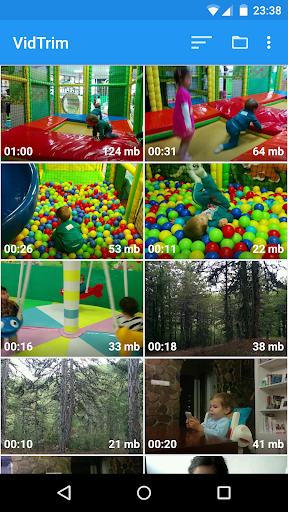
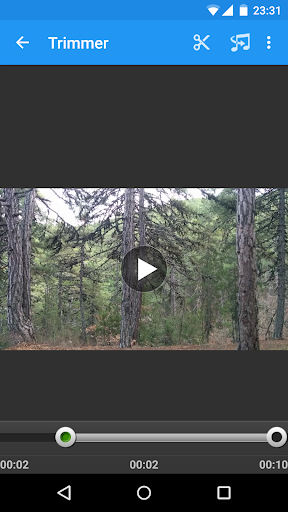
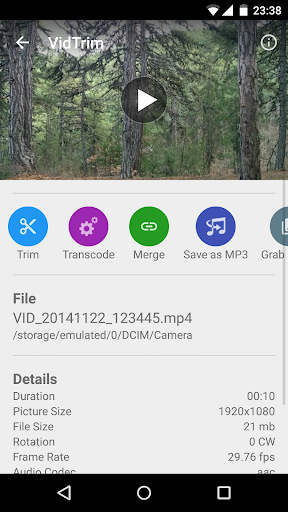
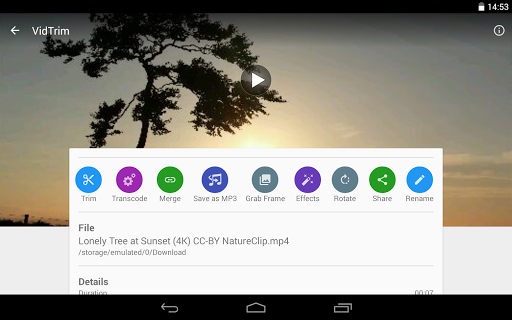
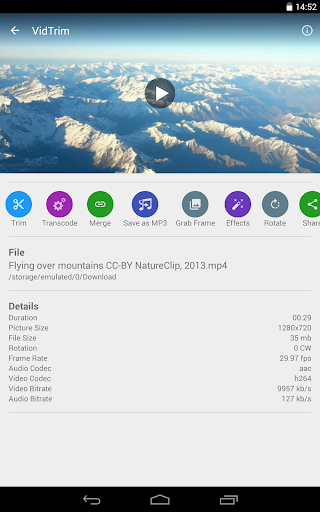
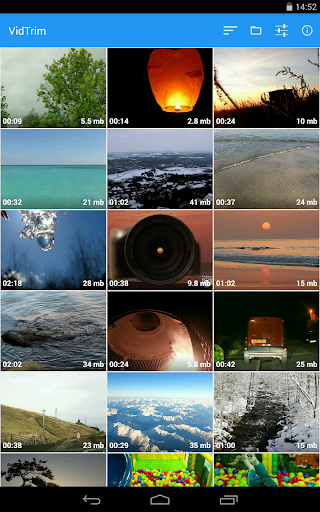
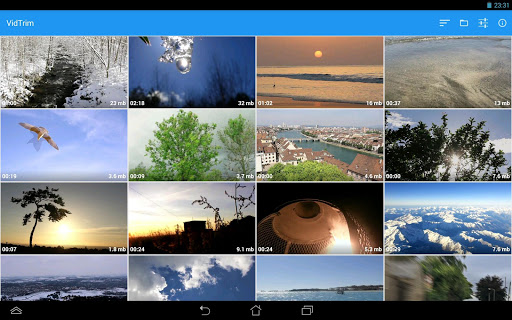
VidTrim is a video editor and organizer for Android. It includes multiple features like trimming, merging, frame grabbing, video effects, extract audio (convert to MP3) and transcoding (compress and convert to MP4). You can also share your videos with your friends directly through the app.
This is the free ad supported version of VidTrim Pro.
Features of VidTrim:
- Video trimmer. Trim video clips right on your device
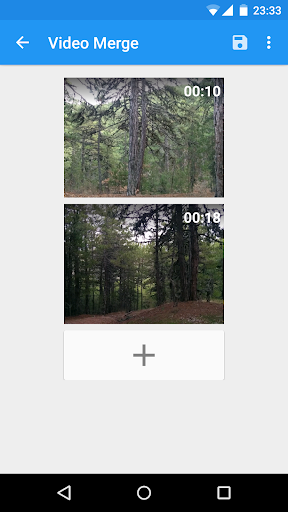
- Merge video clips. Join (concatenate) multiple video clips into one.
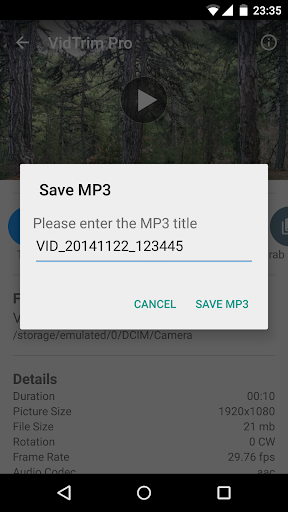
- Convert video files to MP3 audio files.
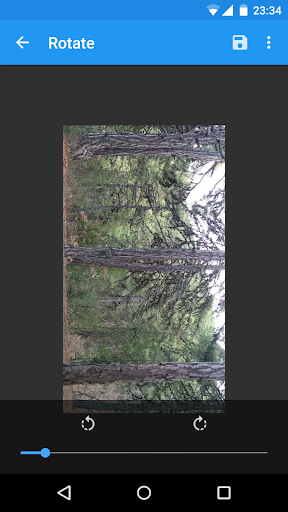
- Rotate videos (Quick rotation without encoding or true rotation by encoding)
- Frame grabber (save image from videos)
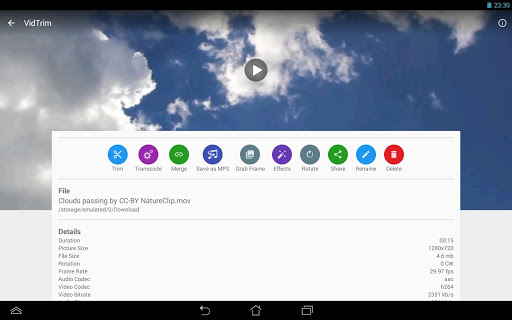
- Share video clips.
- Play video clips
- Rename video clips
- Delete video clips
- Supports both ARM and x86 CPUs in one package.
- Contains optimizations for ARMv7 NEON when available.
TRIAL Features in this Free version (watermark will be applied to the result video):
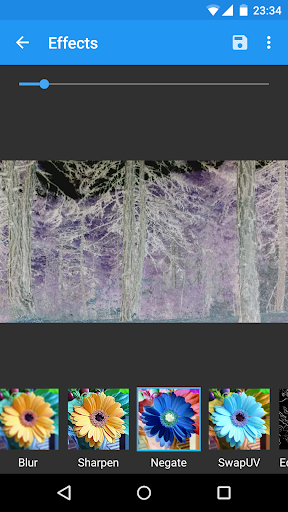
- Effects. Apply cool video effects like B/W, Negate, Vintage, Vignette, Blur, Sharpen, Edge detect, Luma, SwapUV.
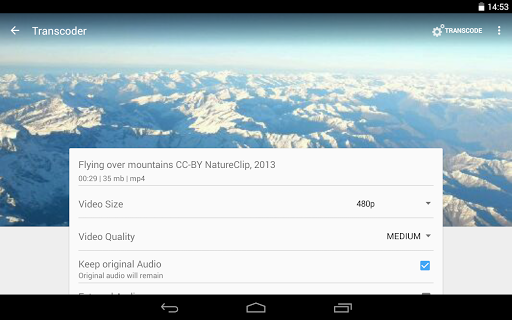
- Transcode video clips. The transcoder allows you to convert video to MP4, resize and compress.
- Add music soundtrack to your videos through transcoding feature.
All videos/frames/mp3s are stored under "VidTrim" folder on the internal storage.
Supported languages:
- English
- Turkish
- German
- French
- Italian
- Portuguese
- Russian
- Greek
- Hebrew
- Dutch
- Czech
- Polish
- Arabic
- Chinese (Simplified)
If you have any problems or suggestions please contact us at: [email protected]
Uses FFmpeg under permission of LGPL.
This is the free ad supported version of VidTrim Pro.
Features of VidTrim:
- Video trimmer. Trim video clips right on your device
- Merge video clips. Join (concatenate) multiple video clips into one.
- Convert video files to MP3 audio files.
- Rotate videos (Quick rotation without encoding or true rotation by encoding)
- Frame grabber (save image from videos)
- Share video clips.
- Play video clips
- Rename video clips
- Delete video clips
- Supports both ARM and x86 CPUs in one package.
- Contains optimizations for ARMv7 NEON when available.
TRIAL Features in this Free version (watermark will be applied to the result video):
- Effects. Apply cool video effects like B/W, Negate, Vintage, Vignette, Blur, Sharpen, Edge detect, Luma, SwapUV.
- Transcode video clips. The transcoder allows you to convert video to MP4, resize and compress.
- Add music soundtrack to your videos through transcoding feature.
All videos/frames/mp3s are stored under "VidTrim" folder on the internal storage.
Supported languages:
- English
- Turkish
- German
- French
- Italian
- Portuguese
- Russian
- Greek
- Hebrew
- Dutch
- Czech
- Polish
- Arabic
- Chinese (Simplified)
If you have any problems or suggestions please contact us at: [email protected]
Uses FFmpeg under permission of LGPL.
What's New
* Codec Updates
* Bug fixes
* Bug fixes
App Information
Version Name
35635
Version Code
35635
File Size
39.8 MB
Minimum OS
Android 5.0+
Target SDK
Android 29
Developer
Goseet
Contact
Website
Content Rating
Everyone
Package Name
com.goseet.VidTrimPermissions Required
This app may request the following permissions:
Recent Reviews

A Google user
3.0★
It does what you'd expect for a mobile video editing tool, and a bit more. Overall it's very simple and it functions nicely. The ads get in the way, but are fairly easy to block. The main problem is the paid version: While most of the main stuff is in the free version, which is good, the watermark is just nonsense. I managed to get rid of it by editing the app's data, but getting a pirated version is a lot easier. This app is certainly worth the money, though.

Deniz Mustafa
5.0★
İ have used the app a little so far, and İ would say that it is very good for basic editing, at least for trimming. İnterface is easy and simple to use, quick and without bugs. Ads are very short. Connectivity available with Google. İ recommend to use it for basic editing, it can be used for free, and there's no watermark on videos after basic editing, unlike others. İ would only ask the developers, if possible, to add option for users for automatic selection of the seconds while editing.

Nina Razad
5.0★
The fastest video cutter so far. Simple and always works. Just one thing, sometimes when I try to trim a vid, the display will be distorted into portrait mode. It is troubling if the original file is at normal landscape mode. Even though the result will be normal, still it's hard to edit when the display is distorted 😅. Maybe the dev could fix it? 🙏

Anthony Scott
5.0★
More simple and straightforward than the first app I downloaded. If you are in a rush to find an app that does the job.m, instead going through endless set up and settings , and a very unintuitive interface, 5hen I recommend to go for this app as it is quite simple and straightforward. Still can't escape the ads though unless you go pro!
A Google user
2.0★
I was supposed to use this to make a video for Spanish class but the app kept blacking out and sending me back to my home screen. I couldn't edit, combine videos, trim videos (and that's in the app name)! Lots of talk, not so much show. If the app could actually do what it advertises it would be a good app, it just doesn't do what it should.
A Google user
5.0★
This app is incredibly reliable for trimming videos because of its finer details. It shows how many megabytes each video is worth, it gives you the option to create a new video from your trim or apply the trim you made to the original video, the trimming detail allowed is good (the seconds are divided into tenths: 1.0, 1.1, 1.2, 1.3, ...,1.9, 2.0), and it doesn't increase the storage space of your video trimmings like other video editing apps. Very well done!
Ad slot: In-Content