
HiSense Smart TV Remote
com.hisense.smart.tv.remote.hisensesmarttvremote
by Naba
Screenshots

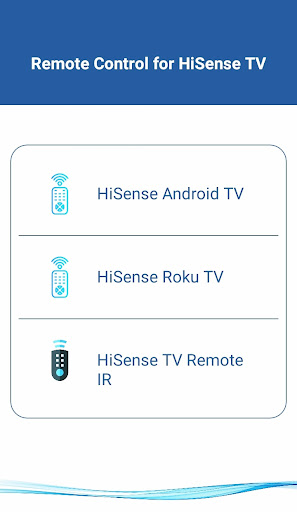
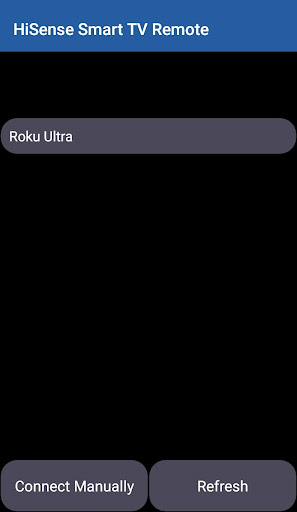
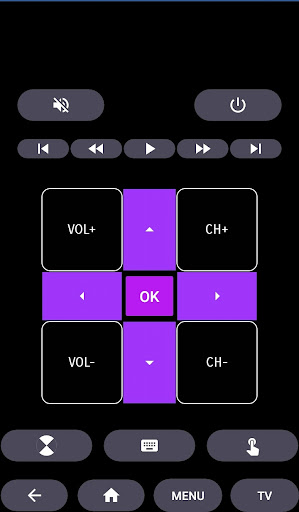
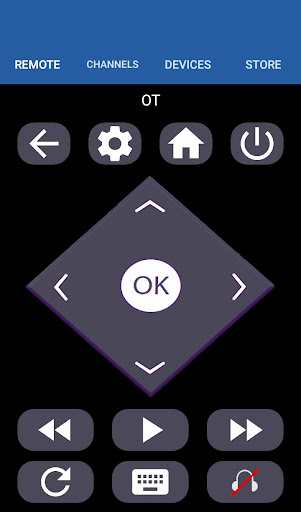
Ad slot: Top Leaderboard
About this app
Why HiSense Smart TV Remote Control
Convert your mobile device into HiSense Smart TV Remote and get rid of drained batteries and broken plastic remotes.
Supported Philips Smart TV's
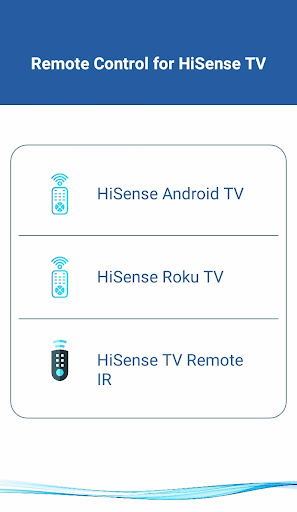
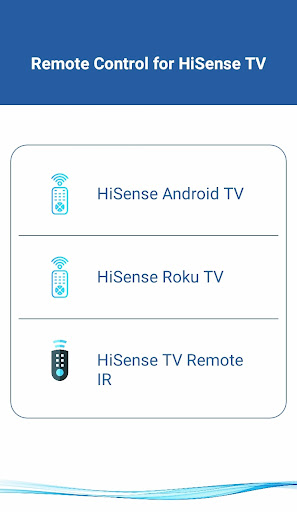
- - Supports All HiSense Smart TV with Android OS OR Android TV Remote
This remote control for HiSense Smart TV supports Android OS and Traditional IR devices.
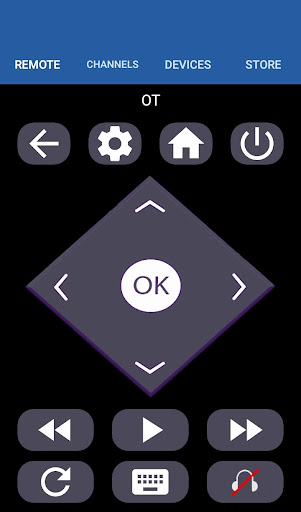
This remote control for HiSense Smart TV supports Roku OS and Traditional IR devices.
Network Compatibility
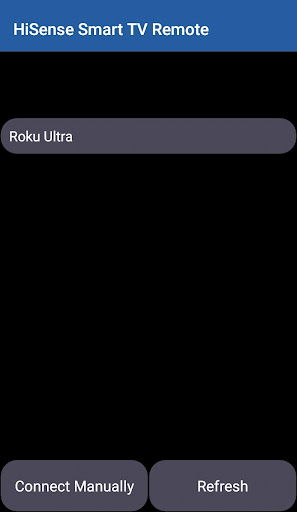
To use HiSense Smart TV Remote your HiSense Smart TV and your mobile device must be on the same Wi-Fi Network, once the Smart TV is detected then you will have to Enter the PIN shown on TV to start using HiSense Smart TV Remote.
Traditional IR Devices
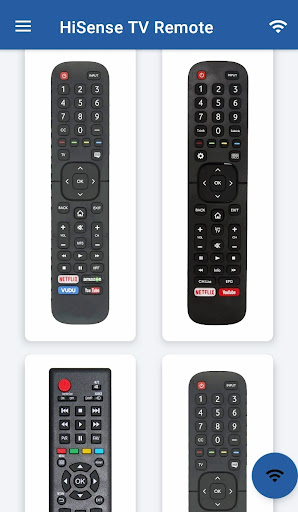
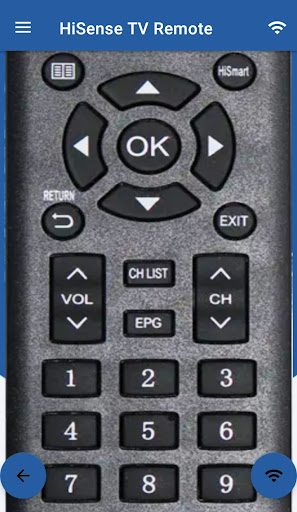
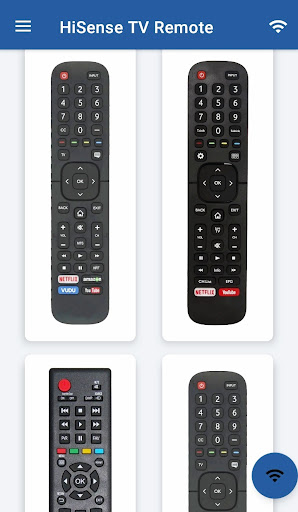
Supports all traditional Philips TV's, your phone must have IR blaster in it for using the HiSense TV Remote Control .
Functionality
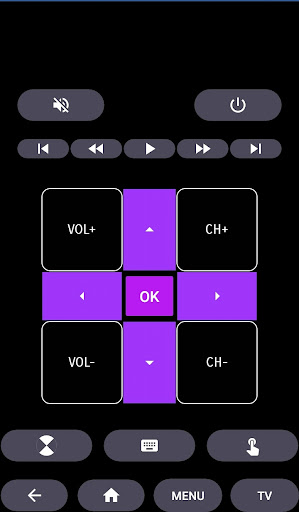
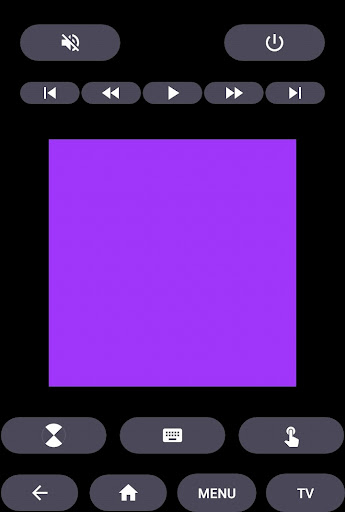
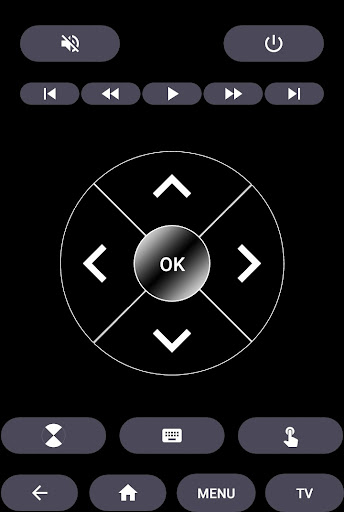
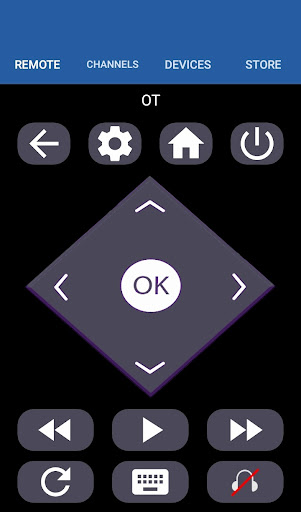
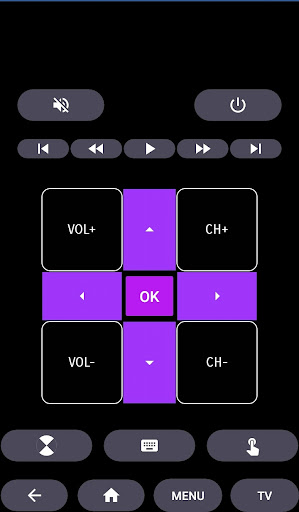
- ON / OFF
- Volume Control's
- Channel Control's
- Mute
- Navigation Control's
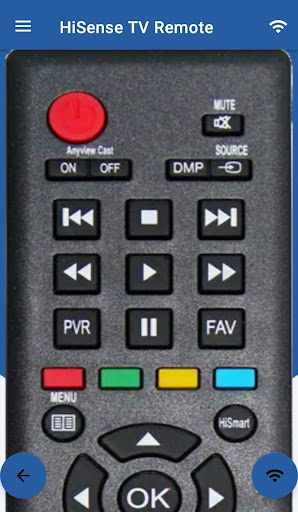
- Multi Media Control's
- Home
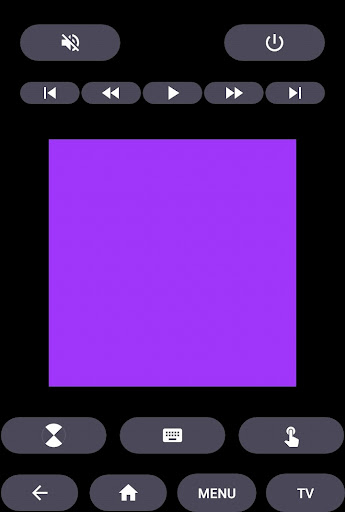
- Touch Pad
- Many More
- For Traditional Philips TV Remote, supports all the functions in the remote.
Android TV
In addition to HiSense Smart TV, our Remote Control for HiSense Smart TV Supports Android Chromecast OS.
Smart TV Remote Can be used
- HiSense Android TV Remote
- HiSense Remote Smart TV
- HiSense Roku TV Remote
Disclaimer
This app is not an official HiSense application. We are not affiliated with HiSense Electronics in any way, we have just presented it in a better way.
Reach Us
If in any case your HiSense Smart TV Remote is not getting connected please reach us at [email protected]. We are always working to improve our product.
Convert your mobile device into HiSense Smart TV Remote and get rid of drained batteries and broken plastic remotes.
Supported Philips Smart TV's
- - Supports All HiSense Smart TV with Android OS OR Android TV Remote
This remote control for HiSense Smart TV supports Android OS and Traditional IR devices.
This remote control for HiSense Smart TV supports Roku OS and Traditional IR devices.
Network Compatibility
To use HiSense Smart TV Remote your HiSense Smart TV and your mobile device must be on the same Wi-Fi Network, once the Smart TV is detected then you will have to Enter the PIN shown on TV to start using HiSense Smart TV Remote.
Traditional IR Devices
Supports all traditional Philips TV's, your phone must have IR blaster in it for using the HiSense TV Remote Control .
Functionality
- ON / OFF
- Volume Control's
- Channel Control's
- Mute
- Navigation Control's
- Multi Media Control's
- Home
- Touch Pad
- Many More
- For Traditional Philips TV Remote, supports all the functions in the remote.
Android TV
In addition to HiSense Smart TV, our Remote Control for HiSense Smart TV Supports Android Chromecast OS.
Smart TV Remote Can be used
- HiSense Android TV Remote
- HiSense Remote Smart TV
- HiSense Roku TV Remote
Disclaimer
This app is not an official HiSense application. We are not affiliated with HiSense Electronics in any way, we have just presented it in a better way.
Reach Us
If in any case your HiSense Smart TV Remote is not getting connected please reach us at [email protected]. We are always working to improve our product.
What's New
>>>>> Heap Size Increased
>>>>> Out Of Memory Issue Fixed
>>>>> Out Of Memory Issue Fixed
App Information
Version Name
2.0
Version Code
2
File Size
4.7 MB
Minimum OS
Android 4.4+
Target SDK
Android 33
Developer
Naba
Contact
Content Rating
Everyone
Package Name
com.hisense.smart.tv.remote.hisensesmarttvremotePermissions Required
This app may request the following permissions:
Recent Reviews

Jonathan Randazzo
2.0★
Every 15 clicks or so it forces you to watch a very long ad. I would love to just pay for the app and not see ads, but that is not an option. However, it was tolerable. Then randomly it stopped working for the TV and never worked again. I could use it on any other TV... just specifically not mine. So I uninstalled it.

Kaoru Sugimura
3.0★
Works but the fact that you have to pair it every time when you just want to turn a TV off in another room is annoying. So, if you or someone else left the TV on you still have to get up, go to the room, look at the code on the TV and enter it on the app. It makes it next to pointless unless you've lost your TV remote or have decided to use a dummy phone that will now be the remote as you never close the app. For me, it's rubbish. There are better universal remote apps that remember your TV.

Minkoff Aaron
5.0★
Free! No subscription. This was my 5th downloaded remot app, and it works on my TV. Each of the latter either wouldn't connect to my TV or did and asked for a subscription ranging from 5$ to 39$. I was able to connect this to my TV right away and has an easy to use design. I lost my remote months ago and have been stuck at a low volume. I can actually watch movies again on this one. I'm super happy with this app, and it's no BS functionality.

Christopher Martin
3.0★
Suggestion: add a reconnect button to the remote screen. I use this app on Android TV. It's easy to connect to my TV via wifi, but anytime I don't use the remote for even a few minutes it loses connection. I then must go back, choose Android remote, and choose my TV again. I end up doing this multiple times every day. It seems like those 3 steps could be replaced with a single step: reconnect to the remote type/TV that was last chosen. Aside from that this is my favorite remote app. Thank you.

Holly Valerio
5.0★
I must admit I was stoked to have an app actually complete the task I needed to accomplish(turning down the volume) before trying to shove annoying ads down my throat that even when you press skip, you still are taken to the ads site. Basically, it's wonderfully easy to navigate and doesn't put off a sketchy potentially virus infested vibe. I probably downloaded over 5 other "similar" apps & this one exceeded my expectations and was unmatched.

Brian
1.0★
Just another vile app with intrusive ads that don't let you do anything until the ad is finished. Want to raise the volume or change channels? Wait for the ad. For under $10 you can get a real remote for your TV on Amazon.
Ad slot: In-Content