

Athome Camera: Remote Monitor
com.ichano.athome.camera
by ichano
Screenshots







Ad slot: Top Leaderboard
About this app
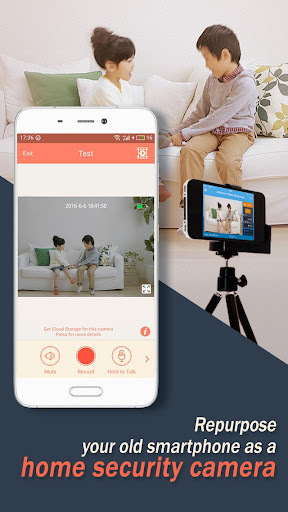
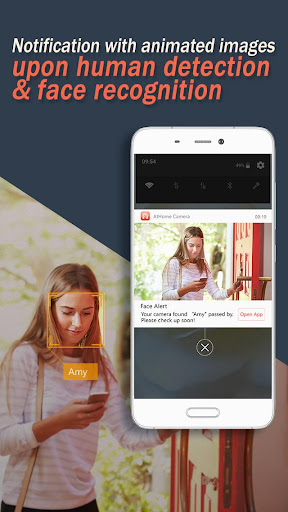
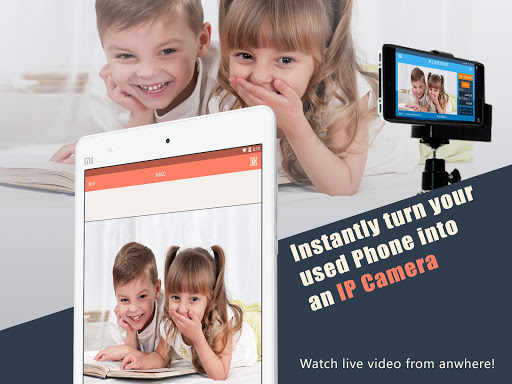
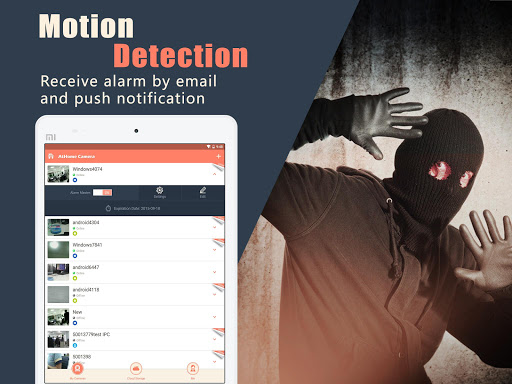
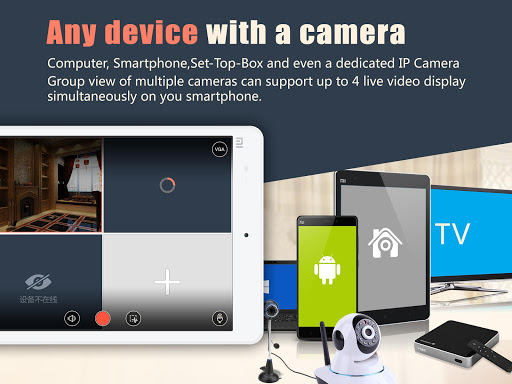
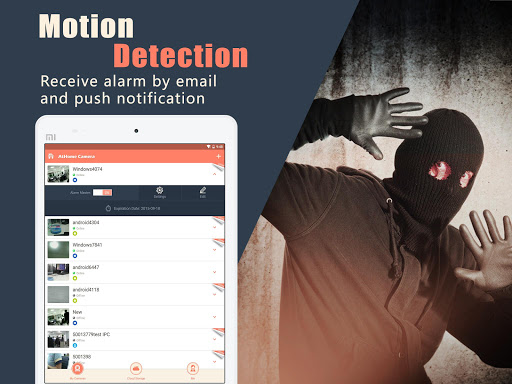
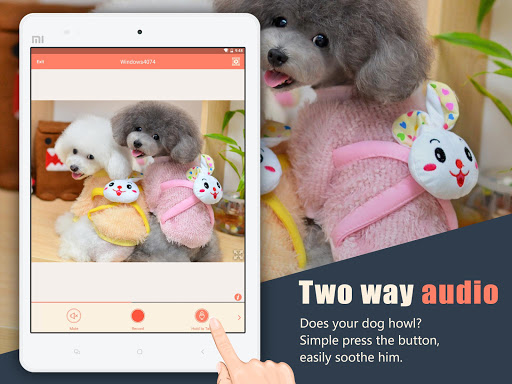
- Install the "Athome Video Streamer(AVS)" application on your old phones or computers and put them at your home. Then you can use the "Athome Camera" app to watch and talk with your family anytime, anywhere. You can remotely control the AVS device to turn on the flash, switch the camera, focus, zoom, etc. You can set the AVS device to do human detection, vibration detection, privacy masking, scheduled recording, alarm sounding, upload the alarm videos to the cloud and send alarm GIF notifications to you. You will also experience time-lapse recording, timeline, group viewing and many more features. For more information, please visit: http://www.ichano.com
- Install the “Athome Escort” app on a old phone and put it in your car. Then you can use the “Athome Camera” app to locate, track and watch your car anytime and anywhere. For more information, please visit: https://www.athomewatch.com
- Install the “Athome Escort” app on a old phone and put it in your car. Then you can use the “Athome Camera” app to locate, track and watch your car anytime and anywhere. For more information, please visit: https://www.athomewatch.com
What's New
The unbinding process has been simplified. The binding between your account and the AVS will now be automatically removed when you delete the AVS from your AthomeCamera app.
App Information
Version Name
3.4.1
Version Code
30030012
File Size
23.0 MB
Minimum OS
Android 6.0+
Target SDK
Android 22
Developer
ichano
Contact
Website
Content Rating
Everyone
Package Name
com.ichano.athome.cameraPermissions Required
This app may request the following permissions:
Recent Reviews

Sam Park
3.0★
I have used both this app and Alfred. I can't seem to get notifications working on this app. I don't know if it's a paid feature or if there is a configuration issue. Anyway, I do appreciate that I can review recorded videos for free. However, it is annoying that videos are recorded in 30 second increments. Videos should start when motion is detected and end when motion stops. It is a chore to click on video after video. Especially when changes in ambient light are enough to trigger a record.

A Google user
2.0★
Update: Sometimes works, sometimes not! It worked with sending a motion detection email. Got a new phone and it doesn't send any emails for motion at all! Setup is very simple and the live and recorded video are very good and clear. I love how you can pinch and zoom live video. The motion sensitivity isn't very good. It sends notifications for any type of movement. I wish you could block part of the screen so it doesn't send an email for tree movement.
A Google user
5.0★
Fenominal App! Easy to run and setup is a matter of minutes. If you have a few old phones, you have home or office security. Individual streaming features like turning flash on and off, using the mic, switching between front and back cameras and night vision can all be controlled remotely! Remotely controlling my old phone from anywhere, that is my favorite part of this app!

Johnathan Conaway
4.0★
There's still plenty of room for improvement but still this is a really solid app. Super reliable, only a one time $2 for add free, good quality without paying (even better if you do pay but is subscription based), easy to use, motion activation could have less false alarms (daylight changes & auto focus). Enabling the ability to lock the focus on camera till motion activation occurs might fix that one issue. Overall highly recommended over the others I tried.
A Google user
4.0★
I have 2 old Mot. cells working. They seem to use a lot of power so they must stay plugged in. I wish I could select an area to trip the alarm. This app is better than any other I found. Takes a little experimenting to figure it out. Good working app. UPDATE: I finally set up this system to view the outside of my home. I discovered that the digital processing of "total" darkness is not stable and it sets off the motion detection. The image is twitching black an gray pixels, otherwise in daylight it works great.

Aubree Catt
3.0★
Like the app. You can earn points easily to purchase pro features records a lot and have gotten good use out of it. Only thing is you can't look at anything if the streamer isn't on. Which records while you're trying to watch all your previous recordings and not convenient at all. Plus I think there should be an option to turn on the streamer from this app. Sometimes mine looses connection to wifi but with other apps that had that option it would reconnect it. But been using about a year 😊
Ad slot: In-Content