

Photos To Video
com.inglesdivino.imagestovideo
by Inglesdivino
Screenshots

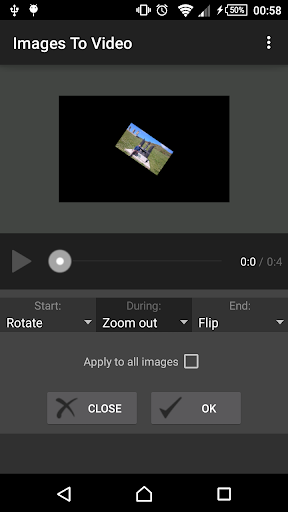
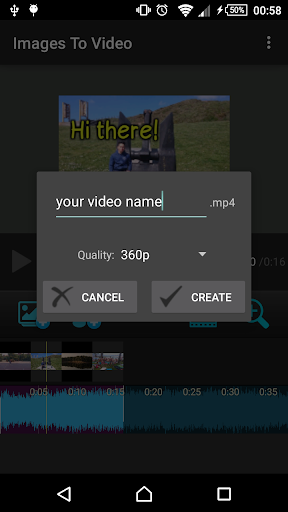

Ad slot: Top Leaderboard
About this app
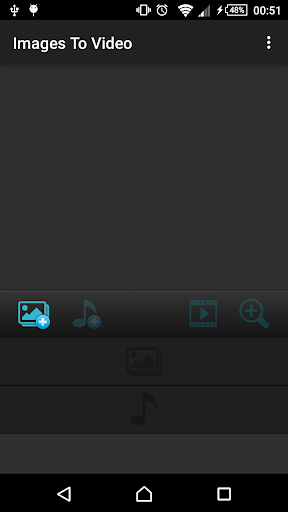
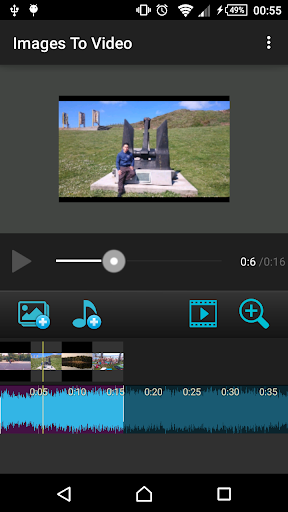
With this app you can create cool mp4 videos from multiple pictures.
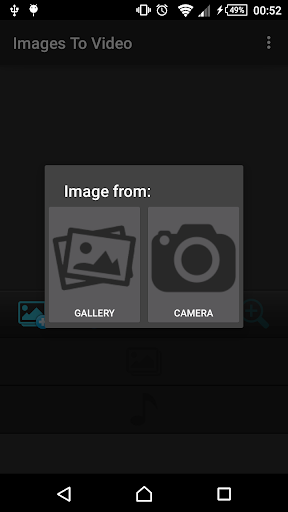
You can select images from your gallery or from the camera.
You can add mp3 music as background sound of your video.
Choose among several video qualities (240p, 360p, 480p and 720p).
When selecting the quality, remember that the highest one (720p) will consume more resources and time to create the video, therefore you should avoid intensive work on your phone during the rendering of the video.
Enjoy it!
You can select images from your gallery or from the camera.
You can add mp3 music as background sound of your video.
Choose among several video qualities (240p, 360p, 480p and 720p).
When selecting the quality, remember that the highest one (720p) will consume more resources and time to create the video, therefore you should avoid intensive work on your phone during the rendering of the video.
Enjoy it!
What's New
- Bug fixes.
App Information
Version Name
2.5.6
Version Code
900022
File Size
13.6 MB
Minimum OS
Android 5.0+
Target SDK
Android 34
Developer
Inglesdivino
Contact
Website
Content Rating
Everyone
Package Name
com.inglesdivino.imagestovideoPermissions Required
This app may request the following permissions:
Recent Reviews

A Google user
3.0★
I was very happy with this app -- at first. The process is simple. It does the job without having to take a college course to understand the instructions. I ran into an issue that will prevent me from keeping the app. It locks me out of my Gallery. I have access to the pics through this app but not from the phone's main Gallery.

Sayad Mehdizade
4.0★
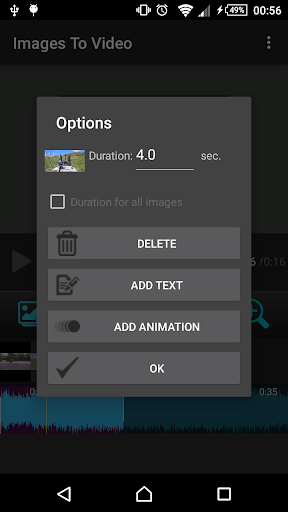
Its a very good app.Its very simple to learn.Also i like that you can fix your mistakes by just pressing "last session". I just have one suggestion and if you do that i would give this app a 5 stars.So you can make a picture animation but you cant make text animation.Thats kinda illogical for me to be honest.But its a good app that i would recommend.
A Google user
1.0★
Crashes after several minutes of production without saving. Very frustrating to work with. Janky controls and inconsistant behaviors. ( For instance, loads multiple pics from one folder, but only one at a time from another. ) No effects and only one transition also. Just a regular headache all around. Needs improvement.

Uma Shankar Parashar
4.0★
I reaaly liked this app as an appropriate and hassalfree app for small video editing work. I am using this app for a quite long time for making small video clips and sharing the same on social sites and liked it. But today, when I was editing a small video clip it started covering upper part of the clip with an ad in the edited clip itself, which disappointed me badly. Showing ads to the user in between, while using the app is tolerable but keeping those ads in the edited clips is not justified.

Wendell Smith
5.0★
This app create clear videos and you can add your own music. This app don't miss, try it out, you will like this. Ads are few and across the bottom of r middle of page but not in your way. The app is free and less than 30 mb on your device. Cool app.
A Google user
1.0★
The app was great, until I actually used it, I thought that it was like kinemaster where you choose and image/video, and it would be fine with no problems, the things that were wrong with it were: 1. The screenshots were blurry. 2. The screenshots were in the wrong order. And 3. The screenshots have a stupid affect screenshot to screenshot, please get this app fixed
Ad slot: In-Content