

Image Locker - Hide photos
com.inno.imagelocker
by Rowdy Techs
Screenshots

Ad slot: Top Leaderboard
About this app
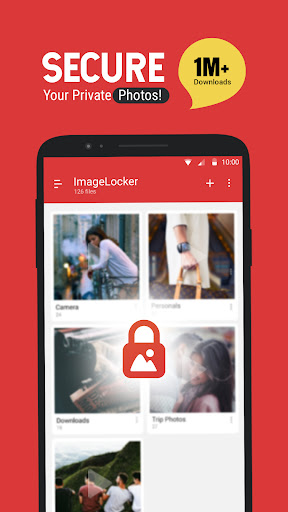
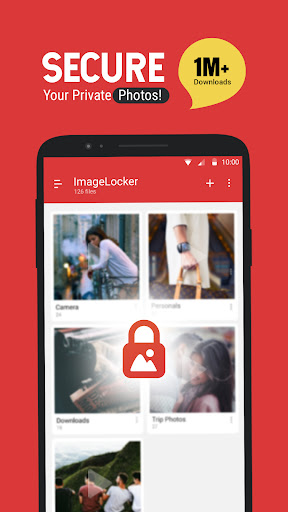
Keep your photos secure and private with Image Locker. Image Locker is the easiest and safest way to create a secure location on your device to store and protect your personal/important images.
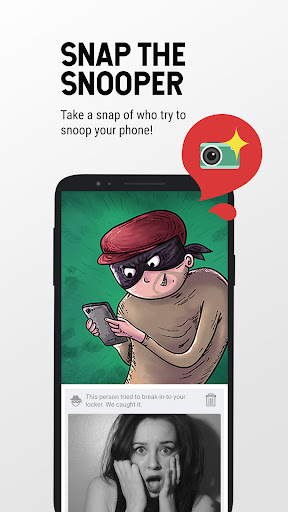
Image locker is your personal gallery where you can keep your most memorable photos and ensure that friends who use your phone don’t see your personal pictures if they browse through your gallery.
Features:
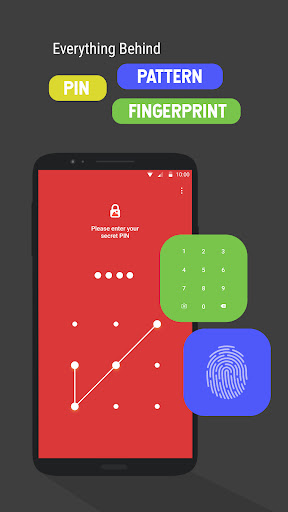
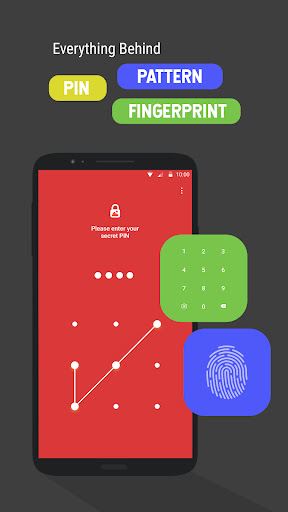
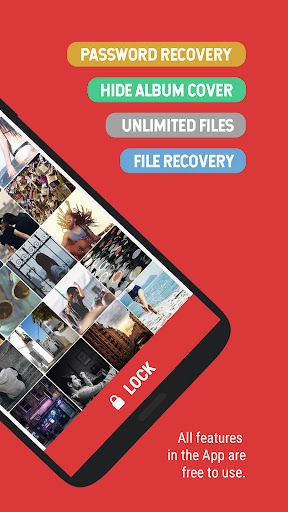
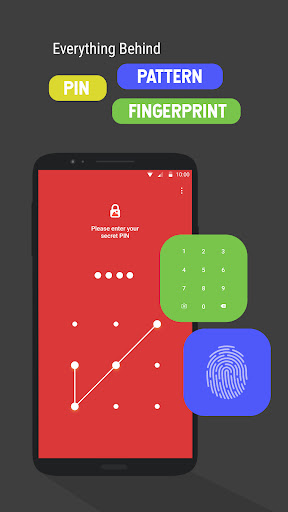
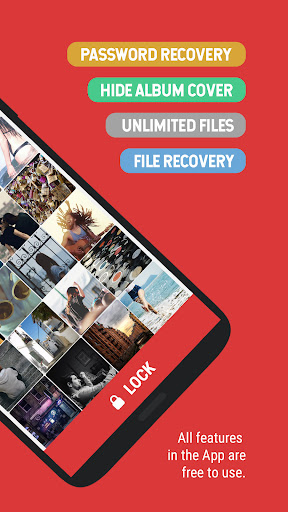
- Password protected app access with a PIN / Pattern.
- Lock images directly from your default gallery
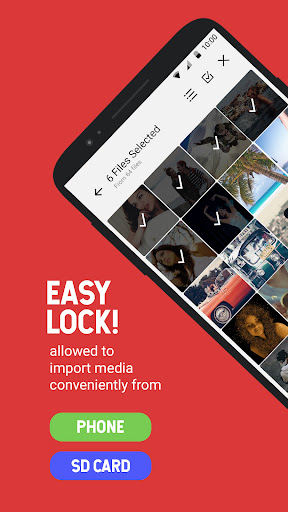
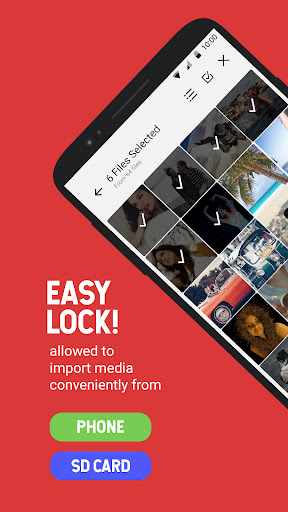
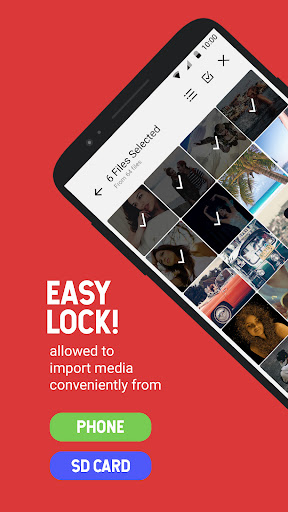
- Works with your device’s memory / SD card to import and export images.
- Album View to manage your images faster.
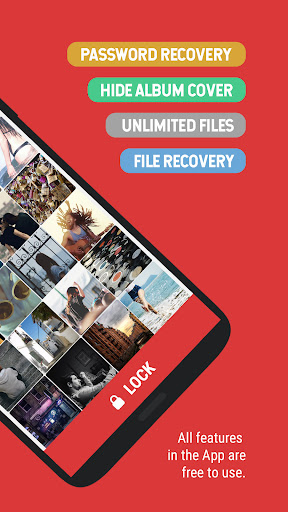
- No storage limitations with unlimited images.
- Multi-select feature to import hundreds of images quickly.
- Easy unlock with just a tap.
- E-mail based password recovery
- Does not show in ‘recent apps’ list.
- Automatically quits in device's sleep mode.
- Share locked photos directly on Facebook, Twitter, WhatsApp, Etc.
- You can hide your album thumbnail pic
- Sideshow photos
- Set cover image to your albums
- Set theme to depends on your mood
How it works:
- Enter PIN / Pattern to log-in to the app.
- Press add button in the app to add and manage images.
- Import / export images from your phone / SD Card.
- Select the images you want to lock. (Multiple selection allowed)
- Press the “Lock” icon and there! As Secure as a vault!
FAQ:
Q: Where do my pics go after I unlock them?
A: Your pictures will be at "sdcard/imagelocker_UnLocked_pic" after unlocking.
Q: How can I change my password?
A: Tap the 'Settings' icon which will show you an option to change your PIN / Pattern.
Q: Are my hidden photos stored online?
A: No. Your photos are stored only on your device. We have no ability to remotely access your pictures.
Q: Which image formats are supported by Image Locker?
A: Image locker supports all major image formats including JPEG, jpg, tiff, png, jpg and BMP.
More FAQ checkout our website: http://www.innorriors.com/faq.php
Having issues with Image Locker? Check out the FAQs or mail us at [email protected].
- Love us? Like us! : http://facebook.com/innorriors
- Twitter addict? Follow us : http://twitter.com/innorriors
- Stay updated. Visit us : http://www.innorriors.com
Image locker is your personal gallery where you can keep your most memorable photos and ensure that friends who use your phone don’t see your personal pictures if they browse through your gallery.
Features:
- Password protected app access with a PIN / Pattern.
- Lock images directly from your default gallery
- Works with your device’s memory / SD card to import and export images.
- Album View to manage your images faster.
- No storage limitations with unlimited images.
- Multi-select feature to import hundreds of images quickly.
- Easy unlock with just a tap.
- E-mail based password recovery
- Does not show in ‘recent apps’ list.
- Automatically quits in device's sleep mode.
- Share locked photos directly on Facebook, Twitter, WhatsApp, Etc.
- You can hide your album thumbnail pic
- Sideshow photos
- Set cover image to your albums
- Set theme to depends on your mood
How it works:
- Enter PIN / Pattern to log-in to the app.
- Press add button in the app to add and manage images.
- Import / export images from your phone / SD Card.
- Select the images you want to lock. (Multiple selection allowed)
- Press the “Lock” icon and there! As Secure as a vault!
FAQ:
Q: Where do my pics go after I unlock them?
A: Your pictures will be at "sdcard/imagelocker_UnLocked_pic" after unlocking.
Q: How can I change my password?
A: Tap the 'Settings' icon which will show you an option to change your PIN / Pattern.
Q: Are my hidden photos stored online?
A: No. Your photos are stored only on your device. We have no ability to remotely access your pictures.
Q: Which image formats are supported by Image Locker?
A: Image locker supports all major image formats including JPEG, jpg, tiff, png, jpg and BMP.
More FAQ checkout our website: http://www.innorriors.com/faq.php
Having issues with Image Locker? Check out the FAQs or mail us at [email protected].
- Love us? Like us! : http://facebook.com/innorriors
- Twitter addict? Follow us : http://twitter.com/innorriors
- Stay updated. Visit us : http://www.innorriors.com
What's New
* Recovery PIN problem solved.
* Bug fixes
* Performance improvements
* Bug fixes
* Performance improvements
App Information
Version Name
2.0.1
Version Code
34
File Size
2.7 MB
Minimum OS
Android 5.0+
Target SDK
Android 21
Developer
Rowdy Techs
Contact
Website
Content Rating
Everyone
Package Name
com.inno.imagelockerPermissions Required
This app may request the following permissions:
Recent Reviews

BlueKio
4.0★
Almost perfect. Decent customisation, the ads are bearable and understandable, and accessibility is seamless. The only thing that irks me is how in the move menu, the folders aren't sorted alphabetically. It might not seem like much, but if you have a lot of folders, then it becomes a big pain. Even manual sorting would be nice.

A Google user
4.0★
Since I only got it last night, I'm not sure if I can give it a good enough rating. But it is easy to use so far, and I learned too late that I could unlock some of the photos that were put in there as somehow all of my downloaded photos wound up in there. So I began removing them by deleting them.But then realized that I only had to unlock them. Thanks, I'm really liking it.

Mpho Leshabane
1.0★
This app is incredibly frustrating to use. Every time I try to open photos, it crashes all the photos. It's disappointing because I expected better reliability and performance. This issue wastes my time and makes the app feel completely unreliable for its intended purpose. I hope the developers address this problem soon, as it's making the app almost unusable.
A Google user
2.0★
Moving the photo to image Locker was easy. Whst I do not like is all photos pop up when ths App is opened. That needs to change. If the content is personal there should be another screen before you access your photos. Fake lock screen doesn't work. I'm Uninstalling App

Soham Joshi
1.0★
I had saved many photos which were essential for me but the app has updated and all important photos were deleted from the app and I can't recover them in app as well as in my phone gallery I request you to please bring our privacy back to us and help us to recover our data which was present in the app or bring it back to phones gallery

Sabita Varma
1.0★
Trashy app. I changed my phone and when I install it again in a new one I don't have any of my pics here.. Literally.. I am so pissed and disappointed. I had such important pics there and now it's all gone.
Ad slot: In-Content