
Web Video Caster Receiver
com.instantbits.cast.receiver
by InstantBits Inc
Screenshots
Ad slot: Top Leaderboard
About this app
Web Video Caster is the #1 mobile browser for casting videos to your TV. This is the receiver for Web Video Caster. You must installed the Web Video Caster mobile app to be able to use this receiver.
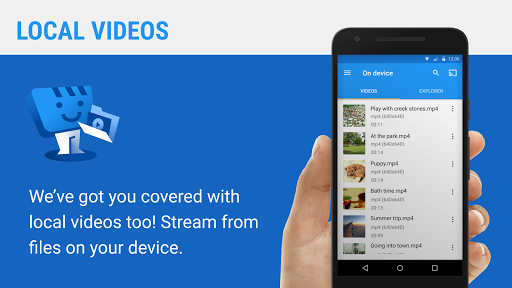
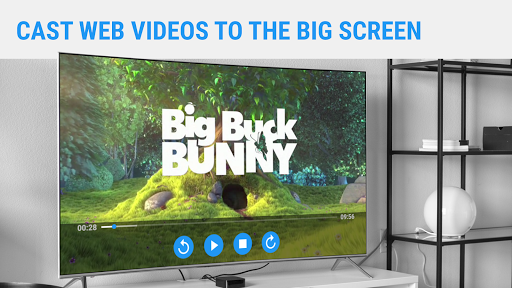
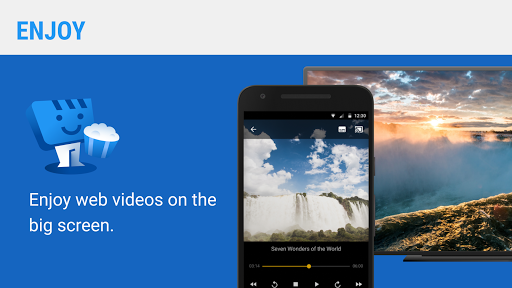
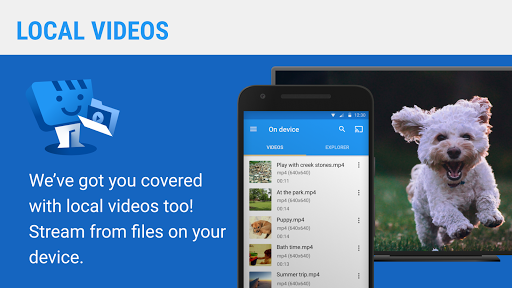
Cast videos, images and audio, live streams, and more from the web browser on your mobile phone or tablet to your TV.
1.- Download Web Video Caster for iOS at https://apple.co/2RCUMwW or Android at http://bit.ly/2TAdv9Q
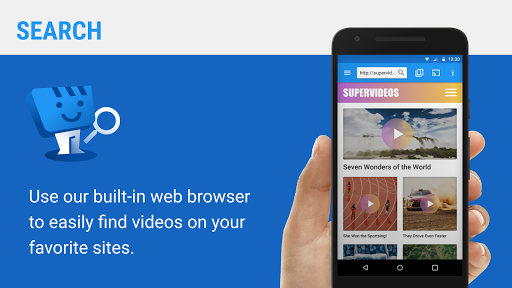
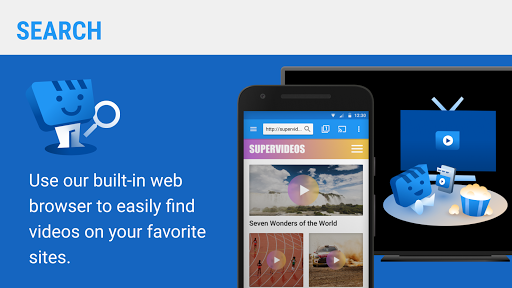
2.- Browse the web looking for videos you want to watch.
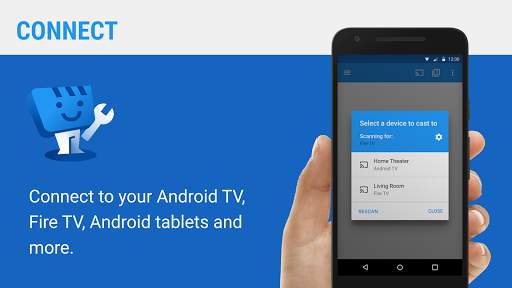
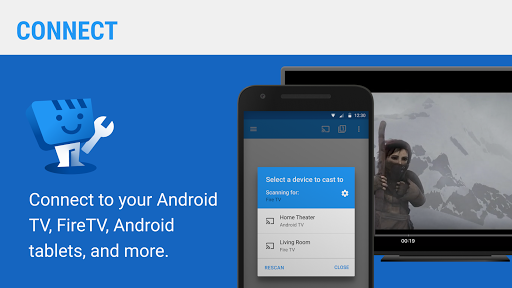
3.- Let Web Video Cast help you cast those videos to your TV.
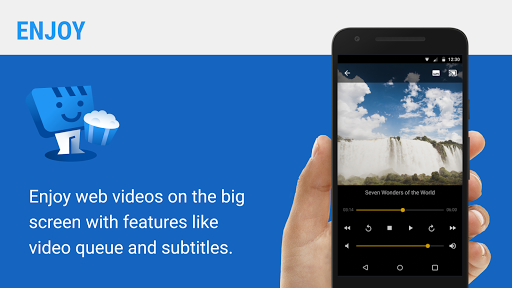
4.- Enjoy! Please visit http://webvideocast.app for more information.
Cast videos, images and audio, live streams, and more from the web browser on your mobile phone or tablet to your TV.
1.- Download Web Video Caster for iOS at https://apple.co/2RCUMwW or Android at http://bit.ly/2TAdv9Q
2.- Browse the web looking for videos you want to watch.
3.- Let Web Video Cast help you cast those videos to your TV.
4.- Enjoy! Please visit http://webvideocast.app for more information.
What's New
Added buffer settings.
App Information
Version Name
2.0.0
Version Code
300
File Size
7.4 MB
Minimum OS
Android 5.0+
Target SDK
Android 33
Developer
InstantBits Inc
Contact
Website
Content Rating
Everyone
Package Name
com.instantbits.cast.receiverPermissions Required
This app may request the following permissions:
Recent Reviews

Chris R
5.0★
The best webcast app out of many I have tested. Keeps getting more stable with every update. Almost never disconnects mid stream anymore. Once you got your settings fine tuned, it plays every time. If not, a simple page refresh usually sorts it out, or maybe the site wants to play an ad first, but you have turned off casting of ads in the settings. I even tried pro on other web casting aps as well, but this one is the one where my purchase turned out to be an investment, continuously improving.

Micro Mega
5.0★
This one of best apps I know. casting videos,songs, pictures to tv. you just connect your hotspot and it's not a must to have data bundles. By any chance do you have a phone game controller to connect to tv with just hotspot. Good job on this specific app

John A
4.0★
Works pretty good even for the free version. But the apps connection dose crash every hour to two hours. I don't know if they just do that on the free version to Encourage purchase of the paid version or not because I have not yet spent the $5 to get it. But its worth it if the app crashing stops after purchasing.

J
3.0★
Works, and allows streams to use subtitles. However, I don't like the stream menu. If you click enter on your remote it closes the entire stream. It also won't load a new stream unless you back out of the app completely to re-load the same connection/invitation code (it doesn't seem to remember your device on the receiver app).

Bryan
4.0★
Only app. That works for me. I had to buy. $2.99 then I got a dollor off. Well worth the money. Only issue I can't get videos to run back to back it stops then I have go to next video myself. Same video will loop . Just have it go to next video itself. It would r 5 Stars.

Ridzuan Ibrahim
5.0★
problem connecting to my Android box. just need to end the stream from the phone
Ad slot: In-Content