

Photo Editor
com.iudesk.android.photo.editor
by dev.macgyver
Screenshots
Ad slot: Top Leaderboard
About this app
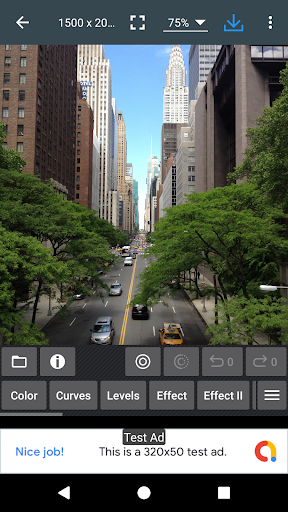
If you have some knowledge of photography, you can do a lot with Photo Editor.
Now use Photo Editor to edit photos on your mobile phone just like you would on a PC.
Features
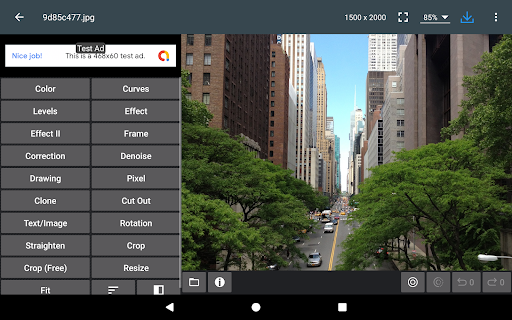
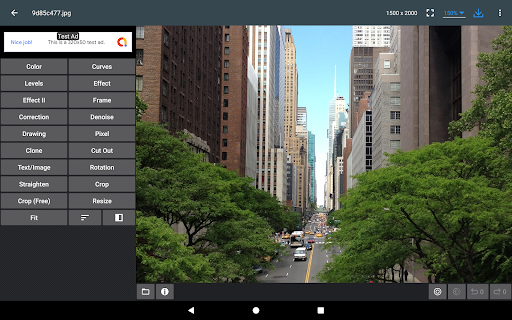
* Color : exposure, brightness, contrast, saturation, temperature, tint and hue
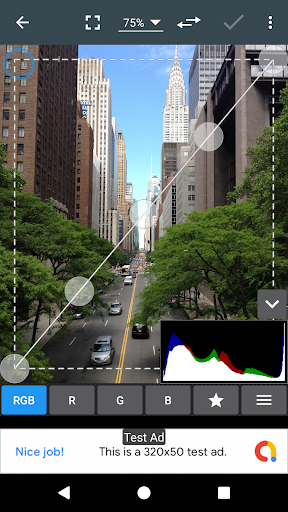
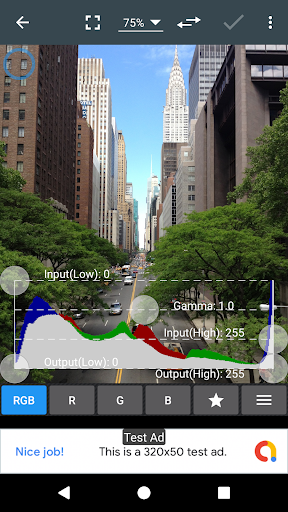
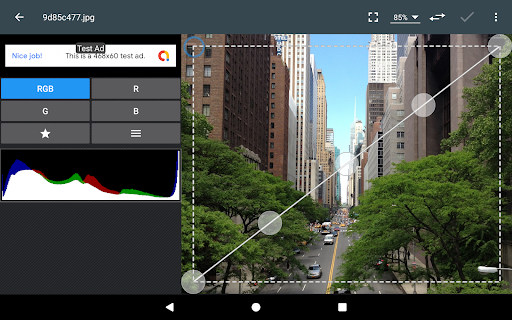
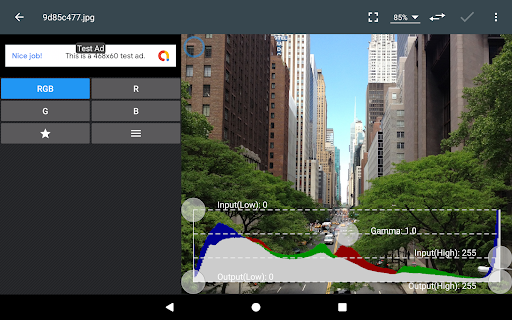
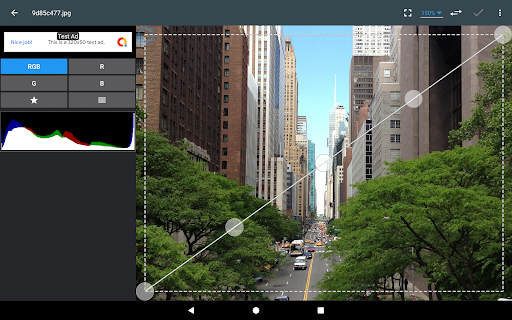
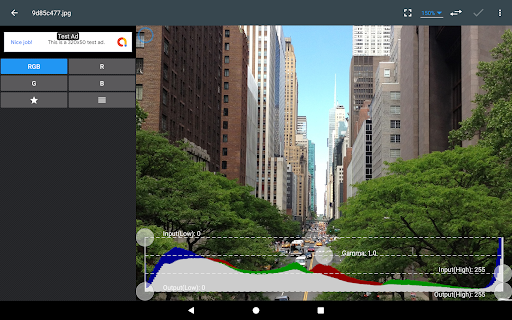
* Curves & Levels : fine-tuning of colors
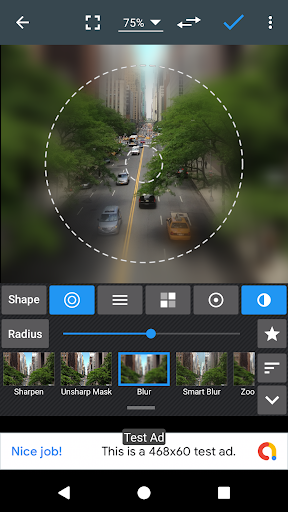
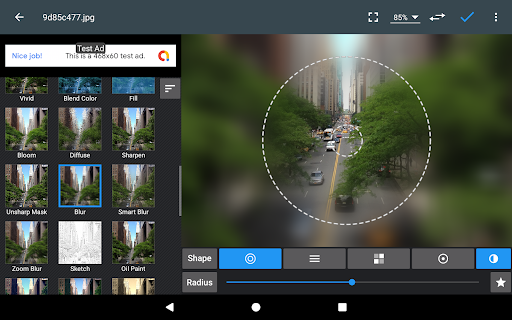
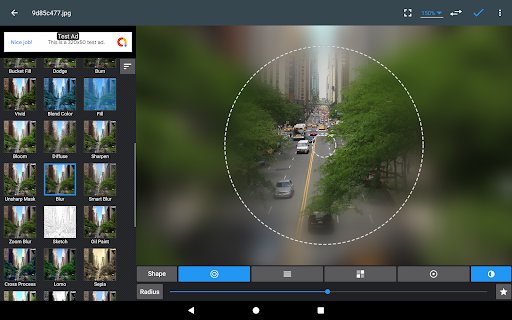
* Effects : gamma correction, auto contrast, auto tone, vibrance, blur, sharpen, oil paint, sketch, black & white high contrast, sepia, and more
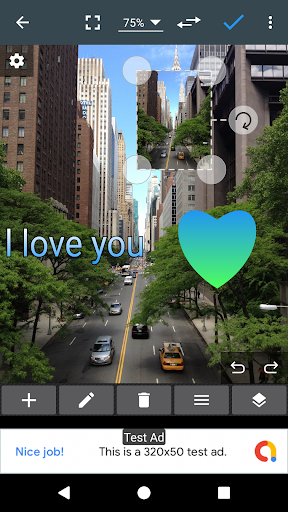
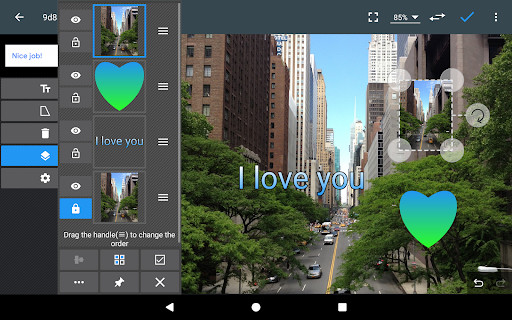
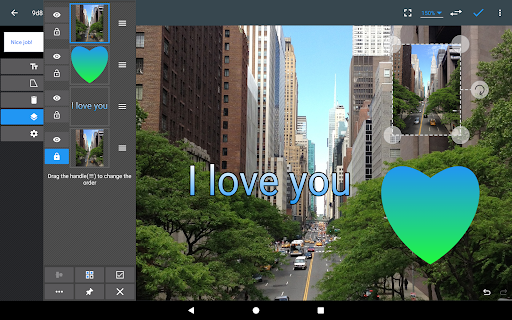
* Adding text, images or shapes
* Frame, Denoise, Drawing, Pixel, Clone, Cut Out
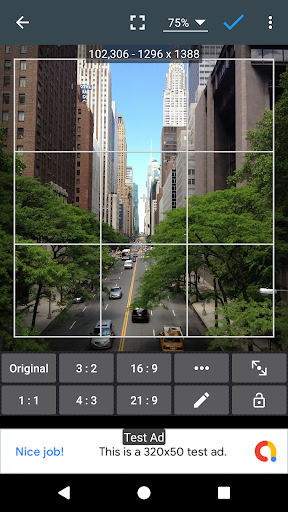
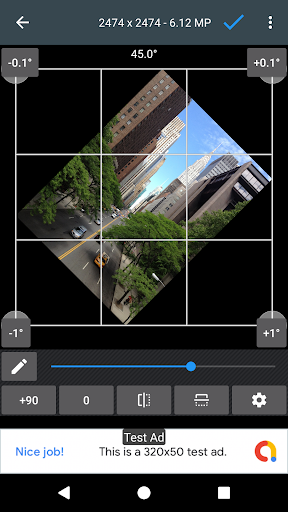
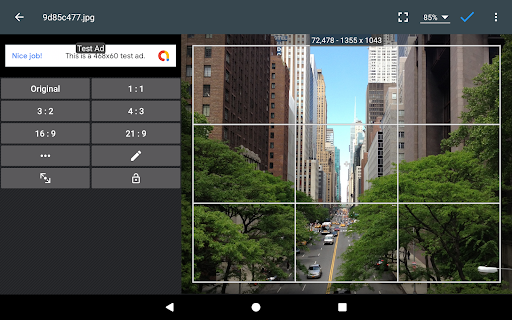
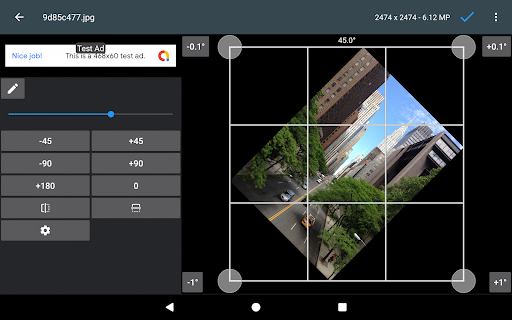
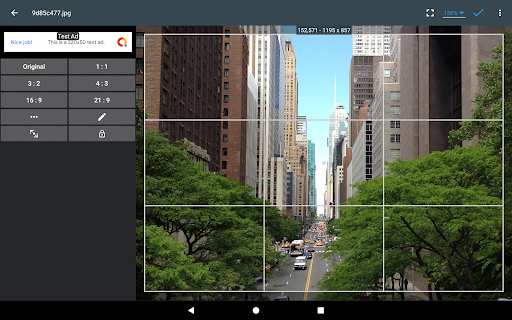
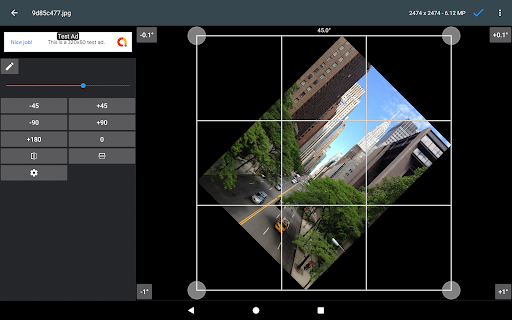
* Rotation, Straighten, Crop, Resize
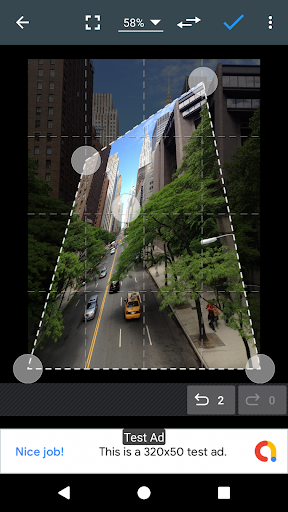
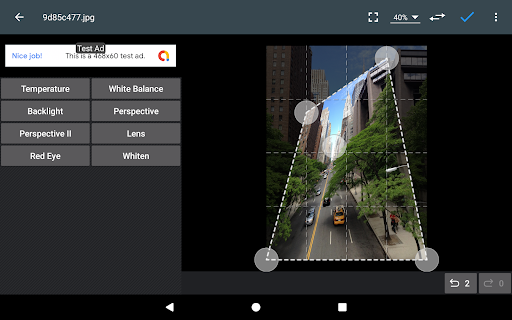
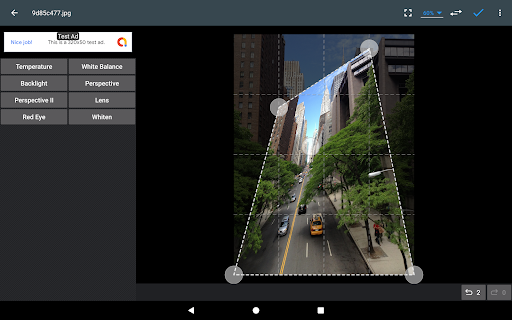
* Corrections : perspective, lens, red-eye, white balance and backlight
* Easily edit with the touch and pinch-to-zoom interface
* Save images in JPEG, PNG, GIF, WebP and PDF
* View, edit, or delete Metadata (EXIF, IPTC, XMP)
* Save your final result to your gallery, as wallpaper, or on your SD card
* Share photos via email, social media, and more
* Batch, Crop(Puzzle), Compress to ZIP, Create PDF, Animated GIF
* Webpage Capture, Video Capture, PDF Capture
* Compare Photos, GIF Frame Extractor, SVG Rasterizer
* Ad-free option is available (Settings > Purchase Items)
*** Links
Website: https://www.iudesk.com
Tutorials: https://www.iudesk.com/photoeditor/tutorial
*** PHOTO EDITOR IS NOT SPYWARE/VIRUS!!!
Photo Editor does not contain any viruses or malicious code.
https://www.iudesk.com/photoeditor/security
Now use Photo Editor to edit photos on your mobile phone just like you would on a PC.
Features
* Color : exposure, brightness, contrast, saturation, temperature, tint and hue
* Curves & Levels : fine-tuning of colors
* Effects : gamma correction, auto contrast, auto tone, vibrance, blur, sharpen, oil paint, sketch, black & white high contrast, sepia, and more
* Adding text, images or shapes
* Frame, Denoise, Drawing, Pixel, Clone, Cut Out
* Rotation, Straighten, Crop, Resize
* Corrections : perspective, lens, red-eye, white balance and backlight
* Easily edit with the touch and pinch-to-zoom interface
* Save images in JPEG, PNG, GIF, WebP and PDF
* View, edit, or delete Metadata (EXIF, IPTC, XMP)
* Save your final result to your gallery, as wallpaper, or on your SD card
* Share photos via email, social media, and more
* Batch, Crop(Puzzle), Compress to ZIP, Create PDF, Animated GIF
* Webpage Capture, Video Capture, PDF Capture
* Compare Photos, GIF Frame Extractor, SVG Rasterizer
* Ad-free option is available (Settings > Purchase Items)
*** Links
Website: https://www.iudesk.com
Tutorials: https://www.iudesk.com/photoeditor/tutorial
*** PHOTO EDITOR IS NOT SPYWARE/VIRUS!!!
Photo Editor does not contain any viruses or malicious code.
https://www.iudesk.com/photoeditor/security
What's New
Version 12.0.1
• Crash & Bug fixes
• Crash & Bug fixes
App Information
Version Name
10.2
Version Code
2024050900
File Size
8.1 MB
Minimum OS
Android 8.0+
Target SDK
Android 34
Developer
dev.macgyver
Contact
Website
Content Rating
Everyone
Package Name
com.iudesk.android.photo.editorPermissions Required
This app may request the following permissions:
Recent Reviews

Michael Boeseman
5.0★
I started using this app a long time ago. This is the best, no frills photo editing app I have found out there for my phones and tablet. it does what I needed to do, unlike all the flashy, nonsense filter, photo editing apps out there do. It's been around for a long time. It's well maintained and has improved dramatically over the years. Kudos to the developer! Is there anyway I can buy you a drink? I hope it doesn't suddenly disappear like many of my other favorite apps have.

Monique Officer
5.0★
I've been a long time user of this app and it's been a great app to have on all my devices. Editing is easy and there's so many things you can edit per photo plus the many options given to create a photo you'll love. I'm so grateful to the dev for this awesome app and the ability to have ads that aren't intrusive. AND THERE'S NO SUBSCRIPTION NEEDED and you're still able to use the entire app without limitations. A million thank yous for putting the ppl first without adding a subscription.

Greenman Wood
5.0★
Superb suite of tools for photo editing. Excellent product. Please add stitching, or any way to bring two or more images into the same space! UPDATE: PLEASE modify sort order so that it remembers your choice! I always use "Modified (newest first)" and it's infuriating to have to reselect it EVERY time I use the editor. It would seem so easy to just leave it on the choice I've made until I make a different one. Thank you.

Maddog M.
5.0★
I have this one of the first things I download to my phone. It ain't Photoshop but it does a damn good job and meets 90% of my needs. Developer keeps keeps it up to date. Sometimes some parts are a little awkward to use but the range of tools is excellent. It even has a curves tool for people who know how to use it! The footprint is small, the previews & processing are fast and the ads are not intrusive. Lots of save as & editing options including zip & even pdf files. HIGHLY recommended!

Tony McGuiness
5.0★
This is the only app needed for post editing of your photos. Has it all. color channels, levels, color balance, et al, and no need to be a pro to learn. And ultimate tools for creating gifs, doing batch adjustments, saving your presets, in house photo browser, share options, doing collages, and the list goes on. Saves/reads all relevant formats. I use Photoshop on my computer, but for Android this is the closest youll find in comparison. and I use it several times a day. AND ITS FREE!

Mike Shamas
5.0★
The closest you'll get to Photoshop on your phone. It's not perfect, though. The most obvious thing this app lacks is an indicator to show when you put an something in the center of the picture you're making. This us imperative to design and the fact that it's missing is baffling. Honestly though, I would love a desktop version of the app.
Ad slot: In-Content