

jetAudio+ Hi-Res Music Player
com.jetappfactory.jetaudioplus
by Team Jet
Screenshots





Ad slot: Top Leaderboard
About this app
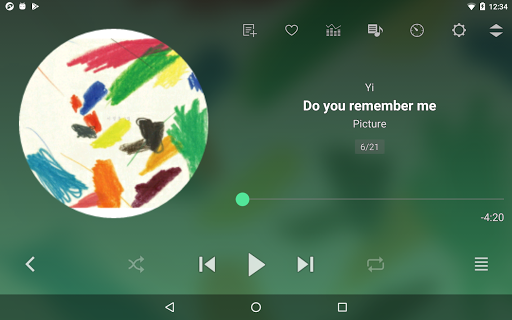
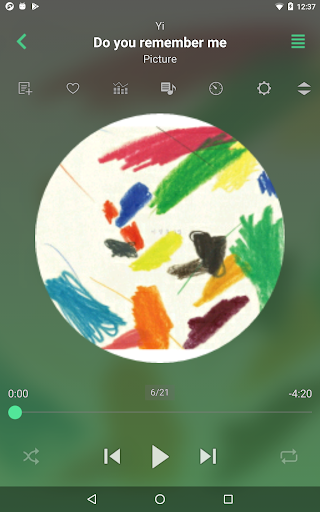
jetAudio is the highest rated and most downloaded media player on CNET.COM and now you can listen to same high-quality sound on your Android phone using jetAudio.
*** You can try FREE jetAudio Basic before you buy Plus version ***
-- Sound Effects & Visualization plugins --
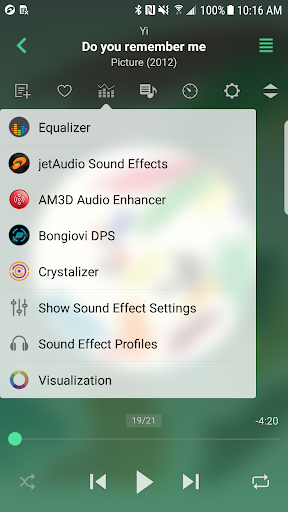
* Crystalizer
* AM3D Audio Enhancer (http://www.am3d.com)
* Bongiovi DPS (http://www.bongioviacoustics.com)
* Visualizations
(Sound effect and Visualization plugins will be sold separately through in-app purchase.)
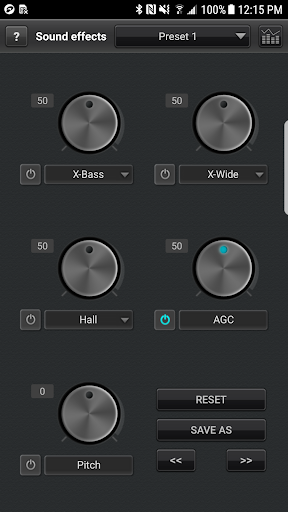
It plays almost any type of digital music files you have (.wav, .mp3, .ogg, .flac, .m4a, .mpc, .tta, .wv, .ape, .mod, .spx, .opus, .wma* and more) and, it provides a very high quality sound with various effects and enhancements such as Wide, Reverb, X-Bass.
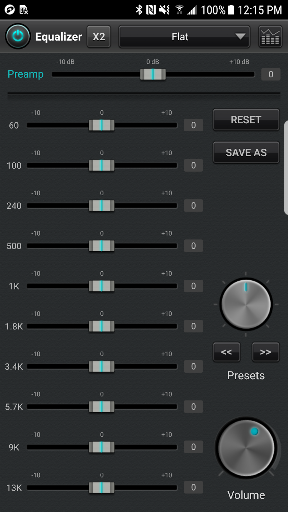
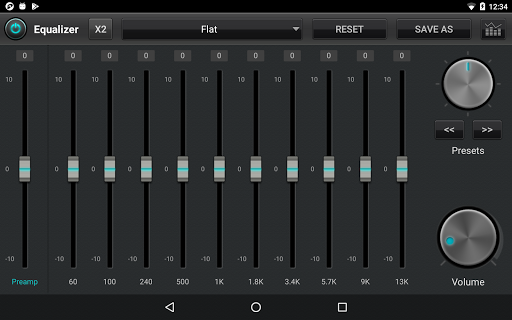
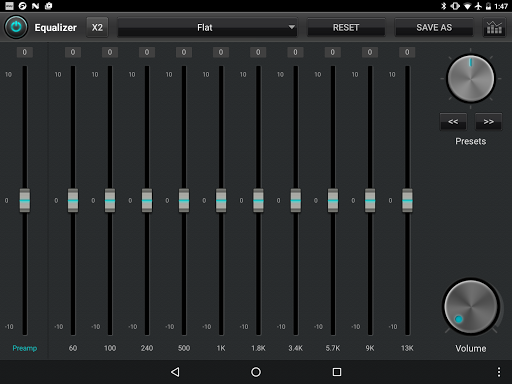
It comes with 32 equalizer presets that will provide a wide array of listening experience.
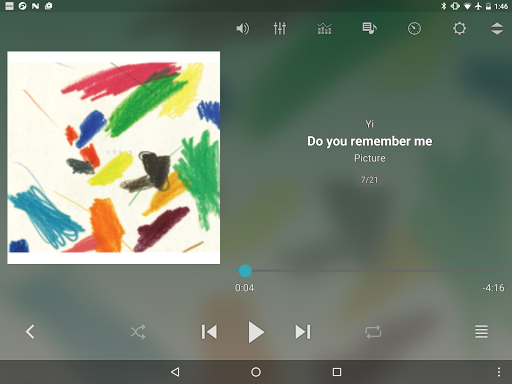
For those who would like to customize their own sound experience, it also allows 10/20 bands graphic equalizer and other advanced playback functions including playback speed control, crossfading, AGC and much more.
It can stream music from shared folders on local home network or WebDAV servers. It works with shared folders from Windows, USB drive attached to router, Network drives (NAS) or WebDAV servers.
It also can stream music files in the cloud such as Google Drive, Dropbox, Box, OneDrive.
Free Basic version provides same features with Plus version except advertisements and some features.
To enjoy full features of jetAudio, please purchase Plus version.
-- Features for Plus version only --
* 20-bands graphic equalizer
* Tag Editor (MP3, FLAC, OGG, M4A)
* Display lyrics in tag (Unsynchronized lyrics)
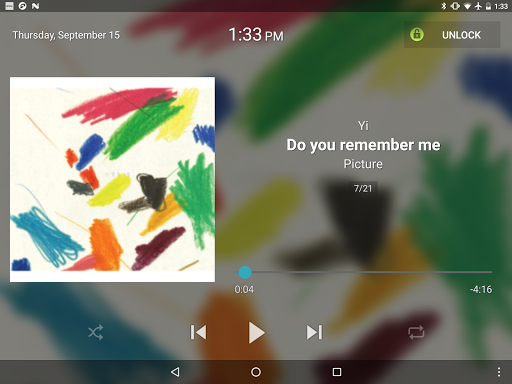
* 3 lock screens
* Pitch shifter
* Precise playback speed control (50% ~ 200%)
* Light Gray/White theme for browser (Plus only)
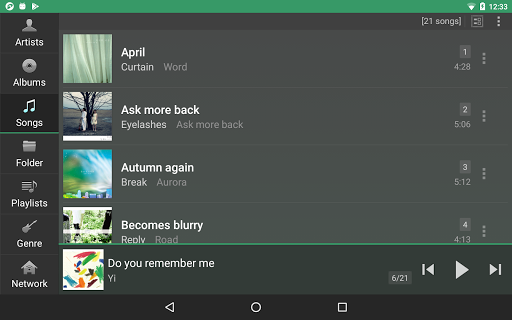
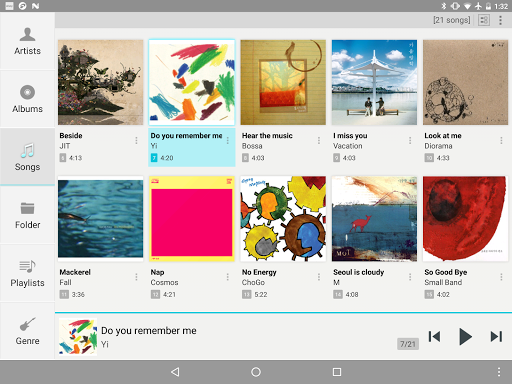
* Grid mode for Artist/Song/Folder/Genre browser
* Adjust FF/REW interval
* Expanded notification bar (for JB)
* MIDI playback (using jetAudio WaveTable MIDI synthesizer engine)
-- Features for Basic/Plus version --
* Play music via Wi-Fi from shared folders on local home network
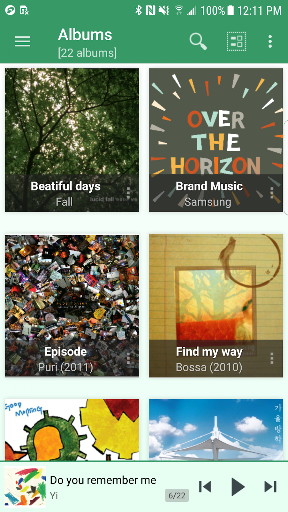
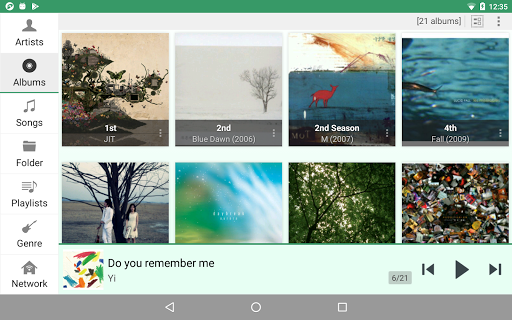
* Can choose between 3 List modes or 10 Grid modes for layout style
(In Basic version, layout style can be chosen in Album browser only)
* 14 app widgets : 4x1 (#2), 4x2 (#3), 4x3 (#3), 4x4 (#3), 3x3, 2x2, 2x3
* Find on YouTube
* Last.fm (requires official Last.fm app)
* X-Wide, Reverb, X-Bass sound effects
* AGC (automatic gain control) to avoid volume fluctuations between tracks
* Speed control from 50% to 200% (pitch adjusted)
* Crossfading, Gap-less playback
* Fade-in/Fade-out
* Repeat A<->B
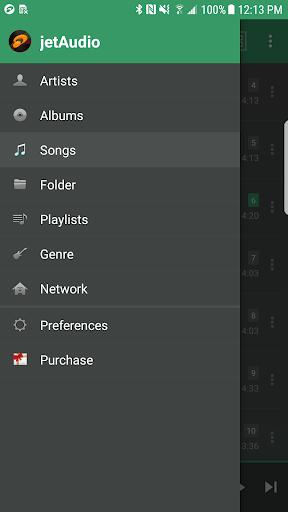
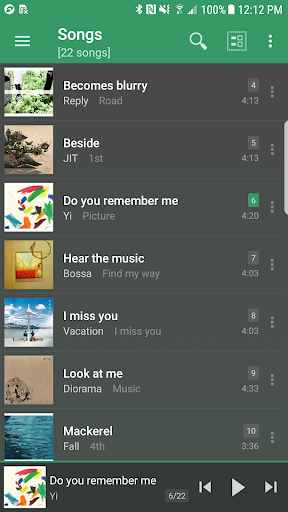
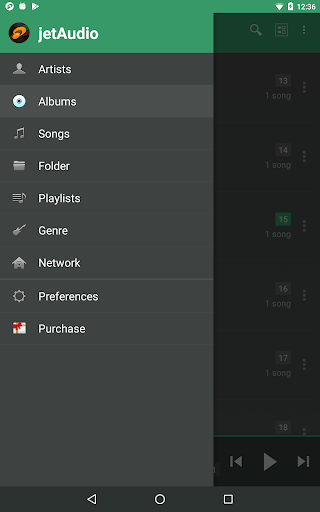
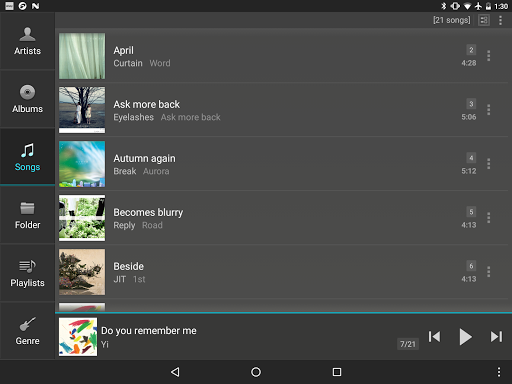
* Browser and play music by artists, albums, songs, playlists, genres and folders
* Balance/Volume control
* Sleep timer up to 24 hours
* Flick up to post what you're listening to on Twitter
* Flick down to show Now Playing
* Flick left/right to play next/previous
* Lock screens
* Bluetooth headphone button control
* Send track information via Bluetooth AVRCP 1.3
* Multi-select function (Delete/Add to playlist)
* Keep screen on, Lock orientation options
* Shake to play next/previous track
* Supporting formats:
MP3, WAV, OGG, FLAC, M4A, MPC, TTA, WV, APE, MOD (module formats S3M, IT), SPX, OPUS, AIFF
(WMA may not be supported on some devices. Please check your device specification for WMA support)
(If you want to localize jetAudio for your language, please contact [email protected] for more information)
*** You can try FREE jetAudio Basic before you buy Plus version ***
-- Sound Effects & Visualization plugins --
* Crystalizer
* AM3D Audio Enhancer (http://www.am3d.com)
* Bongiovi DPS (http://www.bongioviacoustics.com)
* Visualizations
(Sound effect and Visualization plugins will be sold separately through in-app purchase.)
It plays almost any type of digital music files you have (.wav, .mp3, .ogg, .flac, .m4a, .mpc, .tta, .wv, .ape, .mod, .spx, .opus, .wma* and more) and, it provides a very high quality sound with various effects and enhancements such as Wide, Reverb, X-Bass.
It comes with 32 equalizer presets that will provide a wide array of listening experience.
For those who would like to customize their own sound experience, it also allows 10/20 bands graphic equalizer and other advanced playback functions including playback speed control, crossfading, AGC and much more.
It can stream music from shared folders on local home network or WebDAV servers. It works with shared folders from Windows, USB drive attached to router, Network drives (NAS) or WebDAV servers.
It also can stream music files in the cloud such as Google Drive, Dropbox, Box, OneDrive.
Free Basic version provides same features with Plus version except advertisements and some features.
To enjoy full features of jetAudio, please purchase Plus version.
-- Features for Plus version only --
* 20-bands graphic equalizer
* Tag Editor (MP3, FLAC, OGG, M4A)
* Display lyrics in tag (Unsynchronized lyrics)
* 3 lock screens
* Pitch shifter
* Precise playback speed control (50% ~ 200%)
* Light Gray/White theme for browser (Plus only)
* Grid mode for Artist/Song/Folder/Genre browser
* Adjust FF/REW interval
* Expanded notification bar (for JB)
* MIDI playback (using jetAudio WaveTable MIDI synthesizer engine)
-- Features for Basic/Plus version --
* Play music via Wi-Fi from shared folders on local home network
* Can choose between 3 List modes or 10 Grid modes for layout style
(In Basic version, layout style can be chosen in Album browser only)
* 14 app widgets : 4x1 (#2), 4x2 (#3), 4x3 (#3), 4x4 (#3), 3x3, 2x2, 2x3
* Find on YouTube
* Last.fm (requires official Last.fm app)
* X-Wide, Reverb, X-Bass sound effects
* AGC (automatic gain control) to avoid volume fluctuations between tracks
* Speed control from 50% to 200% (pitch adjusted)
* Crossfading, Gap-less playback
* Fade-in/Fade-out
* Repeat A<->B
* Browser and play music by artists, albums, songs, playlists, genres and folders
* Balance/Volume control
* Sleep timer up to 24 hours
* Flick up to post what you're listening to on Twitter
* Flick down to show Now Playing
* Flick left/right to play next/previous
* Lock screens
* Bluetooth headphone button control
* Send track information via Bluetooth AVRCP 1.3
* Multi-select function (Delete/Add to playlist)
* Keep screen on, Lock orientation options
* Shake to play next/previous track
* Supporting formats:
MP3, WAV, OGG, FLAC, M4A, MPC, TTA, WV, APE, MOD (module formats S3M, IT), SPX, OPUS, AIFF
(WMA may not be supported on some devices. Please check your device specification for WMA support)
(If you want to localize jetAudio for your language, please contact [email protected] for more information)
What's New
v12.3.4
- Bug fixes
- Bug fixes
App Information
Version Name
7.2.4
Version Code
60602
File Size
14.3 MB
Minimum OS
Android 5.0+
Target SDK
Android 10
Developer
Team Jet
Contact
Website
Content Rating
Everyone
Package Name
com.jetappfactory.jetaudioplusPermissions Required
This app may request the following permissions:
Recent Reviews

Matthew Barlow
2.0★
JetAudio has been great. I've been using it since 2010 on the computer. I'm glad they're still around. I can't add/remove songs to my Playlist anymore, shared or otherwise. It doesn't always stay active in the taskbar when pausing a song. *Update. I can't do it through Jet Audio but I found a way to add/remove songs from a playlist. If I opened the playlist.m3u in a text editor I was able to manually type the location/name of a song to add it, then save.

Jeremiah Akintunde
4.0★
1/31/23: It appears that the latest update fixed the issue. Thank you. 1/14/23: This was up until a few weeks the best music player app for Android. The latest update now causes songs to stop playing randomly and when you press play, the song starts from the beginning. It happens while listening to it in a car, using Bluetooth headphones, etc. Very annoying. I have a S22 Ultra and this will often be the only app running when this happens. Today, it did it for 5 songs in a row.

Scott Rodrick
5.0★
I have loved using jetAudio+ for 10 years. The only problem is that makes other music players frustrating to use. I wish I could use it as the interface for my streaming apps, like Spotify,, Amazon Music, and YouTube Music. The cusomizability is amazing. You can use as is or configure it exactly the way you want. I use it to listen to my 100k+ track music folder or my 80k episodes of "Old Time Radio" from the Old Time Radio Researchers group. Either way the listening experience is GREAT!

A Google user
4.0★
04-02-19: still waiting for chromecast support. 👀 12-31-16: I've been using this app for a few years. I stumbled across this app and remember using the desktop version many years ago. I was happy to give it a go. I only see support for chromecast and import of playlists missing at this point ( though I may have overlooked it), which is on RocketPlayer. Also, would be nice to assign equilizer setting to individual song and/or album. Otherwise, it's a pretty good player.
A Google user
1.0★
The notification player pops up any time bluetooth is turned on even when the app is not in use. This was a bug previously but was fixed, now it's back. Please fix the notifications. Also audio fades out and back in during every track since the introduction of the horrible audio ducking "feature" even when there are no notifications. I know I don't get 2 or 3 notifications during EVERY played track.
A Google user
4.0★
I've tried N7 and PowerAmp before this, and this one has functioned the best so far. Biggest problem that most Android based music players have is stuttering. I've been using this non-stop for the last few days and have encountered no stutter directly linked to jetAudio. It doesn't have the visual style of N7 or all the bells and whistles of PowerAmp, but it has many of them. My only gripe with this player is the album art search. It often doesn't get the correct cover, or one of good quality.
Ad slot: In-Content