

Boot Animations for Superuser
com.jrummy.apps.boot.animations
by Maple Media
Screenshots
Ad slot: Top Leaderboard
About this app
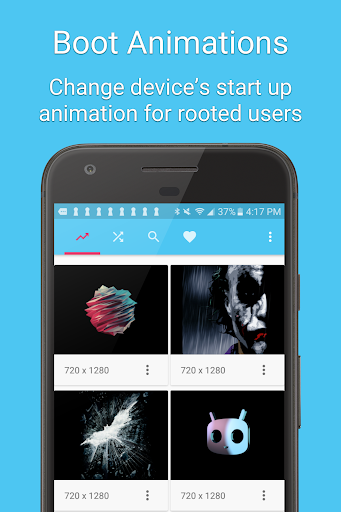
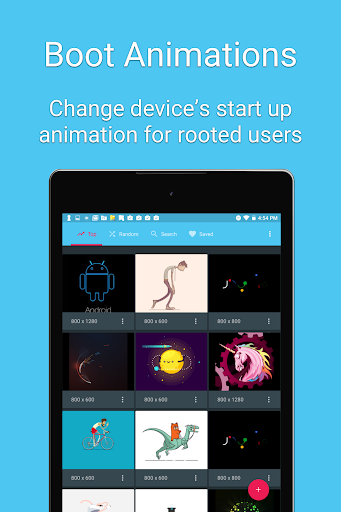
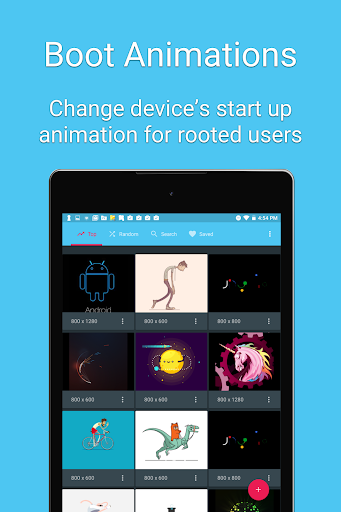
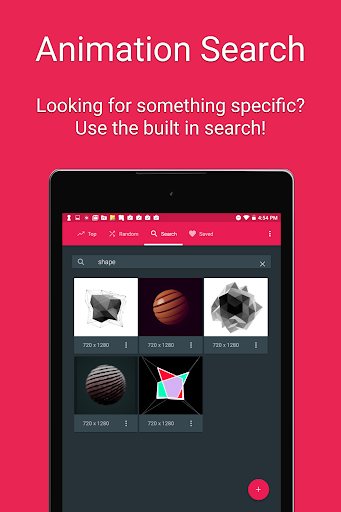
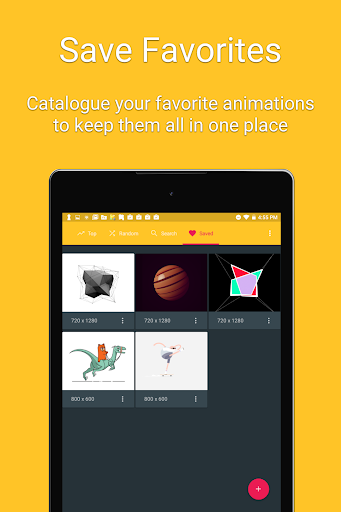
A boot animation is the loading animation that is played when your device starts up. Choose from hundreds of custom load animations to install to your rooted device. Root access is required and your device must be compatible to install custom boot animations.
Features:
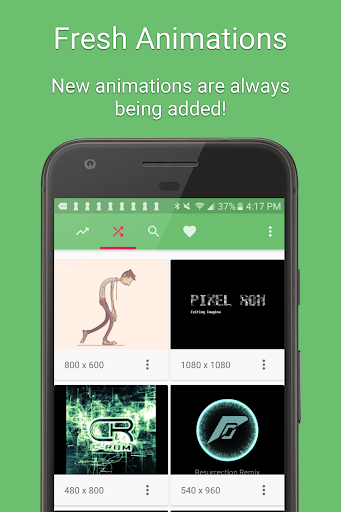
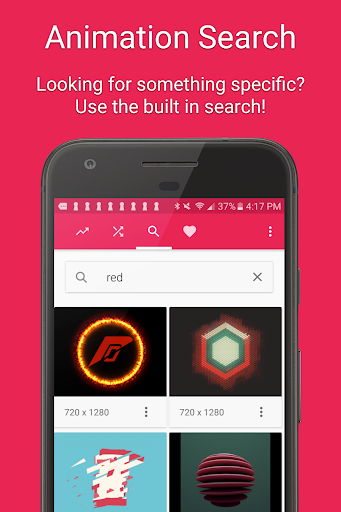
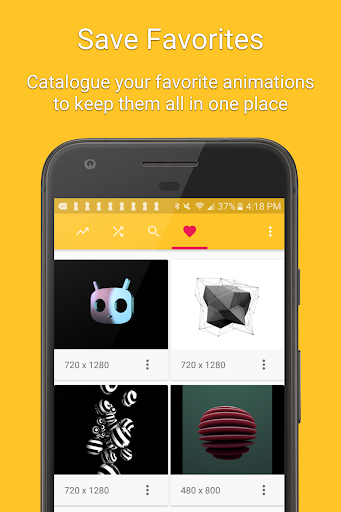
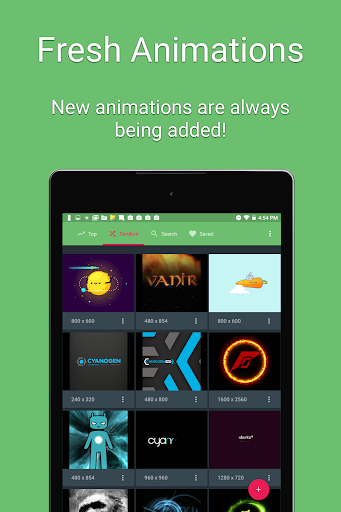
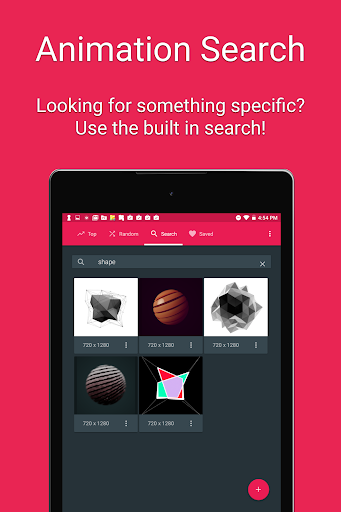
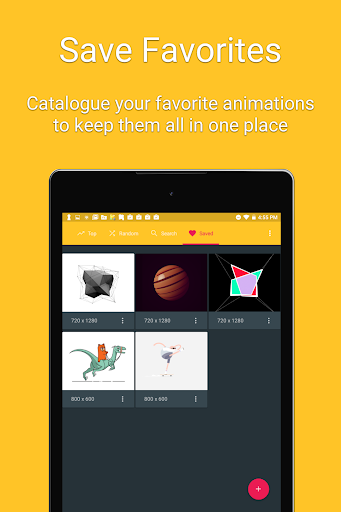
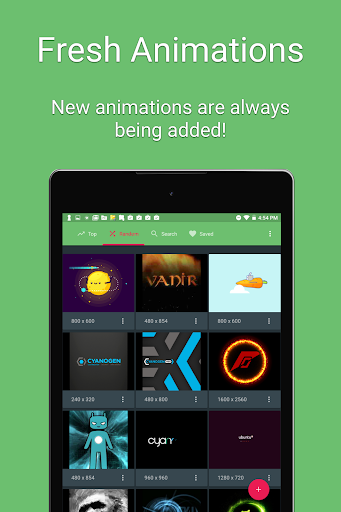
• Hundreds of beautiful boot animations for superusers 🌈.
• Install boot animations from your SD card.
• Convert an animated GIF to a boot animation.
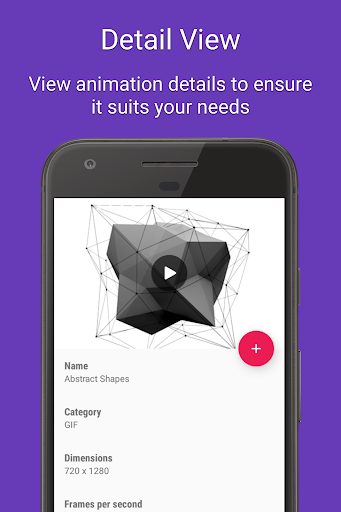
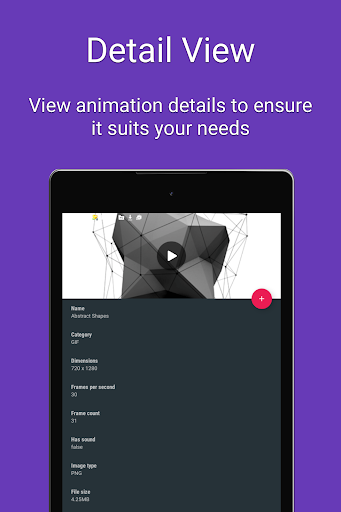
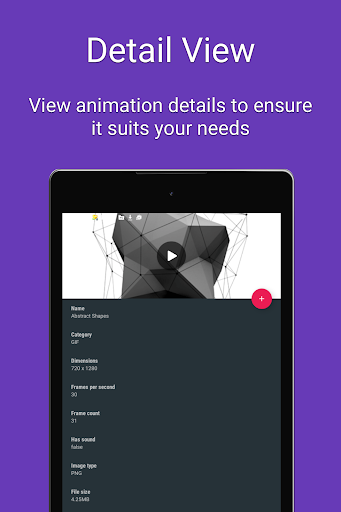
• High-quality boot animation previews.
• Auto install a new boot animation each time your device starts up.
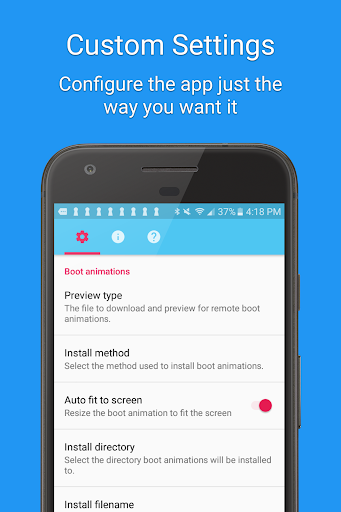
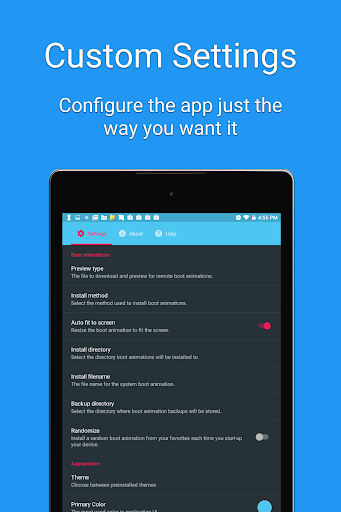
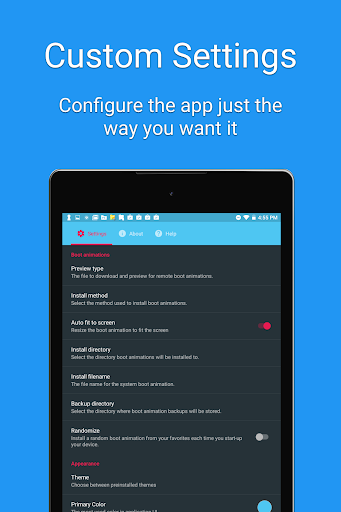
• Modify boot animations (custom dimensions, background color, frame rate).
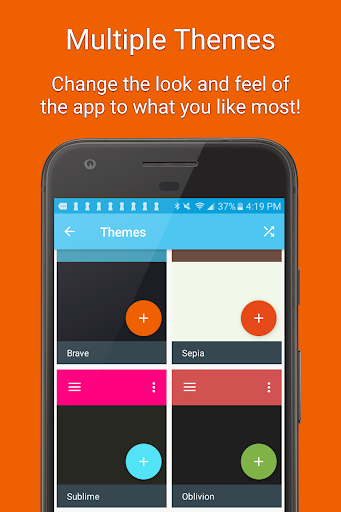
• Compatible with the CyanogenMod Theme Engine.
** PLEASE NOTE: SAMSUNG IS NOT COMPATIBLE WITH THIS APP
Frequently Asked Questions:
Q: Is my device supported?
A: Your device must be rooted to install a boot animation. Some manufacturers use a different boot animation format (QMG) which is not compatible with this app. You do not need root access if you are running a ROM with the CyanogenMod theme engine.
Q: The boot animation doesn’t play. How can I fix this?
A: Some Android devices use different install locations. You should find your current boot animation location and change it in the app’s preferences.
Q: How do I restore my original boot animation?
A: The app will backup boot animations by default. If you want to restore your original boot animation, click on the “Backups” menu item, select your animation, and click “Restore”. Before installing a boot animation you should backup your ROM in recovery.
Disclaimer:
Installing a boot animation has the potential to soft-brick your device. Please backup your system partition using a custom recovery before using the app.
Support Email: [email protected]
Features:
• Hundreds of beautiful boot animations for superusers 🌈.
• Install boot animations from your SD card.
• Convert an animated GIF to a boot animation.
• High-quality boot animation previews.
• Auto install a new boot animation each time your device starts up.
• Modify boot animations (custom dimensions, background color, frame rate).
• Compatible with the CyanogenMod Theme Engine.
** PLEASE NOTE: SAMSUNG IS NOT COMPATIBLE WITH THIS APP
Frequently Asked Questions:
Q: Is my device supported?
A: Your device must be rooted to install a boot animation. Some manufacturers use a different boot animation format (QMG) which is not compatible with this app. You do not need root access if you are running a ROM with the CyanogenMod theme engine.
Q: The boot animation doesn’t play. How can I fix this?
A: Some Android devices use different install locations. You should find your current boot animation location and change it in the app’s preferences.
Q: How do I restore my original boot animation?
A: The app will backup boot animations by default. If you want to restore your original boot animation, click on the “Backups” menu item, select your animation, and click “Restore”. Before installing a boot animation you should backup your ROM in recovery.
Disclaimer:
Installing a boot animation has the potential to soft-brick your device. Please backup your system partition using a custom recovery before using the app.
Support Email: [email protected]
What's New
- Design improvements
- Bug fixes and performance enhancements
- Bug fixes and performance enhancements
App Information
Version Name
1.7
Version Code
1
File Size
3.8 MB
Minimum OS
Android 5.0+
Target SDK
Android 22
Developer
Maple Media
Contact
Website
Content Rating
Everyone
Package Name
com.jrummy.apps.boot.animationsPermissions Required
This app may request the following permissions:
Recent Reviews

A Google user
1.0★
Doesn't ask for root permission and shows an error occurred message when I try to backup current bootanimation. Worst app created unfortunately stopped working error message repeatedly which finally made me to reinstall the whole rom and took hours together to get back. And more over it didn't properly installed the bootanimation so that error happened and there is no way going back because it didn't even created a backup of stock bootanimation.

Puflito
5.0★
Sadly the app no longer works in later versions of android (only because scummy google changed everything). but still, will give it 5 stars for all its great years helping us change our boot animations. thanks!

C S. (C.J.)
1.0★
It looks neat and it seems simple, but like almost everything Android, it doesn't work for me. No, I'm not trying this setting or rebooting this or that. Make an app that works within the first three attempts, including good instructions for install. I'm really surprised that Android has such a bad software support plan that lets so much kunk through.

Игорь
5.0★
Hello. This app is very cool, especially on Android 4.4.4. I put a loading animation and yes! It worked! (for those who do not understand, root rights are needed). On Android 10.0, it refused to change the download animation. I don't know why, but this app deserves 5 stars. Thank you.
A Google user
5.0★
I'm using a Zenfone 3, and it's working every time I use it. I flashed some custom rooms and stock, and this is my go to application to change my boring boot animation to the Zenfone 4 (2017) animation (not the animations in the app itself). I only use 1 boot animation though, so I can't speak for everybody else's experience.

Yash
1.0★
Useless app: 1)Not changing the animation??, 2)Error loading(with established network connection)???, 3)Can't change anything but showing the previous one(animation) If I can give no rating for this app I will be happy. But just want to review. Worst application.
Ad slot: In-Content