

Photo Studio PRO
com.kvadgroup.photostudio_pro
by KVADGroup App Studio
Screenshots
Ad slot: Top Leaderboard
About this app
Photo Studio is a powerful multifunctional photo editing application for photographers of any level. It contains the vast editing kit of tools for basic and advanced retouching of your photos. Make each your shot a perfect complete art-work using a wide range of effects, filters, text editing and color enhancement tools and a lot of other ready-to-use features.
Main features:
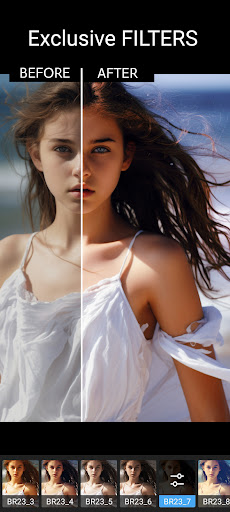
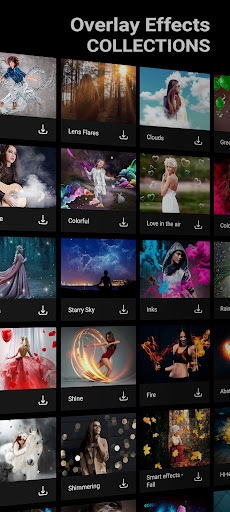
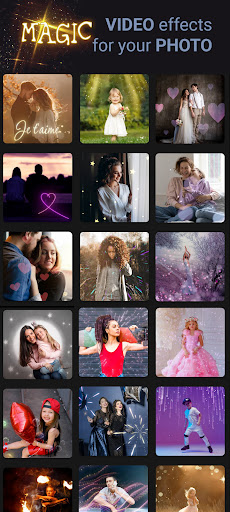
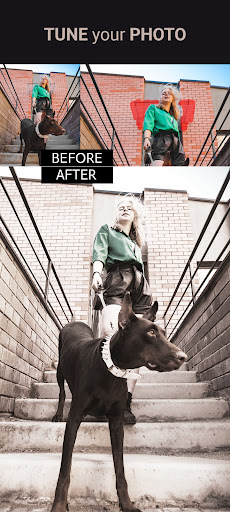
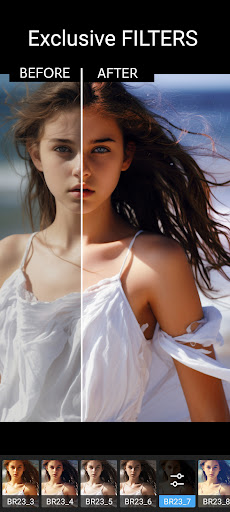
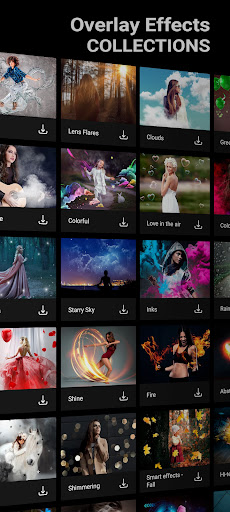
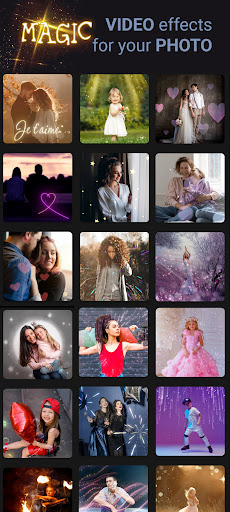
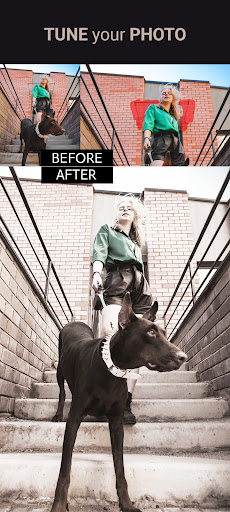
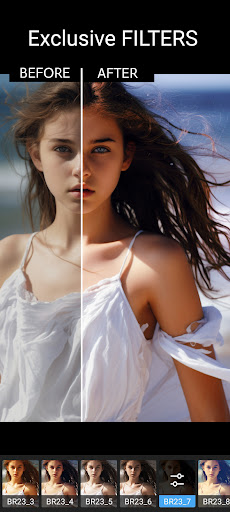
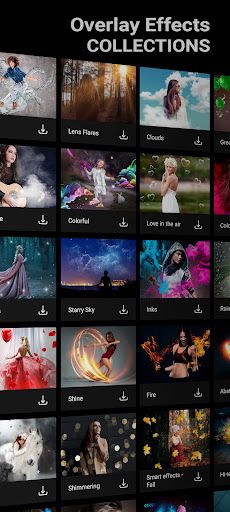
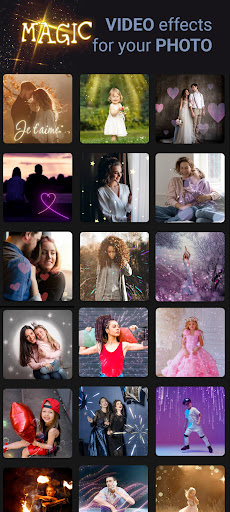
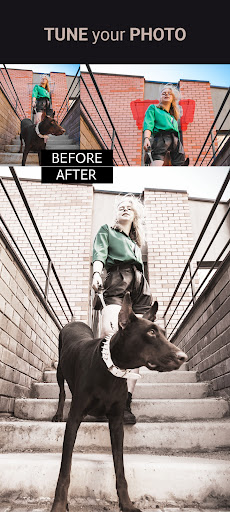
1. More than 200 unique filters, amazing special effects, a big collection of picture-in-picture effects, rich set of various frames for any event of your life, huge amount of stickers, textures, shapes and correction tools – lighting tune, color correction, sharpening, lens boost, tilt shift, blur and more.
2. Use manual correction tools to highlight, fix or improve any part or object on your photo. Use mask correction tool to apply filters, effects or tune your photo selectively.
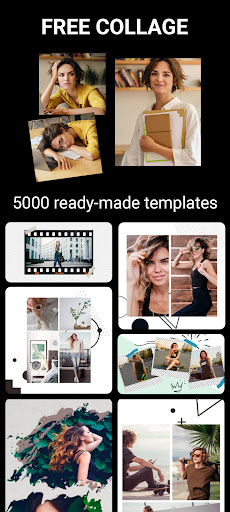
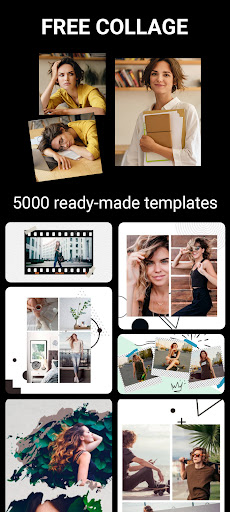
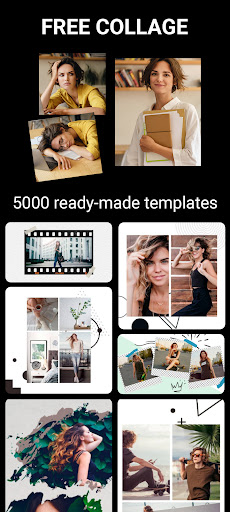
3. Collage editor allows to combine several photos into amazingly looking photo collages with a wide variety of adjustable frames, shapes, customizable backgrounds, templates and stickers.
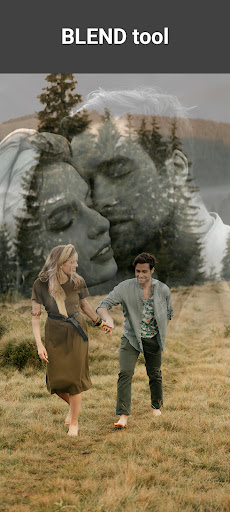
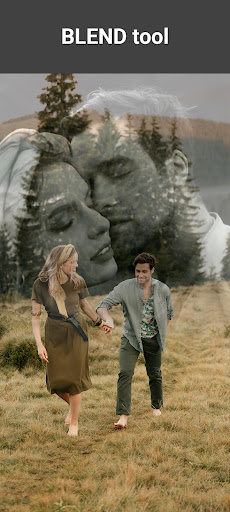
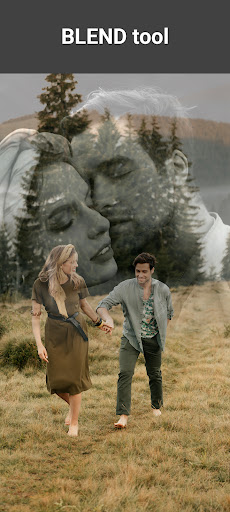
4. Magic tools comprising the following outstanding features: Blend feature for combining of two images together using a big collection of masks, backgrounds and blend modes; Color Splash is aimed to highlight objects on a photo; Clone stamp is intended to copy objects, change or erase a background; Shapes editor helps to combine photos with multiple variations of shapes, textures and backgrounds.
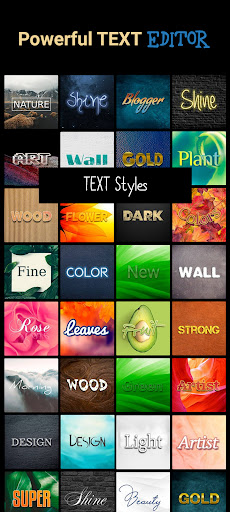
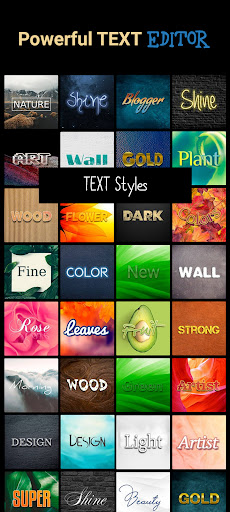
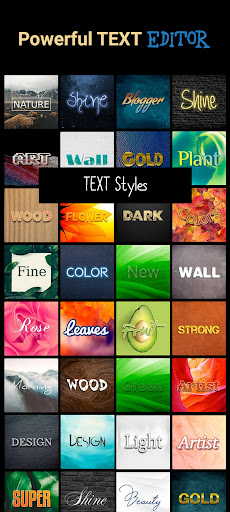
5. Impressive text editing tool is designed for creation of nice-looking messages on your photos with rich collection of customizable fonts, color, textures and shapes.
6. About 50 additional content packages expanding the photo editing process with new effects, frames, textures, fonts and templates. Our team's constantly working hard to implement new stunning features to gain the #1 photo editor title.
Instagram: https://www.instagram.com/kvadgroup/
Facebook: http://facebook.com/kvadgroup
Twitter: http://twitter.com/kvadgroup
Youtube: https://www.youtube.com/channel/UCMfsIMOqr-FKZnb6yQAltIA/videos
Main features:
1. More than 200 unique filters, amazing special effects, a big collection of picture-in-picture effects, rich set of various frames for any event of your life, huge amount of stickers, textures, shapes and correction tools – lighting tune, color correction, sharpening, lens boost, tilt shift, blur and more.
2. Use manual correction tools to highlight, fix or improve any part or object on your photo. Use mask correction tool to apply filters, effects or tune your photo selectively.
3. Collage editor allows to combine several photos into amazingly looking photo collages with a wide variety of adjustable frames, shapes, customizable backgrounds, templates and stickers.
4. Magic tools comprising the following outstanding features: Blend feature for combining of two images together using a big collection of masks, backgrounds and blend modes; Color Splash is aimed to highlight objects on a photo; Clone stamp is intended to copy objects, change or erase a background; Shapes editor helps to combine photos with multiple variations of shapes, textures and backgrounds.
5. Impressive text editing tool is designed for creation of nice-looking messages on your photos with rich collection of customizable fonts, color, textures and shapes.
6. About 50 additional content packages expanding the photo editing process with new effects, frames, textures, fonts and templates. Our team's constantly working hard to implement new stunning features to gain the #1 photo editor title.
Instagram: https://www.instagram.com/kvadgroup/
Facebook: http://facebook.com/kvadgroup
Twitter: http://twitter.com/kvadgroup
Youtube: https://www.youtube.com/channel/UCMfsIMOqr-FKZnb6yQAltIA/videos
What's New
What's new in this update:
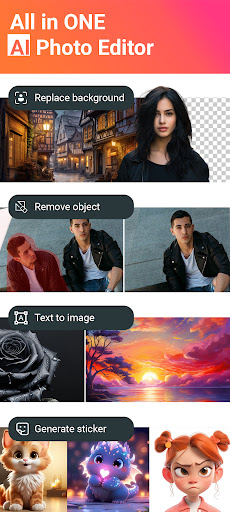
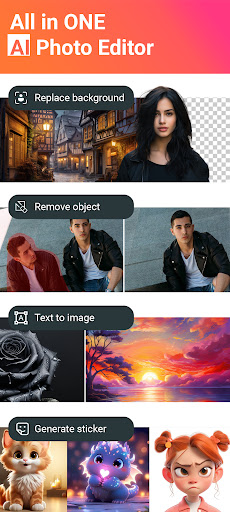
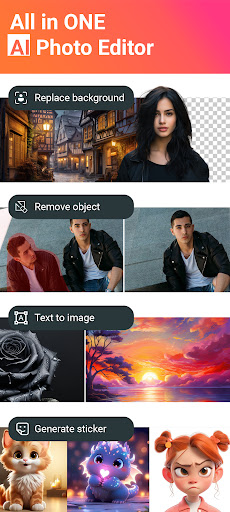
- Try the new AI Backgrounds tool to instantly create unique backgrounds using AI with over 100 predefined styles.
- We've improved and updated our AI Auto-Tune model, adding a new parameter to enhance color saturation.
- Try the new AI Backgrounds tool to instantly create unique backgrounds using AI with over 100 predefined styles.
- We've improved and updated our AI Auto-Tune model, adding a new parameter to enhance color saturation.
App Information
Version Name
1.30.3
Version Code
100
File Size
32.9 MB
Minimum OS
Android 6.0+
Target SDK
Android 23
Developer
KVADGroup App Studio
Contact
Website
Content Rating
Everyone
Package Name
com.kvadgroup.photostudio_proPermissions Required
This app may request the following permissions:
Recent Reviews

Alayna Bridwell
5.0★
I've used this app for years and I love it so much. Every time I switch phones, this is one of the first apps I download. I've used it for simple photo edits to using it to make collages and I even tried to make a journal page. it's so much fun to play around with and I am IN LOVE with the new AI generated stickers. it helps tremendously if they dont already have the sticker in their vast collection. I haven't had any forced ads & I really hope they never add them. it would end my loyalty.

Neil Seltzer
5.0★
Excellent Photo APP! I have had some time to play with the app now, and it does an excellent job replacing backgrounds . Rarely do l need to retouch the mask, and it offers a good choice of background images. AI is a little strange at times when generating images but no worse than others. would like to be able to ser PNG as the default save option.

Amanda Moore
1.0★
Unfortunately this app does not work, at least not with a paid Google play subscription, regardless of claiming it does. It just send me to an error page saying "To use Photo Studio Pro with your Play Pass subscription, download it from Play Store." but it is downloaded! and when I click on it, it takes me to the apps play store page, so I click on the "open", since again it is is downloaded and it just sends me right back. it's a neverending loop. so don't waste your time if you have play pass.

Richard Rivera
4.0★
I love the app. Use it all the time. Really worth getting. One issue I have with it now, since the last update, is the option to turn off word wrap when typing text is no longer there. Annoying when you want to have a sentence or quote all in one line and it auto resizes your text and wraps it to the next line. PLEASE BRING BACK OPTION TO TURN THAT OFF.

Meghan McDonnell
2.0★
This app has great reviews and really drew me in w the amazing capabilities. Once downloaded and opened, it's like literally TOO much thrown right at u. It's overwhelming! I'm not finding it easy to do pretty much anything. I could use some guidance or maybe even a tutorial for each section. I still have it downloaded, but I just literally don't use it even tho I really want to. I'm very experienced w technology and pictures, just not the editing or touching up part. I'm lost...

nifty beans
3.0★
Too many things to download. Not great for people with actual graphics or photo experience, everything is predetermined. Probably good for people who just want to slap a quick themed pre-set filter package on a photo, although the results barely resemble the examples. Each effect, filter, font, etc, that you use has to be downloaded separately (or within a huge additional package). Quickly fills up storage. 3 stars only because It was free with Play Pass.
Ad slot: In-Content