

Timers4Me - Timer & Stopwatch
com.luckyxmobile.timers4me
by Breet.Jia
Screenshots








Ad slot: Top Leaderboard
About this app
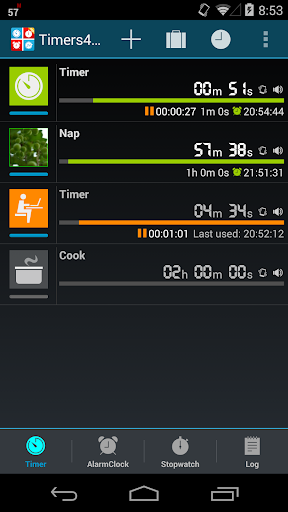
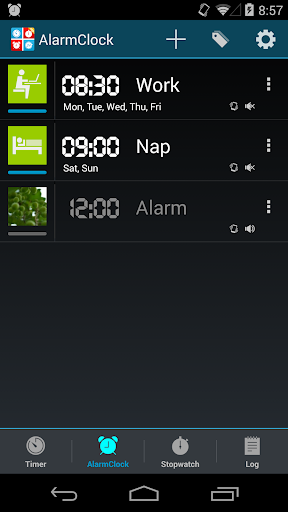
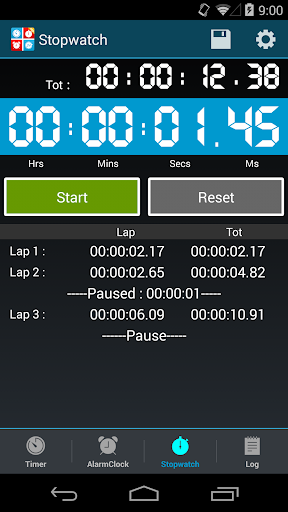
Use this tool to create and manage multiple timers, use it as a stopwatch, or even alarm clock, record your timer and alarm clock history in the Log.
FEATURE LIST:
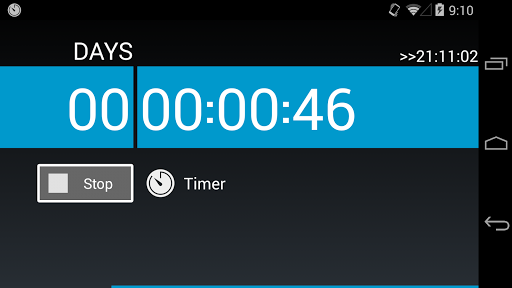
Count down timer
Alarm clock
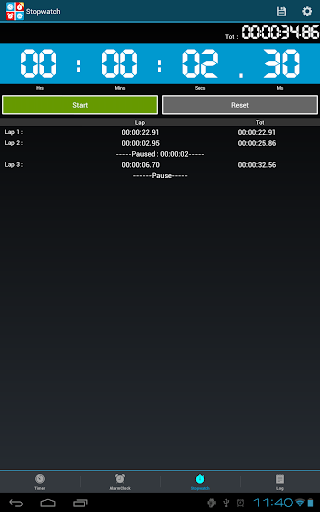
Stopwatch
Log
TIMER:
*New: Control the timer via NFC tags
*New: Tasker plugins support
*New: Android Wear notification support
Timers stay in effect even after a phone reboot
Up to 99 days 23 hours 59 mins 59 secs
Personalize timer with individual ringtones or mp3s/icon/label/label color
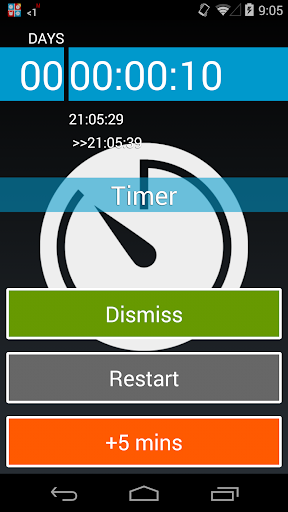
Pause/Resume/Snooze
Count down then count up
Digital and regular fonts
Landscape mode
Repeat
Specify a target time to count down
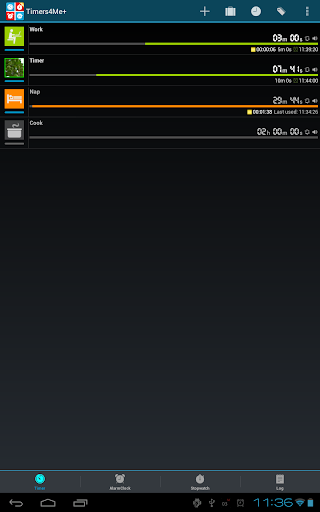
Simultaneously running multiple timers
Log
Share log via sms/email/twitter/facebook etc.
PLUS VERSION EXCLUSIVE
* No Ads
* Trigger another timer
* Unlimit number of timers
* Input label via voice
* Save stopwatch as a timer
* Support read label when alarm.
* Export log to .csv file.
FEATURE LIST:
Count down timer
Alarm clock
Stopwatch
Log
TIMER:
*New: Control the timer via NFC tags
*New: Tasker plugins support
*New: Android Wear notification support
Timers stay in effect even after a phone reboot
Up to 99 days 23 hours 59 mins 59 secs
Personalize timer with individual ringtones or mp3s/icon/label/label color
Pause/Resume/Snooze
Count down then count up
Digital and regular fonts
Landscape mode
Repeat
Specify a target time to count down
Simultaneously running multiple timers
Log
Share log via sms/email/twitter/facebook etc.
PLUS VERSION EXCLUSIVE
* No Ads
* Trigger another timer
* Unlimit number of timers
* Input label via voice
* Save stopwatch as a timer
* Support read label when alarm.
* Export log to .csv file.
What's New
Added configurable TTS volume control with follow alarm volume or custom percentage options. Improved Chinese localization and fixed volume slider range to 0-100%.
App Information
Version Name
5.10.2
Version Code
8035
File Size
7.5 MB
Minimum OS
Android 7.0+
Target SDK
Android 22
Developer
Breet.Jia
Contact
Website
Content Rating
Everyone
Package Name
com.luckyxmobile.timers4mePermissions Required
This app may request the following permissions:
Recent Reviews

James Mortensen
4.0★
One of the best timer/stopwatch combinations I have found that also let you annotate them with notes. I use the stopwatch to time my workouts and then edit the description to describe what exercises I did so I have a simple log. No other stopwatch app let's you edit details. The reasons for the 4 stars instead of 5 is that over 2 to 3 years of data is suddenly missing from the app. I did backup data periodically, but still, this should not be an issue. Also, editing UI is a bit clunky.

A Google user
1.0★
Stopped working correctly on Android 10 (Samsung Note 10+), especially when the countdown timers are "running" in the background. Now, the timers don't go off and I am not notified then they do. When I re-open the app, the timers are either turned off or have restarted from the beginning. Used to be a great app but this bug kills its usefulness.
A Google user
1.0★
You can set multiple simultaneous timers and they sound through the speaker as well as Bluetooth, which are my main interests. Update: no longer working after Android 10 and the app has not been updated since June 2018 so looks like this is an abandoned. It was good while it lasted I have switch to another.

Hans Olav Nymand
4.0★
New version seems to work ok on my Samsung S9 / Android 10. But, boy, I had to enable a lot of permissions. Would be better if I was prompted to set these during installations? Like * Silent alert yes/no * Allow alert to appear on top ? * Allow alert to appear when screen is off etc etc etc I was only prompted if the app can access the device location which I think makes no sense.

Meredith Campbell
5.0★
Awesome timer app. I was looking for an app that would allow me to put specific timers on my home screen to help with surgery recovery. One for my ice machine and one to remind me to walk around. I didn't even know that it would audibly say whatever I put as the timer title; the first time I heard "unplug ice machine" when my 20 minutes was up I was delighted. It's made my recovery easier because I can just tap a single button and the app will provide instructions and not just a timer sound.
A Google user
5.0★
10 independent timers, labeled! Stopwatch w lap timer! 10 alarms, labeled! Choose image from menu or a photo! So handy I downloaded it for my new phone. Ads c/b obnoxious but they don't take over the phone, If you use lots of different timers or alarms GET THIS! I don't use the stopwatch much. I use it 5-20 times a day and keep it on several home screens. ;^D Early 2019 it started to "forget" timers that were running, or start 2 when I started 1. Uninstall/Reinstall just now, will update.
Ad slot: In-Content