

PicShot: Photo Editor App
com.lyrebirdstudio.photo_editor_pro
by TarrySoft
Screenshots













Ad slot: Top Leaderboard
About this app
Picshot Photo Editor - Transform Your Photos Creatively!Enter the creative world of imagination and transform your photos like you have never thought before with Picshot Photo Editor. The app allows you to turn your photos into eye-catching collages, stunning background changes, and even explore unique neon and drip effects. This powerful tool works wonders on every photo.
Your edits and selfies will tell dramatic visual stories everyday when using Picshot. From trendy picture styles seamlessly imported into the tool to expressive photo art, it gives unlimited beauty for edits making it easier than ever to achieve desired results.
📄 Key Features of Picshot Photo Editor:📄
🌀 Make fashionable collages easily using Picshot App: Photo Grid Pic Collage Maker;
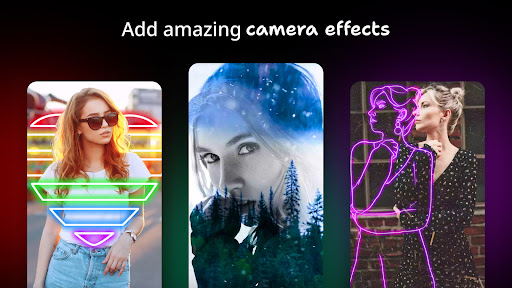
🎨 Use Neon Art Picture Editor for vivid effect application;
💧 Create creative dripping effects with Drip Art Image Editor;
🌈 Modify selfies with Pic Shot Photo Editing tools for selfie photo editing;
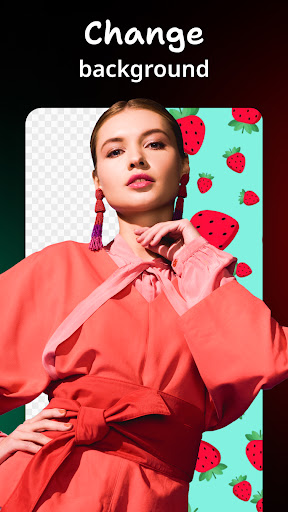
📸 Easy scene replacement with Photo Collage And Background Changer;
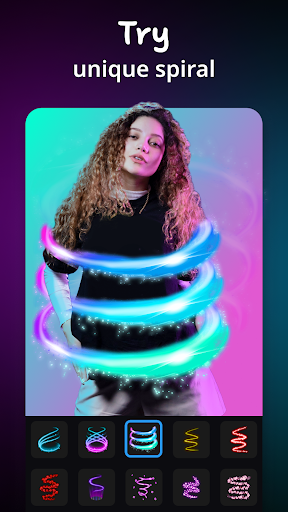
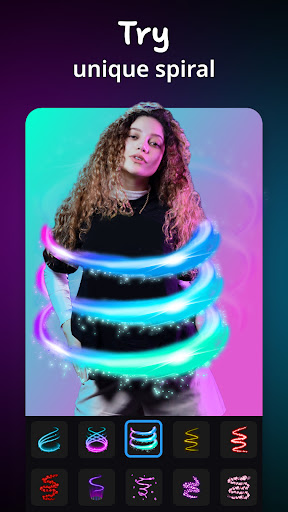
✨ Add spirals, angel wings, and even neon lights;
👑 Professional blur, reshape, enhance images tools;
📷 Sweet selfie camera options give real-time filters;
🖼️ Layouts are customizable using photo grid, stickers foram and frames;
🌟 Aesthetic and fun Photo Collage And Background Changer!
Make Stunning Photos & Video Collages To Boost Engagement!More than a simple image editor is waiting for you with Picshot Photo Editor. Enhance each of your favorite images by merging them into one collage on the Picshot App: Photo Grid Pic Collage Maker! With the Photo Grid Pic Collage Maker feature you can create tailor-made collages. Adding stickers, bold frames and custom grids is equally fast.
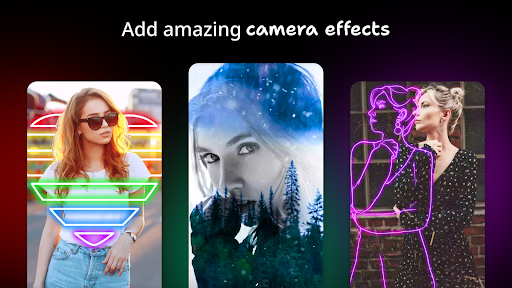
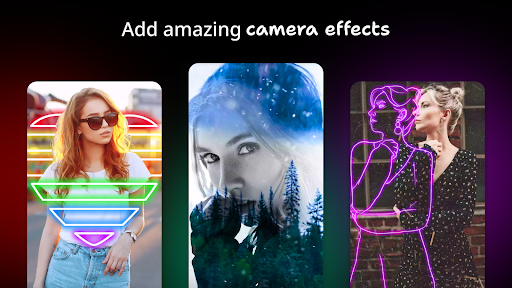
Want to stand out with a neon glow and vivid aesthetics? Look no further than Neon Art Picture Editor. Neon outlines, spirals, or any custom shape can be added to make your image shine. Amazing photo glitter features will let your pictures truly sparkle.
Transform Every Image Into Drip Art Masterpieces: 🤳
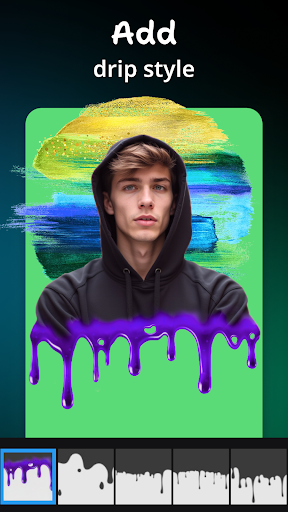
Bring vibrance into your pictures with Drip Art Image Editor that makes use of modern edgy art styles such as dripping elements, giving photos a fresh twist. Filters from Pic Shot Photo Editing combined with neon spirals or mirror tools will give you captivating results that are impossible to look away from.
Add Flair While Editing Snapshots:🎉
Through Pic Shot Photo Editing app highlights skin and brightens facial features while also cartoonifying them. Through a selfie camera real time filters can be utilized making styling photos way easier allowing users to snap effortless selfies within seconds! While having so much fun, accessories like wings or magical inspirited sequin tails from Neon Art Picture Editor can be added as well!
Make Eye-Catching Collages: 🎨
If you have so many photos and a single photo just won’t cut it, feel free to arrange it beautifully by using Picshot App: Photo Grid Pic Collage Maker. You can fit your memories into heart shapes, geometric grids, or some other themed frames. Using Photo Collage And Background Changer, stickers and emojis or even custom backgrounds can be added in order to tell your unique story.
Picshot Flexes All It’s Features For The First Time Users:Take full control with Picshot editors; from Thematic storries to editing sharp graphic pictures, you’re covered on every end. With Photo Grid Pic Collage Maker there are new layouts for you to explore! Explore the glow of Neon Art Picture Editor or they simple yet creative designs crafted on Drip Art Image Editor all of these options allow maximum creativity and easily accessible feature which are always one tap away. Easy photo editing altogether awaits you with endless options best discovered through use of the app.
Your edits and selfies will tell dramatic visual stories everyday when using Picshot. From trendy picture styles seamlessly imported into the tool to expressive photo art, it gives unlimited beauty for edits making it easier than ever to achieve desired results.
📄 Key Features of Picshot Photo Editor:📄
🌀 Make fashionable collages easily using Picshot App: Photo Grid Pic Collage Maker;
🎨 Use Neon Art Picture Editor for vivid effect application;
💧 Create creative dripping effects with Drip Art Image Editor;
🌈 Modify selfies with Pic Shot Photo Editing tools for selfie photo editing;
📸 Easy scene replacement with Photo Collage And Background Changer;
✨ Add spirals, angel wings, and even neon lights;
👑 Professional blur, reshape, enhance images tools;
📷 Sweet selfie camera options give real-time filters;
🖼️ Layouts are customizable using photo grid, stickers foram and frames;
🌟 Aesthetic and fun Photo Collage And Background Changer!
Make Stunning Photos & Video Collages To Boost Engagement!More than a simple image editor is waiting for you with Picshot Photo Editor. Enhance each of your favorite images by merging them into one collage on the Picshot App: Photo Grid Pic Collage Maker! With the Photo Grid Pic Collage Maker feature you can create tailor-made collages. Adding stickers, bold frames and custom grids is equally fast.
Want to stand out with a neon glow and vivid aesthetics? Look no further than Neon Art Picture Editor. Neon outlines, spirals, or any custom shape can be added to make your image shine. Amazing photo glitter features will let your pictures truly sparkle.
Transform Every Image Into Drip Art Masterpieces: 🤳
Bring vibrance into your pictures with Drip Art Image Editor that makes use of modern edgy art styles such as dripping elements, giving photos a fresh twist. Filters from Pic Shot Photo Editing combined with neon spirals or mirror tools will give you captivating results that are impossible to look away from.
Add Flair While Editing Snapshots:🎉
Through Pic Shot Photo Editing app highlights skin and brightens facial features while also cartoonifying them. Through a selfie camera real time filters can be utilized making styling photos way easier allowing users to snap effortless selfies within seconds! While having so much fun, accessories like wings or magical inspirited sequin tails from Neon Art Picture Editor can be added as well!
Make Eye-Catching Collages: 🎨
If you have so many photos and a single photo just won’t cut it, feel free to arrange it beautifully by using Picshot App: Photo Grid Pic Collage Maker. You can fit your memories into heart shapes, geometric grids, or some other themed frames. Using Photo Collage And Background Changer, stickers and emojis or even custom backgrounds can be added in order to tell your unique story.
Picshot Flexes All It’s Features For The First Time Users:Take full control with Picshot editors; from Thematic storries to editing sharp graphic pictures, you’re covered on every end. With Photo Grid Pic Collage Maker there are new layouts for you to explore! Explore the glow of Neon Art Picture Editor or they simple yet creative designs crafted on Drip Art Image Editor all of these options allow maximum creativity and easily accessible feature which are always one tap away. Easy photo editing altogether awaits you with endless options best discovered through use of the app.
App Information
Version Name
6.7.5.1
Version Code
607501
File Size
70.9 MB
Minimum OS
Android 6.0+
Target SDK
Android 33
Developer
TarrySoft
Contact
Website
Content Rating
Everyone
Package Name
com.lyrebirdstudio.photo_editor_proPermissions Required
This app may request the following permissions:
Recent Reviews

Rebecca Ryan
4.0★
I just started with it, but so far, I'm really impressed with how well it blends on the picture. I'm not sure of the editing tools or how well it maintains it's sharpness when saved. I hope they add even more spirals, colors, designs, tools. I am a photographer and am always looking for really cool editing apps! This is in my top.

Casper
5.0★
Awesome app! I love it. Me and my sister love to edit pictures of each other. Its Amazing. I 100% recomend installing!☺️ One tInY problem, Sometimes when the image has been selected and cropped, some of the background is still showing. If I could change this I would make it so that the person editing can crop their own image so the background isn't there. I tried to do it with a pet but it didn't work. Other than that, AMAZING😍

Autumn Wolfe
1.0★
I used to love this app they had amazing filters and still do but the latest update made it harder to edit my pictures, if I want to do some of the effects I have to save my work and leave what I was doing to be able to do the other thing. Also the app has WAYYYYY TO MANY ads every time I begin editing my photo there is an ad and sometimes there is an ad when I am in the middle of editing and multiple ads at the end. I'm uninstalling.

Animal Comp
2.0★
New update is making it even more difficult to edit photos. I ad a spiral effect and then go to crop it and it just deletes the photo I was just working on. Before you would have to save the photo every time you added a spiral effect and now this new update which I was hoping was going to allow you to put multiple spiral effect on at once without have to save every time is now making it even more difficult. Coming from a Pro member

Genesis
1.0★
This is a really good photo editor, but there are way to many ads. There is an ad like every 30 seconds. There are so many ads that one time i was editing one of my pictures, when an ad popped up. I didnt really care at first, but then i saw that i couldnt exit the add. I tried closing and reopening the app, but as soon as a chose a picture to edit, it went back to the SAME ADD. I just decided to unninstall it because i couldnt edit anything else on this app. I honestly dont recomend installing

Shadow Girl
5.0★
I love this app. I first got it just for the spirals, because I like to do my own edits and stuff. But, man, they make everything so easy, and fast, and pretty that it's hard to NOT take the easy way. AND, they're doing more and more with each update!! I've had all the editing apps. I've only kept two. This is one of them. Easy, fun, looks amazing, so much to do, highly recommended by me.
Ad slot: In-Content