

Digital Clock Widget
com.maize.digitalClock
by Maize
Screenshots

Ad slot: Top Leaderboard
About this app
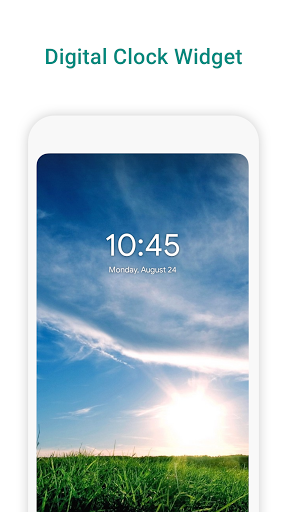
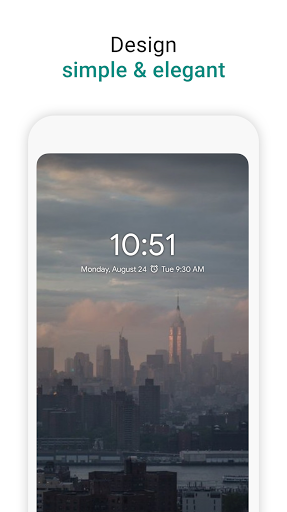
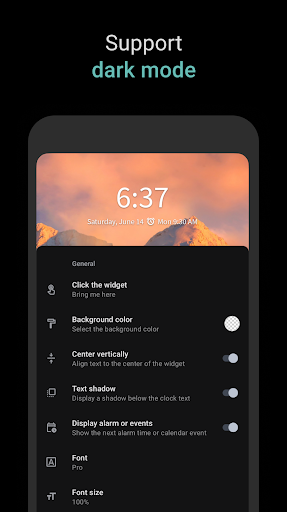
Digital clock widget is a simple, elegant and customizable home screen digital time and date widget for Android.
Features:
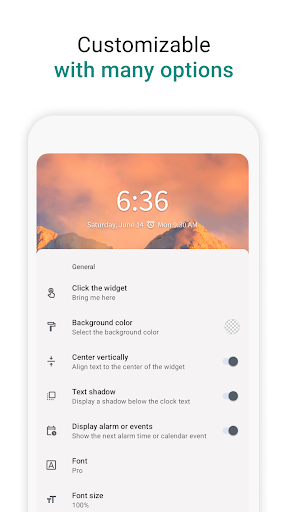
· Lots of customizations
· Support widget resizing (long tap to enter resize mode)
· Changes take effect in real-time
· Select millions of colors for the time and date with a RGB color picker
· Select different background colors
· Display next alarm or calendar event
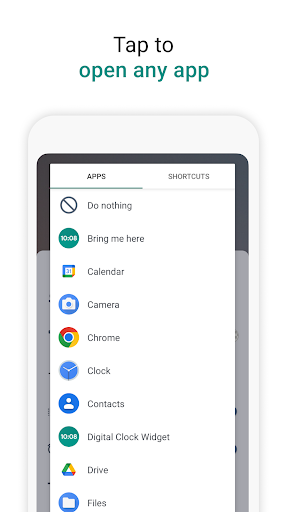
· App picker for selecting widget shortcut
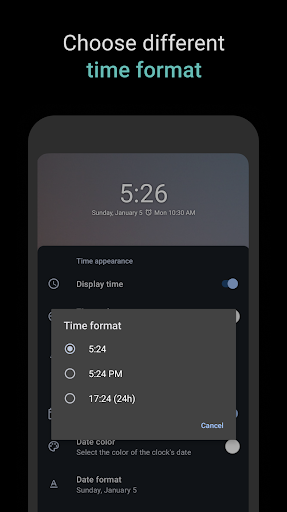
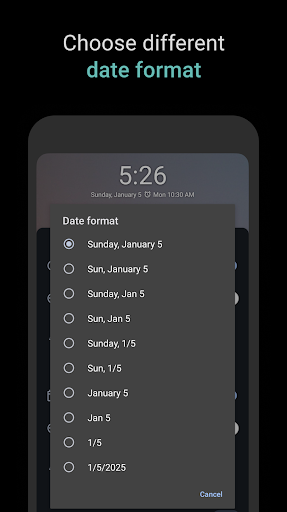
· Support different time/date formats
· Supports Android 5.0 or above
· Material design UI
· Android tablet friendly!
· Supports up to 50 languages!
Features:
· Lots of customizations
· Support widget resizing (long tap to enter resize mode)
· Changes take effect in real-time
· Select millions of colors for the time and date with a RGB color picker
· Select different background colors
· Display next alarm or calendar event
· App picker for selecting widget shortcut
· Support different time/date formats
· Supports Android 5.0 or above
· Material design UI
· Android tablet friendly!
· Supports up to 50 languages!
App Information
Version Name
2.1.9
Version Code
64
File Size
366.0 KB
Minimum OS
Android 5.0+
Developer
Maize
Contact
Website
Content Rating
Everyone
Package Name
com.maize.digitalClockPermissions Required
This app may request the following permissions:
Recent Reviews

Pamela Lepper
1.0★
I really love this clock and alarm setting. I am able to change colors, and medium font makes it easier to see. Why only one star? I can not get the bloody digital clock (with the next alarm set) to stay on the screen overnight! This is beyond frustrating, especially after the latest update on my Samsung S23 ultra. Now the clock disappears as soon as I lift my finger on the Home screen. STARDATE 10*06*25. This app has once again dissapeared from my screen. I find this extremely frustrating...

Kenny .Jackson
5.0★
Excellent clock widget. After using it for several months, I raised the rating to 5-stars from 4 when the developer added more customization, e.g., additional fonts & text alignment. Keep up the good work, thanks. The in-app ads are not intrusive. However, I would prefer the option to pay for the app & not receive any ads at all.

Betsy Cowdery
4.0★
I love this app and I've used it for years ever since the native Google clock widget stopped formatting properly with Nova launcher. My one request for 5 stars is that it have more than one text field below the clock, so I can see the date on one line and the set alarm (or calendar event) on the next. Alternatively, it could show the date above the clock like Google's clock widget (but who knows, that might be too similar and get backlash.)

Kirk C
5.0★
Edit: it works again just how I want it. back to 5 stars! Old review: Can no longer display next alarm as of yesterday? I don't need or want it to display my calendar events (there are other widgets for that), please bring back next alarm display ONLY option. I use this as a simple clock and alarm widget, and it was perfect at that until yesterday! Thanks.

T. Darrell. Moore
2.0★
This app periodically dissappears, requiring a reinstall: though that is really not much of a hassle. However, the date font size is not adjustable, and that keeps me looking elsewhere. But I've looked at dozens of others & briefly used a couple but always came back home to this one due to its clean appearance and other desirable options. If they would take a couple of font point sizes from the time and add them to the date that would solve the problem. The search continues.

mtn wanderer
1.0★
I have used this clock widget for a very, very long time and have loved it. However, I just upgraded to a Galaxy S23 and this widget interferes with my calendar alerts. Don't know what the problem is but I'm not the only one having the issue. I had searched for fixes for the calendar and stumbled upon a thread where others who were using this app figured it out. Once I deleted the clock app, the calendar alerts worked properly. I hope this can be fixed because I hate the Samsung clock.
Ad slot: In-Content