
Calligrapher
com.mark.calligraphy
by Mark Tushkevich
Screenshots
Ad slot: Top Leaderboard
About this app
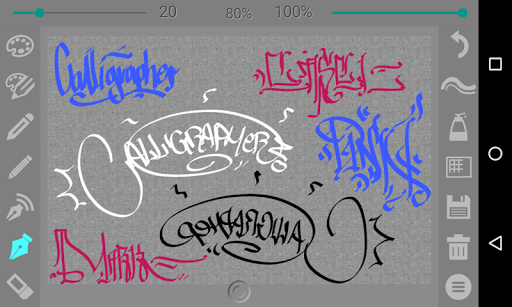
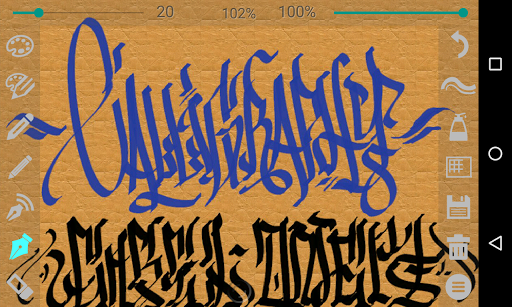
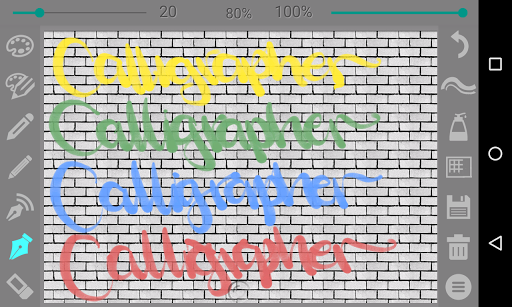
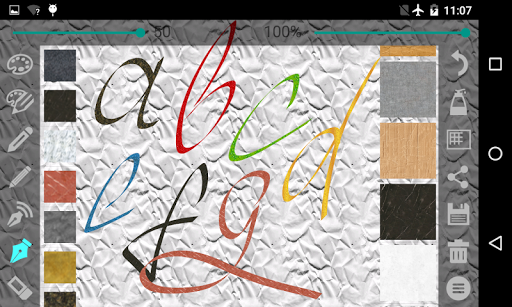
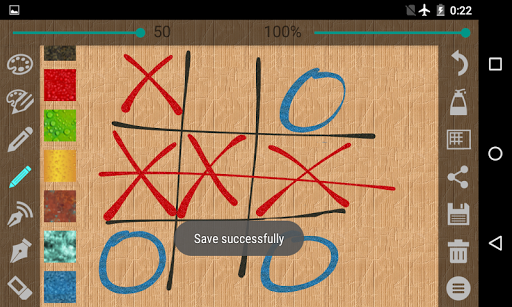
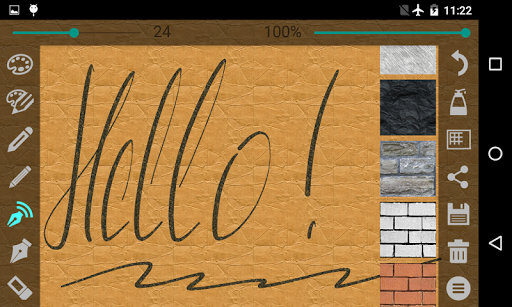
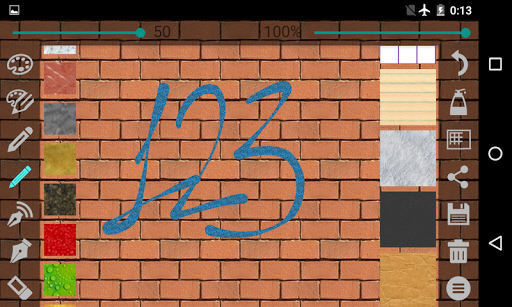
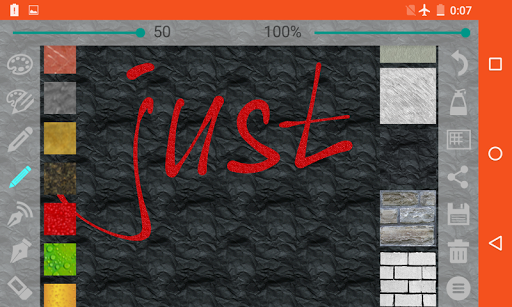
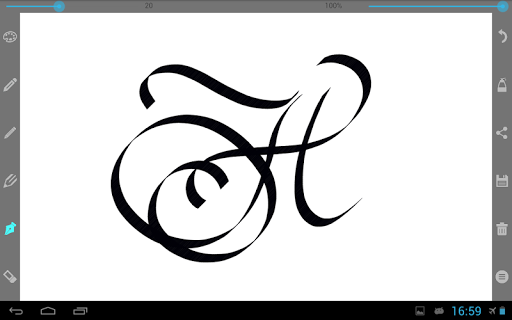
Using pens and pencils the program enables creating calligraphic prints and drawings. The toolbar is easy to use – tools are on a transparent background and don’t block up your screen.
4 sorts of pencil:
- A simple pen (line thickness remains constant)
- Pen (line thickness depends on the movement speed)
- Thin pencil (line thickness depends on the movement direction – press simulation)
- Wide pencil
There are settings such as color, line thickness, and transparency for each tool.
Slope angle settings of the wide pencil are from 0 up to 90 degrees.
For the thin pencil up to 360 degrees.
You can open your image and photo.
Your drawings can be saved for the further processing.
4 sorts of pencil:
- A simple pen (line thickness remains constant)
- Pen (line thickness depends on the movement speed)
- Thin pencil (line thickness depends on the movement direction – press simulation)
- Wide pencil
There are settings such as color, line thickness, and transparency for each tool.
Slope angle settings of the wide pencil are from 0 up to 90 degrees.
For the thin pencil up to 360 degrees.
You can open your image and photo.
Your drawings can be saved for the further processing.
App Information
Version Name
3.4
Version Code
24
File Size
7.2 MB
Minimum OS
Android 6.0+
Target SDK
Android 33
Developer
Mark Tushkevich
Contact
Content Rating
Everyone
Package Name
com.mark.calligraphyPermissions Required
This app may request the following permissions:
Recent Reviews

E P
5.0★
This is the closest thing I've found to that older (now defunct) app by Adobe; sketch. Love this app for its simplicity, accuracy, comprehension, & detail. The default settings are already a perfectly sized blank canvas & it works for any/all settings when you pinch-zoom. I also enjoyed that the Pen stays relative to size when you zoom. All essential presets easy to locate, super clean layout & easy to navigate interface for the advanced or first time digital artist. back or erase with ease. 5/5

A Google user
5.0★
This is a beautiful, simplistic, and we'll made app. While it was not what I was looking for, if you have experience writing calligraphy and you are seeking an app that lets you properly write it out, free hand, with multiple color & design options for both ink and background, this is the app for you. If you are looking for something to convert regular text into calligraphy, like I was, it is not.
A Google user
5.0★
easy to use with a great variety of ways to customize your lettering and drawings. very "real" feel with the touch sensitive pens. i recently started practicing caligraphy about a year ago and this is a great tool to get my technique down for diff font styles without having to spend money on expensive pens and wasting paper. plus its cool that you can save your creations and apply them elsewhere. very easy to use and wont take you long to figure out just by doodling and changing pens & backdrops

Felicia Trujillo
4.0★
love every bit of this app, the downside is the Incorporated ads and it bothersome how much it interrupts my focus, so I find myself exiting the app rather than perfecting my calligraphy art. it would be better if one could preserve the moment and save before bombarding every time ones need to undo. let's be real we can't get back time and merely a waste of time showing ads i rarely pay attention to, I'm not saying cut out the ads I'm saying it deserves 5 stars could I get for because of the ads

Mark
4.0★
I do a lot of calligraphy and artwork and as far as apps go this one is one of the easier and more comprehensive ones to use. Has many different effects and functions and allows you to use multiple mediums Hughes do many different styles of calligraphy.
A Google user
5.0★
This app has replaced me using a paper works great with or without a stylus. The developers are amazing and I would recommend it over carrying a notebook not to mention other apps. This is an essential app for me and one of the first I put on my phone as I use it for work , courses. Its replaced all my paper notes and not much better developers out there. Not sure what else you need to know, people are quick to find negatives especially online but theres nothing wrong with this app (daily user)
Ad slot: In-Content