
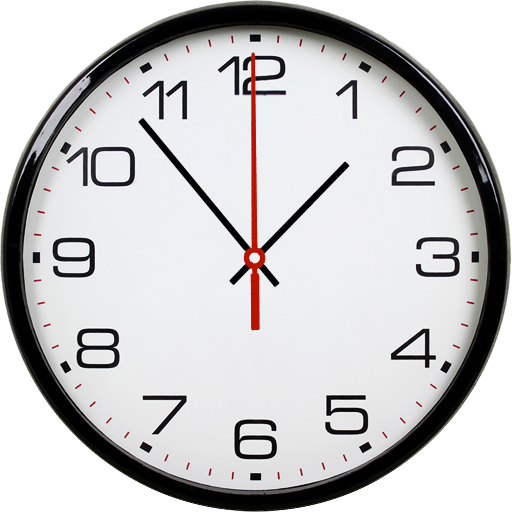
Battery Saving Analog Clocks
com.maxlab.analogclocksbatterysavewallpaperlite
by MaxLab
Screenshots











Ad slot: Top Leaderboard
About this app
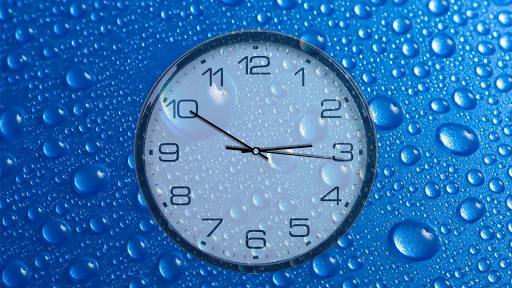
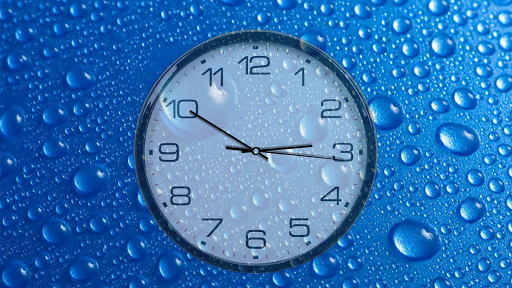
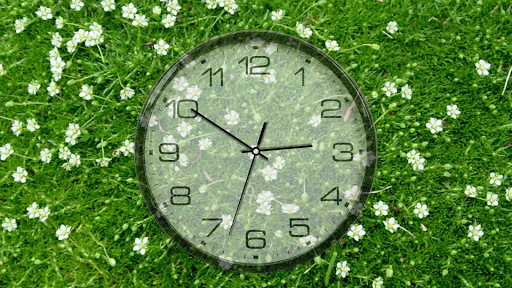
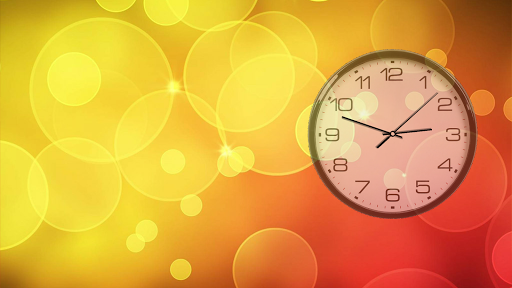
Your screen will be with beautiful analog clocks, which are more battery friendly than many other live wallpapers.
It makes you see the time all the time on your home screen and when your device is charging.
Share with your friends!
Try a lite version to estimate the quality of the wallpaper!
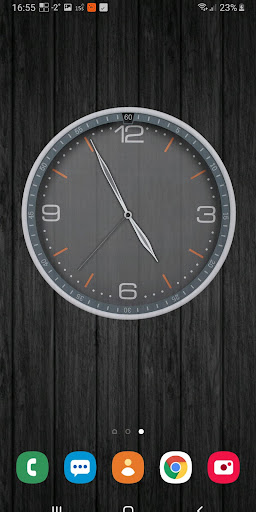
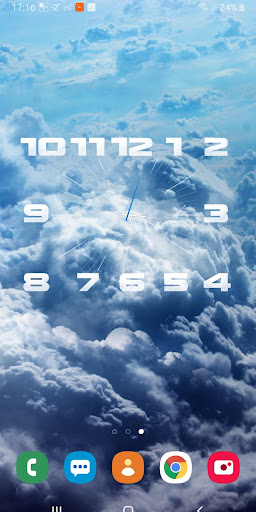
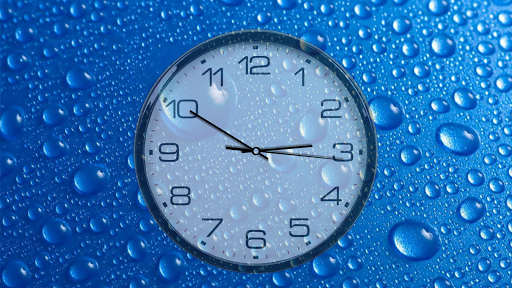
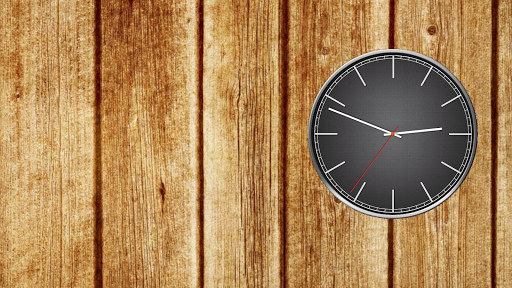
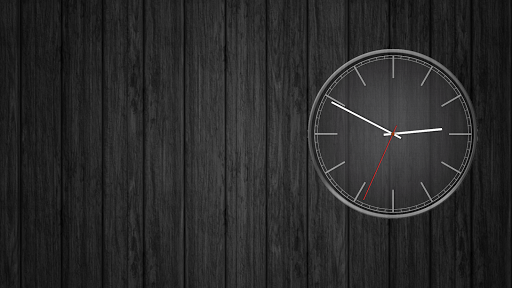
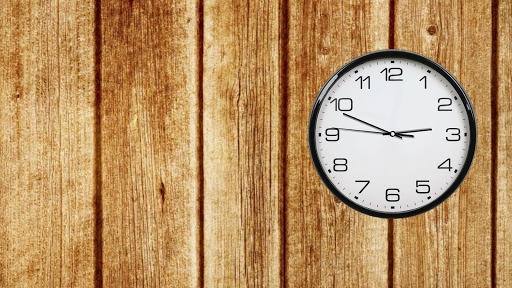
Clockfaces: White (Default), Black, Digital, Gray, Quad wood, Roman, Rome transparent, Time, you can download additional as plugins from settings option named More clockfaces.
Backgrounds: 5 built-in, own image from gallery, colors.
Correcting clock size, position, rotation, transparency; inversion of colors (in the full version!).
Seconds arrow modes: ticks, flowing, imitation of real clocks, linear shift or disabled (only in PRO).
Arrows' colors (free for seconds, rewarded for minutes and hours).
PRO version contain date with positioning options and adjusting color.
You can control opening settings by double tap with Quick settings option.
Also you can launch an alarm by double tap inside clockface with Alarm launcher option.
Standalone application mode is an option which allows to launch this app by icon or from menu without needing to set it as a live wallpaper. It works as a screensaver app with screen off timeout. Controlling this option is available through the settings launched by double tap. It works as a screensaver in charging mode also, check it out from your android settings (usually placed in display - screensaver or similar). This mode has an option of auto shifting and scaling the clockface to prevent from pixel burning (useful for AMOLED screens).
Additional information:
Wallpaper supports phones and tablets (landscape and portrait orientation).
Battery saving:
Redrawing of clocks maximum one time per second with seconds arrow enabled (in tick mode of seconds arrow, FPS limit in this case affects only to accuracy of updating time) and one time per minute when disabled.
Consumption of resources is only if visible.
Frames per second limit.
Choosing of textures quality.
OpenGL ES 2.0 required.
Some of the described functions are only available when purchasing the full version. An application can be extended to the full version by downloading the paid version. When you taking in-app purchases, you get lifetime access to the acquired functions, even if your phone changed or data is lost.
It makes you see the time all the time on your home screen and when your device is charging.
Share with your friends!
Try a lite version to estimate the quality of the wallpaper!
Clockfaces: White (Default), Black, Digital, Gray, Quad wood, Roman, Rome transparent, Time, you can download additional as plugins from settings option named More clockfaces.
Backgrounds: 5 built-in, own image from gallery, colors.
Correcting clock size, position, rotation, transparency; inversion of colors (in the full version!).
Seconds arrow modes: ticks, flowing, imitation of real clocks, linear shift or disabled (only in PRO).
Arrows' colors (free for seconds, rewarded for minutes and hours).
PRO version contain date with positioning options and adjusting color.
You can control opening settings by double tap with Quick settings option.
Also you can launch an alarm by double tap inside clockface with Alarm launcher option.
Standalone application mode is an option which allows to launch this app by icon or from menu without needing to set it as a live wallpaper. It works as a screensaver app with screen off timeout. Controlling this option is available through the settings launched by double tap. It works as a screensaver in charging mode also, check it out from your android settings (usually placed in display - screensaver or similar). This mode has an option of auto shifting and scaling the clockface to prevent from pixel burning (useful for AMOLED screens).
Additional information:
Wallpaper supports phones and tablets (landscape and portrait orientation).
Battery saving:
Redrawing of clocks maximum one time per second with seconds arrow enabled (in tick mode of seconds arrow, FPS limit in this case affects only to accuracy of updating time) and one time per minute when disabled.
Consumption of resources is only if visible.
Frames per second limit.
Choosing of textures quality.
OpenGL ES 2.0 required.
Some of the described functions are only available when purchasing the full version. An application can be extended to the full version by downloading the paid version. When you taking in-app purchases, you get lifetime access to the acquired functions, even if your phone changed or data is lost.
What's New
Version 6.9.2:
♦ Libs updated
Version 6.9.1:
♦ Fixed some errors, "More clockfaces" screen
Version 6.9:
♦ Changed color picker dialog for TV devices
Version 6.8.x:
♦ Improved full screen experience in standalone mode for new Android
♦ Libs updated
♦ App icon updated
♦ Fixed error in in-app messages
♦ Added arabic language
♦ Other little changes
♦ Libs updated
Version 6.9.1:
♦ Fixed some errors, "More clockfaces" screen
Version 6.9:
♦ Changed color picker dialog for TV devices
Version 6.8.x:
♦ Improved full screen experience in standalone mode for new Android
♦ Libs updated
♦ App icon updated
♦ Fixed error in in-app messages
♦ Added arabic language
♦ Other little changes
App Information
Version Name
6.8.9 (build 104)
Version Code
104
File Size
18.8 MB
Minimum OS
Android 4.1+
Target SDK
Android 33
Developer
MaxLab
Contact
Website
Content Rating
Everyone
Package Name
com.maxlab.analogclocksbatterysavewallpaperlitePermissions Required
This app may request the following permissions:
Recent Reviews

A Google user
5.0★
For a long time I always wanted to find a versatile and convincing clock app that I could incorporate into my main screen wallpaper allowing me to show an analog clock as a part of the wallpaper itself, to make it blend perfectly, to my liking, without depleting my battery considerably...And I think I just found it. Update: I'm still using it, after a good numberof years. 🙂

Elbow James
3.0★
Good when it shows up Clock face frequently disappears or spontaneously changes to enormous size and relocates to a different position. Nice to have when it works properly which is about half the time. Just glad I didn't pay for it - I would consider it a waste. Would love to have a stable reliable version, I would pay for that.

Evan Carr
5.0★
I downloaded a different clock app first that had a higher rating but it was terrible! This is clear, precise and just what I wanted, a no frills analogue clock that is easy to read and looks the business. However, after several months, the app started dropping itself off my home screen. Now it is often frozen on my lock screen and resets once I access my home screen. Annoying.

N Mac
5.0★
Very useful, good looking clock. I use it for when I am busy and am likely to lose track of time. I find it easier to check the time at a glance by using an analogue clock face. I only use it in Stand alone mode, so I can't comment on the issues reported with other modes since I don't have any problems. Very happy with it thanks developer.

Vincent
3.0★
Despite the "many bugfixes" there are still issues, but I would put the blame on the customising panel -complicated or what! I appreciate that you can make changes but I cannot understand half of them and I'm not exactly a newbie. I had been using another clock for a long time until my OS decided that they would put a stop to that. The clock looses an hour now and again for no reason. Now that maybe due to my lack of understanding the customising panel, but I just don't know.

Doc Stewart
1.0★
This used to be a great app. I've been using it for years. About 5 system updates ago the app started crashing a lot. It will crash everytime I restart the phone and randomly after I manually start it. I keep hoping that this issue will get resolved. Reliability is a big factor in apps. So when an app starts randomly crashing it gets much lower ratings. I currently use a Samsung Galaxy S10e running Android 12. I'm not sure which version this issue started with.
Ad slot: In-Content