

GIF Maker, GIF Editor
com.media.zatashima.studio
by GIF Maker & GIF Editor & Video Maker
Screenshots
Ad slot: Top Leaderboard
About this app
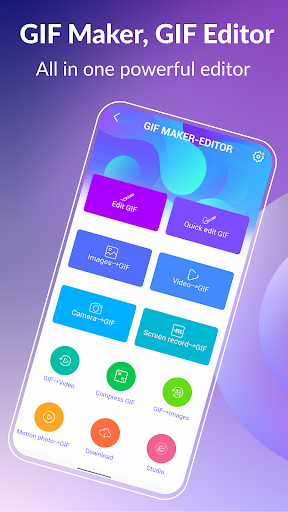
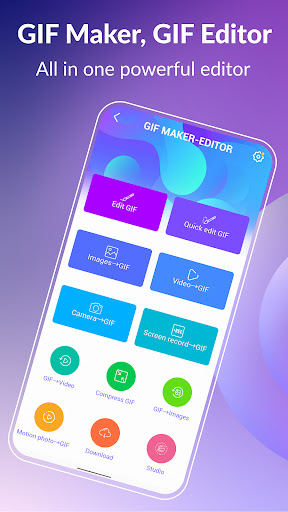
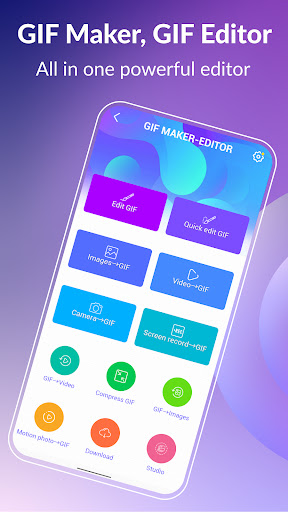
Unleash your creativity with GIF Maker & GIF Editor, the all-in-one gif app that lets you create and edit high-quality animated gifs without any watermarks. With its intuitive and user-friendly interface, you can easily transform images, videos, screen recordings and even existing gifs into stunning animations.
GIF Maker & GIF Editor supports a wide range of popular video and image formats including PNG, JPEG, MP4, MPEG, FLV, 3GP, GIF and more. You can easily customize and edit your gifs to perfectly capture your unique style.
Whether you prefer a dark or light theme, GIF Maker & GIF Editor offers the perfect environment for unleashing your creativity. Start making stunning gifs that stand out and get noticed today with GIF Maker & GIF Editor.
Support up to 22 languages: English, Français, Español, Italian, 한국인, 中文, 日本語, Deutsche, हिंदी, Pусский, Tiếng Việt, Português, Ελληνικά, Bahasa, Türk, ไทย, Polski, Dansk, Suomen kiel, Nederlands, Norsk, Svenska.
GIF Creator & GIF Editor:
·Transform your memories into stunning animated GIFs with our versatile app. Whether you want to convert a video clip, combine multiple images, or even record your screen, you can easily create high-quality GIFs with just a few taps.
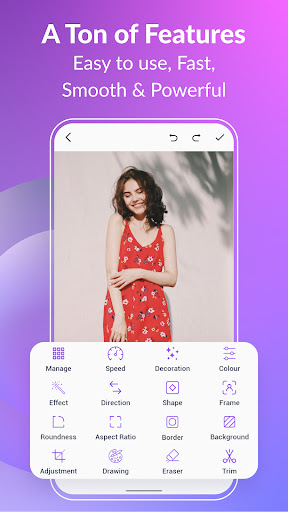
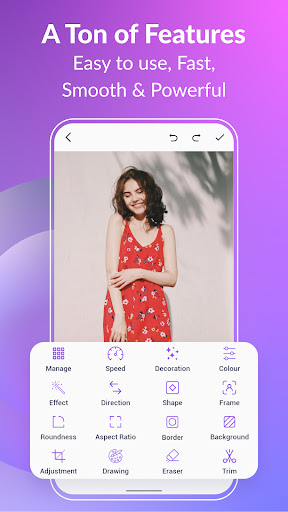
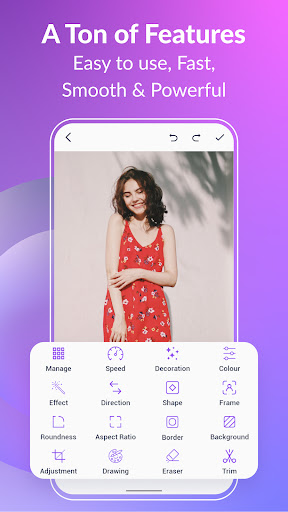
There are tons of features like crop, resize, speed, emoji, filters, trim, stickers, aspect ratio, roundness, and more. With up to 400 frames and 50 frames per second supported. Your creations will be saved as high-quality GIFs or videos with no watermarks.
Compress GIF:
·Easily share smaller, more manageable GIFs and animated images with our GIF compressor tool. Choose from multiple quality options to find the perfect balance between file size and image quality.
Convert GIF to Video, GIF converter:
·Effortlessly convert GIF to video with just three clicks. Maintain the same quality and resolution for seamless transitions.
GIF Background:
·Make your GIFs come alive with background options like transparent, black, white, solid color, gradient colors, blur, and more.
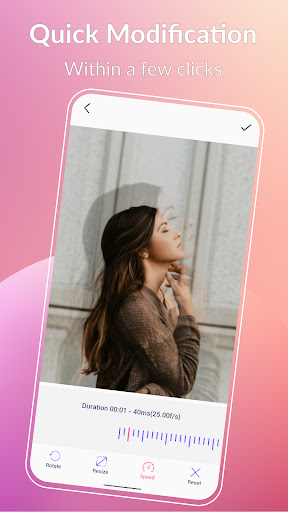
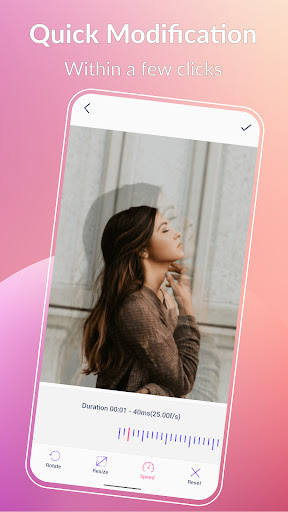
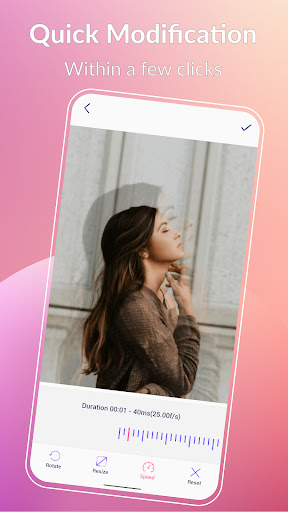
Quick edit GIF:
·Transform your GIFs with ease using our quick modification tools. Resize, adjust play speed, and more in just a few seconds.
GIF Effects and Picture frames:
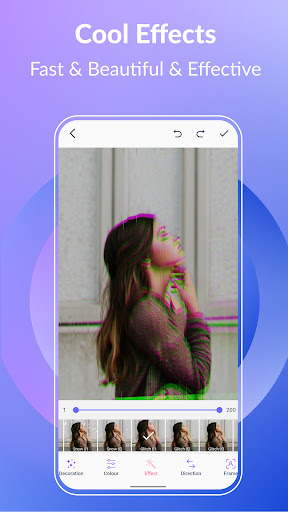
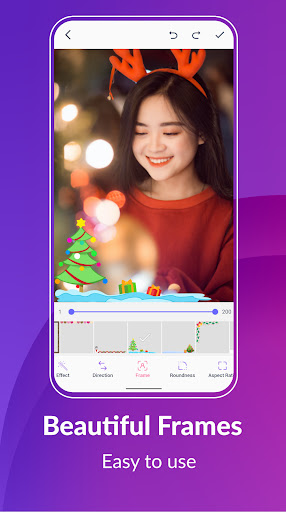
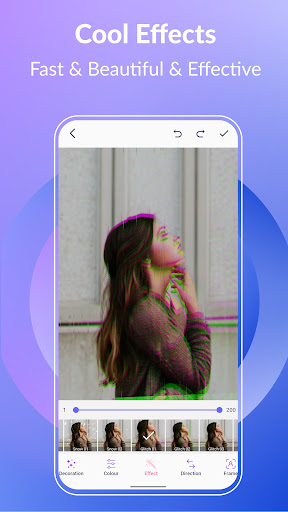
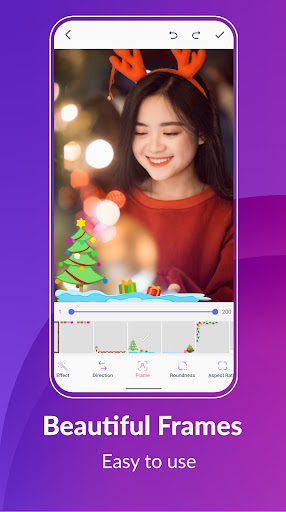
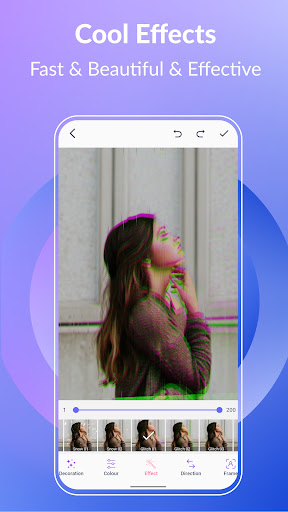
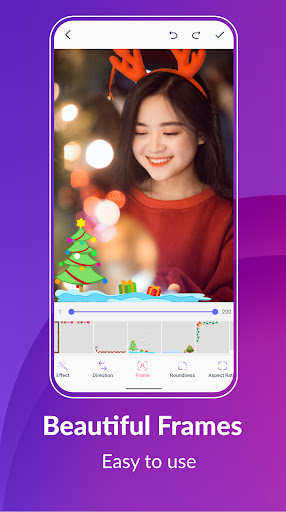
·Add some style to your GIFs with our cool effects and beautiful picture frames. Choose from popular options like 1977, Amaro, Brannan, Early Bird, Hefe, Glitches, VHS, and more.
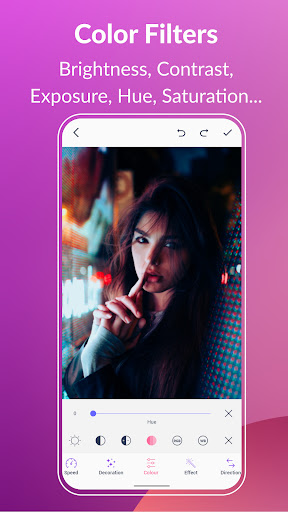
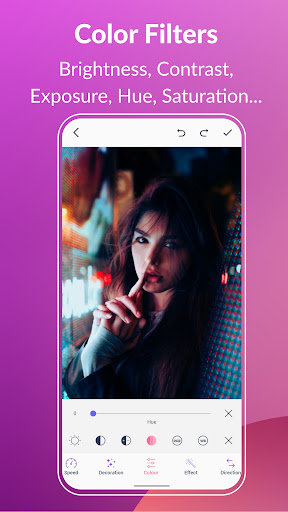
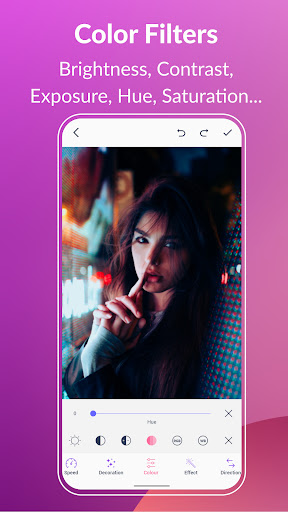
Color filters:
·Bring your GIFs to life with our color filters. Adjust brightness, contrast, exposure, hue, saturation, and white balance.
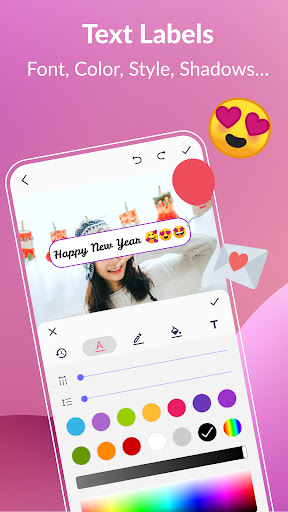
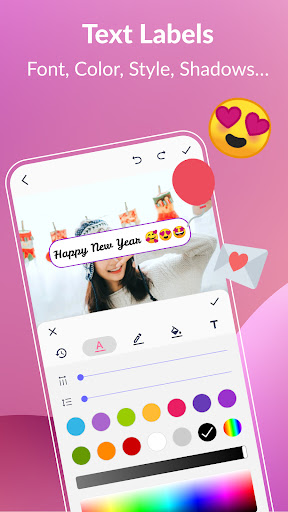
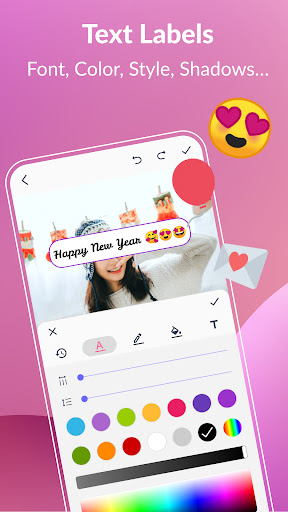
Text labels and Memes:
·Add captivating text labels to your GIFs with ease. Choose from a variety of styles, colors, shadows, border, background color, spacings, font, and adjust the timing to ensure your message is seen in your GIF.
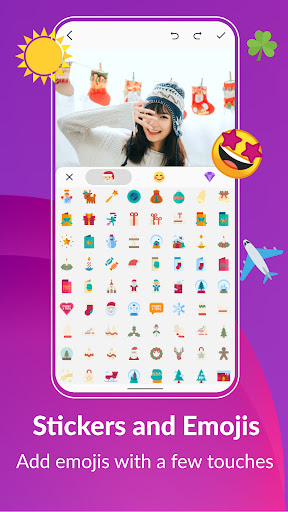
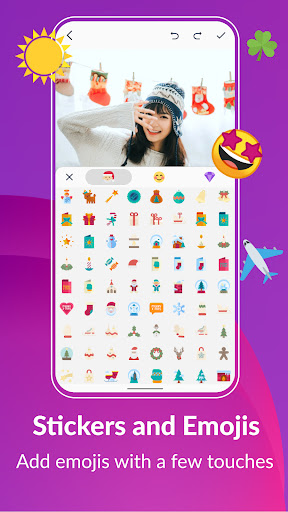
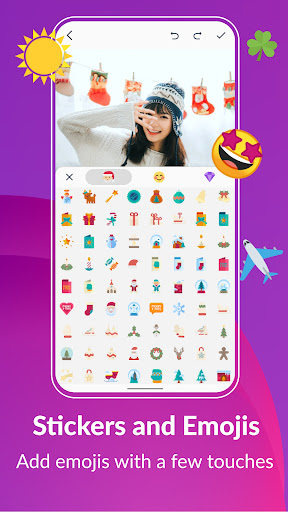
Stickers and Emojis:
·Bring some fun and personality to your GIFs with our collection of funny stickers and emojis. Easily adjust the timing to show your stickers and emojis, and even combine them with other images for even more impact.
Manage GIF collection:
·Easily manage and edit your GIF collection with our all-in-one app. View and edit all the GIFs on your device with ease.
Export frames from a GIF:
·Effortlessly extract GIF frames with just three clicks. Quickly and easily split your GIF animations into individual frames.
Share your GIFs:
·Easily share your animations with the world. Post your GIFs or videos on popular platforms like WhatsApp, Facebook, Messenger, Twitter, Skype, Giphy, Tenor, Tiktok, and more. Show off your creativity and get your GIF animations seen by a wider audience.
Get creative and have fun with GIF Maker & GIF Editor. Create or edit your GIF animations in your preferred style and bring your unique vision to life. Unleash your imagination and make your GIFs truly stand out.
GIF Maker & GIF Editor supports a wide range of popular video and image formats including PNG, JPEG, MP4, MPEG, FLV, 3GP, GIF and more. You can easily customize and edit your gifs to perfectly capture your unique style.
Whether you prefer a dark or light theme, GIF Maker & GIF Editor offers the perfect environment for unleashing your creativity. Start making stunning gifs that stand out and get noticed today with GIF Maker & GIF Editor.
Support up to 22 languages: English, Français, Español, Italian, 한국인, 中文, 日本語, Deutsche, हिंदी, Pусский, Tiếng Việt, Português, Ελληνικά, Bahasa, Türk, ไทย, Polski, Dansk, Suomen kiel, Nederlands, Norsk, Svenska.
GIF Creator & GIF Editor:
·Transform your memories into stunning animated GIFs with our versatile app. Whether you want to convert a video clip, combine multiple images, or even record your screen, you can easily create high-quality GIFs with just a few taps.
There are tons of features like crop, resize, speed, emoji, filters, trim, stickers, aspect ratio, roundness, and more. With up to 400 frames and 50 frames per second supported. Your creations will be saved as high-quality GIFs or videos with no watermarks.
Compress GIF:
·Easily share smaller, more manageable GIFs and animated images with our GIF compressor tool. Choose from multiple quality options to find the perfect balance between file size and image quality.
Convert GIF to Video, GIF converter:
·Effortlessly convert GIF to video with just three clicks. Maintain the same quality and resolution for seamless transitions.
GIF Background:
·Make your GIFs come alive with background options like transparent, black, white, solid color, gradient colors, blur, and more.
Quick edit GIF:
·Transform your GIFs with ease using our quick modification tools. Resize, adjust play speed, and more in just a few seconds.
GIF Effects and Picture frames:
·Add some style to your GIFs with our cool effects and beautiful picture frames. Choose from popular options like 1977, Amaro, Brannan, Early Bird, Hefe, Glitches, VHS, and more.
Color filters:
·Bring your GIFs to life with our color filters. Adjust brightness, contrast, exposure, hue, saturation, and white balance.
Text labels and Memes:
·Add captivating text labels to your GIFs with ease. Choose from a variety of styles, colors, shadows, border, background color, spacings, font, and adjust the timing to ensure your message is seen in your GIF.
Stickers and Emojis:
·Bring some fun and personality to your GIFs with our collection of funny stickers and emojis. Easily adjust the timing to show your stickers and emojis, and even combine them with other images for even more impact.
Manage GIF collection:
·Easily manage and edit your GIF collection with our all-in-one app. View and edit all the GIFs on your device with ease.
Export frames from a GIF:
·Effortlessly extract GIF frames with just three clicks. Quickly and easily split your GIF animations into individual frames.
Share your GIFs:
·Easily share your animations with the world. Post your GIFs or videos on popular platforms like WhatsApp, Facebook, Messenger, Twitter, Skype, Giphy, Tenor, Tiktok, and more. Show off your creativity and get your GIF animations seen by a wider audience.
Get creative and have fun with GIF Maker & GIF Editor. Create or edit your GIF animations in your preferred style and bring your unique vision to life. Unleash your imagination and make your GIFs truly stand out.
What's New
Improve home screen UI.
App Information
Version Name
1.6.12.348Q
Version Code
2912348
File Size
35.7 MB
Min SDK
Android 29+
Target SDK
Android 33
Developer
GIF Maker & GIF Editor & Video Maker
Contact
Website
Content Rating
Everyone
Package Name
com.media.zatashima.studioPermissions Required
This app may request the following permissions:
Recent Reviews

GeekWad927
1.0★
1 star so they see this review and hopefully fix the bug, I'll update once fixed: (otherwise a decent app) • There's still a bug where, after adding text, the blue cursor line is saved in the gif. It's ruining my gifs • It's also hard to find simple editing options. They are buried within other options.

Declan Bruce
5.0★
Genuinely does what it says on the tin! I've used a bunch of apps, half of them flood you with ads, the other half give you sketchy results... This app is perfect! It works as it should (that is to say, any picture you apply, shows up in the gif!) there aren't too many ads (optional ads for premium settings for half an hour!) and the quility is great!

Justin Lingle
4.0★
It works! Really well actually! The add situation can be a tad annoying but there are way worse offenders out there. I just wish there was a option to pay a one time fee to get the ad-free experience. I hate subscriptions. Most of us can't afford to pay a subscription for every app. on our phone! We gotta eat, we gotta pay rent! At least the adds aren't that bad though, and it does do an outstanding job! Overall I highly recommend it!

A Google user
5.0★
I'm impressed with how well this app works and how many useful options there are! • A request for the developer: I would love to have the option to combine multiple gifs: consecutively (one after the other) - and/or as a collage (side by side, grid, etc). • And a note to other users: I tried editing a gif downloaded from the internet which had a long file name, but the app wouldn't open the file until I renamed the file to something simpler.

J Macabre
4.0★
I gotta say, It's a pretty good. Performance and everything, it does a great job. One thing though, could your programmers make it stop randomly open itself? It happens often, & I don't even know how. Last time I used my phone I was using a music app to listen to my mp3's. I have no shortcut for it on my home screen or anywhere. Went to use my phone and for some reason this app was open. I have no idea why or how it does it, but it's been going on for a while and I'm tempted to try another app

miss 2000
5.0★
Brilliant app with all accessible features. Ads aren't invasive so I don't mind them. Revision: It's almost perfect, but I'm trying to convert a long png sequence into a gif, but it's showing the images in the wrong order and it's too hard to figure out just by looking at them what the right order is. I don't know why it's mixing up the order so much. Edit: I figured it out for now. You just have to filter the order to alphabetical. It's perfect again!
Ad slot: In-Content