

Photo Collage Editor
com.meihillman.photocollage
by MeiHillMan
Screenshots
Ad slot: Top Leaderboard
About this app
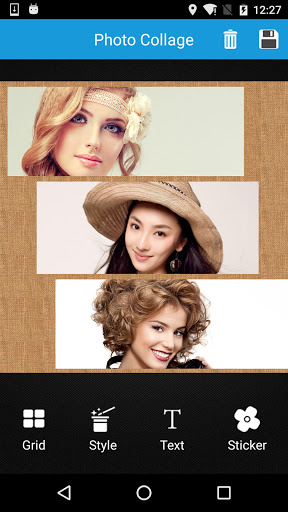
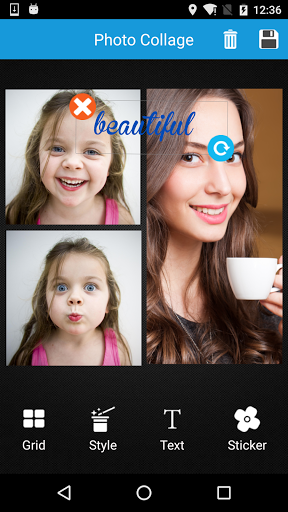
You’re still looking for an powerful app to easily collage & edit your photos, pictures and images? Look no further, come and try Photo Collage!
Compared to other apps, this Photo Collage has the following advantages:
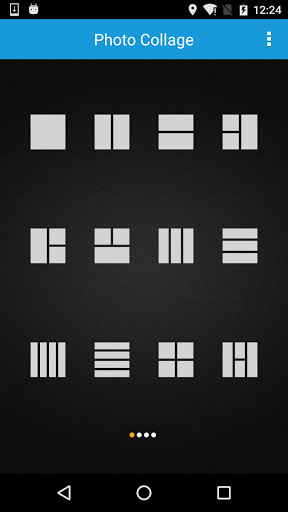
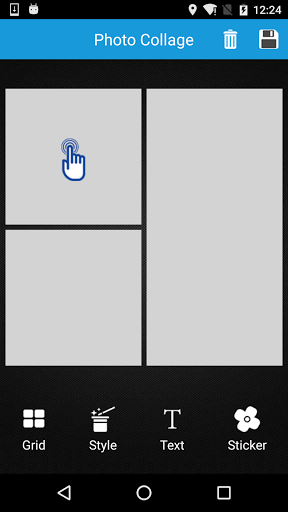
1. Huge amounts of layouts of frame or grid to choose from.
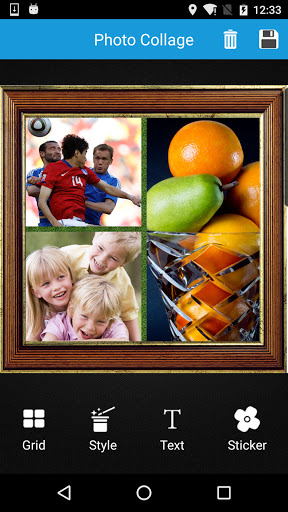
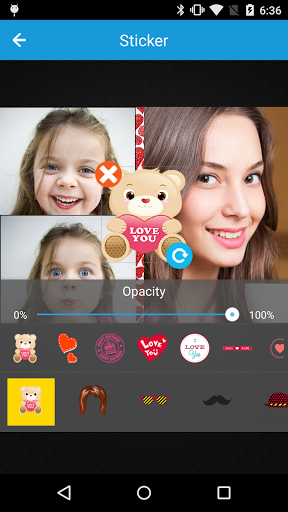
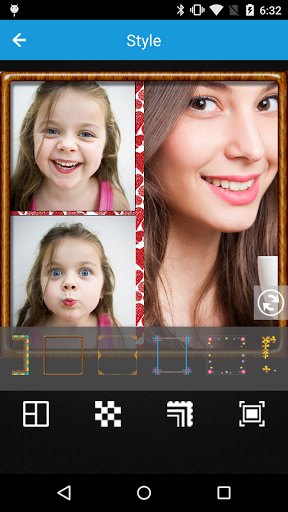
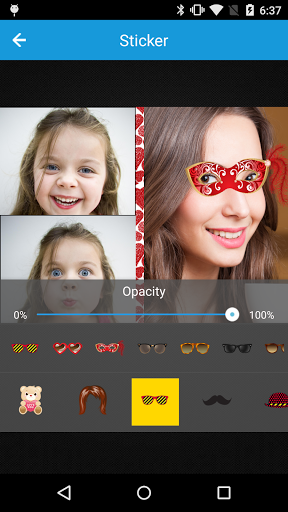
2. Huge amounts of background, border, sticker to choose from.
3. Easy to add Text to image, or change ratio of the collage.
4. Include a powerful photo editor, also many beautiful filters.
5. Easy to share pictures to Instagram, Twitter, Facebook, WhatsApp, LINE, WeChat, Weibo...
6. Completely FREE!
Compared to other apps, this Photo Collage has the following advantages:
1. Huge amounts of layouts of frame or grid to choose from.
2. Huge amounts of background, border, sticker to choose from.
3. Easy to add Text to image, or change ratio of the collage.
4. Include a powerful photo editor, also many beautiful filters.
5. Easy to share pictures to Instagram, Twitter, Facebook, WhatsApp, LINE, WeChat, Weibo...
6. Completely FREE!
What's New
Compatiable to android 15
App Information
Version Name
2.4.90
Version Code
123
File Size
16.6 MB
Minimum OS
Android 5.0+
Target SDK
Android 33
Developer
MeiHillMan
Contact
Website
Content Rating
Everyone
Package Name
com.meihillman.photocollagePermissions Required
This app may request the following permissions:
Recent Reviews

Barbara Kangas
5.0★
My previous rating was 5 stars. I loved it! It was my go-to app for making collages. I haven't needed it for a while. Came back and I could barely make a move without having the screen taken over by an ad. If I could have found a way to buy it, I would have gladly done so. but I couldn't get past the ads to even look. I must have had 4 or 5 ads just to make one 2-pic collage. Next step, deleting the app.

Melissa Gury
5.0★
Super! Simple, easy, and VERY appreciated. Really! The more I use it - the more I like it (ads just click away quickly). It's wonderful to be able to send one photograph instead of 4, or 6, or 8, etc. (and the recipients are appreciative too!). There's a great deal of creative expression possible with this nifty app, even for a non-techie like me. Many developers say their apps are simple and easy to use, but I think nothing of this sort is as user friendly and intuitive as this one. ---MJG

A Google user
4.0★
A good start. On my Samsung Galaxy S10+, I can load images but wish it would show the detailed properties of the image suchas as date, time, size and file type. I can preview the collage but cannot save it. So I end exiting the app as it serves up another pesky ad. However when I go back to my images gallery app, the collage is there. So it's kind of clumsy to work with but it's free so there's that.

Gus
2.0★
I understand ads. At first, it didn't bother me at all. I use it to put photos together and save it. Done. But lately the ads have been intrusive and I CANNOT BACK OUT OF IT. The worst part is the ADS PLAY LOUD AUDIO! It startles me every friggin time since I often play my own music at a low volume.

Neil Asher
1.0★
Dreadful app. Even before you can start using it you have to give cookie consent to allow lots of random companies to harvest all the personal data from your phone. I deleted the app without passing the first screen.

Andrew K
2.0★
it exports blurry photos at 1440p long ways. Nothing higher than that. not even 2k or 4k photo export....
Ad slot: In-Content