

Screen Recorder GU Recorder
com.mobi.screenrecorder.durecorder
by Screen Recorder Video Recorder Gu Recorder Studio
Screenshots

Ad slot: Top Leaderboard
About this app
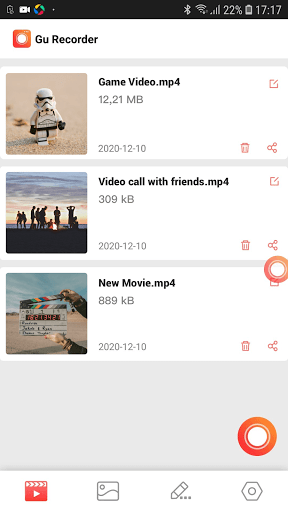
GU Recorder is a stable screen recorder for you to record video calls, online shows, live gameplay, sport event and movies. You can record video with clear sound, take screenshot and reduce video file size. There’s no root needed.
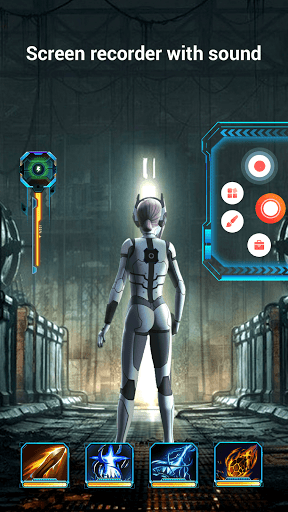
Record video with sound
+ You can record audio from the mic which makes it easy to create tutorial, promotional videos.
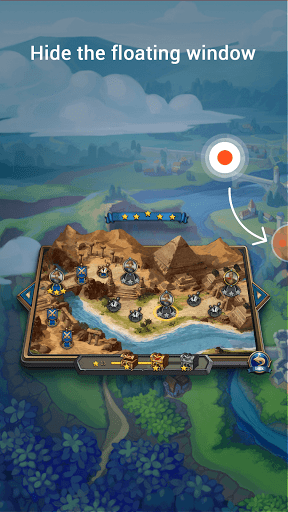
+ Hide the floating window with one touch to record full screen video. Use the notification panel to control recording.
+ Record internal sound, this screen recorder supports recording internal audio.
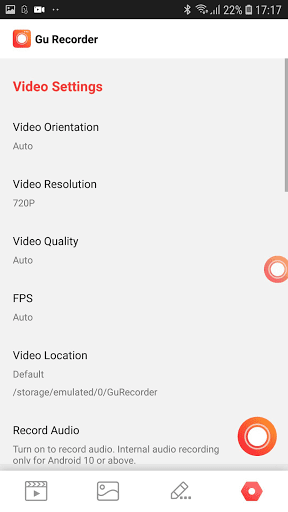
+ There are many customized features in this screen recorder such as setting video resolution: provide 1080p resolution. Auto screen orientation: provide both portrait and landscape recording. Set countdown time and shake to stop.
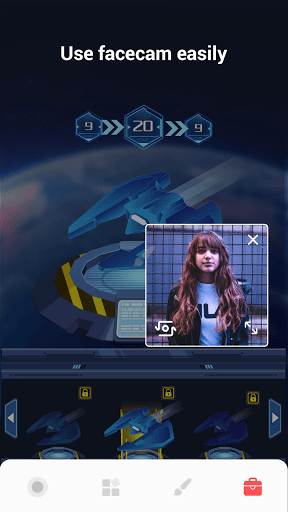
+ Overlay face camera: you can record your face and reaction in an overlay window, which can be dragged to any position on the screen and customized to any size. It helps you make a special video.
+ Pause and resume recording at any time. Use the theme you like.
Exclusive Features
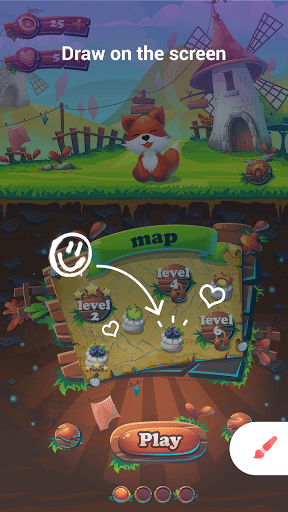
1. Magic Brush: You can doodle on the screen while recording, write or draw anything you like. Choose the color and effect you want.
2. Restore Lost Video: If the app is closed accidentally, you can restore the video you recorded before.
3. Video Compressor: Compress video with high quality.
4. MP3 Video Converter: Convert videos to MP3 in simple steps.
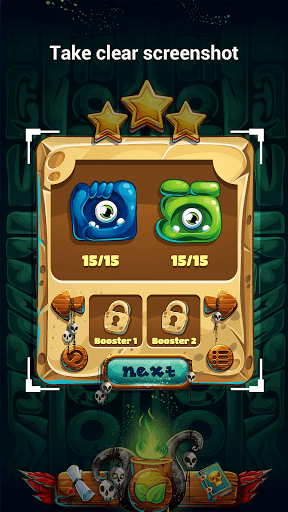
Take clear screenshot
+ Capture screen easily, take clear screenshot to record your skillful gameplay, funny video call.
+ Doodle on your screenshot: Add a mark or draw a symbol to highlight the part you want people to notice.
Record video with sound
+ You can record audio from the mic which makes it easy to create tutorial, promotional videos.
+ Hide the floating window with one touch to record full screen video. Use the notification panel to control recording.
+ Record internal sound, this screen recorder supports recording internal audio.
+ There are many customized features in this screen recorder such as setting video resolution: provide 1080p resolution. Auto screen orientation: provide both portrait and landscape recording. Set countdown time and shake to stop.
+ Overlay face camera: you can record your face and reaction in an overlay window, which can be dragged to any position on the screen and customized to any size. It helps you make a special video.
+ Pause and resume recording at any time. Use the theme you like.
Exclusive Features
1. Magic Brush: You can doodle on the screen while recording, write or draw anything you like. Choose the color and effect you want.
2. Restore Lost Video: If the app is closed accidentally, you can restore the video you recorded before.
3. Video Compressor: Compress video with high quality.
4. MP3 Video Converter: Convert videos to MP3 in simple steps.
Take clear screenshot
+ Capture screen easily, take clear screenshot to record your skillful gameplay, funny video call.
+ Doodle on your screenshot: Add a mark or draw a symbol to highlight the part you want people to notice.
What's New
Hi friends! In this update we bring:
- Big update of application skins: more and more UI skins will be supported in the future to customize your application!
- Fix known issues and optimize experience!
- Big update of application skins: more and more UI skins will be supported in the future to customize your application!
- Fix known issues and optimize experience!
App Information
Version Name
3.5.0.0
Version Code
52
File Size
32.2 MB
Minimum OS
Android 5.0+
Target SDK
Android 33
Developer
Screen Recorder Video Recorder Gu Recorder Studio
Contact
Website
Content Rating
Everyone
Package Name
com.mobi.screenrecorder.durecorderPermissions Required
This app may request the following permissions:
Recent Reviews

A Google user
4.0★
It works and is useful. Not only can I record games but also the sound too. I just wish there was a way to record only the sound from the screen and not from the environment around me at the same time. The pause recording button is quite useful as well so I don't have to worry about recording filler. Ok so I notice the screen gets really pixelated and hard to see the video with picture clarity while playing the video. Even with 1080p the screen is pixelated.

Somnath Saha
3.0★
This is a really good app . But I have a few issues with this. 1) when I record it records everything (like every sound in my surroundings) it's really hard to have silence. And when I record I only want the sound of the game(or the thing I'm recording). So it would be great if this has a feature that will only record the sound of the game . 2) everything should be free like no passes.

Lyra Clemency
2.0★
When I first try this app, I thought it was amazing because the app can record only screen sound and not like other apps, but after I record a video and saw the video, it was awful; the video starts messing up, the sound starts speeding up and some part of the sounds didn’t get recorded. Even when I wanna stopped recording, my phone gets laggy and the recording didn’t end until 15-20 seconds. Also, when I use the shake to end recording, it doesn’t works too.
Christopher C.
2.0★
Had to cancel my subscription. Started having great difficulty with recording various different live streams. Working when it wanted to. Half the time it did, half the time it did not. When it worked, it was Sublime. But there were too many times when it did not function as expected, or at all. Shame, I'd given it five stars originally.
A Google user
5.0★
Important to know the internal audio in every recorder brand, is disabled in Android. Maybe there's a way around it, idk. In Windows there's software that lets you record digitally off the soundcard. Needed this to record a tutorial video. Although it's 1080p, the compression can make video a bit ugly sometimes but this may be the case with all screen recorders. If raw Avi option was available, I'd do it.

Pia Doletin
3.0★
I like it, but the second time I recorded, I recorded like 5 mins, and when I checked.. it was gone and not there, basically when I looked at the video it was blank, I knew I started recording and thought every thing was fine, but the video wasn't recorded, I don't know what happened. Also it says GU Screen Recorder is displaying over other apps and well.. my apps got laggy after
Ad slot: In-Content