

OfficeSuite Pro + PDF (Trial)
com.mobisystems.editor.office_with_reg
by MobiSystems
Screenshots









Ad slot: Top Leaderboard
About this app
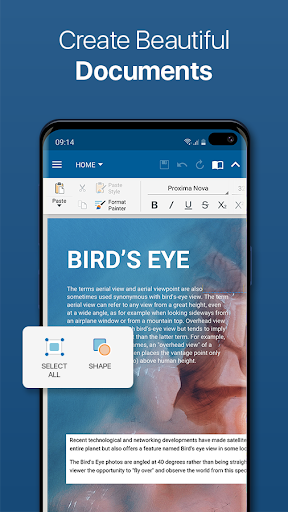
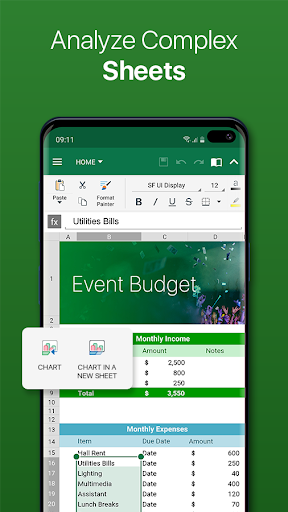
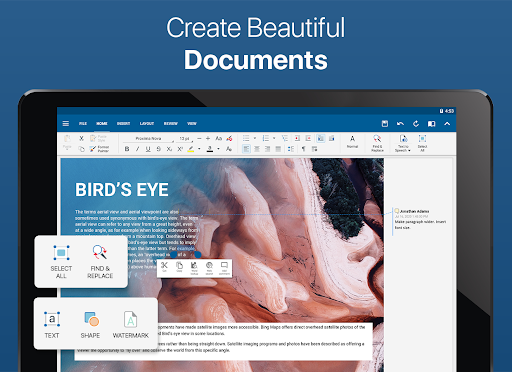
This is the full-feature PRO version of the award-winning OfficeSuite application that lets you easily view, edit, and create Word, Excel, and PowerPoint documents, convert to PDF, and manage your files.
• The most downloaded office app on Google Play
• Delivers the most exclusive features over any other office app
• Installed on 200 million devices in 195 countries and growing
Preloaded by top manufacturers including Sony, Amazon, Acer, Alcatel, Toshiba, Sharp, Kyocera and more.
GOOGLE PLAY EDITORS’ CHOICE
INFOWORLD'S TOP MOBILE OFFICE
LIFEHACKER'S BEST ANDROID OFFICE APP
PCMAG EDITORS’ CHOICE AWARD
***This is a fully functional 7-day trial***
KEY FEATURES:
•View, create and edit complex office documents using a familiar desktop-style interface
•Full compatibility with Microsoft formats including DOC, DOCX, DOCM, XLS, XLSX, XLSM, PPT, PPTX, PPS, PPSX, PPTM, PPSM
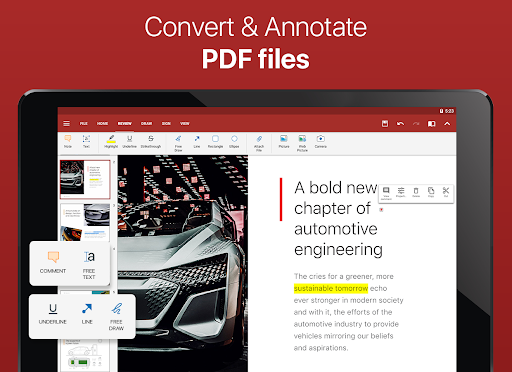
•Support for PDF files including PDF camera scanning, Export to PDF and Fillable forms
•Additional support for common formats like RTF, TXT, LOG, CSV, EML, ZIP; (Open Office - ODT, ODS and ODP - support available as in-app purchase)
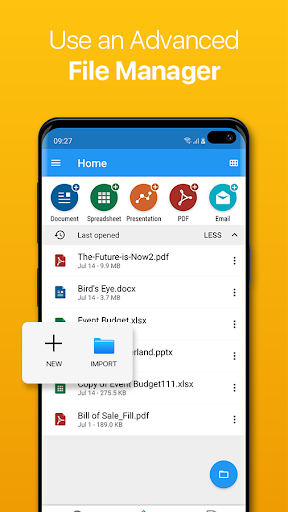
•Integrated with File Commander for advanced synchronization and quick and easy access to both local and remote files
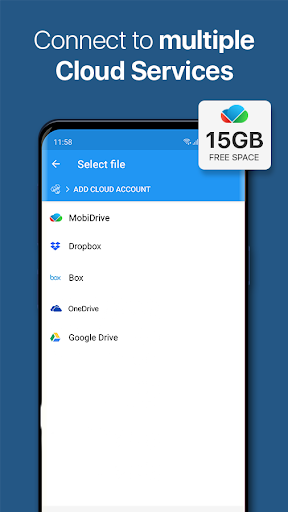
•MobiSystems Drive - you can now store up to 15.0 GB of documents in the cloud
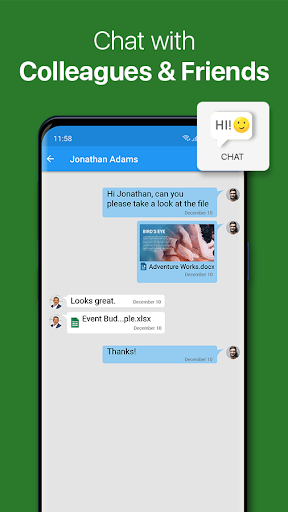
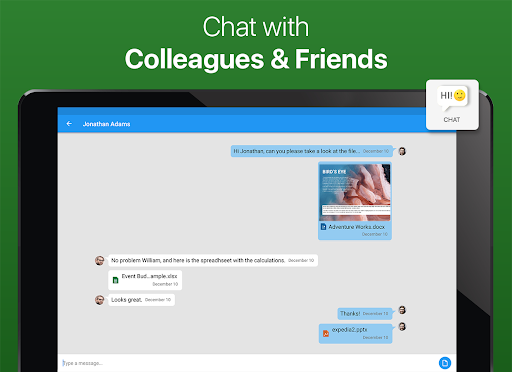
•NEW! OfficeSuite Chats – Chat and exchange documents with your friends and colleagues
•Integrated spell checker - Available in more than 40 languages the spell checker guarantees that your work in Documents, Slides and Sheets is impeccably written
•Sharing via cloud services like MobiSystems Drive, Box, DropBox, Google Drive, OneDrive, as well as over email and Bluetooth
•PDF security and editing features including digital signatures support, permissions management, text to PDF, and annotations
•Text-to-Speech support for documents and PDFs
•View documents the way they're meant to be seen with the Japanese, Extended and Extended & Japanese Font Pack (available as in-app purchases)
•Create a profile and sync your settings across all your Android, iOS and Windows Desktop (OfficeSuite Personal license) devices
•Chromecast dual screen support
•Available in 56 languages
THE LATEST OFFICESUITE IS SPECIALLY DESIGNED AROUND ANDROID О:
•NEW! With OfficeSuite Chats you can easily send documents, collaborate with colleagues or simply chat with your friends on the go
•NEW! Sign into OfficeSuite Now using a phone number
•Convert and open files created with Apple Pages, Numbers, or Keynote apps
•Open multiple documents and work on two documents simultaneously using split-screen mode with drag-and-drop support (Android 7 and up)
•Open documents or create new ones faster than ever with the new Quick access notification drawer
•With the enhanced mouse support for Chromebooks users can now work faster and easier than ever
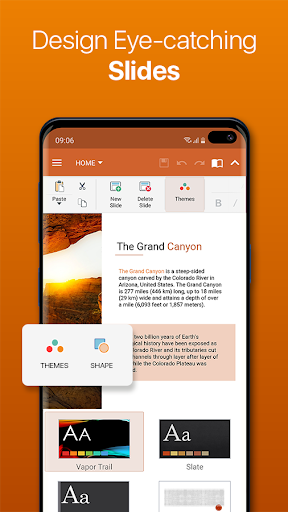
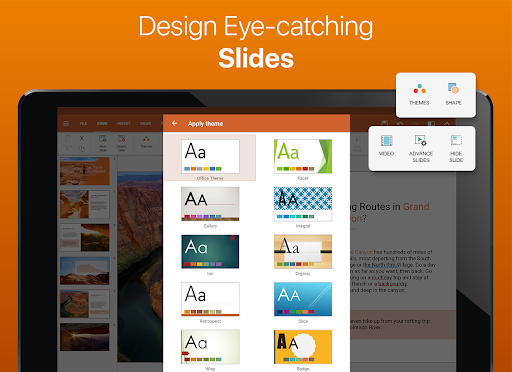
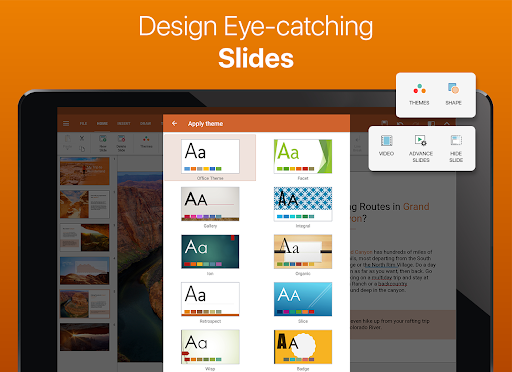
•Choose between beautiful new themes to create great presentations
•Protect individual sheets and cells in Spreadsheets for extra security
•Cast presentations across multiple devices on the same network with Share Cast
•Use Quick Sign to easily sign a PDF using your digital signature
HOW IS OFFICESUITE PRO BETTER THAN OFFICESUITE FREE?
• Security features - work with password protected files
• Format Painter in Word documents
• Track changes with multiple author support
• Insert pictures using your camera or from an external file
• Additional options in Excel including Insert Filter, Conditional Formatting, Define Name, Import Image, Edit Chart, and Save as CSV
• Interactive form support for PDFs: checkboxes, radio buttons, text fields, etc.
• Legacy Microsoft document formats support (.DOC, .XLS, .PPT) along with .ODF formats
OfficeSuite granted permissions- http://www.mobisystems.com/android_office/full-features.html#permissions
• The most downloaded office app on Google Play
• Delivers the most exclusive features over any other office app
• Installed on 200 million devices in 195 countries and growing
Preloaded by top manufacturers including Sony, Amazon, Acer, Alcatel, Toshiba, Sharp, Kyocera and more.
GOOGLE PLAY EDITORS’ CHOICE
INFOWORLD'S TOP MOBILE OFFICE
LIFEHACKER'S BEST ANDROID OFFICE APP
PCMAG EDITORS’ CHOICE AWARD
***This is a fully functional 7-day trial***
KEY FEATURES:
•View, create and edit complex office documents using a familiar desktop-style interface
•Full compatibility with Microsoft formats including DOC, DOCX, DOCM, XLS, XLSX, XLSM, PPT, PPTX, PPS, PPSX, PPTM, PPSM
•Support for PDF files including PDF camera scanning, Export to PDF and Fillable forms
•Additional support for common formats like RTF, TXT, LOG, CSV, EML, ZIP; (Open Office - ODT, ODS and ODP - support available as in-app purchase)
•Integrated with File Commander for advanced synchronization and quick and easy access to both local and remote files
•MobiSystems Drive - you can now store up to 15.0 GB of documents in the cloud
•NEW! OfficeSuite Chats – Chat and exchange documents with your friends and colleagues
•Integrated spell checker - Available in more than 40 languages the spell checker guarantees that your work in Documents, Slides and Sheets is impeccably written
•Sharing via cloud services like MobiSystems Drive, Box, DropBox, Google Drive, OneDrive, as well as over email and Bluetooth
•PDF security and editing features including digital signatures support, permissions management, text to PDF, and annotations
•Text-to-Speech support for documents and PDFs
•View documents the way they're meant to be seen with the Japanese, Extended and Extended & Japanese Font Pack (available as in-app purchases)
•Create a profile and sync your settings across all your Android, iOS and Windows Desktop (OfficeSuite Personal license) devices
•Chromecast dual screen support
•Available in 56 languages
THE LATEST OFFICESUITE IS SPECIALLY DESIGNED AROUND ANDROID О:
•NEW! With OfficeSuite Chats you can easily send documents, collaborate with colleagues or simply chat with your friends on the go
•NEW! Sign into OfficeSuite Now using a phone number
•Convert and open files created with Apple Pages, Numbers, or Keynote apps
•Open multiple documents and work on two documents simultaneously using split-screen mode with drag-and-drop support (Android 7 and up)
•Open documents or create new ones faster than ever with the new Quick access notification drawer
•With the enhanced mouse support for Chromebooks users can now work faster and easier than ever
•Choose between beautiful new themes to create great presentations
•Protect individual sheets and cells in Spreadsheets for extra security
•Cast presentations across multiple devices on the same network with Share Cast
•Use Quick Sign to easily sign a PDF using your digital signature
HOW IS OFFICESUITE PRO BETTER THAN OFFICESUITE FREE?
• Security features - work with password protected files
• Format Painter in Word documents
• Track changes with multiple author support
• Insert pictures using your camera or from an external file
• Additional options in Excel including Insert Filter, Conditional Formatting, Define Name, Import Image, Edit Chart, and Save as CSV
• Interactive form support for PDFs: checkboxes, radio buttons, text fields, etc.
• Legacy Microsoft document formats support (.DOC, .XLS, .PPT) along with .ODF formats
OfficeSuite granted permissions- http://www.mobisystems.com/android_office/full-features.html#permissions
What's New
Check out our latest OfficeSuite updates:
Optimized for Android 14: Seamlessly enjoy our app on the newest Android platform.
Effortless File Sync: Access recent and favorite files across devices with MobiSystems account sync.
Enhanced Asian Language Support: Edit documents in traditional Asian languages with improved visualization.
Fully Compliant with Google's Consent Management Platform: Your privacy and data control are our priorities.
Optimized for Android 14: Seamlessly enjoy our app on the newest Android platform.
Effortless File Sync: Access recent and favorite files across devices with MobiSystems account sync.
Enhanced Asian Language Support: Edit documents in traditional Asian languages with improved visualization.
Fully Compliant with Google's Consent Management Platform: Your privacy and data control are our priorities.
App Information
Version Name
14.4.51679
Version Code
51679
File Size
151.0 MB
Minimum OS
Android 7.0+
Target SDK
Android 34
Developer
MobiSystems
Contact
Website
Content Rating
Everyone
Package Name
com.mobisystems.editor.office_with_regPermissions Required
This app may request the following permissions:
Recent Reviews

Sidney E Cole
5.0★
I have had office suite for more than 10 years. I paid yearly and then was given a lifetime status. I can't find my license codes but site clearly shows it's lifetime. I wish I could resolve but always get wrong response to my inquiry. suggest you join, $19.99 very small price to pay . it was $14.99 but everything is more nowadays. you won't be disappointed.

A Google user
2.0★
I was among the first to download and begin using this app while it was supposedly a single time purchase more life as the pro version. Somehow that doesn't seem to apply anymore or at least not to my account. The app is amazing and can do anything that Windows Word or any other high-end processor + PDF can do. It's fairly easy to navigate. So yes my criticism has nothing to do with its functionality or usefulness but rather with its sudden high cost isn't even competitive with Microsoft Word any more than it would be with any other paid subscription app. Aside from feeling mislead years ago when I first started using this, I feel the cost is simply Out Of Reach at a time when every app and website wants to start charging a fee. Just as with the intrusive advertising reaching a limit of how much profit it could generate for a company such as Google, there will come a time when they subscription will reach their saturation point with the consumer. I'm sure I'm in the minority now but I'm also just as certain that I won't be in the minority for long. I'll be downloading word and paying them for1 subscription across all my devices. Though this product can sync across devices it's not as routinely required in office applications as Windows Word therefore making it much simpler to go with the product everyone recognizes since there isn't really much of a cost difference now anymore. Thank you for the years of enjoying a wonderful Cutting Edge Innovative app. I can see and his inflated company profits and more. I never expect this for free. It's well worth paying something for access to an application like this one but only if there's some advantage over that which is more standardized in offices and office applications.

David Charles Smedley TPO
1.0★
Purchased the Pro licensing (not subscription) May 7, 2018 and since that, time it has been completely removed from the app store and replaced with a higher priced version which I'm not able to download. I do not recommend purchasing anything from these developers; as they will just remove the app later; so your licensing becomes worthless. You will have paid for nothing in the end; because the app and therefore the support for the app will no longer exist; for you to exercise that license over.
A Google user
3.0★
I've been trying to get someone to respond to my email since June (and prior to that, February). No one has bothered to return my email. The tool is great, but I just need someone from technical support to guide and explain somethings. I also called, but get a message instructing I send an email (no response). You just can't get ahead. I tried to pay the $29.99 on the web (PC version), but then it says I cannot because I have an active account I'm just spinning in circles with no support whatsoever; that's why I gave you the 3 stars. it be nice to get someone who can return my email or contact me back so that I can install the $29.99 PC version and then tell me how to access the correct Android instance for mobile acces

citra citra
1.0★
Really helps me doing my office work only in my palm whereever n whenever. Nice interface, smooth, user friendly. Only one thing to please make it easier is to save the files, it's when chosing the file type. Others are excelent. And also there's always some kind of pop up for chart type appears everytime I edit my worksheet. It appears so many time. Really wasting my time because I keep have to wait till it's gone just to have it appears again in 1 or 2 seconds after.

M.F. Aitken
1.0★
Edit: 2021 apr 13 - This is awful! I uninstalled minutes after trying it out. It claims it's a full trial version for 7 days, but is actually a full on bombardment of adverts! It looks like the full paid version is only by SUBSCRIPTION. What a bummer, my original review from a couple of years ago was 5 stars. I better check my google subscriptions (I really disagree with software subscription models) to make sure this sneaky company won't ding me, although I have uninstalled this ad-ware.
Ad slot: In-Content