

Auto Photo Cut Paste
com.morningshine.autocutpaste
by photoshop mobile apps
Screenshots


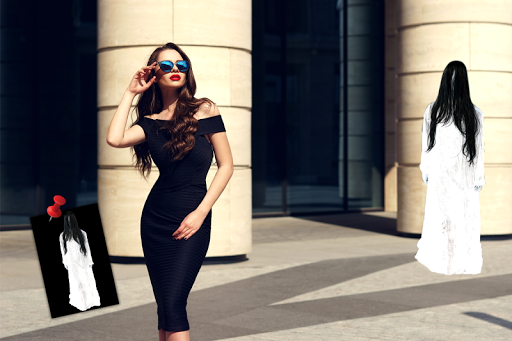
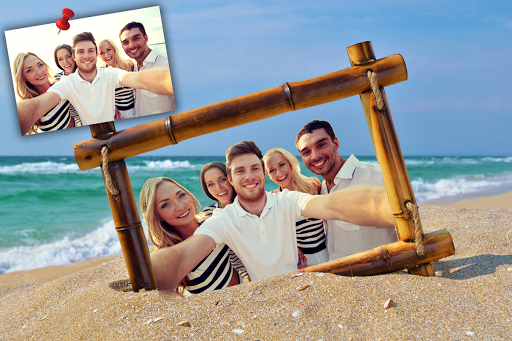





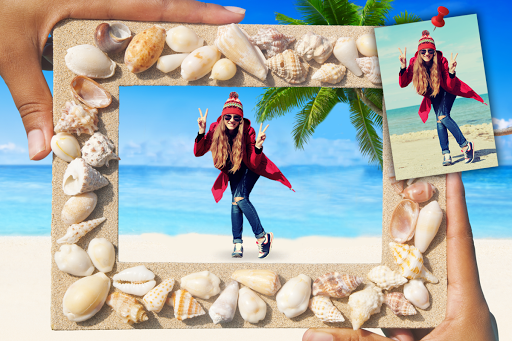


Ad slot: Top Leaderboard
About this app
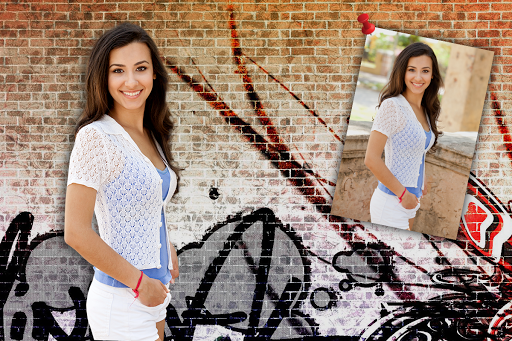
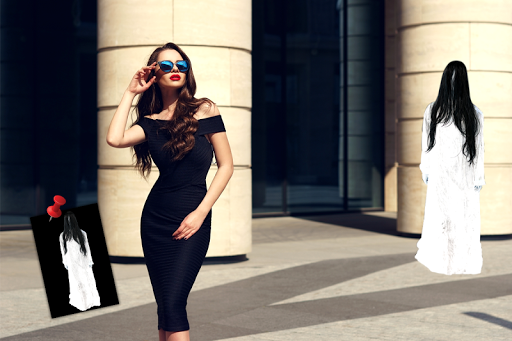
Auto Photo Cut Paste is a NextGen Cut Paste Photo Editor app by which you can cut out any part of image automatically with Auto Selection tool and paste it on another image or background.
Auto Photo Cut Paste provides a fast and easy way to create amazing custom pictures. Just touch the area of picture which you want to erase and Auto Cut Paste will automatically detect the entire area through color detection AI and it will erase that area for you so that you can paste that image on any other picture or on our existing 30+ HD backgrounds.
Auto Photo Cut Paste comes with many professional photo editing tools like:
- Auto Erase: for one touch background removal
- Manual Erase: for finger rub (traditional) background removal
- Lasso Erase: for area selection background erase
- Restore: for finger rub background retrieval
- Undo, Redo & Zoom: for accurate result
Features:
***** Perform Face Swap- Cut one face and paste it on the other
***** Remove photo background and replace with any background you wish
***** Cut the people out and put them on another background
***** Crop animal faces from one photo and place it over your friends photo
***** Save and share your creation with friends and family on any social networking sites
Ideal for: Cut Paste Photos, Face Swap, Photo Editing, Photo Background Changer, Photo Background Eraser, Copy Paste Photos.
Auto Photo Cut Paste provides a fast and easy way to create amazing custom pictures. Just touch the area of picture which you want to erase and Auto Cut Paste will automatically detect the entire area through color detection AI and it will erase that area for you so that you can paste that image on any other picture or on our existing 30+ HD backgrounds.
Auto Photo Cut Paste comes with many professional photo editing tools like:
- Auto Erase: for one touch background removal
- Manual Erase: for finger rub (traditional) background removal
- Lasso Erase: for area selection background erase
- Restore: for finger rub background retrieval
- Undo, Redo & Zoom: for accurate result
Features:
***** Perform Face Swap- Cut one face and paste it on the other
***** Remove photo background and replace with any background you wish
***** Cut the people out and put them on another background
***** Crop animal faces from one photo and place it over your friends photo
***** Save and share your creation with friends and family on any social networking sites
Ideal for: Cut Paste Photos, Face Swap, Photo Editing, Photo Background Changer, Photo Background Eraser, Copy Paste Photos.
What's New
🔧 Boosted app performance and resolved Firebase issues for smoother usage.
App Information
Version Name
3.3
Version Code
27
File Size
105.1 MB
Minimum OS
Android 7.0+
Target SDK
Android 33
Developer
photoshop mobile apps
Contact
Website
Content Rating
Everyone
Package Name
com.morningshine.autocutpastePermissions Required
This app may request the following permissions:
Recent Reviews

A Google user
2.0★
I'd like to give this app 4 or 5 stars but I can't. The first cut and paste I did worked out great and I was really excited about this app. However, since then I just cut three photos I wanted to paste onto a background but even after saving those cut versions they are not an option on the background screen. The only photo it will allow me to paste onto a background is the very first photo I ever cut. I watched the tutorial but there was no info on the pasting option.

Mysterious MrMoo
5.0★
Very easy to use. After you remove the background the it gives you the option to add a background image. You can use their images or one from your gallery. This is great because once I remove the background, everything turns black. I fixed this by looking up "white screen" in google, saving a picture, and choosing it as my background. Definitely would recommend this app.

Khimera Dabs
4.0★
I use this app quite often and I can definitely say it's been an awesome experience. For me it's a 4 star because I use this on my phone and doing precise crop can be different especially if the colors are similar throughout. I'd like to highlight specific spots that I don't want cropped out. If the background is similar in color to the thing you want cropped it would crop that as well. This will save A LOT of time and finger cramps.

Beck Infidelis
5.0★
Love it!! Easy, and no problem using pics from gallery. Some other apps have a gallery function that doesn't work. I did what I needed to do about 2 minutes. That was on the free version, ads were not intrusive & coule downloading a copy of completed work. Some apps won't let without premium. It works so well and easily I did have the one time fee for premium.

Andrew Matson
3.0★
Has been great on my two prior phones, but is not functioning properly on my Pixel 8 Pro unfortunately. When you initially cut the image to size, it goes a lot smaller than you intended. But if you go bigger to get all the area you wanted, it seems to work, then once you have cut out what you wanted to and go to save, what you have cut is completely misaligned (as if it was the size you actually wanted to cut originally) Plse let me know if you fix this problem, so I can start using again .
A Google user
4.0★
This is one of the top photoshops editors out there. The reason why this is only four stars is because you can't edit a photo after you save and exit. The zoom also needs to be fixed. There should be zoom hozantle and zoom vertical, instead of what they have. I just wanted to make a meme with my cats. If you could fix this, please help me. These are still a problem as of this being posted. Again, if you can't do these things, yuh ou need to fix this and it disurvse a five star rating
Ad slot: In-Content