

Video Background Changer
com.mw.video.background.changer.remover
by H Dev Apps Studio
Screenshots






Ad slot: Top Leaderboard
About this app
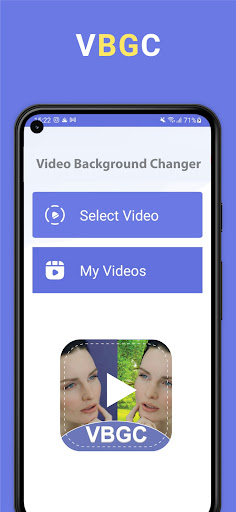
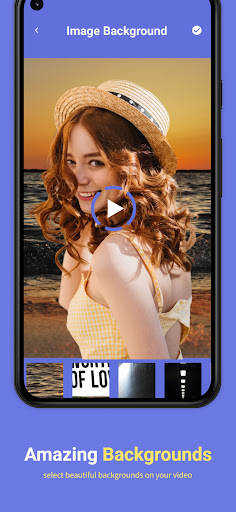
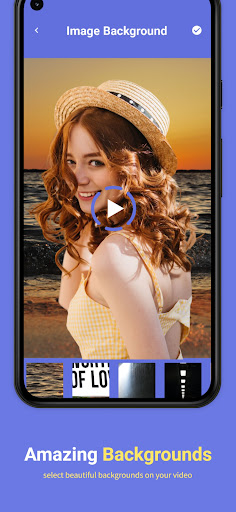
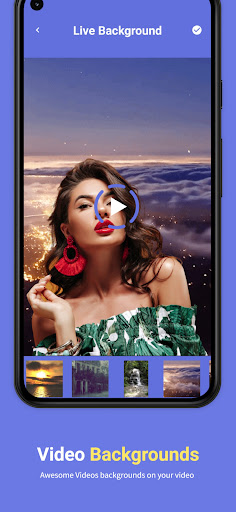
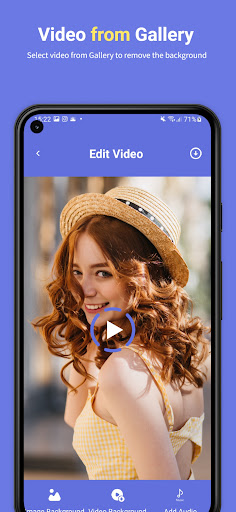
Video Background Changer is a revolutionary app which provides video editors to change video background in seconds. Add any background image to your video as its background.
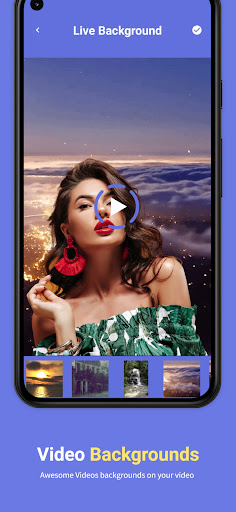
VBGC provides a-lot of features along with just video background changer. Vlog background video editor brings huge collection of attractive backgrounds and video backgrounds to add in along with music.
Features of Pro Video Editor Background changer:
* Attractive and huge collection of backgrounds
* Video backgrounds to make your video more awesome
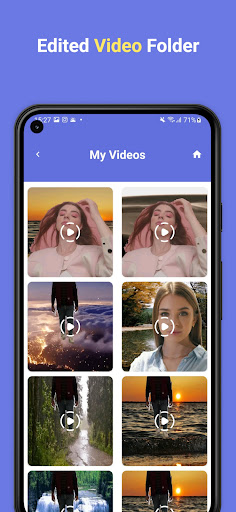
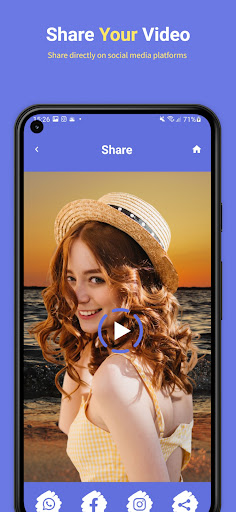
* Instantly share with friends and family
* Add background music of your choice
* Edit video with editing tools to be a pro video editor
* Add text and stickers to your video
* Apply cool video effects and filters
* Green screen effects and pro vid editor
Premium Feature:
- Upload video as long as you want (No Limits)
- No more Ads
- All premium features are free (New or Old)
How to use Video Background remover
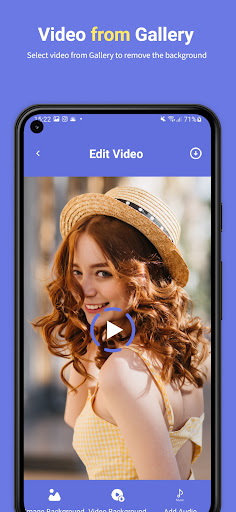
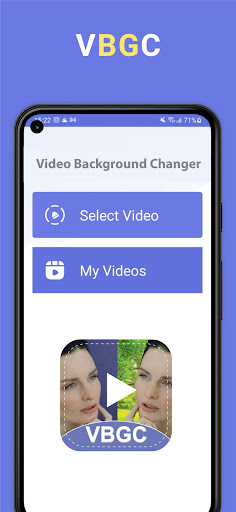
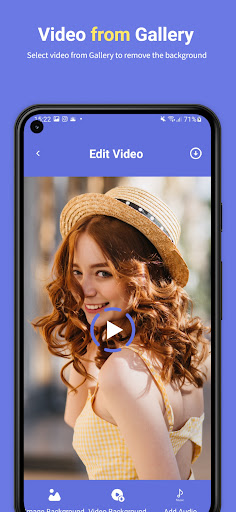
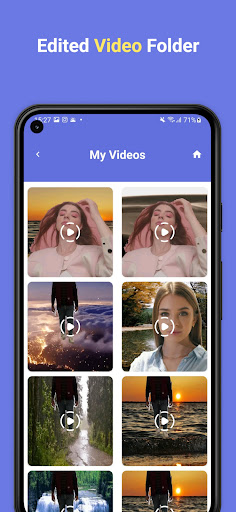
There are few simple steps to get video with new attractive and different backgrounds. Select a video from gallery of which you want to change background. In next step you have to select image or video background. Select music or audio to set it background music. After finalizing your video you can edit it with video editing tools. At the end you can share it with friends and family.
Note: Video background changer work with human detection. With no human in video it won’t work properly.
VBGC provides a-lot of features along with just video background changer. Vlog background video editor brings huge collection of attractive backgrounds and video backgrounds to add in along with music.
Features of Pro Video Editor Background changer:
* Attractive and huge collection of backgrounds
* Video backgrounds to make your video more awesome
* Instantly share with friends and family
* Add background music of your choice
* Edit video with editing tools to be a pro video editor
* Add text and stickers to your video
* Apply cool video effects and filters
* Green screen effects and pro vid editor
Premium Feature:
- Upload video as long as you want (No Limits)
- No more Ads
- All premium features are free (New or Old)
How to use Video Background remover
There are few simple steps to get video with new attractive and different backgrounds. Select a video from gallery of which you want to change background. In next step you have to select image or video background. Select music or audio to set it background music. After finalizing your video you can edit it with video editing tools. At the end you can share it with friends and family.
Note: Video background changer work with human detection. With no human in video it won’t work properly.
App Information
Version Name
1.39
Version Code
39
File Size
27.9 MB
Min SDK
Android 24+
Target SDK
Android 33
Developer
H Dev Apps Studio
Contact
Website
Content Rating
Everyone
Package Name
com.mw.video.background.changer.removerPermissions Required
This app may request the following permissions:
Recent Reviews

Issam Karazi
1.0★
They want to make purchase for what ?!... I am so sad to lose my time for nothing, really for nothing, very poor quality of backgrounds and they didn't add my video that I shows from my gallery but they add a darker uncleared person already they have ... (This is disrespect for people In order to collect some money)

Genny Wings
2.0★
Takes very long even for short videos, and it has to be very clear videos, like no things in the way, nothing. Just you need to move very slowly and clear to get a better result. It's kinda cool but still, could be much more better.

Double Data
1.0★
Its fake, I can't even rate it a negative twelfth of a star it doesnt work at all even network connection is conducive. I wish developers could either draw the App from Google or make some Changes

Silly Collector
1.0★
This app is trash. You can't use your own images, constant ads, and the live backgrounds are just ugly. I do not recommend.

Kamil Alta
3.0★
Have to cancel subscription as the video need to be upload first before done any editing. Should be good if editing is done on user phone itself.

Geraldine Quinzon
1.0★
This app doesnt want to give me a refund even I honestly did not use their app and I have evidences if they asked and I can submit it now through their email ad.
Ad slot: In-Content