

VideoPad Video Editor
com.nchsoftware.videopad_free
by NCH Software
Screenshots

Ad slot: Top Leaderboard
About this app
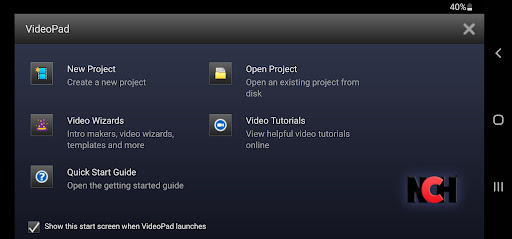
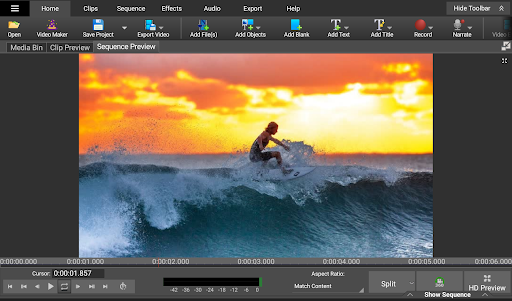
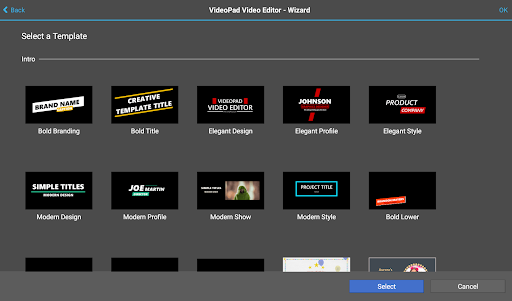
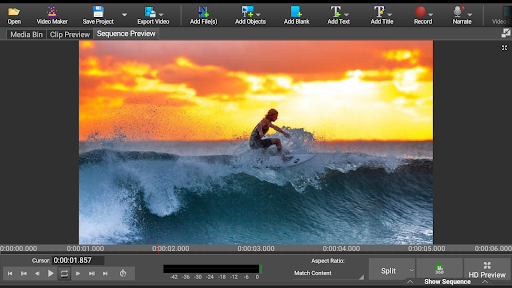
VideoPad Video Editor Free is a fun and easy to use video editing tool for Android devices! Make movies on the go with an editor designed to be intuitive so anyone can use the app.
Complete Video Optimization:
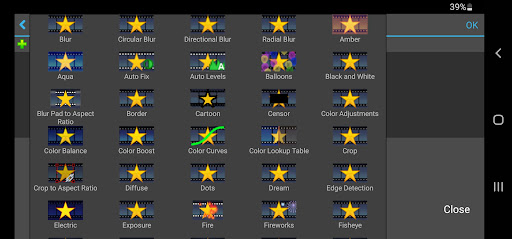
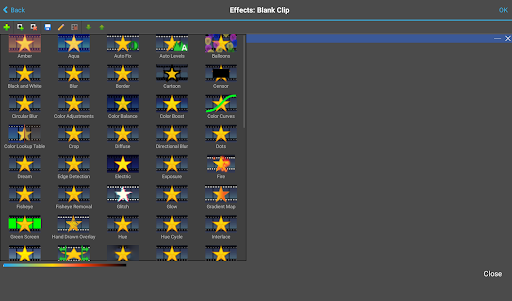
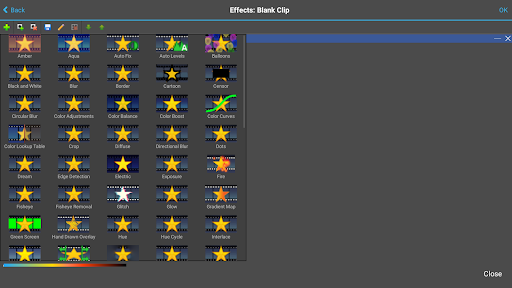
*Fine-tune color and other visual effects
*Slow down, speed up or reverse video clip playback
*Reduce camera shake with video stabilization
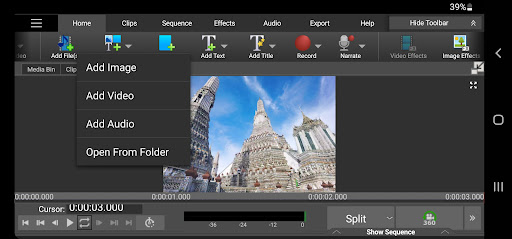
*Add photos and digital images to your sequences
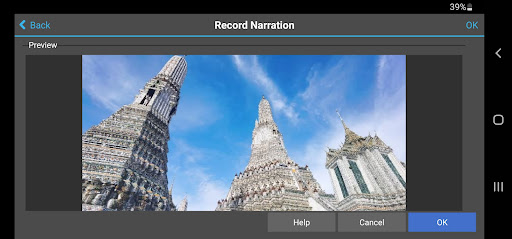
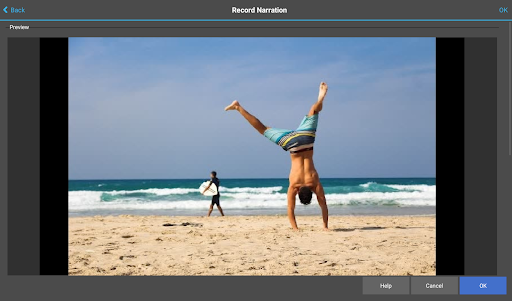
*Add audio to give your video a soundtrack or narration
Supported Input Formats:
*Import Video - avi, mpeg, wmv, divX, Xvid, mpeg, mp4, and more!
*Import Images - bmp, gif, jpg, png, tif and more!
*Import Audio - wav, mp3, m4a, mid, and more!
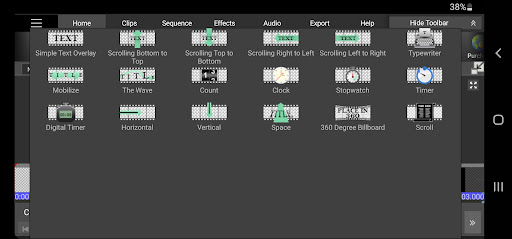
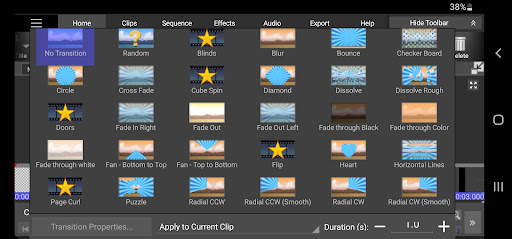
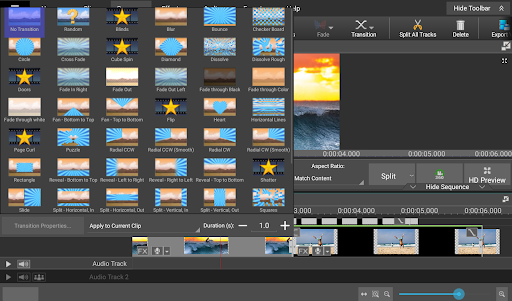
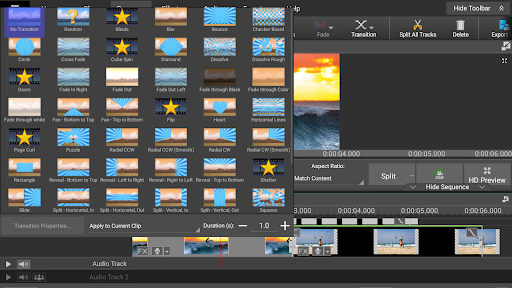
With VideoPad Video Editor Free for Android, you can add visual effects, transitions, and more to your movie! This movie maker makes editing on your phone or tablet fun with an easy to manage user interface! VideoPad movie maker is great for editing videos to share with friends or upload online to YouTube.
This free version is licensed for non-commercial use only. For commercial use, please install the version here: https://play.google.com/store/apps/details?id=com.nchsoftware.videopad
Complete Video Optimization:
*Fine-tune color and other visual effects
*Slow down, speed up or reverse video clip playback
*Reduce camera shake with video stabilization
*Add photos and digital images to your sequences
*Add audio to give your video a soundtrack or narration
Supported Input Formats:
*Import Video - avi, mpeg, wmv, divX, Xvid, mpeg, mp4, and more!
*Import Images - bmp, gif, jpg, png, tif and more!
*Import Audio - wav, mp3, m4a, mid, and more!
With VideoPad Video Editor Free for Android, you can add visual effects, transitions, and more to your movie! This movie maker makes editing on your phone or tablet fun with an easy to manage user interface! VideoPad movie maker is great for editing videos to share with friends or upload online to YouTube.
This free version is licensed for non-commercial use only. For commercial use, please install the version here: https://play.google.com/store/apps/details?id=com.nchsoftware.videopad
App Information
Version Name
16.13
Version Code
205
File Size
244.0 MB
Minimum OS
Android 6.0+
Target SDK
Android 33
Developer
NCH Software
Contact
Website
Content Rating
Everyone
Package Name
com.nchsoftware.videopad_freePermissions Required
This app may request the following permissions:
Recent Reviews

A Google user
2.0★
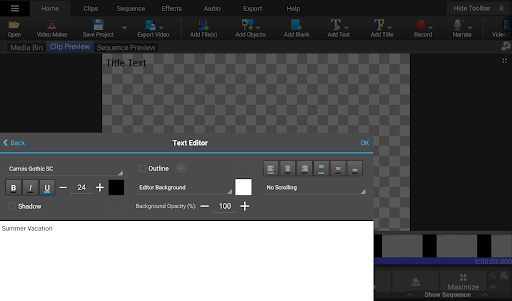
was great on my other phone... I just updated to a galaxy A6 and now Videopad doesn't allow me to enter text. There comes up a text box to type in, but no way to save it to the video. Also, as another user said, I also can't even save the video... it's also surrounded by blank white space with no way to save. Very discouraging. This used to be a fantastic app. :(
A Google user
4.0★
I like the app except it has one major flaw. The time to export a certain video is way too long! Most video editors will take at max maybe about 5 to 6 minutes to export a video. Depending on how long your video is but this video editor takes twice that amount to export a video. Even if its a 3 minute video you edited. All in all this app is good but you really need to speed up the time of exporting a video. Its just way to long. Plus if your phone goes dead while exporting your video you have to go through the same process all over again!
A Google user
2.0★
Best video app... too bad I cant use it. Is the issue with not being able to enter text getting fixed any time soon? You can type, but its surrounded by nothing. There is no "ok" button present. I used to be able to turn my phone off and on and it would suddenly appear. But no longer. This is the only app that can do what I need. Please fix soon
A Google user
1.0★
I can now no longer save ANYTHING, because the literal button that would allow me to do so has disappeared from the interface. I can get as far as the file name dialogue box, but there is literally no way to actually start the save process. Would attach screenshot if I could...I pay for a license, so this is doubly irritating. (Samsung Galaxy S10e, for the record) And no, turning the phone sideways does not make it any better...there is just literally NO button anywhere, just blank white space
A Google user
2.0★
It's hard to use on a phone because all the things on it make it confusing because on a phone it is smaller so all the things get packed on the screen so it could fit. I hope it's easier to use when I get a laptop and if it is, I'll rate this five stars. Anyways right now, cute cut pro is better but I think that this app can be also good because it has many features and transitions :)
A Google user
4.0★
This is the best editing program I've found on the play store and I defiantly recommend it. It has done everything I've wanted and more except for one thing which is my one complaint. The cropping tool puts a black border on the sides of the clip that I can't remove. I went to overlay the clip over another seamlessly so I can have my puppets talking to each other but can't with this program. It's disappointing but it is free after all and far better then the other guys.
Ad slot: In-Content