

Drawing Pad Lite - Artbook
com.raed.drawing
by Cards
Screenshots









Ad slot: Top Leaderboard
About this app
Sketchbook Lite - Artbook!
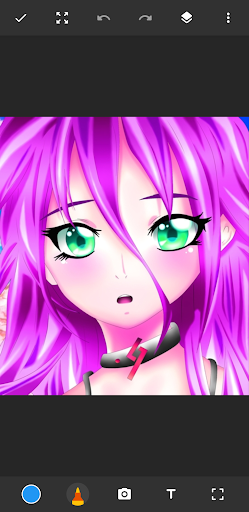
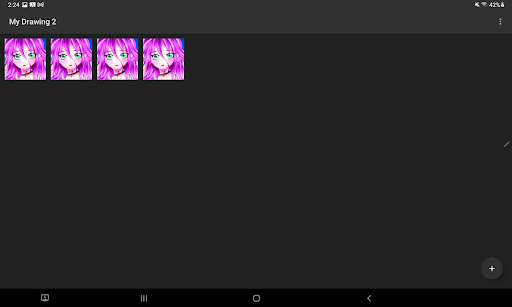
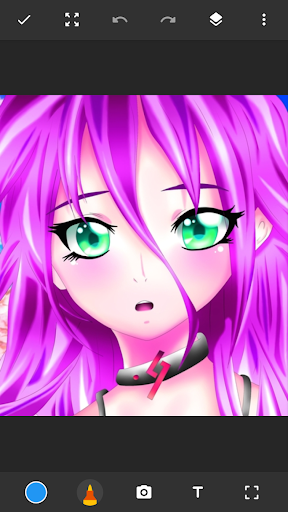
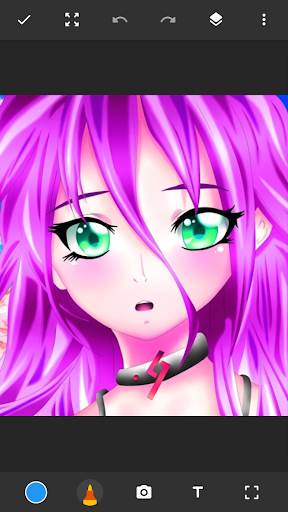
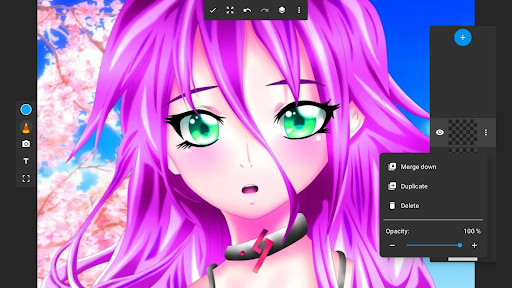
Say Hello to Sketchbook Lite - Artbook - the ultimate sketch pad designed to ignite your creativity and provide the perfect place to start sketching independently. With its intuitive and user-friendly interface, this drawing tablet is your gateway to the world of digital art and doodles, offering a range of brushstrokes and pen tools that will have you drawing masterpieces in no time.🖌
Great Sketchbook Brushstrokes!✏
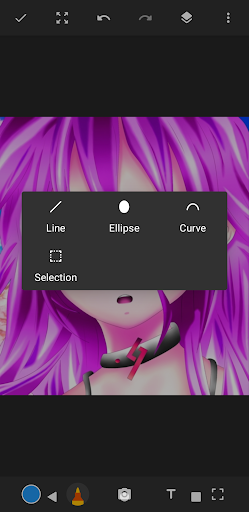
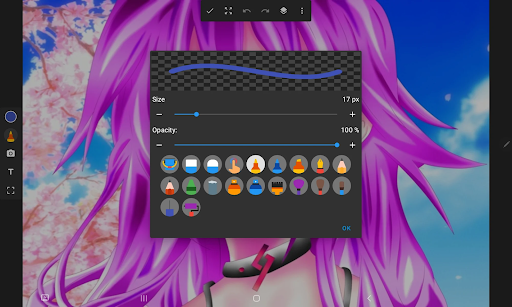
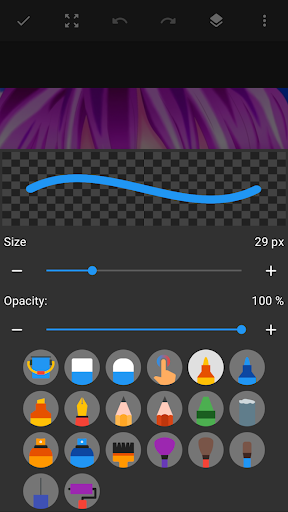
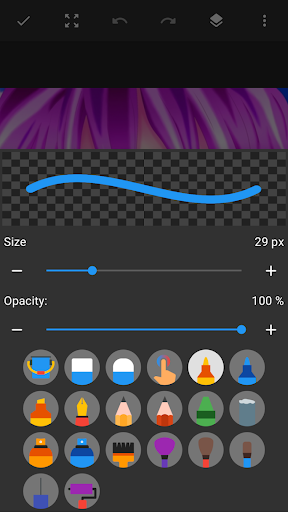
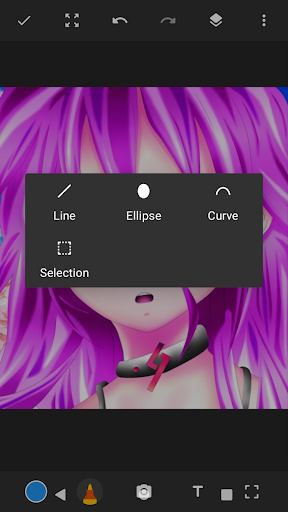
At the heart of Sketchbook Lite is its powerful brushstroke and pencil tools. With a diverse selection of brush and pencil types, sizes, and styles, you can easily create the perfect brushstroke on your drawing pad. With Sketch Pad Lite, the brush tools provide you with complete control over your drawings and paintings.
Great Sketch Pad Features:
✅Easy To Use Sketch Pad;
✅Beautiful Brushstrokes;
✅Pencils, pens, and markers,
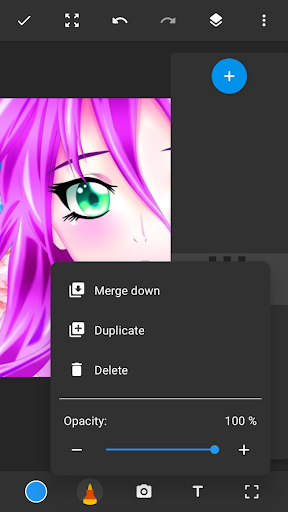
✅Layers - Save Your Digital Art In Layers
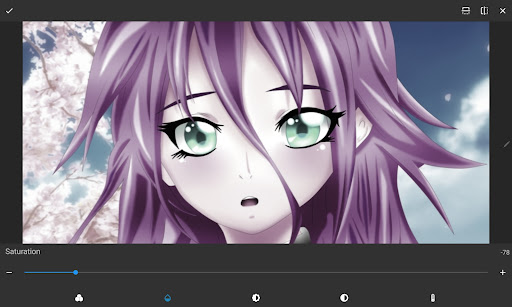
✅Drawing Pad - Draw On Photos;
✅Sketchbook - Doodle for Fun;
✅Create Amazing Digital Art!
Paint Your Sketches With Vibrant Colors!🎨
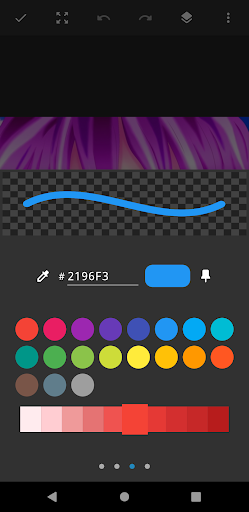
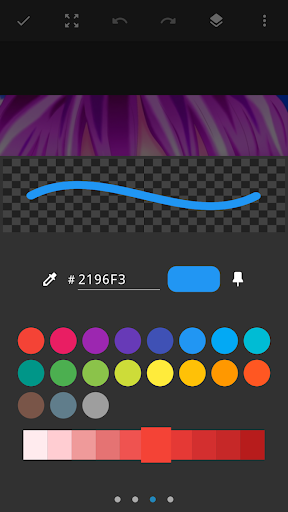
Let your drawings, sketches, and digital art burst with vibrant colors and intricate details using Sketch Pad Lite. Whether you're into anime coloring, paintings, manga, or if you like to draw on photos, this drawing pad app allows you to express your creativity to the fullest. Unleash your inner artist with this drawing editor and watch your drawings come to life.
Sketchbook Layer Option For Customization!
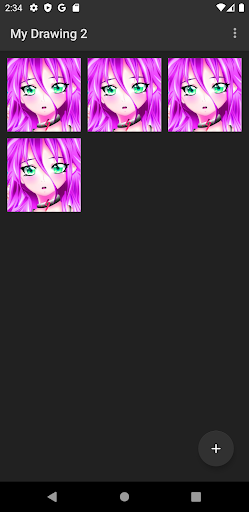
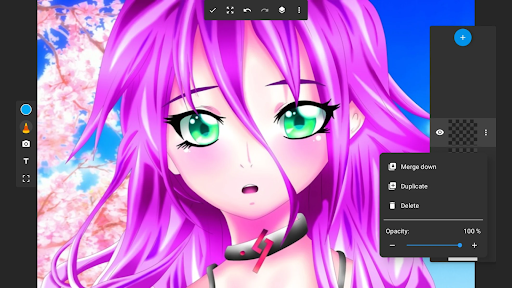
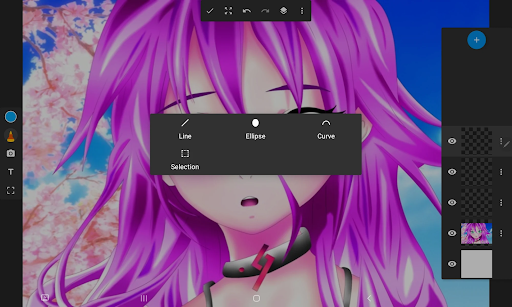
The layers feature in Sketch Lite is a game-changer for your digital art. Organize your sketches on your drawing tablet easily and experiment with different ideas. Create as many layers on your paintings as you need and effortlessly rearrange them or adjust their opacity to achieve the desired effects. This drawing app has it all!
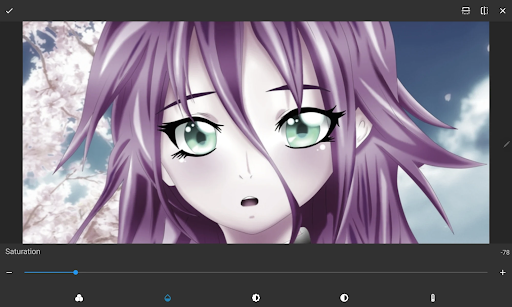
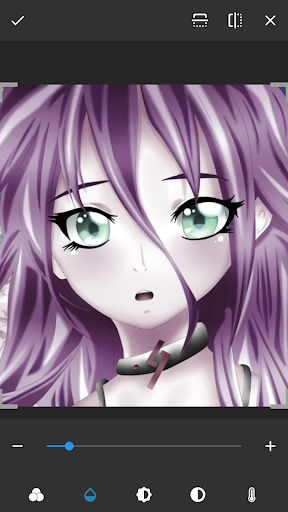
With our comprehensive drawing app editing options, Sketch Lite empowers you to refine your work until it reaches perfection. It's like having a professional drawing editor at your fingertips, allowing you to achieve flawless sketches every time.
Amazing Sketch Pad Artbook!🗒
Sketch Lite is not just a drawing app or a sketch pad; it's an artbook for your sketches in your pocket. It combines the convenience of a drawing tablet and a drawing editor with the joy and freedom of traditional sketching.
Unleash Your Creativity With Sketchbook Lite - Artbook!
So, what are you waiting for? Download Sketch Pad Lite - Artbook and embark on a journey of artistic expression. Doodle on your drawing tablet and even draw on photos. Let Sketchbook Lite be your creative companion, guiding you to create stunning drawings, sketches, paintings, and digital art that will leave a lasting impression.
Say Hello to Sketchbook Lite - Artbook - the ultimate sketch pad designed to ignite your creativity and provide the perfect place to start sketching independently. With its intuitive and user-friendly interface, this drawing tablet is your gateway to the world of digital art and doodles, offering a range of brushstrokes and pen tools that will have you drawing masterpieces in no time.🖌
Great Sketchbook Brushstrokes!✏
At the heart of Sketchbook Lite is its powerful brushstroke and pencil tools. With a diverse selection of brush and pencil types, sizes, and styles, you can easily create the perfect brushstroke on your drawing pad. With Sketch Pad Lite, the brush tools provide you with complete control over your drawings and paintings.
Great Sketch Pad Features:
✅Easy To Use Sketch Pad;
✅Beautiful Brushstrokes;
✅Pencils, pens, and markers,
✅Layers - Save Your Digital Art In Layers
✅Drawing Pad - Draw On Photos;
✅Sketchbook - Doodle for Fun;
✅Create Amazing Digital Art!
Paint Your Sketches With Vibrant Colors!🎨
Let your drawings, sketches, and digital art burst with vibrant colors and intricate details using Sketch Pad Lite. Whether you're into anime coloring, paintings, manga, or if you like to draw on photos, this drawing pad app allows you to express your creativity to the fullest. Unleash your inner artist with this drawing editor and watch your drawings come to life.
Sketchbook Layer Option For Customization!
The layers feature in Sketch Lite is a game-changer for your digital art. Organize your sketches on your drawing tablet easily and experiment with different ideas. Create as many layers on your paintings as you need and effortlessly rearrange them or adjust their opacity to achieve the desired effects. This drawing app has it all!
With our comprehensive drawing app editing options, Sketch Lite empowers you to refine your work until it reaches perfection. It's like having a professional drawing editor at your fingertips, allowing you to achieve flawless sketches every time.
Amazing Sketch Pad Artbook!🗒
Sketch Lite is not just a drawing app or a sketch pad; it's an artbook for your sketches in your pocket. It combines the convenience of a drawing tablet and a drawing editor with the joy and freedom of traditional sketching.
Unleash Your Creativity With Sketchbook Lite - Artbook!
So, what are you waiting for? Download Sketch Pad Lite - Artbook and embark on a journey of artistic expression. Doodle on your drawing tablet and even draw on photos. Let Sketchbook Lite be your creative companion, guiding you to create stunning drawings, sketches, paintings, and digital art that will leave a lasting impression.
What's New
Bug fix
App Information
Version Name
2.5.4
Version Code
89
File Size
13.9 MB
Minimum OS
Android 6.0+
Target SDK
Android 33
Developer
Cards
Contact
Website
Content Rating
Everyone
Package Name
com.raed.drawingPermissions Required
This app may request the following permissions:
Recent Reviews

Kelpy G
4.0★
Honestly, it's a really good sketchbook. The base app without buying premium is really good and very usable, though I think the premium prices are pretty high (14.99$ per week). Still, I wouldn't know very well because this is one of the first drawing apps I've used. Also, I love being able to trace, it helps a lot for someone who is not great at drawing!

Kat
2.0★
Two stars because what little time I spent on it the UI is pretty easy to use. However the number of ads was insane, like every time you switch a tool you get a full screen ad that plays for 30sec. And I understand they offer a premium version, but I want to test an app out before paying for it, and the price for premium is crazy, $15 a WEEK? And for what looked like just a couple extra brushes and unlimited layers. Photoshop is $23 monthly by comparison

Tyler Baker
5.0★
As a Lite sketch app, it's pretty useful. Obviously, as the name implies, I wouldn't use it for any profesional art. But small touch ups can be done for a lot of things. It has a paid or a free version. The few times I've used it, I've uses the free version. Watch an ad and that's it. So I can't comment if the paid version is worth it, but over all a pretty handy app.
Rain The Dreamer
2.0★
The app is easy to use, but is missing functions you would expect from a drawing app. The blending tool isn't good, and tends to blend into the background. The ads for the app have gotten worse, where before it would only give ads in the menu, but now it gives ads when opening tabs while drawing. There's no way to know when you're going to get an ad, and this has caused several times where I have accidentally clicked an ad and have been forced off the app to a website I don't trust.

WizBunny
1.0★
Adpocalypse. I've had this app for a while, but now it's ads every 15 seconds that directly interrupt my strokes. Draw 3.5 lines? ad. Change color? ad. Change brush? ad. Open menu to see other tools? ad. Accidently click the wrong tool and return to the one you just had? Oh, you better believe that's an ad. Congrats on creating an art program that's so stuffed with Ads that i literally cannot use the program for it's intended purpose And no I'm not upgrading to premium, I'm uninstalling now.

Khaily
3.0★
I believe that this is a good app but I only give it three stars because the tools are complicated and I cannot figure out how to make layers without using the subscription. I understand that in order to make money you need to make there be a subscription but it is always too much that goes to all digital art user apps. In order to give this more stars I need to be able to use the layers function and easier ways to get to the tools like a side bar or something that can be clicked on and so on!
Ad slot: In-Content