

Samsung Music
com.sec.android.app.music
by Samsung Electronics Co., Ltd.
Screenshots

Ad slot: Top Leaderboard
About this app
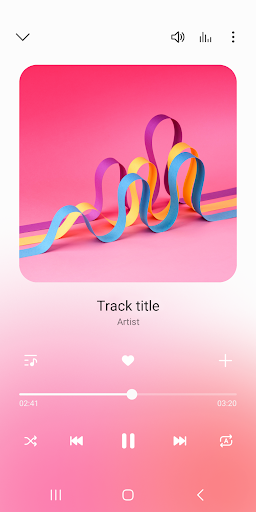
Samsung Music is optimized for Samsung android device and provides a powerful music play functionality and the best user interface.
Key Features
1. Supports playback of various sound formats such as MP3, AAC, FLAC.
(Supported file formats may vary depending on the device.)
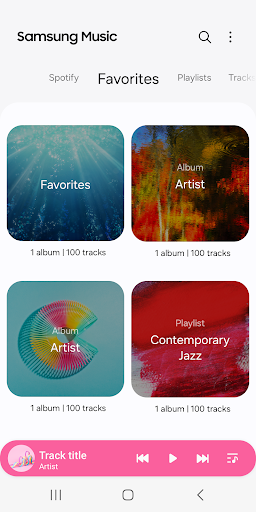
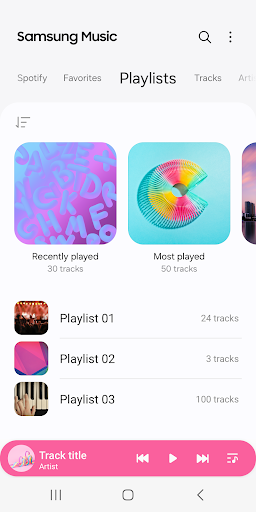
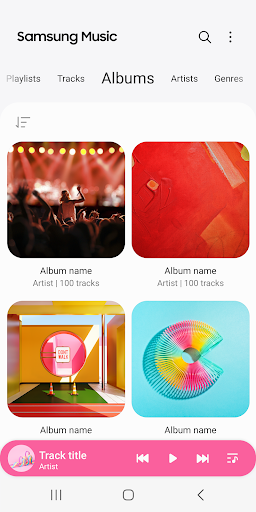
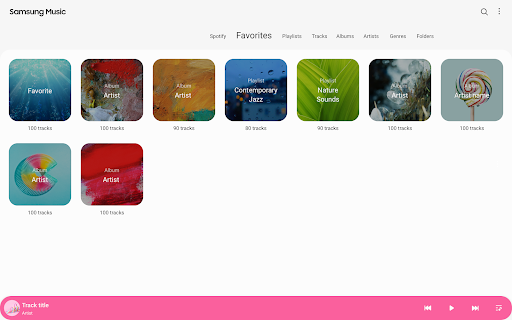
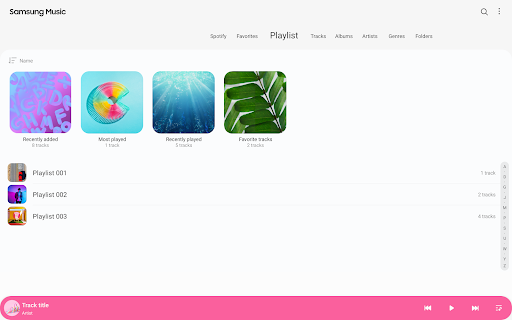
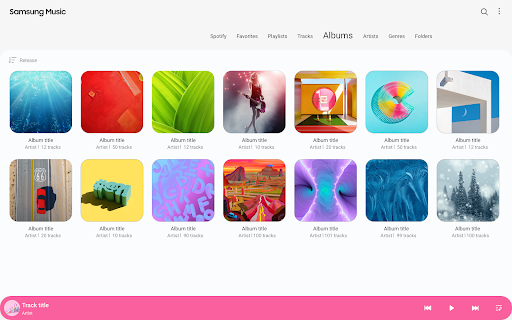
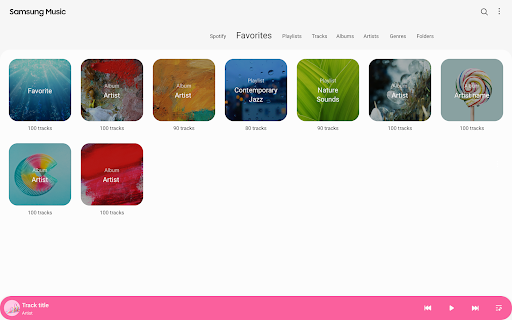
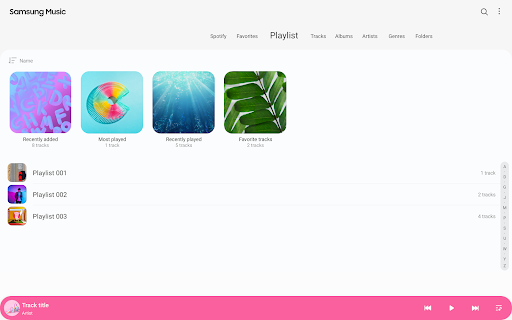
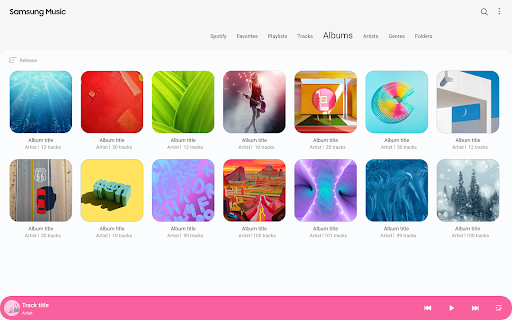
2. Helps to effectively manage song lists by categories.(Track,Album,Artist,Genre,Folder,Composer)
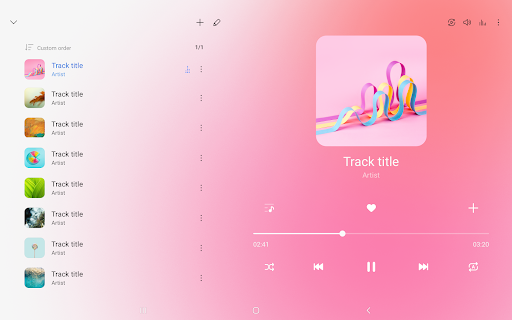
3. Provides a clean and intuitive user interface.
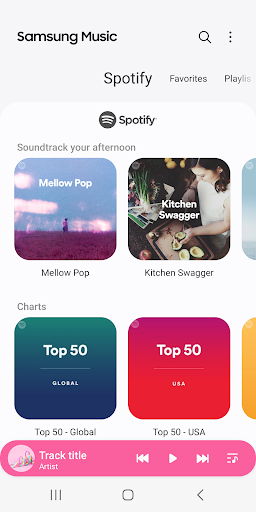
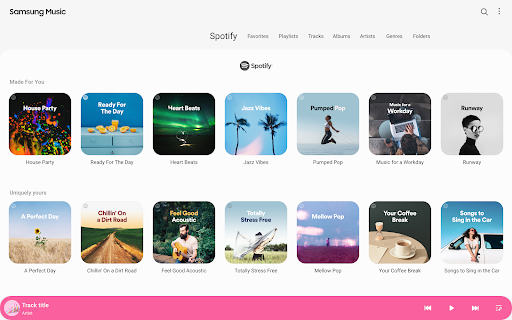
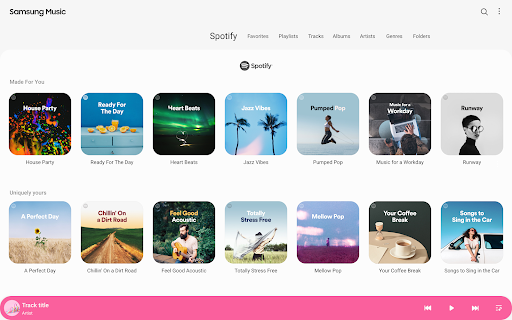
4. The Samsung music shows recommendation of playlists from Spotify. You can find Spotify recommendation music by Spotify tab and search Spotify music you’ll love.
(The Spotify tab is only available in countries where Spotify is on service.)
For further inquiries about Samsung Music, please contact us via the following methods.
* Samsung Music App > More (3 dot) > Settings > Contact US
(In order to use the "Contact us" feature, the Samsung Members app must be installed on the device.)
*** Required App Permissions ***
Below mandatory permission is required for basic features of Samsung Music.
Even if optional permission are denied, basic features may work properly.
[Mandatory Permission]
1. Music and Audio(Storage)
- Allows storing and playing music and audio files
- Allows the player to read data from SD card.
[Optional Permission]
2. Notifications
- Provide notifications related to Samsung Music.
3. Phone : Korean devices only.
- Verify your phone when using the music service.
Key Features
1. Supports playback of various sound formats such as MP3, AAC, FLAC.
(Supported file formats may vary depending on the device.)
2. Helps to effectively manage song lists by categories.(Track,Album,Artist,Genre,Folder,Composer)
3. Provides a clean and intuitive user interface.
4. The Samsung music shows recommendation of playlists from Spotify. You can find Spotify recommendation music by Spotify tab and search Spotify music you’ll love.
(The Spotify tab is only available in countries where Spotify is on service.)
For further inquiries about Samsung Music, please contact us via the following methods.
* Samsung Music App > More (3 dot) > Settings > Contact US
(In order to use the "Contact us" feature, the Samsung Members app must be installed on the device.)
*** Required App Permissions ***
Below mandatory permission is required for basic features of Samsung Music.
Even if optional permission are denied, basic features may work properly.
[Mandatory Permission]
1. Music and Audio(Storage)
- Allows storing and playing music and audio files
- Allows the player to read data from SD card.
[Optional Permission]
2. Notifications
- Provide notifications related to Samsung Music.
3. Phone : Korean devices only.
- Verify your phone when using the music service.
What's New
[16.2.41]
- 4*2 widgets are not supported from B OS onwards.
- You can change the album art for all songs in an album at once.
- 4*2 widgets are not supported from B OS onwards.
- You can change the album art for all songs in an album at once.
App Information
Version Name
16.2.36.2
Version Code
1623602200
File Size
37.8 MB
Minimum OS
Android 9+
Target SDK
Android 33
Developer
Samsung Electronics Co., Ltd.
Contact
Website
Content Rating
Teen
Package Name
com.sec.android.app.musicPermissions Required
This app may request the following permissions:
Recent Reviews

Marki (Uesugi)
1.0★
Sometimes it doesn't work very well. Bare with me, my issues are kind of specific- in the Artists tab, I can no longer select a letter on the side to skip to that place in the artist list. A couple of my albums are inaccessible throught the albums tab, but can be located via recently added or by artist. Any albums with strange fonts or symbols all show up as "???" and it doesn't look very pleasing in the app, and finally sometimes it doesn't remember where I was paused in a song. Edit: got worse

McGhee, S.
1.0★
4/25/25: Had to decrease it to one star. I just got a new device & the app hasn't acted right ever since. It continually skips songs with the error msg "failed to play track", sometimes it'll play another song right after & sometimes it won't. I'm not happy about it. Plus, I just learned playlists can only have 1000 songs! Not enough for real music lovers like myself. Very disappointing!

Ken Busser
4.0★
I don't care about Album art displayed. I just listen to the music in Playlists. I have them sorted by artists, music groups, years, decades, and more. Easy app to create Playlists in and are easy-to-use. What I have is a continuing problem, an intermittent garbled sound between songs. It comes and goes. Otherwise, what more can you ask for?

ISTHEANIMEKING777 777
1.0★
use to love this app now it's terrible they did something to it and now it skips most of my music I've been listening to on it for years. I can't listen to more then half my music anymore. edited this add on. we're trying to figure something out. Just found out they removed that Concert Hall sound effect which sucks i really loved that feature.

Simon Gates
5.0★
Samsung music is a basic player. it does the job without craming ads down your throat. I literally have never seen an ad since iv started using it years ago. I do wish that it would auto scroll when viewing lyrics while a song is playing. other than that its solid player. I have tried looking for a replacement. but others hit you up with ads or they have features i just don't need.

Eduardo Castillo
4.0★
It's a solid app. No ads or major issues from my experience. I love that it tells you the most listened tracks, artists and albums. Would love to see It give more stars. I would rate it a 5/5 if it had some more features. Here are some recommendations: - Search for tracks/artists within a Playlist - Allow us to add a track to more than 1 Playlist at a time. - Better Playlist organization like folders - More visual costumization of interface. - Mata data edits. Don't abandon this app!
Ad slot: In-Content