

Make slideshow with music
com.sertanta.slideshowmaker.movie.movieslideshowmaker
by Sertanta
Screenshots


Ad slot: Top Leaderboard
About this app
In the application you can easily create a video slideshow from your photos, add music from your phone and text (if necessary). Videos can be published on social networks, sent to a friend or used as a video screen saver for your channel or group on social networks. Also you can use the finished musical slide show as a gift to family and friends on their Birthday, Wedding Day, Wedding Anniversary, graduation, Mother's Day, Father's Day, New Year, Christmas or other holidays.
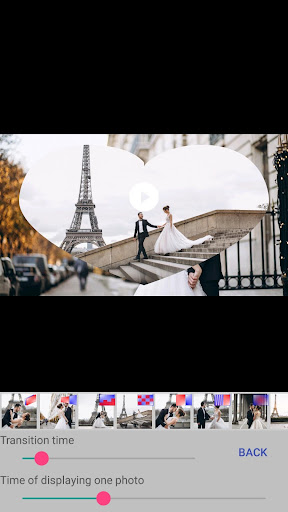
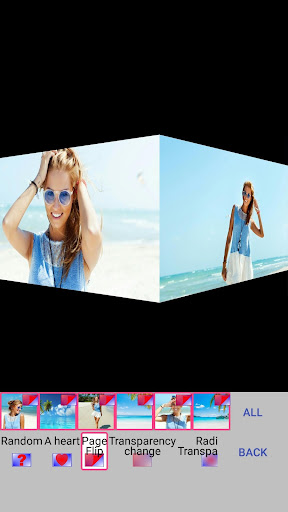
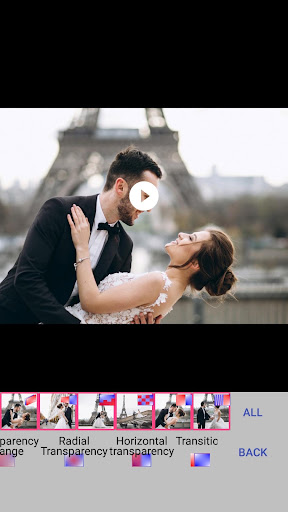
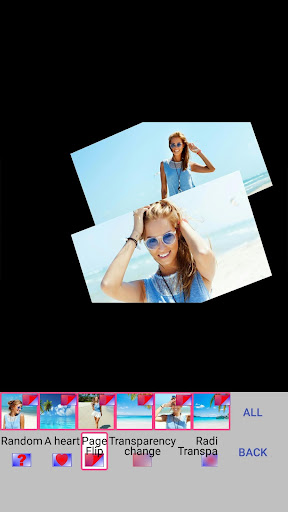
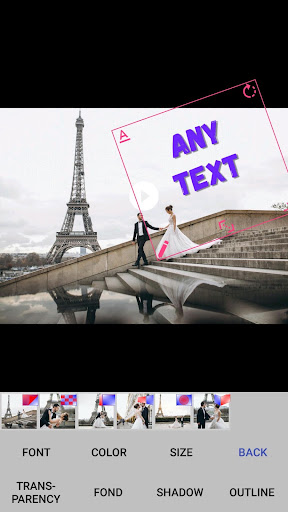
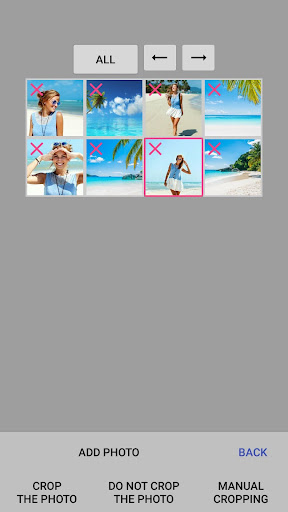
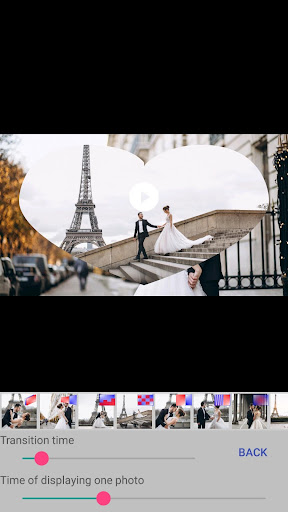
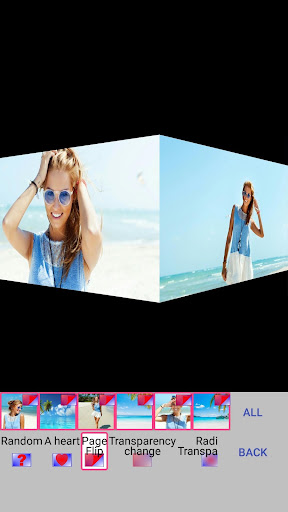
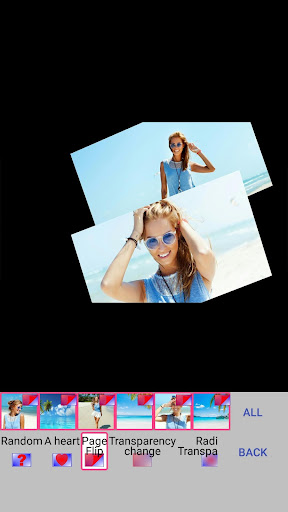
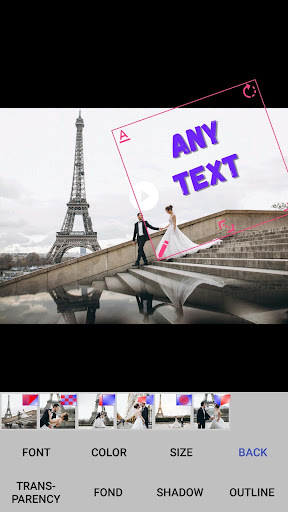
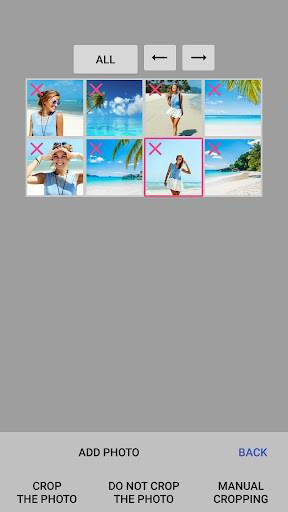
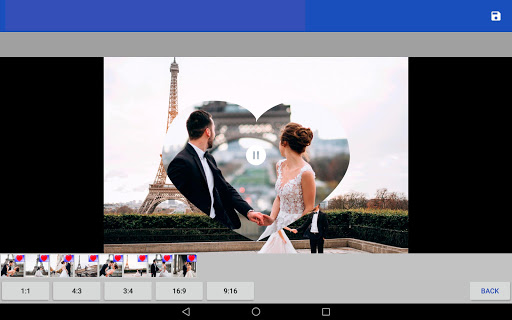
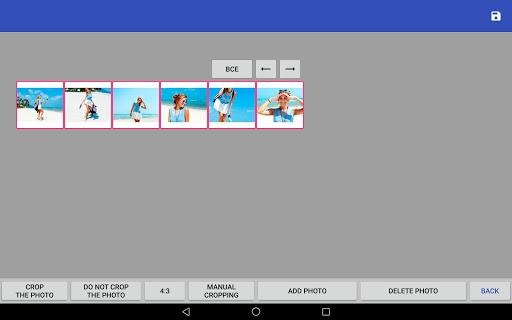
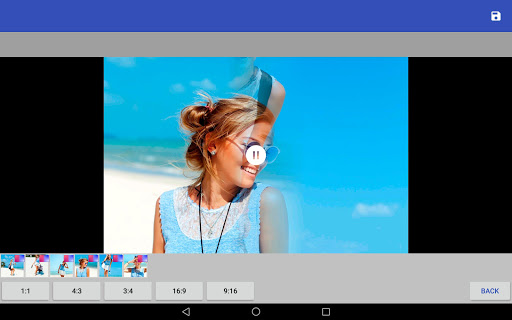
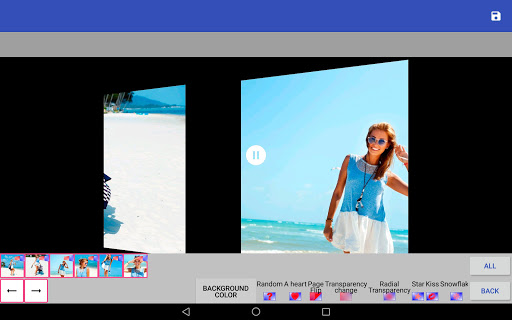
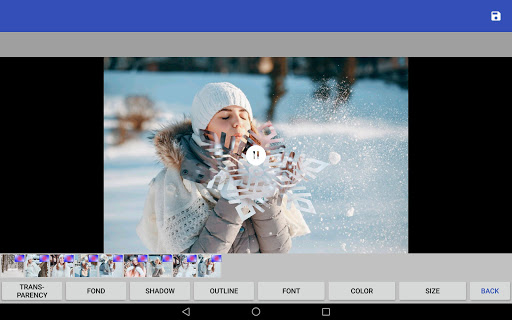
The application "Make a video from a photo with music" contains many beautiful transitions: the page turn of the album, cube rotation, mosaic, moving gallery, photo appearance in the heart, change of transparency and others. To a video slideshow, you can add music from your phone or tablet or record your soundtrack. You can set the time for displaying one photo and the transition time. To your video from photos you can add an inscription, adjust the text size, font, color, transparency, position, start and end time of the display of the inscription. You can swap photos (in the "Photos" menu), as well as change the type of cropping photo (do not crop photos, crop to size video, or manually crop).
With us make a beautiful video from photos easily!
The application "Make a video from a photo with music" contains many beautiful transitions: the page turn of the album, cube rotation, mosaic, moving gallery, photo appearance in the heart, change of transparency and others. To a video slideshow, you can add music from your phone or tablet or record your soundtrack. You can set the time for displaying one photo and the transition time. To your video from photos you can add an inscription, adjust the text size, font, color, transparency, position, start and end time of the display of the inscription. You can swap photos (in the "Photos" menu), as well as change the type of cropping photo (do not crop photos, crop to size video, or manually crop).
With us make a beautiful video from photos easily!
What's New
Several bugs fixed
App Information
Version Name
1.5.6
Version Code
96
File Size
29.2 MB
Minimum OS
Android 5.0+
Target SDK
Android 33
Developer
Sertanta
Contact
Website
Content Rating
Mature 17+
Package Name
com.sertanta.slideshowmaker.movie.movieslideshowmakerPermissions Required
This app may request the following permissions:
Recent Reviews

SB 0126
4.0★
I would have given 5 stars it's easy to use and I like the transition options however, you can only choose 1 song for the whole slide show. You either have to loop the song which is an option or cut down the amount of pics to fit the music which sucks now I have to find another app that allows multiple songs to be added.

A Google user
5.0★
Everything is perfect, I was searching for a app that made a simple slide show with photos, and after downloading 5 apps. I came across this one. It's the only 1 I saw that explained how 2 do things, fair warned u in advance it takes a moment to download,( which is worth the wait) had so many options from music, effects, cropping, rearranging and more. & when I went to save my finaly product it worked smoothly and was able to share. No money required like alot of others force. Totally worth it!

Dennell Callagher
5.0★
Awesome!! This app is easy to use & worked fantastic!!! For hours I was downloading apps to make a slideshow of an album I made of my husband after he passed away, very unexpectedly, in Dec. It's still a bit painful so having to look at the pics over & over was a bit rough....long story short- I was about ready to give up & saw this app as a recommendation - IT WORKED PERFECTLY THE FIRST TIME! If you're looking for a slideshow app this is the 1! and believe me I tried almost all of them! lol

Jack Kinnear
5.0★
Extremely easy to use and clear instructions to follow. I should have made sure I had music on my phone before setting up my slideshow as the generic music offered is a bit cheesy. Will look to download onto ipad so I have a better music selection to choose from. Happy to recommend.

davidrstevens183
4.0★
I like this app. Simple easy to use. HOWEVER, I would have given it 5 stars if there was a way to compress the file. I wanted to send it a friend via Instagram but the file with 19 slides is a bloated 7.1 MB file and it cannot be sent. Please show us a workaround. Thanks David
A Google user
5.0★
Did exactly what I wanted it to. Don't let the opening screen fool you its basic. After you select make a video it's very clear and easy to use. I tried 2 others and they were fine, but this did what I wanted perfectly and was easy to use 5 Stars : ) .
Ad slot: In-Content