

Analog Clock Live Wallpaper-7
com.style_7.analogclocklivewallpaper_7
by Style-7
Screenshots
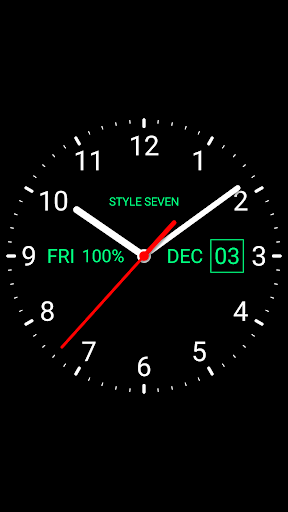
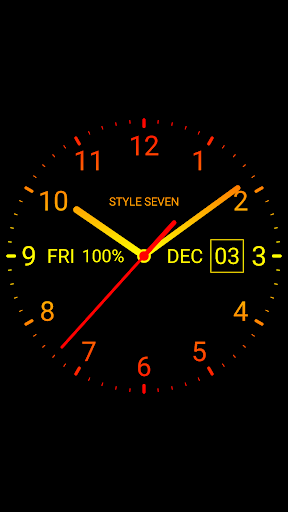
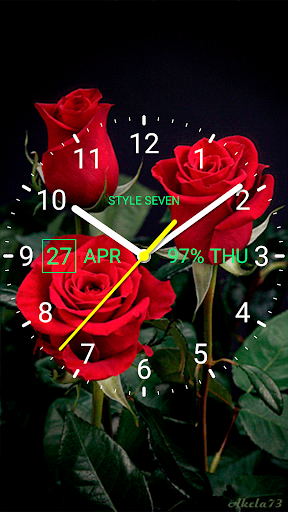
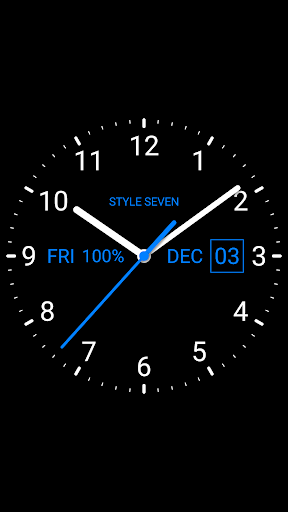
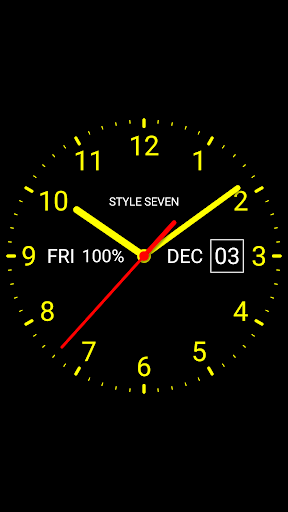


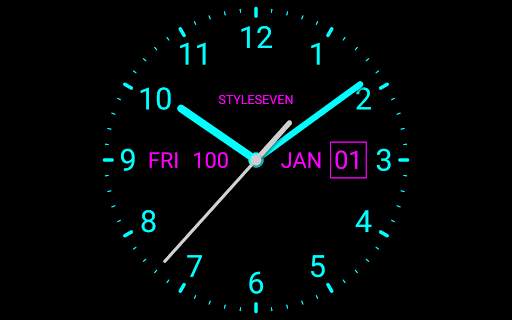


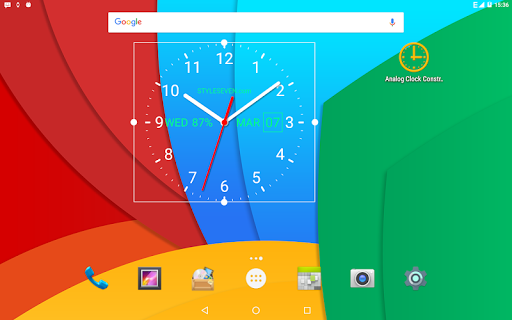
Ad slot: Top Leaderboard
About this app
App on the market place since 2013.
Set set your own logo text for the clock, choose a gradient or solid style, use your own colors: primary, secondary, text color and gradient color.
The analog clock also shows: digital clock, the current date, day of the week, month and battery charge (except for the app widget).
The analog clock can tell you the current time by voice by double tap on the clock.
Use the list of reminders and the clock will talk the current time and any text according to the schedule, which is very convenient for work and leisure.
Use the analog clock as topmost or overlay clock. The clock will be set above all windows. You can change position of the clock by drag and drop method and size of the clock.
Use analog clock as Live Wallpaper: set the clock size and position on the screen.
Use the analog clock as an app widget: it shows the second hand for Android 12 or high. Also the clock shows seconds for digital clock as option,
Use the analog clock as app in full screen mode with "keep screen on" option. You can add the second launcher for quick start in fullscreen mode.
Use the analog clock as screensaver while a device is charging.
Select an image from the Gallery for the background.
Set the position to display the date, month, day of the week and battery charge.
Open the built-in alarm clock by the quick settings panel.
The app supports landscape and portrait orientation, all screen resolutions, as well as 4K and HD displays.
The application supports all languages and time and date formats.
So this application is: analog clock. analog clock Live Wallpaper, analog clock widget, transparent analog clock, clock widget with second hand, talking clock, voice notifications, clock reminder.
Set set your own logo text for the clock, choose a gradient or solid style, use your own colors: primary, secondary, text color and gradient color.
The analog clock also shows: digital clock, the current date, day of the week, month and battery charge (except for the app widget).
The analog clock can tell you the current time by voice by double tap on the clock.
Use the list of reminders and the clock will talk the current time and any text according to the schedule, which is very convenient for work and leisure.
Use the analog clock as topmost or overlay clock. The clock will be set above all windows. You can change position of the clock by drag and drop method and size of the clock.
Use analog clock as Live Wallpaper: set the clock size and position on the screen.
Use the analog clock as an app widget: it shows the second hand for Android 12 or high. Also the clock shows seconds for digital clock as option,
Use the analog clock as app in full screen mode with "keep screen on" option. You can add the second launcher for quick start in fullscreen mode.
Use the analog clock as screensaver while a device is charging.
Select an image from the Gallery for the background.
Set the position to display the date, month, day of the week and battery charge.
Open the built-in alarm clock by the quick settings panel.
The app supports landscape and portrait orientation, all screen resolutions, as well as 4K and HD displays.
The application supports all languages and time and date formats.
So this application is: analog clock. analog clock Live Wallpaper, analog clock widget, transparent analog clock, clock widget with second hand, talking clock, voice notifications, clock reminder.
What's New
Live Wallpaper:
* Minor improvements;
* Fixed bug while change a screen orientation.
Minor changes, including to support Android 16.
* Minor improvements;
* Fixed bug while change a screen orientation.
Minor changes, including to support Android 16.
App Information
Version Name
2.01
Version Code
14
File Size
1.0 MB
Minimum OS
Android 5.0+
Target SDK
Android 23
Developer
Style-7
Contact
Website
Content Rating
Everyone
Package Name
com.style_7.analogclocklivewallpaper_7Permissions Required
This app may request the following permissions:
Recent Reviews

Swallow
2.0★
doesn't show real time on my home screen only when I tap into it. so annoying.

Kripesh P
4.0★
clean simple looks. 👌 well thought out. well made.🤝

Prince Enameti Duke
3.0★
It is actually the best of digital clock Apps I've ever used but with a snag. Battery optimizer sometimes stops it from working and it stay dead for good. I've had to delete and re-add to home page and that is not quite interesting. If optimizer stops the App, it is supposed to restart itself after a couple of minutes. Do that and I will give 5 stars.

Christopher Mark McEnderry
5.0★
Plain simple good clock.

Bishop Patrick Lwile (pastor)
5.0★
good app using for 3yrs now. easy to customise

Bianca Gadi
4.0★
Love this wallpaper. Installed it few days ago, looks like a space ship instrument panel......HOWEVER.......just opened my phone and it completely disappeared. It's still installed, but I cannot find it Follow up: still love love love it, but every month or so, it suddenly disappears and I have to go back to the store to re-imstall it. No biggie, just a little annoying
Ad slot: In-Content