

Screen Recorder+Video Recorder
com.tianxingjian.screenshot
by Video Screen Recorder, Voice Audio Editor, Cut MP3
Screenshots





Ad slot: Top Leaderboard
About this app
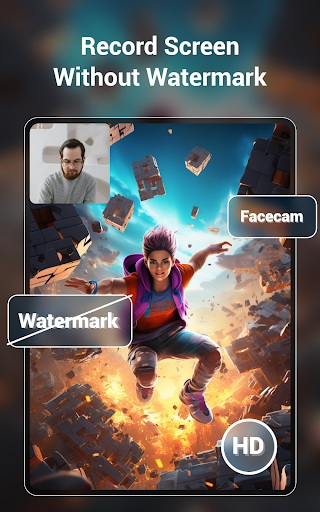
🥇Professional screen recording, RTMP live streaming, screenshots and video editor tools, free screen recording, easy to record high-definition videos🏆 No root, record internal sound, no watermark!
Powerful screen recording master, record high-definition game videos, live broadcasts, courses, chats, meetings and other screen videos with one tap to capture your wonderful moments! 👍
【Function】
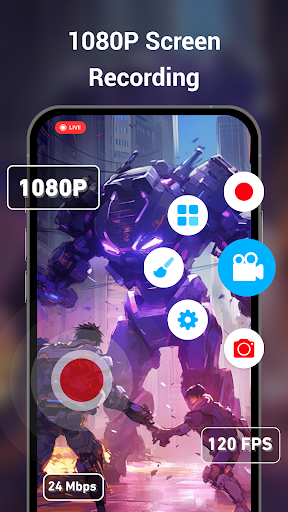
★ HD screen recording
- Select resolution, frame rate and bit rate
- Record the screen with a floating circle
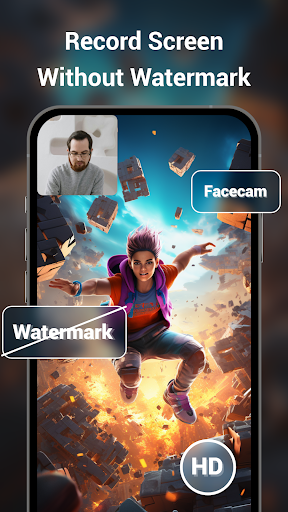
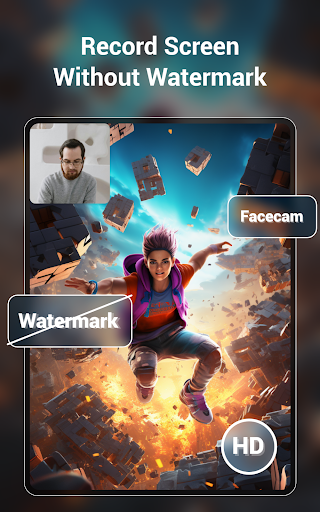
- Supports screen recording and turning on face camera at the same time
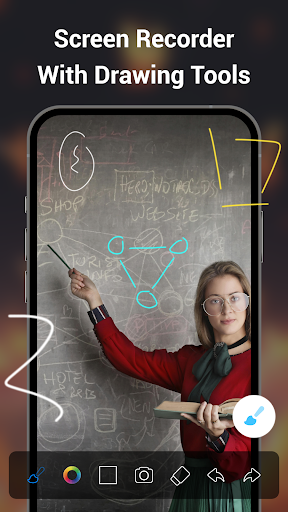
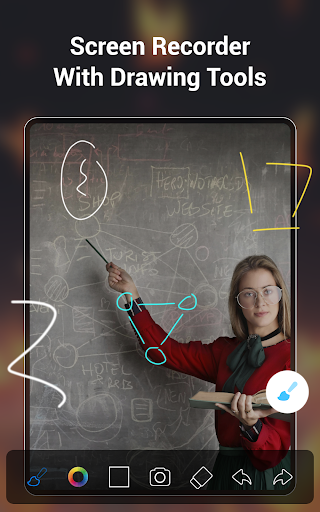
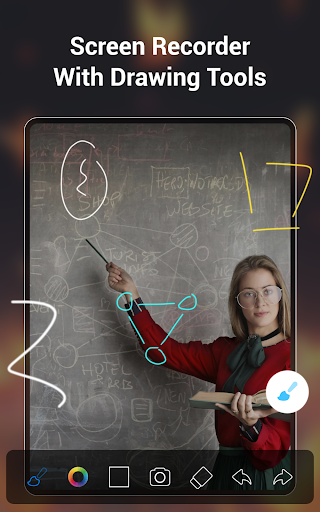
- Turn on the brush when recording the screen
- Shake to end screen recording
- Support save videos to SD card
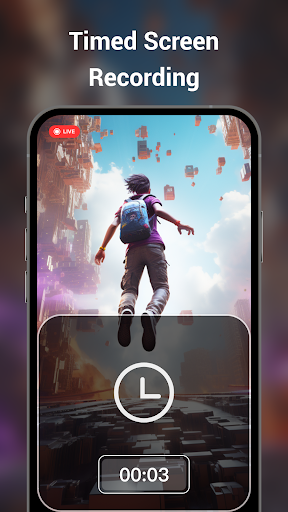
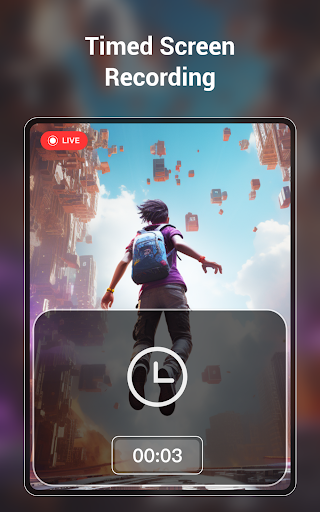
- Support scheduled screen recording
- Supports vertical screen, horizontal screen
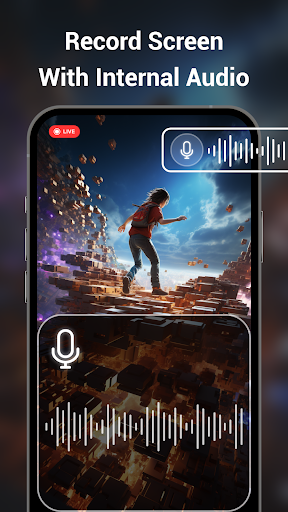
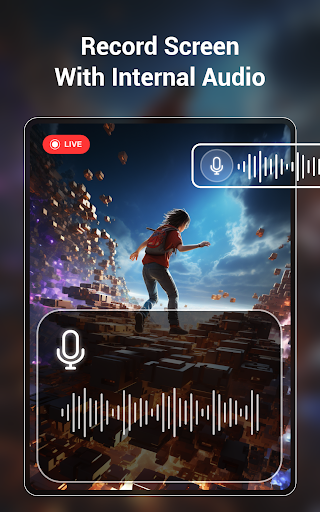
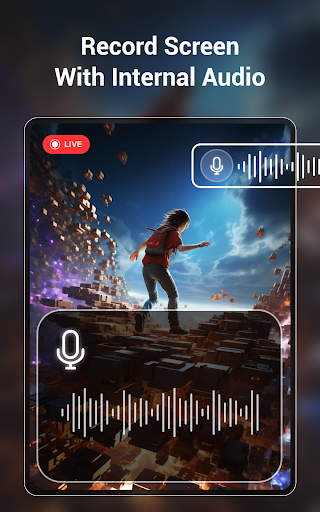
- You can only record the internal sound of the phone to reduce noise
- Select the screen area to be recorded
- Automatically save videos in segments
- You can add your custom watermark
★ RTMP live streaming
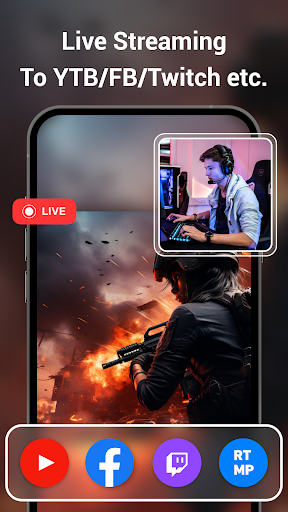
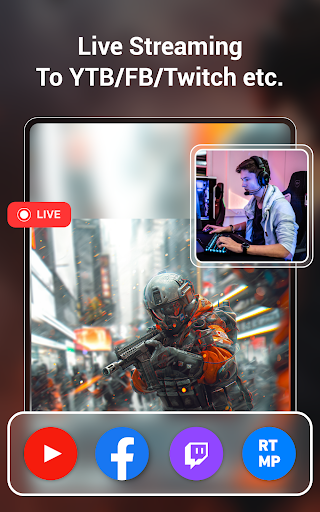
You can use the RTMP live broadcast function in Super Screen Recorder to live your screen to YouTube\Facebook\Periscope\Twitch and others!
- Adjust live video parameters
- Capture live broadcast clips
- Set live broadcast pause picture
- Save videos while live streaming
★ Powerful video editing functions
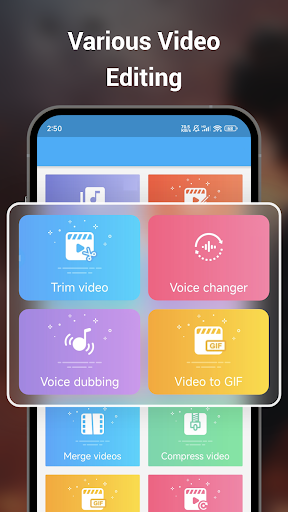
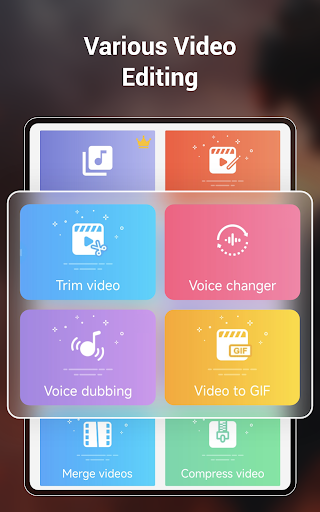
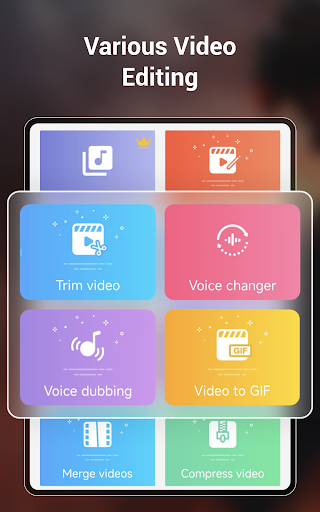
- Cut video: Trim the duration of the video
- Rotate video: Rotate the direction of the video
- Splicing videos: Splice 2 or more videos into one
- Compress Video: Compress files for sharing
- Add background music: More than 2,000 background music for you to download
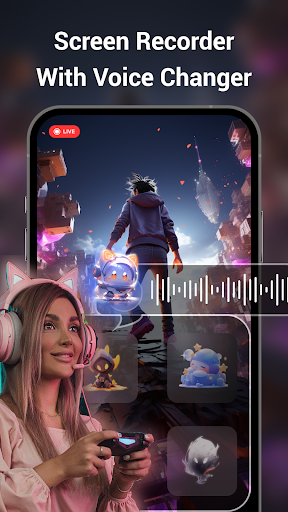
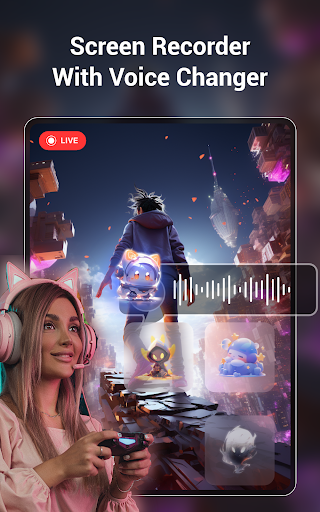
- Video Dubbing & Voice Changing: Multiple voice changing effects
- Convert video to GIF
- Video cropping: Adjust video aspect ratio, 9:16/16:9/1:1/4:3, etc.
- Change Video Speed
- Remove watermark from video
- Noise reduction: Remove noise and improve sound quality
★ Screenshot & Image Editing
- Quickly take screenshots, crop, flip, and splice pictures with one click, and edit to create beautiful pictures!
- Scrolling screenshot: Easily capture a full webpage, article, or picture, automatically capture a long screenshot.
- Free HD screen recording, 2K, 12Mbps, 60FPS
- Live streaming on YouTube\Facebook\Periscope\Twitch!
- No watermark
- No time limit
- Supports record internal sound
- Supports recording only part of the screen
- You can trim videos, add music, etc.
- Screen recording without lag or delay
- Use the brush to doodle on the screen
✨Exclusive function: Supports recording part of the screen instead of the full screen, and customizing the screen recording area.
🖌️New brush styles, arrows, curves, ellipses, squares, etc., can be used to graffiti and draw on the screen.
✅ Customize the functions of floating circles and brushes.
🤩Place floating text on the screen to easily promote your account, products, services, etc.
🎞️Automatically save videos in segments, automatically save multiple videos according to their duration or file size.
🔊Added video noise reduction function to remove noise such as current sound, buzzing sound, wind sound, etc.
🚮Added recycle bin function to recover files deleted within 30 days.
🦄Added various exquisite themes and interesting icons to make the APP interface rich and colorful.
What's new: Scrolling screenshot. When you need to capture a full webpage, article, or picture, you can use the scrolling screenshot function to automatically capture a long screenshot.
Super Screen Recorder is an easy-to-use screen recording app for Android devices. Screen recording is smooth without lag. It is a convenient and fast screenshot tool and screen recording tool. Experts in mobile phone screen recording, come and try this screen recording master!
If you have questions, feedback, or would like to help us translate, please contact us at [email protected] and have a nice day!
Powerful screen recording master, record high-definition game videos, live broadcasts, courses, chats, meetings and other screen videos with one tap to capture your wonderful moments! 👍
【Function】
★ HD screen recording
- Select resolution, frame rate and bit rate
- Record the screen with a floating circle
- Supports screen recording and turning on face camera at the same time
- Turn on the brush when recording the screen
- Shake to end screen recording
- Support save videos to SD card
- Support scheduled screen recording
- Supports vertical screen, horizontal screen
- You can only record the internal sound of the phone to reduce noise
- Select the screen area to be recorded
- Automatically save videos in segments
- You can add your custom watermark
★ RTMP live streaming
You can use the RTMP live broadcast function in Super Screen Recorder to live your screen to YouTube\Facebook\Periscope\Twitch and others!
- Adjust live video parameters
- Capture live broadcast clips
- Set live broadcast pause picture
- Save videos while live streaming
★ Powerful video editing functions
- Cut video: Trim the duration of the video
- Rotate video: Rotate the direction of the video
- Splicing videos: Splice 2 or more videos into one
- Compress Video: Compress files for sharing
- Add background music: More than 2,000 background music for you to download
- Video Dubbing & Voice Changing: Multiple voice changing effects
- Convert video to GIF
- Video cropping: Adjust video aspect ratio, 9:16/16:9/1:1/4:3, etc.
- Change Video Speed
- Remove watermark from video
- Noise reduction: Remove noise and improve sound quality
★ Screenshot & Image Editing
- Quickly take screenshots, crop, flip, and splice pictures with one click, and edit to create beautiful pictures!
- Scrolling screenshot: Easily capture a full webpage, article, or picture, automatically capture a long screenshot.
- Free HD screen recording, 2K, 12Mbps, 60FPS
- Live streaming on YouTube\Facebook\Periscope\Twitch!
- No watermark
- No time limit
- Supports record internal sound
- Supports recording only part of the screen
- You can trim videos, add music, etc.
- Screen recording without lag or delay
- Use the brush to doodle on the screen
✨Exclusive function: Supports recording part of the screen instead of the full screen, and customizing the screen recording area.
🖌️New brush styles, arrows, curves, ellipses, squares, etc., can be used to graffiti and draw on the screen.
✅ Customize the functions of floating circles and brushes.
🤩Place floating text on the screen to easily promote your account, products, services, etc.
🎞️Automatically save videos in segments, automatically save multiple videos according to their duration or file size.
🔊Added video noise reduction function to remove noise such as current sound, buzzing sound, wind sound, etc.
🚮Added recycle bin function to recover files deleted within 30 days.
🦄Added various exquisite themes and interesting icons to make the APP interface rich and colorful.
What's new: Scrolling screenshot. When you need to capture a full webpage, article, or picture, you can use the scrolling screenshot function to automatically capture a long screenshot.
Super Screen Recorder is an easy-to-use screen recording app for Android devices. Screen recording is smooth without lag. It is a convenient and fast screenshot tool and screen recording tool. Experts in mobile phone screen recording, come and try this screen recording master!
If you have questions, feedback, or would like to help us translate, please contact us at [email protected] and have a nice day!
What's New
The new version supports generating captions for your videos, come and experience it!
App Information
Version Name
4.10.1
Version Code
241001
File Size
32.9 MB
Minimum OS
Android 6.0+
Target SDK
Android 33
Developer
Video Screen Recorder, Voice Audio Editor, Cut MP3
Contact
Website
Content Rating
Everyone
Package Name
com.tianxingjian.screenshotPermissions Required
This app may request the following permissions:
Recent Reviews

A Google user
5.0★
Great app been using it for 4 years no watermark, u unlimited time, can use microphone, draw, camera all w/no watermark. If you don't want the bubble in your recording then make sure to add the app to your notification bar by swiping it down and hitting the edit button(Marker) then add it and activate it then. You don't have to worry about it being in the way unless you are recording something that isn't a video, show or something like that but that can be fixed in editing.

leah
3.0★
This app has its pros and cons. First off, my biggest problem with it is if I record anything over 10 minutes the recording stops, doesn't save, and the floating camera icon disappears. I would have given this 5 stars but this is starting to get on my nerves. But other than that it does it's job of recording if you want to record short videos. But other than that I wouldn't recommend it if your looking to record YouTube videos long term. This is why I'm deleting this app.

Victor Amador
4.0★
My only complaints are that it's difficult to navigate to a specific file on my phone. It would be great if I could 'share' the file with the app and go directly to Compress, for example. My other wish is that when compressing a video, the app told you the expected size. Sometimes I need to shrink something down to 8MB for example, and I have to fiddle around with it a few times before I get it right. Otherwise, great app.

Omar Lopez Badilla
5.0★
So first I want to say that this is probably the smoothest screen recorder out there, the graphics are amazing and it is so simple to record. Editing is intuitive and easy once you get the hang of it. The only thing I dont like with the app itself is that you cant really record in game audio without recording your voice (unless I'm a potato and cant find it) and for me, who is trying to record some relaxing no commentary gameplay, really sucks. Other than that great recorder and is worth paying.

The AI Truth
2.0★
Lately, I have been getting this new error, that shows after I "complete" a recording, or so I thought it was a completed recording, but I guess it was an error, it is a white box, with 2 options shaped like pills that you can chose beside each other, one option is "feedback" i believe, and the other is "cancel." At first, I thought all the recordings that I ended, and that message popped up, still recorded my recording, but recently found out that wasnt the case, this needs to be fixed.

Kara Andrews
1.0★
Originally, the app worked great and I had no complaints. However now whenever I record with it the video file either gets corrupted, or it claims to be recording and when I look back on the recording it's just pitch black. I've uninstalled and reinstalled the app, cleared cache, restarted my phone, nothing works. The issue isn't my storage, 40gb of free storage. The app just doesn't work now. It deleted a bunch of memories I wanted to keep aswell, which sucks.
Ad slot: In-Content