

Universal TV Remote Control
com.universal.tv.remote.control.all.tv.controller
by TV Master - Smart TV Remote Control
Screenshots
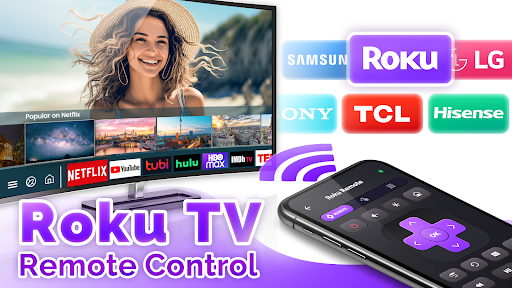
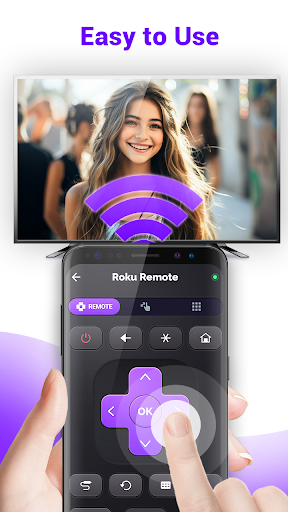
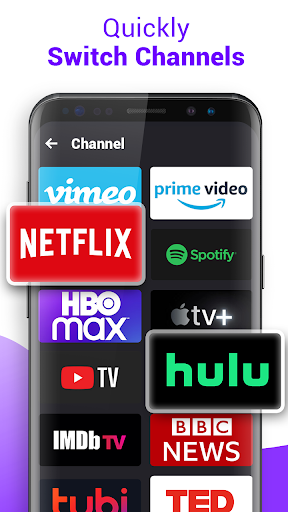
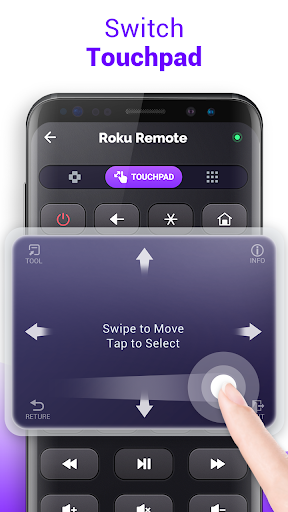
Ad slot: Top Leaderboard
About this app
👋Are you tired of constantly misplacing your TV remote, or having to dig through piles of clutter just to find TV control?
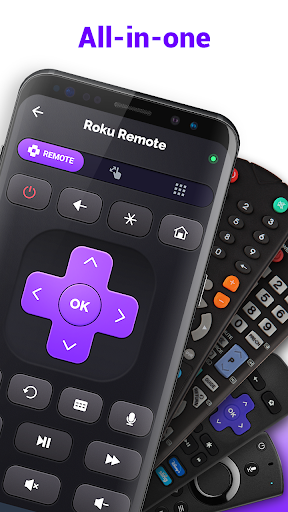
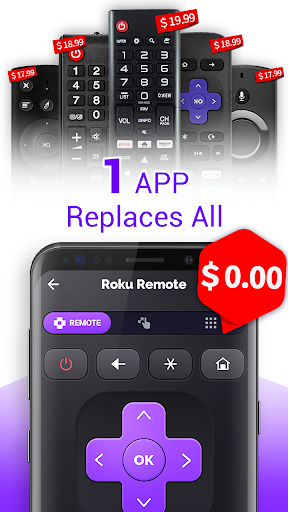
✅Our Universal Remote Control for TV support most of major TV brands, it's the ultimate tool for anyone who values simplicity, convenience, and efficiency.
✅Launch Free Universal TV Remote App in your phone, it's a smarts Android TV remote.
Ready to take your TV-watching experience to the next level?
Our TV Remote Control for All TV APP makes watching TV a breeze, say goodbye to the days of fumbling around in the dark for a lost remote.
Key Features:
🔥 Compatible with over 20000+ tv models, control universal TV
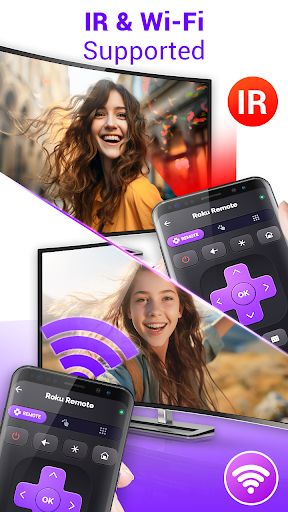
🔥 Need to use with IR supported android phone or tablet
🔥 Rapid response
🔥 Stable Connection
🔥 Fast setup to control universal smart tv
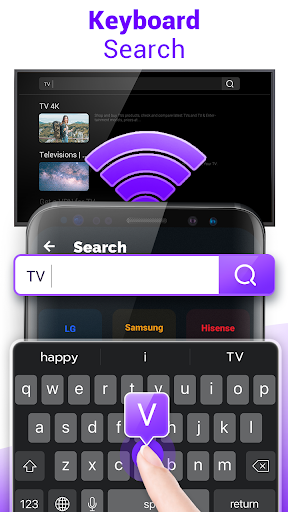
🚀 Step1: Search your TV models
🚀 Step2: Download source pack of your TV remote
🚀 Step3: Press button, remote control for tv
TV Remote Control for All TV brands:
Roku TV remote, Fire stick remote, Samsung smart TV remote, LG TV remote, Apple TV remote, Insignia TV remote, Direct TV remote, Hisense TV remote, Panasonic TV remote, Toshiba TV remote, Vizio TV remote, Sony TV remote and most of Android TV remote.
Disclaimer of Universal TV Remote:
*This Universal Remote Control for TV APP is not an official TV remote control product, and is not affiliated with the brands above in any way.
*This Free Universal TV Remote requires IR blaster, make sure your phone support infrared (IR) emitter.
🔥So why wait?
Try our Universal Remote Control for TV today and discover a whole new world of entertainment possibilities.
✅Our Universal Remote Control for TV support most of major TV brands, it's the ultimate tool for anyone who values simplicity, convenience, and efficiency.
✅Launch Free Universal TV Remote App in your phone, it's a smarts Android TV remote.
Ready to take your TV-watching experience to the next level?
Our TV Remote Control for All TV APP makes watching TV a breeze, say goodbye to the days of fumbling around in the dark for a lost remote.
Key Features:
🔥 Compatible with over 20000+ tv models, control universal TV
🔥 Need to use with IR supported android phone or tablet
🔥 Rapid response
🔥 Stable Connection
🔥 Fast setup to control universal smart tv
🚀 Step1: Search your TV models
🚀 Step2: Download source pack of your TV remote
🚀 Step3: Press button, remote control for tv
TV Remote Control for All TV brands:
Roku TV remote, Fire stick remote, Samsung smart TV remote, LG TV remote, Apple TV remote, Insignia TV remote, Direct TV remote, Hisense TV remote, Panasonic TV remote, Toshiba TV remote, Vizio TV remote, Sony TV remote and most of Android TV remote.
Disclaimer of Universal TV Remote:
*This Universal Remote Control for TV APP is not an official TV remote control product, and is not affiliated with the brands above in any way.
*This Free Universal TV Remote requires IR blaster, make sure your phone support infrared (IR) emitter.
🔥So why wait?
Try our Universal Remote Control for TV today and discover a whole new world of entertainment possibilities.
What's New
📺 Universal TV Compatibility: Now supports over 20,000 TV models!
⚡ Quick Setup: Easy 3-step setup for instant control.
📲 Fast & Stable: Smooth and reliable connection with rapid response.
🔥 Enhanced IR Support: Works with IR-enabled Android devices for seamless control.
⚡ Quick Setup: Easy 3-step setup for instant control.
📲 Fast & Stable: Smooth and reliable connection with rapid response.
🔥 Enhanced IR Support: Works with IR-enabled Android devices for seamless control.
App Information
Version Name
4.7.2
Version Code
98
File Size
24.7 MB
Minimum OS
Android 5.0+
Target SDK
Android 33
Developer
TV Master - Smart TV Remote Control
Contact
Website
Content Rating
Mature 17+
Package Name
com.universal.tv.remote.control.all.tv.controllerPermissions Required
This app may request the following permissions:
Recent Reviews

Joshua Farrell
5.0★
I do see that there is an IR function to the second app that I was redirected to after installing the first app. I have not used the IR option yet, but Im going to right now and if it doesn't work I will edit my rating.

Vyktah Delgado
1.0★
Doesn't work at all for Samsung TVs. Worthless app. The ads work though if you're a fan of captive audience marketing. Oh yeah, and register with an email just for a universal remote control app?! Judging by the amount of ads I've seen before I even got to use it, that's a hard pass. Zero stars should be an option so you can get an accurate assessment of this 💩 app.

Cody Quinton
1.0★
I don't write bad reviews often but I feel that this app deserves it. Every other time I would push a button in the app I'd be hit with a add. Then I went through 102 channel to find the right frequency for my TV and not a single one worked. If you're looking for a frustrating way to waste you time then use this app otherwise stay clear.

Jt&kt Tucker
1.0★
Sorry have to agree with a majority of 1 stars on here. This remote simply just doesn't work. It says to watch an ad to unlock your devices brand as soon as you do it still doesn't work. Both devices are connected to the wifi and my wifi is working. This app just doesn't work I uninstalled literally after 5 minutes of trying to get it to work. Not worth it!!!

Dawn R
1.0★
Okay this app really really sucks. I'm pretty sure you don't have to watch an ad every time you pick up your real remote so tell me why there's an ad after everything. I pressed the search bar, AD. Want to connect to your tv? At LEAST 4 ads. 100% not worth your time unless you want to help them make money for fun because all you will do is watch ads.

Chris Hillman
1.0★
Don't waste your time. Hit with an ad when I first opened it. Hit with 2 more while trying to navigate setup. Then forced to watch a video to load the codes for my TV. After all that, it didn't work. A button popped up asking if it worked or not an when I clicked no, nothing happened. 10 minutes of my life I can't get back!
Ad slot: In-Content