

MiniPhone Launcher 26: Cool OS
com.xos.iphonex.iphone.applelauncher
by SaS Developer
Screenshots



Ad slot: Top Leaderboard
About this app
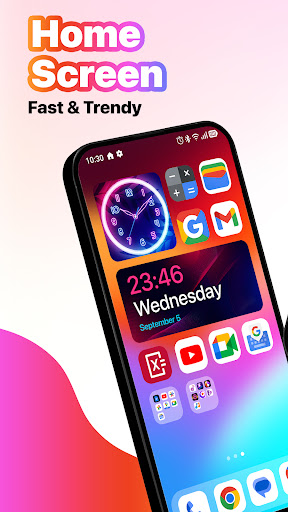
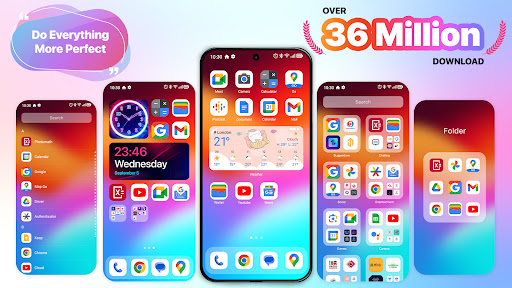
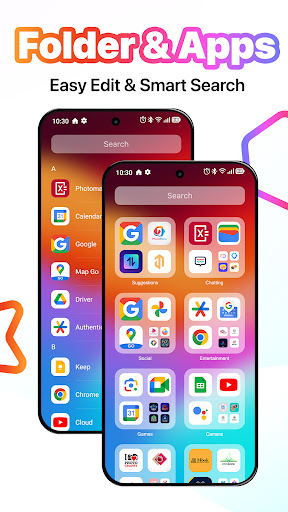
MiniPhone Launcher's interface is designed to be simple, intuitive and user-friendly. The user interface is clean, easy to use and has a consistent, smooth design. From the app icons, menus to control gestures, everything is designed to optimize the user experience. Features include:
*App Icons*:
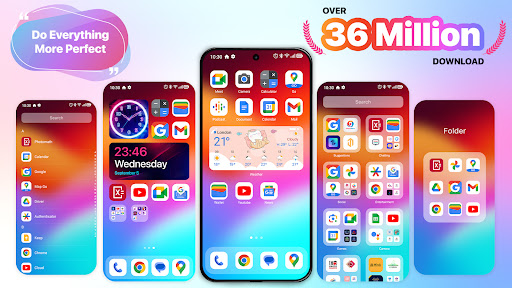
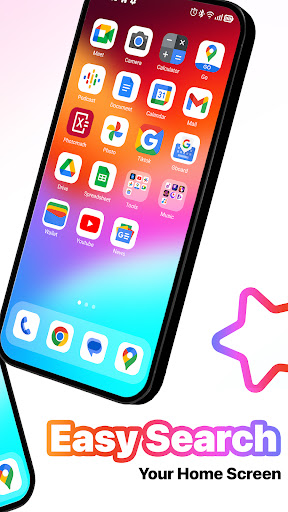
- App icons are arranged in a grid, which can be customized and moved as desired by the user.
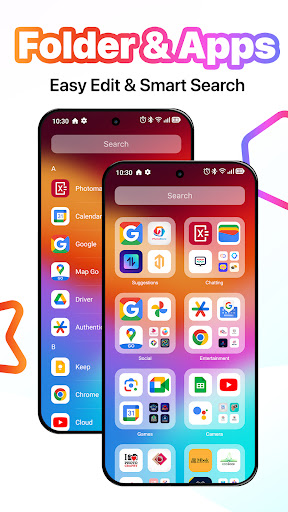
- Apps can be placed in folders for better organization.
- The App List automatically organizes all your apps into categories such as Social, Productivity, Entertainment.
- The App List can be accessed by swiping to the last page of the home screen.
- Allows quick searching and opening of apps, without manual sorting.
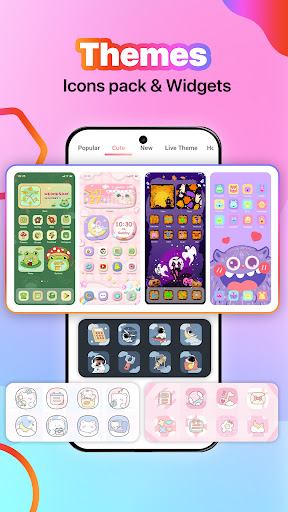
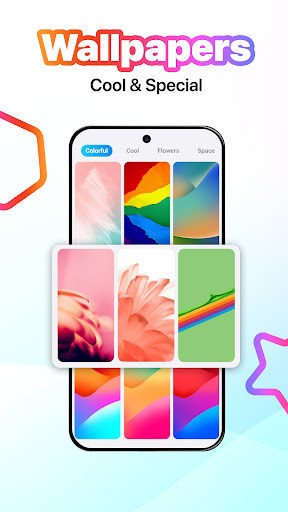
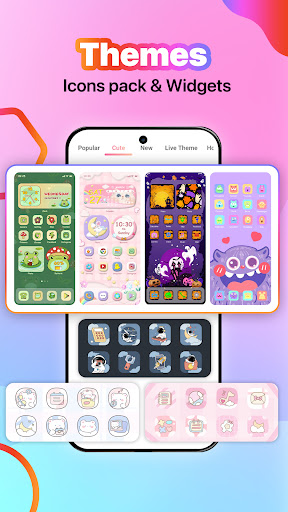
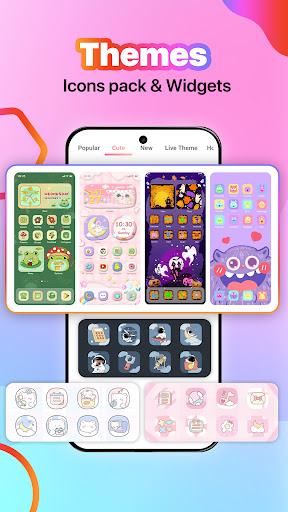
- Provides a rich ecosystem of themes, wallpapers, widgets, and tools
*Dock*:
- The dock at the bottom of the screen contains the most commonly used applications such as Phone, Messages, web browser, and Music.
- You can change the applications in the dock as you like.
*Status bar*:
- Located at the top of the screen, displaying key information such as time, battery status, signal strength, and Wi-Fi connection.
*Quick access to settings*:
- Quickly access settings and functions such as turning on and off Wi-Fi, Bluetooth, airplane mode, flashlight, adjusting volume and screen brightness.
- You can open the quick settings panel by swiping from the upper right corner
*Notifications*:
- Displays notifications from applications in the device such as messages, emails, missed calls.
- Notifications are organized by date and application, making it easy for users to track and handle.
- Users can view notifications by swiping down from the top or swiping down from the middle of the screen.
*App Search*:
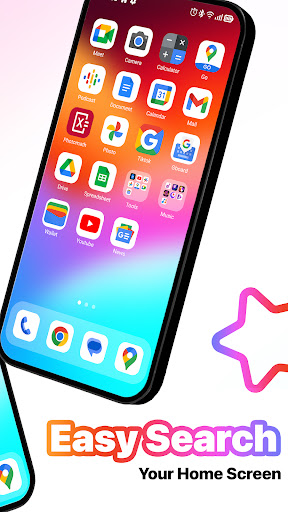
- Access by swiping down from the middle of the home screen.
- Allows quick search for apps, contacts, maps, and information on the web.
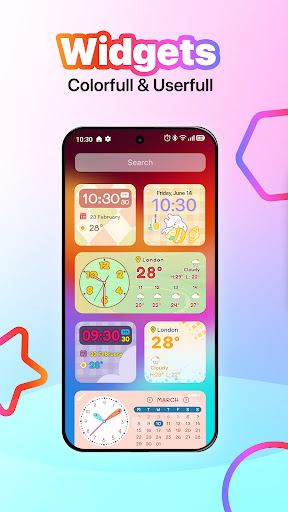
*Widget*:
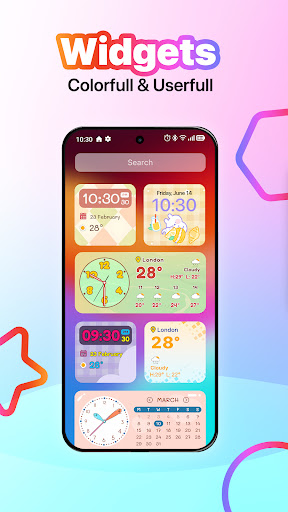
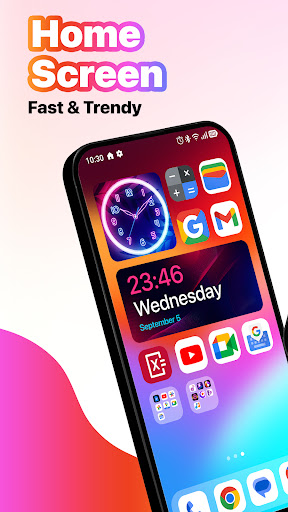
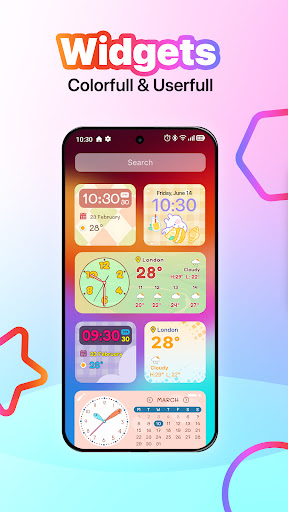
- Widgets provide summary information from apps without opening the app.
- Users can add, move, and resize widgets on the home screen or in the Widget Library.
- Widgets can display weather information, calendar, clock, and more.
*Multitasking*:
- With the X Home Bar feature: Users can switch between open applications by swiping up from the bottom, go to the home screen or perform a back action by swiping up from the bottom
*Dark Mode*:
- Dark Mode helps reduce eye strain when using the device in low light conditions and saves battery for the device
The MiniPhone Launcher interface is designed to be easy to use, helping users easily access and control functions with just a few simple operations. Launcher OS is not only beautiful but also extremely convenient. The design always puts the user first, with careful consideration of user experience and performance.
The above features make Launcher os a launcher worth choosing, not only in terms of features but also in terms of user experience, stability and aesthetics.
Note:
- This app requires Accessibility Services to perform the opening of the recently running apps dialog, the Back function in the X Home Bar, and the Touch
- This app require Query All Packages
Thank you for using Phone Launcher. We’re always happy to help.
*App Icons*:
- App icons are arranged in a grid, which can be customized and moved as desired by the user.
- Apps can be placed in folders for better organization.
- The App List automatically organizes all your apps into categories such as Social, Productivity, Entertainment.
- The App List can be accessed by swiping to the last page of the home screen.
- Allows quick searching and opening of apps, without manual sorting.
- Provides a rich ecosystem of themes, wallpapers, widgets, and tools
*Dock*:
- The dock at the bottom of the screen contains the most commonly used applications such as Phone, Messages, web browser, and Music.
- You can change the applications in the dock as you like.
*Status bar*:
- Located at the top of the screen, displaying key information such as time, battery status, signal strength, and Wi-Fi connection.
*Quick access to settings*:
- Quickly access settings and functions such as turning on and off Wi-Fi, Bluetooth, airplane mode, flashlight, adjusting volume and screen brightness.
- You can open the quick settings panel by swiping from the upper right corner
*Notifications*:
- Displays notifications from applications in the device such as messages, emails, missed calls.
- Notifications are organized by date and application, making it easy for users to track and handle.
- Users can view notifications by swiping down from the top or swiping down from the middle of the screen.
*App Search*:
- Access by swiping down from the middle of the home screen.
- Allows quick search for apps, contacts, maps, and information on the web.
*Widget*:
- Widgets provide summary information from apps without opening the app.
- Users can add, move, and resize widgets on the home screen or in the Widget Library.
- Widgets can display weather information, calendar, clock, and more.
*Multitasking*:
- With the X Home Bar feature: Users can switch between open applications by swiping up from the bottom, go to the home screen or perform a back action by swiping up from the bottom
*Dark Mode*:
- Dark Mode helps reduce eye strain when using the device in low light conditions and saves battery for the device
The MiniPhone Launcher interface is designed to be easy to use, helping users easily access and control functions with just a few simple operations. Launcher OS is not only beautiful but also extremely convenient. The design always puts the user first, with careful consideration of user experience and performance.
The above features make Launcher os a launcher worth choosing, not only in terms of features but also in terms of user experience, stability and aesthetics.
Note:
- This app requires Accessibility Services to perform the opening of the recently running apps dialog, the Back function in the X Home Bar, and the Touch
- This app require Query All Packages
Thank you for using Phone Launcher. We’re always happy to help.
What's New
Updates:
- The new Liquid Glass UI
- Add more widgets
- Fix the error of losing app icons
- Custom lock screen by long pressing on lock screen
- Fix bug media control in control center
- Update New Notch
- The new Liquid Glass UI
- Add more widgets
- Fix the error of losing app icons
- Custom lock screen by long pressing on lock screen
- Fix bug media control in control center
- Update New Notch
App Information
Version Name
9.4.2
Version Code
20240425
File Size
36.6 MB
Minimum OS
Android 6.0+
Target SDK
Android 33
Developer
SaS Developer
Contact
Website
Content Rating
Everyone
Package Name
com.xos.iphonex.iphone.applelauncherPermissions Required
This app may request the following permissions:
Recent Reviews

Maggie Marcovicci
4.0★
The only thing keeping this app from getting 5 stars is the lock screen. It needs to be updated to show the new iOS 18 lock screen. Everything else is perfect. I've been using this launcher for almost 2 months now without issue. I love the status and and that you can customize the icons, as well as add various other widget apps to the screen. Most don't allow for icon customization just by long pressing on the app, so it makes having a cute, iOS style phone very easy & convenient. Thank you!

Geryan
1.0★
downloaded this app, opened it, before i could even see anything ad pops up, cannot exit out of the ad, won't let me, close app,open again and another ad.

Crash b
5.0★
Edit: Okay, I tried the update, and the ads I had seen are now gone. I appreciate the dev fixing this and other issues. Other than some cosmetic changes I would like to see, this is the best launcher I've tried. Back to 5 stars. Seriously? Charge a fee for ad free, then do an update on the app and include ads again? I don't think so. As much as I liked the launcher, I won't support a developer that puts ads back in after I pay for the ad free version.

Kolynz (Savage)
3.0★
So far so good. But why is it that the home assist button can't appear on lock screen. Also the the screen lock fonts are not current .

Caitlin Hilton
4.0★
I love this app. However, there are a few things that I would like changed. There's a Google folder on the home screen which I cannot delete. Despite trying and even resetting the launcher, I cannot change my icons using an installed pack from the play store. It just doesn't work. When you remove an app from the home screen, there is no option to add it back from the app library.

Cebolihle Nene
4.0★
This is a very good app and if you have an android and want it to look like an ios device it doesn't give away to other people that you're using a launcher. I had deleted it because when you enter other apps it doesn't show the time signal of the launcher, it is sometimes hard to get the notification center to drop. Overall this is as very good launcher that I would highly recommend
Ad slot: In-Content