
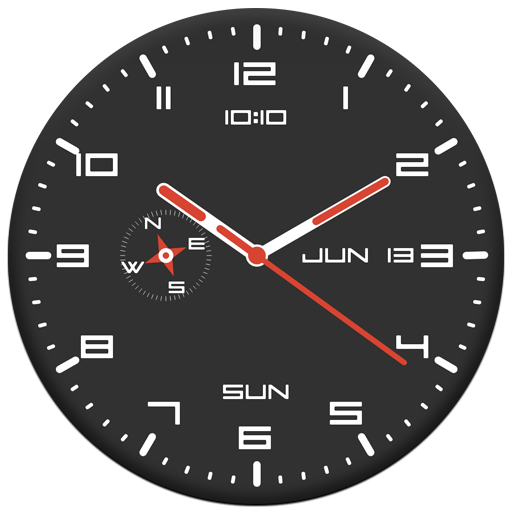
Clock Live Wallpaper
com.yadavapp.clocklivewallpaper
by YadavApp
Screenshots


Ad slot: Top Leaderboard
About this app
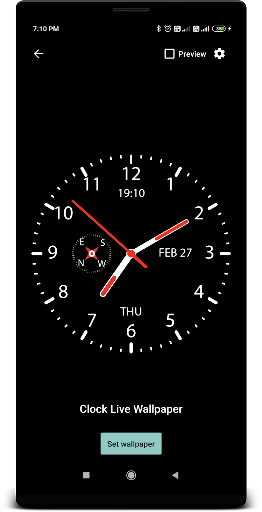
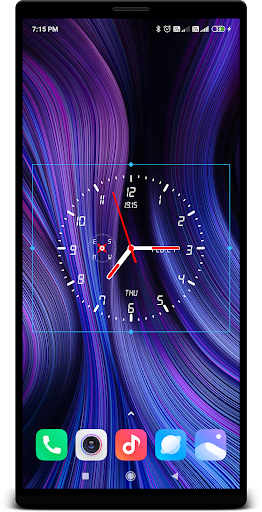
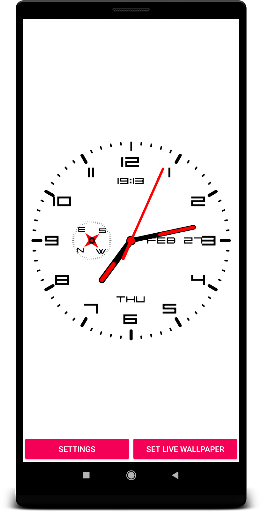
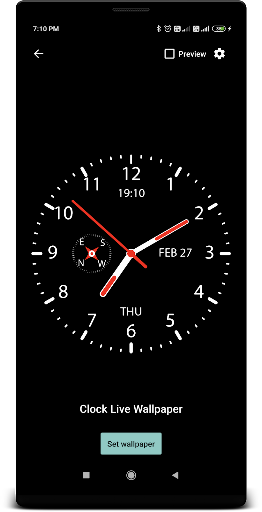
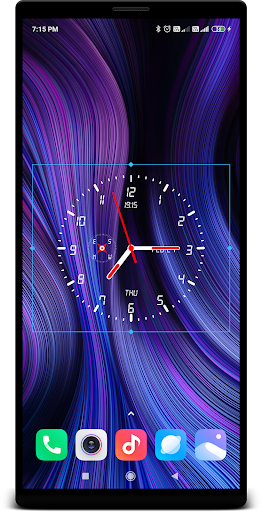
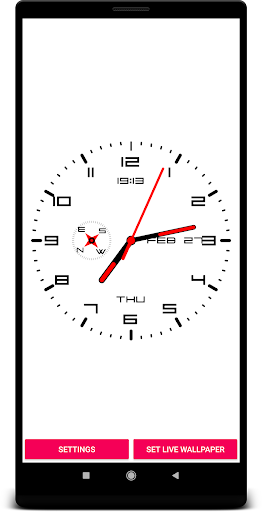
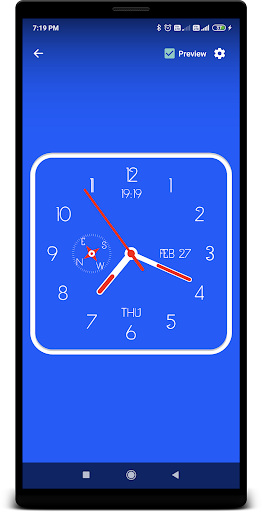
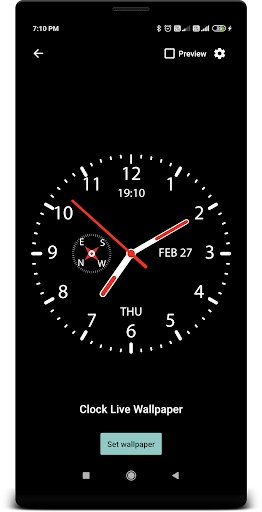
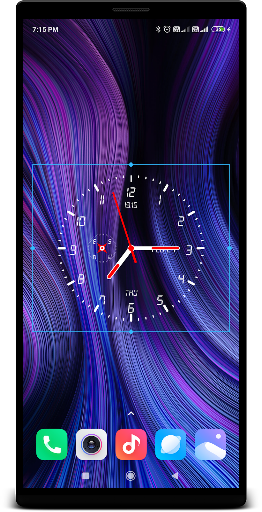
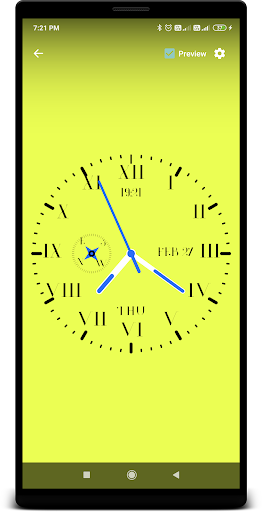
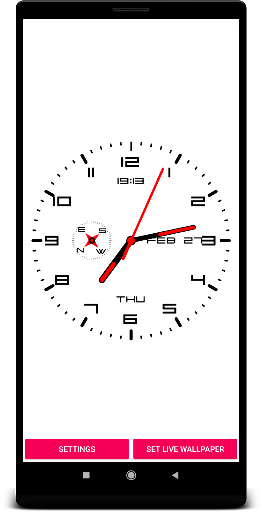
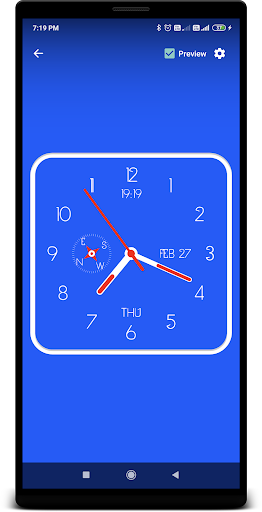
Clock Live Wallpaper , you can customize Clock like your style with Compass.
Features:
* Size of Clock (Small,Normal,Large)
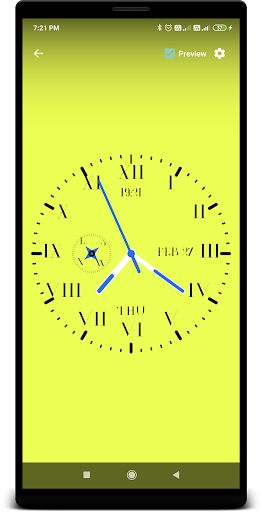
* Color of Clock(Text,Clock,arrow and Background)
* Show (second arrow,Date,Day,Month and Compass)
* Change(Font,Shape of clock,Potion Of Clock)
How to use:
To select this Wallpaper, Long Press the Home Screen > Choose Live wallpaper > and select this application > Click "Set as Wallpaper".
Features:
* Size of Clock (Small,Normal,Large)
* Color of Clock(Text,Clock,arrow and Background)
* Show (second arrow,Date,Day,Month and Compass)
* Change(Font,Shape of clock,Potion Of Clock)
How to use:
To select this Wallpaper, Long Press the Home Screen > Choose Live wallpaper > and select this application > Click "Set as Wallpaper".
App Information
Version Name
1.73
Version Code
73
File Size
3.2 MB
Minimum OS
Android 7.0+
Target SDK
Android 33
Developer
YadavApp
Contact
Website
Content Rating
Everyone
Package Name
com.yadavapp.clocklivewallpaperPermissions Required
This app may request the following permissions:
Recent Reviews

Stephen
5.0★
Very good app because it's simple, customizable, utilizes nice color choices, and I never saw any ads. You can change the style & color of fonts. You can use photos as background behind the clock. I just used pitch black as my bkgrd, the letters pastel green, the clock's hour arrow red, and the 2nd arrow bright yellow. As an artist, I like how it turned out. However, it would be even better if it had its own background graphics to choose from rather than having to use my own photos.

Julian Ortiz
5.0★
I'm rewriting and re-rating my review from 1 to 5 stars now that the compass reappeared after buying a new phone. Here is my review: Wonderful wonderful app. Easy, simple and beautiful and I got my compass back; although I had to buy a new phone which was not a pleasant surprise. Nonetheless, because of the clarity and beauty of this app, I was convinced to stay with it.

Mudassir Shoukat
5.0★
There's only one analoge clock but it's size is large compared to other apps clock. You can also change the clock place( up,down,left or right). You can edit the text colour, second, minute and hour hand colour and background wallpaper etc. Overall a very nice app for me!

Susan Young
1.0★
Suddenly stopped working. It WILL NOT display in my phone screen. Nothing was changed on or about the phone. Now When opened it goes to settings, which need no updates. I CANNOT get it to display. I uninstalled and reinstalled. No change. I restarted my phone. No change. As I ABSOLUTELY NEED a WORKING clock with a face I can SEE? I am forced to look elsewhere after only a week.

A Google user
4.0★
Best app I have ever used as wallpaper clock and widget. It is very simple,nice and customizable. Most importantly it can be used as wallpaper and can be added as widget which is very helpful I found. Moderat features and good looking. I will suggest to attach this clock widget with alarm clock of mobile so that we don't have to go seperately to mobile app for alarm settings. Second thing try to add the simple digital clock also with same date and day features.
A Google user
5.0★
so far... COOOLNESSS. yeah, I choose a few grooovy colors & sized it up. I need the analog type clock, & a 24 hour format in digital clock style for a optimal visual difference. it's a interesting way to differentiate what PART of the day it is with conflicting perceptions of time... .. . WHOA... .. . Another thing is that I found no ads on the app. I used to love you tube because everything was free, & no commercials. I could find a cool video or program & no ads or commercials.nowIhate YouTube
Ad slot: In-Content